
1. Important Safety Instructions
Read all instructions carefully before using the appliance. Retain this manual for future reference.
- This appliance is intended for household use only. Do not use outdoors or on wet surfaces.
- Do not allow children to operate the vacuum cleaner. Close supervision is necessary when used near children.
- Do not pick up flammable or combustible liquids, such as gasoline, or use in areas where they may be present.
- Do not pick up anything that is burning or smoking, such as cigarettes, matches, or hot ashes.
- Do not use without the dust cup and filters in place.
- Turn off the appliance before connecting or disconnecting the motorized brush, charging, or performing any maintenance.
- Use only the charger supplied by the manufacturer to recharge the appliance.
- Do not handle the charger or appliance with wet hands.
- If the charging cable is damaged, it must be replaced by the manufacturer, its service agent, or similarly qualified persons to avoid a hazard.
- Store the appliance indoors in a dry place.
2. Product Overview and Package Contents
The SENCOR SVC 8725GD is a versatile 3-in-1 cordless stick vacuum cleaner designed for efficient cleaning across various surfaces.

Image: The SENCOR SVC 8725GD cordless vacuum cleaner shown with its main body, extension tube, floor brush, and various accessories including the Cat&Dog mini brush, crevice tool, dusting brush, and wall-mounted charging base.
Package Contents:
- Main Vacuum Unit with Dust Tank and HEPA Filter
- Extension Tube
- Motorized Floor Brush
- Cat&Dog Mini Motorized Brush
- Crevice Tool
- Dusting Brush
- Wall-Mounted Charging Base
- Power Adapter
- User Manual (this document)
3. Setup
3.1 Assembly
- Assembling the Stick Vacuum: Insert the extension tube into the main vacuum unit until it clicks securely. Then, attach the motorized floor brush to the other end of the extension tube, ensuring it locks into place.
- Assembling as Handheld Vacuum: For handheld use, attach desired accessories (e.g., crevice tool, dusting brush, Cat&Dog mini brush) directly to the main vacuum unit.

Image: The SENCOR SVC 8725GD cordless vacuum cleaner fully assembled in its stick configuration, ready for use.
3.2 Charging the Battery
Before first use, fully charge the vacuum cleaner for approximately 4-5 hours. The appliance is powered by a 25.2V Li-ion battery with a 2,500 mAh capacity.
- Mount the charging base on a wall in a convenient location using appropriate hardware (not included).
- Connect the power adapter to the charging base and plug it into a wall outlet.
- Place the vacuum cleaner onto the charging base. The LED battery indicator on the main unit will illuminate to show charging status.
- A full charge provides up to 50 minutes of runtime, depending on the selected power mode.

Image: The SENCOR SVC 8725GD cordless vacuum cleaner docked on its wall-mounted charging base, illustrating convenient storage and charging.
4. Operating Instructions
4.1 Power On/Off and Speed Settings
Press the power button on the main unit to turn the vacuum cleaner on or off. The SVC 8725GD offers three speed settings:
- Extended Runtime Mode: For general cleaning and maximum battery life.
- High Speed Mode: For more powerful suction on everyday dirt.
- Turbo Mode: Provides maximum suction for stubborn dirt and deep cleaning.
Cycle through the speed settings by pressing the mode selection button on the main unit.
4.2 Using the Motorized Floor Brush
The motorized floor brush is suitable for various floor types, including hard floors, carpets, and tiles. Its independent motor ensures effective dirt pickup.
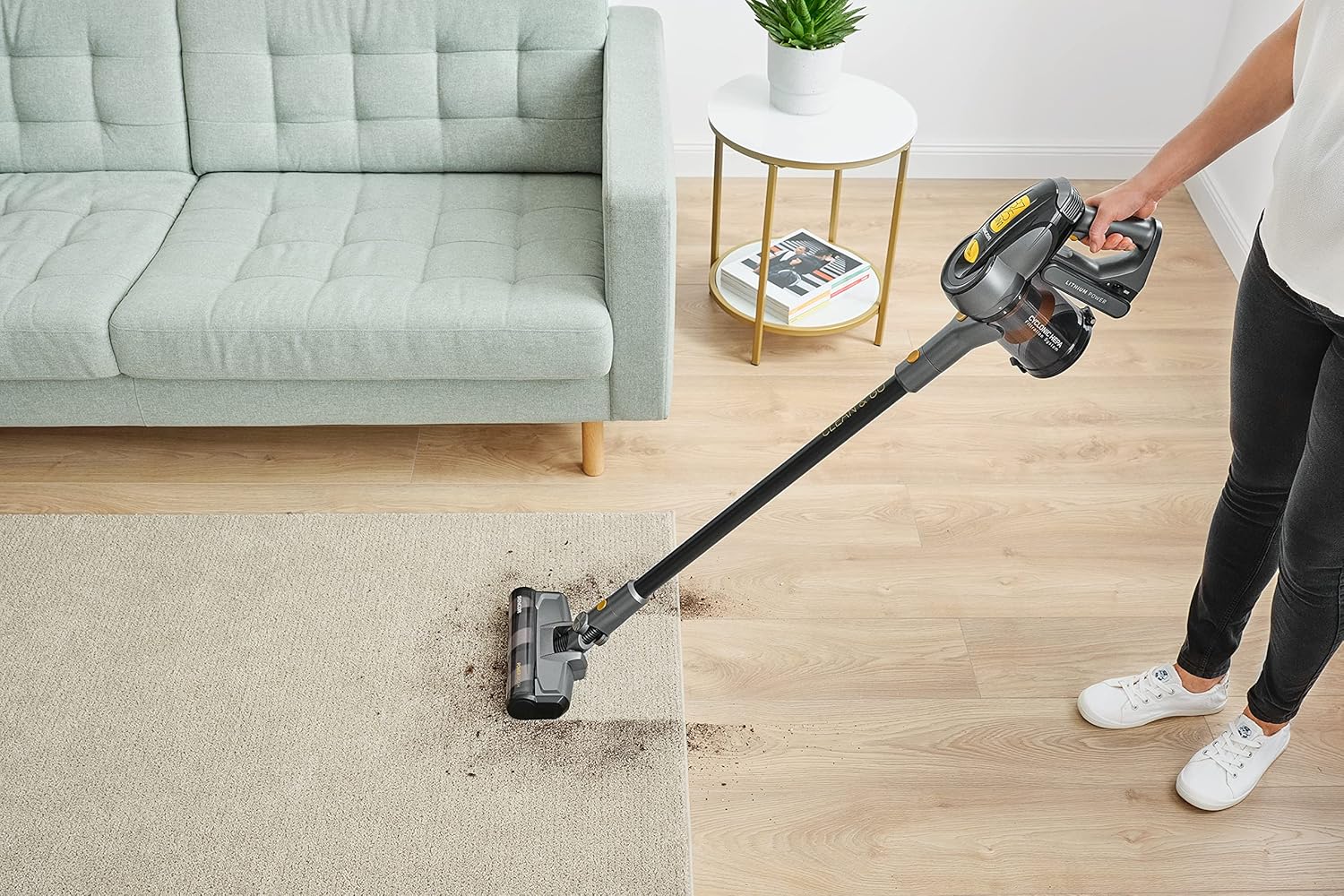
Image: The SENCOR SVC 8725GD cordless vacuum cleaner being used to clean a carpeted floor, demonstrating its effectiveness on soft surfaces.

Image: The SENCOR SVC 8725GD cordless vacuum cleaner reaching under furniture, highlighting its maneuverability and low-profile design.
4.3 Using Specialized Accessories
- Cat&Dog Mini Motorized Brush: Ideal for removing pet hair from upholstery, stairs, and car interiors. Attach directly to the main unit for handheld use.
- Crevice Tool: For cleaning tight spaces, corners, and edges.
- Dusting Brush: For delicate surfaces, curtains, and shelves.

Image: The SENCOR SVC 8725GD cordless vacuum cleaner in handheld mode, using the Cat&Dog mini motorized brush to clean a sofa, effectively removing pet hair.

Image: The SENCOR SVC 8725GD cordless vacuum cleaner in handheld mode, utilizing the crevice tool to clean dust and debris from a shelf.
5. Maintenance
Regular maintenance ensures optimal performance and extends the lifespan of your vacuum cleaner.
5.1 Emptying the Dust Tank
The dust tank has a capacity of 0.5 liters. Empty it regularly, especially when the 'MAX' line is reached, to maintain suction power.
- Ensure the vacuum cleaner is turned off.
- Press the release button to detach the dust tank from the main unit.
- Open the dust tank lid and empty the contents into a waste bin.
- Close the lid and reattach the dust tank to the main unit until it clicks.

Image: A close-up view of the SENCOR SVC 8725GD's dust tank, showing its transparent design and cyclonic filtration system.
5.2 Cleaning the Filters
The SVC 8725GD features a three-level cyclonic HEPA filtration system. Clean the filters regularly to prevent clogging and maintain suction.
- Remove the dust tank as described above.
- Carefully remove the HEPA filter and the cyclonic filter assembly from the dust tank.
- Tap the filters gently over a waste bin to remove loose dust.
- If heavily soiled, rinse the filters under cold running water. Ensure they are completely dry before reassembling. Do not use detergents or hot water.
- Reassemble the filters and dust tank in reverse order.
5.3 Cleaning the Rotary Brushes
Hair and debris can get tangled in the rotary brushes. Inspect and clean them periodically.
- Turn off the vacuum cleaner and detach the motorized floor brush or Cat&Dog mini brush.
- Locate the brush release mechanism (usually a latch or screw) and remove the rotary brush.
- Use scissors or a brush cleaning tool to cut and remove any tangled hair or fibers.
- Wipe the brush and its housing with a dry cloth.
- Reinsert the rotary brush and secure it in place.
6. Troubleshooting
| Problem | Possible Cause | Solution |
|---|---|---|
| Vacuum does not turn on | Battery is discharged Power button not pressed correctly | Charge the battery fully Ensure the power button is pressed firmly |
| Reduced suction power | Dust tank is full Filters are clogged Hose or brush is blocked | Empty the dust tank Clean or replace the filters Check and clear any blockages in the hose or brush |
| Motorized brush stops rotating | Brush is tangled with hair/debris Brush attachment not properly connected | Clean the rotary brush Ensure the brush attachment is securely connected |
| Short runtime | Battery not fully charged Operating in Turbo/High speed mode continuously | Fully charge the battery Use lower speed settings for longer runtime |
7. Specifications
| Feature | Specification |
|---|---|
| Model Number | SVC 8725GD |
| Power | 400 Watts (Digital BDLC Motor) |
| Voltage | 25.2 Volts |
| Battery Type | Lithium-ion (2,500 mAh) |
| Runtime | Up to 50 minutes |
| Dust Tank Capacity | 0.5 Liters |
| Filtration System | 3-level Cyclonic HEPA Filter |
| Speed Settings | 3 (Extended, High, Turbo) |
| Noise Level | 79 dB |
| Weight | 3.31 Kilograms |
| Dimensions (L x W x H) | 1 x 1 x 1 cm (Product dimensions as per source, may vary slightly) |
| Material | Metal |
8. Warranty and Support
SENCOR provides a warranty for its products. Please refer to the warranty card included with your purchase for specific terms and conditions. Spare parts availability is indicated for 5 years.
For technical support, service, or spare parts inquiries, please contact your local SENCOR service center or authorized dealer. You can find contact information on the official SENCOR website or your purchase documentation.


