1. Introduction
The 9” ECHOMAP™ UHD2 touchscreen with keyed-assist chartplotter is designed for enhanced marine navigation and fishfinding. Its high-resolution display offers improved detail, clarity, and viewing angles. This unit provides clear, sharp fish arches with Garmin traditional sonar, and features vivid color palettes for ClearVü™ and SideVü™ scanning sonars, offering high-contrast views around your vessel. The ECHOMAP UHD2 also supports LiveScope™ sonar systems. Navigation is facilitated by built-in Garmin Navionics+™ cartography. Built-in Wi-Fi® connectivity allows for wireless sharing of sonar data, waypoints, and routes with other ECHOMAP UHD2 chartplotters. For improved position accuracy, especially in areas with reflected or weak signals, the device utilizes multi-band GPS. Users can also pair the chartplotter with the free ActiveCaptain® app on a compatible smartphone for access to the OneChart™ feature, software updates, and more. Additionally, the chartplotter supports NMEA 2000® networks for connecting compatible autopilots, digital switching, and other marine electronics, consolidating information on one screen.
Key Features:
- Easy-to-use 9” chartplotter with a bright, sunlight-readable touchscreen display, offering improved detail, clarity, and viewing angle.
- Includes GT56-TM transducer for Garmin traditional, ClearVü, and SideVü scanning sonars.
- Built-in Canada Garmin Navionics+ inland and coastal maps with integrated Navionics data, covering over 8,100 lakes with up to 1’ contours.
- Built-in Wi-Fi connectivity for wirelessly sharing sonar, waypoints, and routes with another ECHOMAP UHD2 chartplotter.
- Wirelessly connects to your Force trolling motor to create and follow routes, navigate to waypoints, control speed, and check battery life.

Figure 1: Garmin ECHOMAP UHD2 95sv Chartplotter displaying detailed Navionics+ mapping.
2. What's in the Box
Your Garmin ECHOMAP UHD2 95sv package includes the following components:
- ECHOMAP UHD2 9” chartplotter
- GT56 transducer (where noted)
- Power/data cable
- Tilt mount
- Flush mount
- Hardware
- Documentation (including this manual)
3. Setup
3.1 Mounting the Chartplotter
The ECHOMAP UHD2 95sv can be mounted using either the included tilt mount or flush mount options. Choose a location that provides optimal visibility and accessibility from your operating position, ensuring it is protected from excessive direct sunlight and spray.
- Tilt Mount: Secure the tilt mount bracket to a flat surface using the provided hardware. Attach the chartplotter to the bracket and adjust the viewing angle as needed.
- Flush Mount: Cut an opening in your dashboard or console according to the template provided in the installation guide. Secure the chartplotter from behind using the flush mount hardware.
3.2 Transducer Installation
The GT56 transducer is crucial for sonar functionality. Refer to the separate installation instructions included with your transducer for detailed mounting procedures. Proper placement is essential for optimal sonar performance.
3.3 Power and Data Connections
Connect the power/data cable to the corresponding port on the back of the chartplotter and to your vessel's 12V DC power source. Ensure all connections are secure and waterproof. If connecting to an NMEA 2000 network, follow the NMEA 2000 installation guidelines.

Figure 2: Side view of the Garmin ECHOMAP UHD2 95sv, showing connection ports.
4. Operating Instructions
4.1 Powering On/Off and Basic Navigation
Press the power button to turn the device on or off. The touchscreen interface, combined with keyed-assist buttons, allows for intuitive navigation through menus and features. Swipe, tap, and use the physical buttons for precise control.
Video 1: Demonstrates basic operation and touchscreen functionality of the Garmin ECHOMAP UHD2 94sv (similar to 95sv).
4.2 Sonar Functions
The ECHOMAP UHD2 95sv offers advanced sonar capabilities to help you locate fish and underwater structures:
- Traditional Sonar: Provides crisp, clear fish arches for easy identification of targets.
- ClearVü™ Scanning Sonar: Offers a photographic view of fish and structure below your boat with vivid color palettes.
- SideVü™ Scanning Sonar: Delivers clear, high-contrast views of what's on either side of your boat, revealing hidden structures and fish.
- LiveScope™ Sonar Support: Compatible with LiveScope sonar systems for real-time, live scanning views (LiveScope system sold separately).
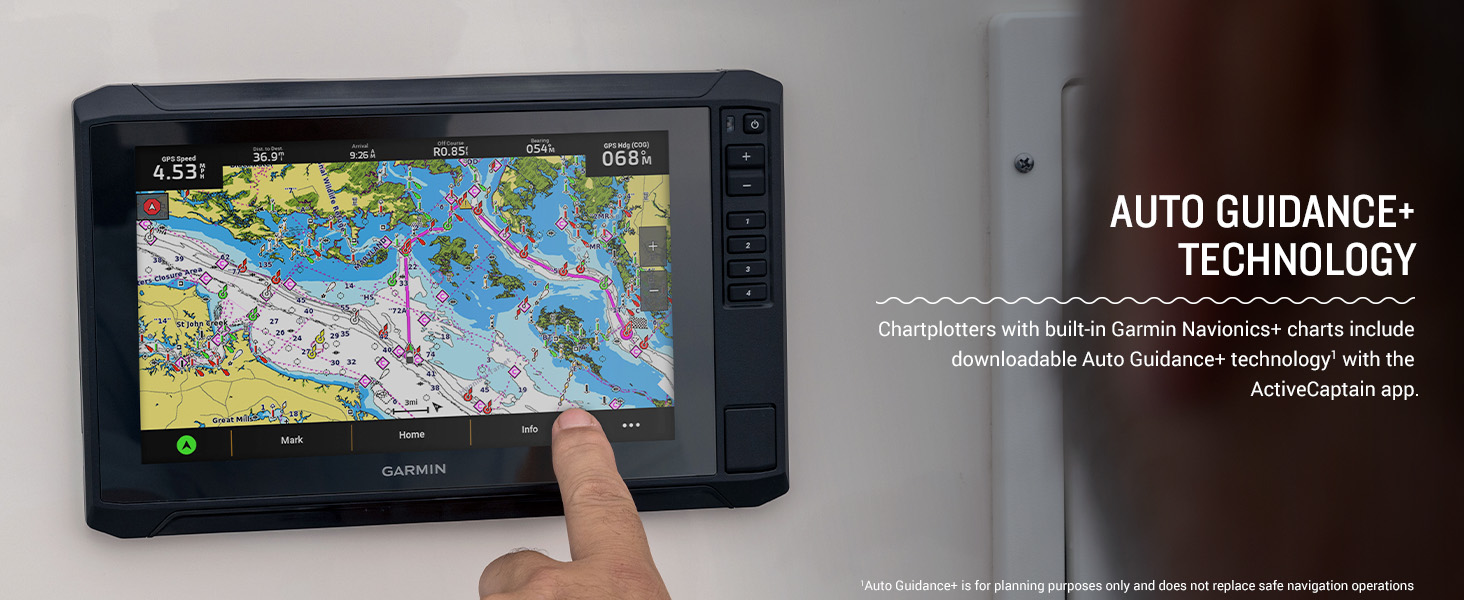
Figure 3: Sonar Support on ECHOMAP UHD2, showing crisp, clear traditional sonar and brilliant ClearVü and SideVü scanning sonars.
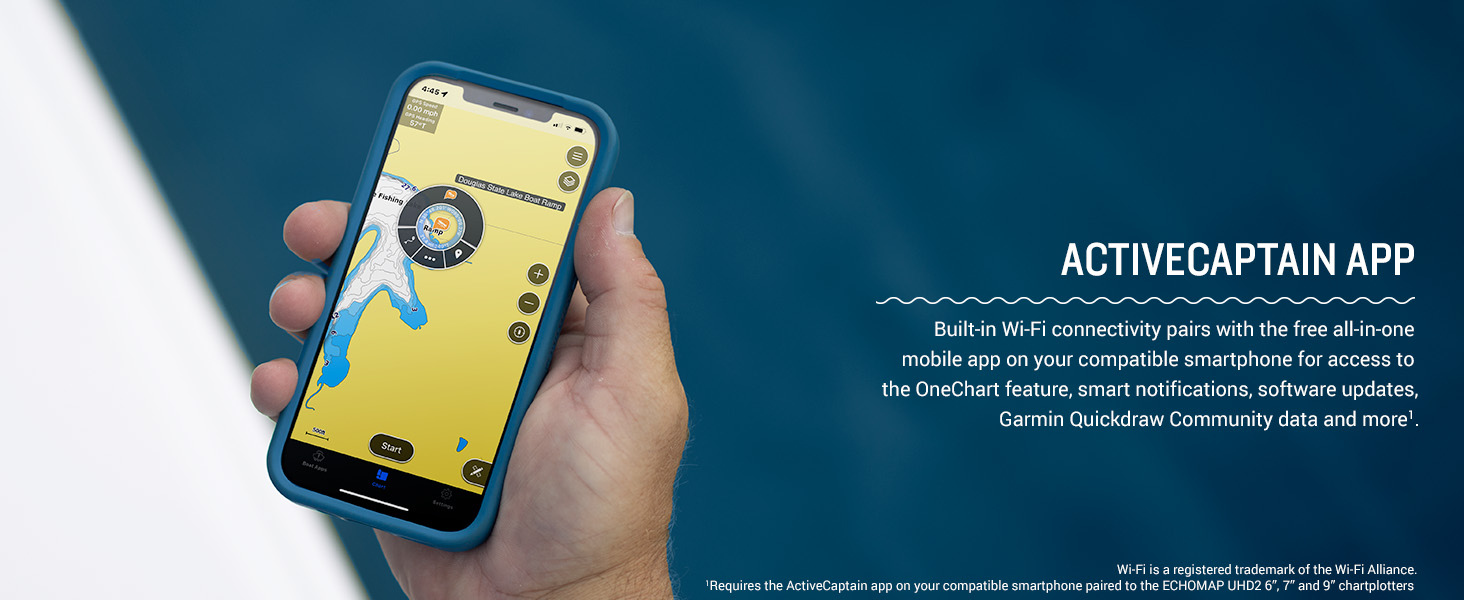
Figure 4: High-contrast vivid scanning sonar color palettes make it easier to distinguish targets and structure.
4.3 Mapping and Navigation
Navigate with confidence using the preloaded Garmin Navionics+ Canada Inland and Coastal maps. These maps include integrated Navionics data, providing detailed coverage of over 8,100 lakes with up to 1’ contours. The multi-band GPS ensures improved position accuracy, especially in challenging environments.
- Chart Views: Switch between various chart views, including navigation charts, fishing charts, and 3D views, to suit your preferences.
- Waypoints and Routes: Easily mark waypoints and create routes for efficient navigation.
- Auto Guidance+ Technology: Chartplotters with built-in Garmin Navionics+ charts include downloadable Auto Guidance+ technology via the ActiveCaptain app (for planning purposes only).
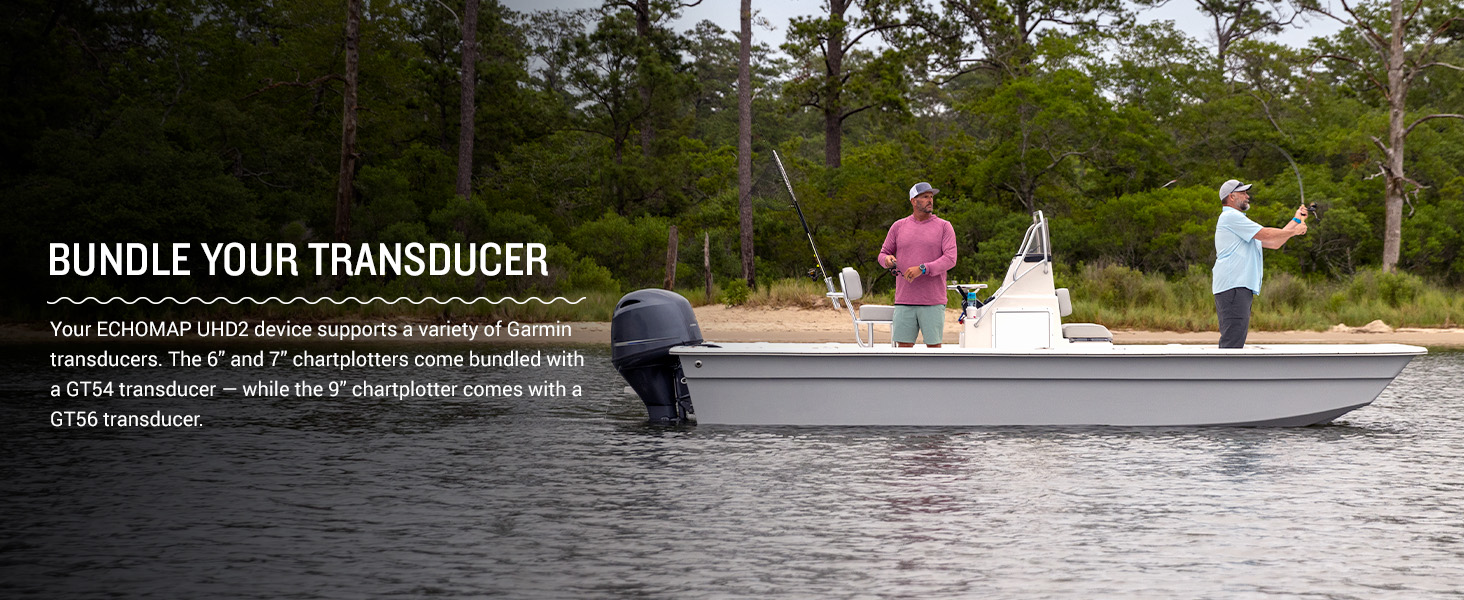
Figure 5: Auto Guidance+ Technology on the ECHOMAP UHD2, assisting with route planning.
4.4 Connectivity
- Wi-Fi Connectivity: Built-in Wi-Fi allows for wireless sharing of sonar, waypoints, and routes with other compatible ECHOMAP UHD2 chartplotters.
- ActiveCaptain® App: Pair your chartplotter with the free ActiveCaptain app on your compatible smartphone for access to OneChart™, software updates, smart notifications, and the Garmin Quickdraw Community data.
- NMEA 2000® Network: Connect compatible autopilots, digital switching, music, and more to view all information on one screen.
- Force Trolling Motor Integration: Wirelessly connect to your Force trolling motor to control routes, navigate to waypoints, adjust speed, and monitor battery life.
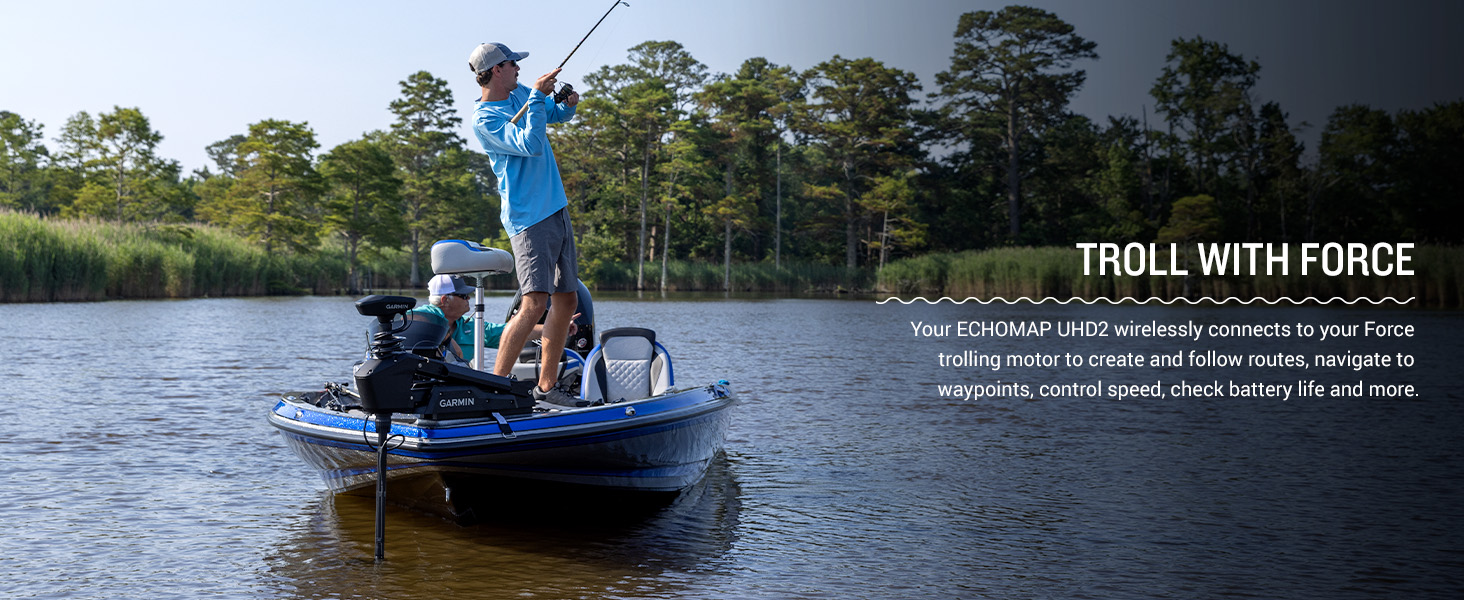
Figure 6: Wireless networking allows sharing of information like sonar, waypoints, and routes between compatible ECHOMAP UHD2 chartplotters.
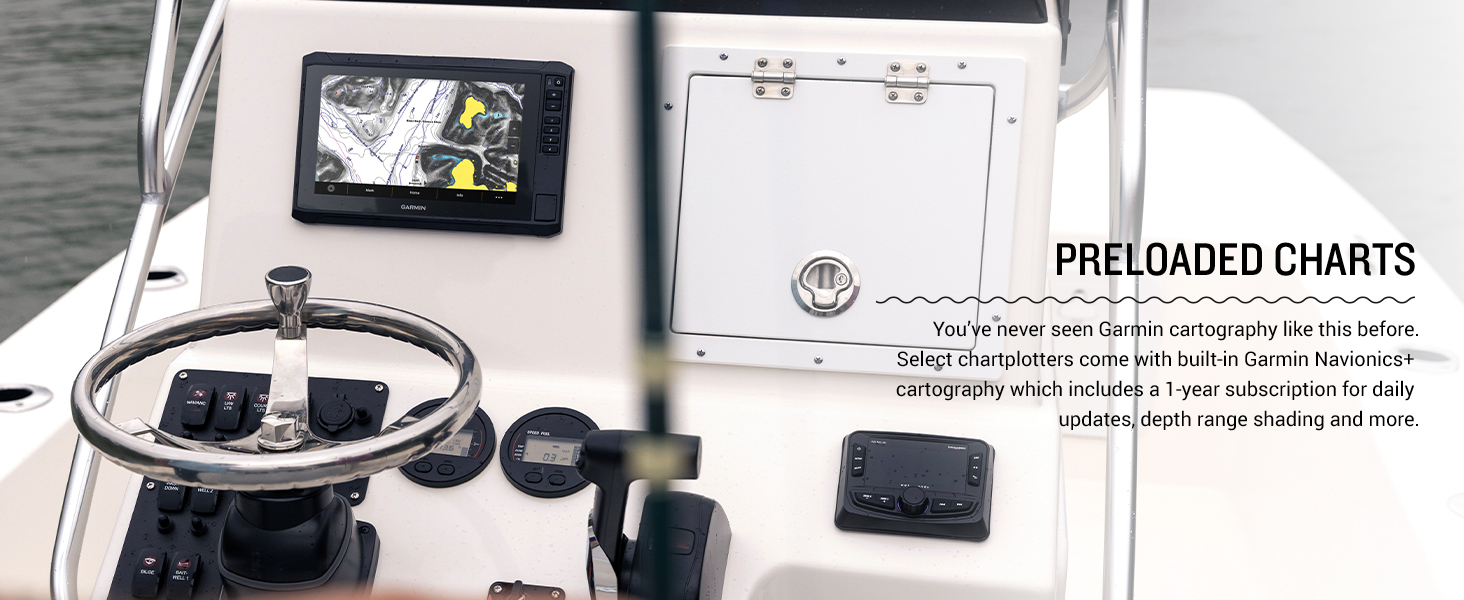
Figure 7: The ActiveCaptain app pairs with your smartphone for enhanced features and updates.
5. Maintenance
5.1 Cleaning the Device
Regularly clean the screen and casing with a soft, lint-free cloth. For stubborn dirt, use a mild soap solution and wipe gently. Avoid abrasive cleaners or solvents that could damage the display or housing.
5.2 Software Updates
Keep your ECHOMAP UHD2 software up-to-date to ensure optimal performance and access to the latest features. Software updates can be performed wirelessly via the ActiveCaptain app or by downloading updates to an SD card from the Garmin website.
5.3 Transducer Care
Inspect your GT56 transducer periodically for any damage or marine growth. Clean the transducer face with a soft cloth and mild soap to maintain clear sonar readings. Avoid scratching the transducer surface.
6. Troubleshooting
If you encounter issues with your ECHOMAP UHD2 95sv, try the following basic troubleshooting steps:
- No Power: Check all power cable connections, ensure the battery is charged, and verify the fuse is intact.
- No Sonar Data: Ensure the transducer is properly connected to the chartplotter and submerged in water. Check transducer settings in the menu.
- Inaccurate GPS: Ensure the device has a clear view of the sky. Allow several minutes for the GPS to acquire satellites.
- Screen Issues: If the touchscreen is unresponsive, try cleaning it or performing a soft reset (refer to the full owner's manual for reset procedures).
For more detailed troubleshooting or persistent issues, consult the comprehensive owner's manual or contact Garmin customer support.
7. Specifications
| Feature | Specification |
|---|---|
| Brand | Garmin |
| Model Name | Garmin ECHOMAP 9" |
| Item Model Number | 010-02690-00 |
| Power Source | Battery Powered |
| Screen Size | 9 Inches |
| Display Type | Touchscreen |
| Mounting Type | Embedded/Flush Mount |
| UPC | 753759308018 |
| Product Dimensions | 10.4 x 6.5 x 3.2 inches |
| Item Weight | 8.09 pounds |
| Connectivity Technologies | Wi-Fi |
| Special Features | Touchscreen |
| Other Display Features | Wireless |
| Human Interface Input | Touchscreen |
| Scanner Resolution | 1024 x 600 |
| Color | with GT56 Transducer |
| Manufacturer | Garmin |
| Date First Available | February 10, 2023 |
8. Warranty and Support
Your Garmin ECHOMAP UHD2 95sv is covered by a limited warranty. For specific warranty terms and conditions, please refer to the warranty information included in your product documentation or visit the official Garmin website. For technical support, troubleshooting assistance, or service inquiries, please contact Garmin customer support through their website or designated support channels.