
1. Introduction
The Garmin ECHOMAP UHD2 72sv is a 7-inch touchscreen chartplotter designed to enhance your marine navigation and fishing experience. This device features a bright, sunlight-readable display and offers advanced sonar capabilities, detailed mapping, and seamless connectivity.
Key features include:
- Easy-to-use 7” touchscreen display with keyed-assist controls.
- Built-in worldwide basemap with support for Garmin Navionics+ and Garmin Navionics Vision+ cartography.
- Garmin traditional sonar for clear fish arches.
- ClearVü™ and SideVü™ scanning sonars with vivid color palettes for detailed underwater views.
- Support for LiveScope™ sonar systems.
- Built-in Wi-Fi® connectivity for wireless sharing of sonar, waypoints, and routes with other ECHOMAP UHD2 chartplotters.
- Multi-band GPS for improved position accuracy.
- Compatibility with the free ActiveCaptain® app for OneChart™, software updates, and more.
- NMEA 2000® network support for compatible autopilots, digital switching, and music integration.

Figure 1: Garmin ECHOMAP UHD2 72sv Chartplotter displaying a detailed map.
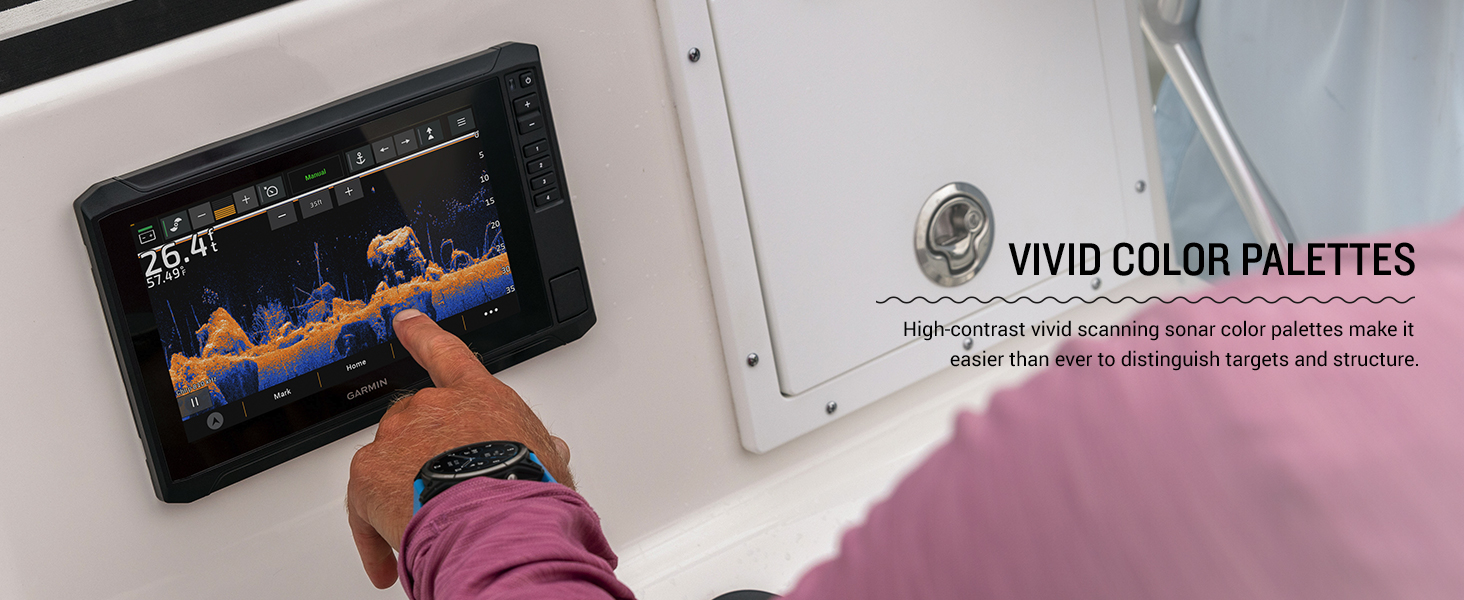
Figure 2: Multiple ECHOMAP UHD2 chartplotters showcasing various display options on a boat.
2. Setup
2.1 What's in the Box
Your ECHOMAP UHD2 72sv package includes the following components:
- ECHOMAP UHD2 72sv device
- 12-pin sounder to 8-pin transducer cable
- Power cable
- Tilt/swivel mount with quick release cradle
- Protective cover
- Hardware
- Documentation
2.2 Mounting the Device
Use the provided tilt/swivel mount and hardware to securely install your ECHOMAP UHD2 72sv. A mounting template is included in the documentation to assist with precise installation. Ensure the mounting location provides clear visibility and access to controls, while also protecting the device from excessive exposure to elements.
2.3 Power Connection
Connect the included power cable to a 12V DC power source on your vessel. Ensure all connections are secure and properly insulated to prevent water intrusion and electrical issues.
2.4 Transducer Connection
Connect your compatible transducer (sold separately) to the chartplotter using the 12-pin sounder to 8-pin transducer cable. Refer to your transducer's installation instructions for optimal placement and mounting.
Video 1: Unboxing and initial setup overview of a Garmin ECHOMAP UHD2 unit, showing included components and basic connections. (Note: This video features a 93sv model, but the unboxing process is similar).
3. Operating the ECHOMAP UHD2 72sv
3.1 Powering On/Off and Basic Navigation
To power on the device, press and hold the power button located on the right side of the unit. To power off, press and hold the power button again and select 'Turn Off System' from the options. The touchscreen supports intuitive gestures like pinch-to-zoom and swipe-to-pan. Physical buttons are also available for quick access to common functions and precise control.
Video 2: Overview of the Garmin Echomap UHD2 Series, highlighting key features and user interface navigation. (Seller: Garmin International)
3.2 Sonar Views
The ECHOMAP UHD2 72sv offers multiple sonar views to help you locate fish and underwater structures:
- Traditional Sonar: Provides crisp, clear fish arches.
- ClearVü™ Sonar: Shows a photographic view of fish and structure below your boat with vivid color palettes.
- SideVü™ Sonar: Offers a clear view of what is happening on either side of your boat.
- LiveScope™ Sonar: (Requires compatible transducer, sold separately) Provides real-time, live scanning sonar images.
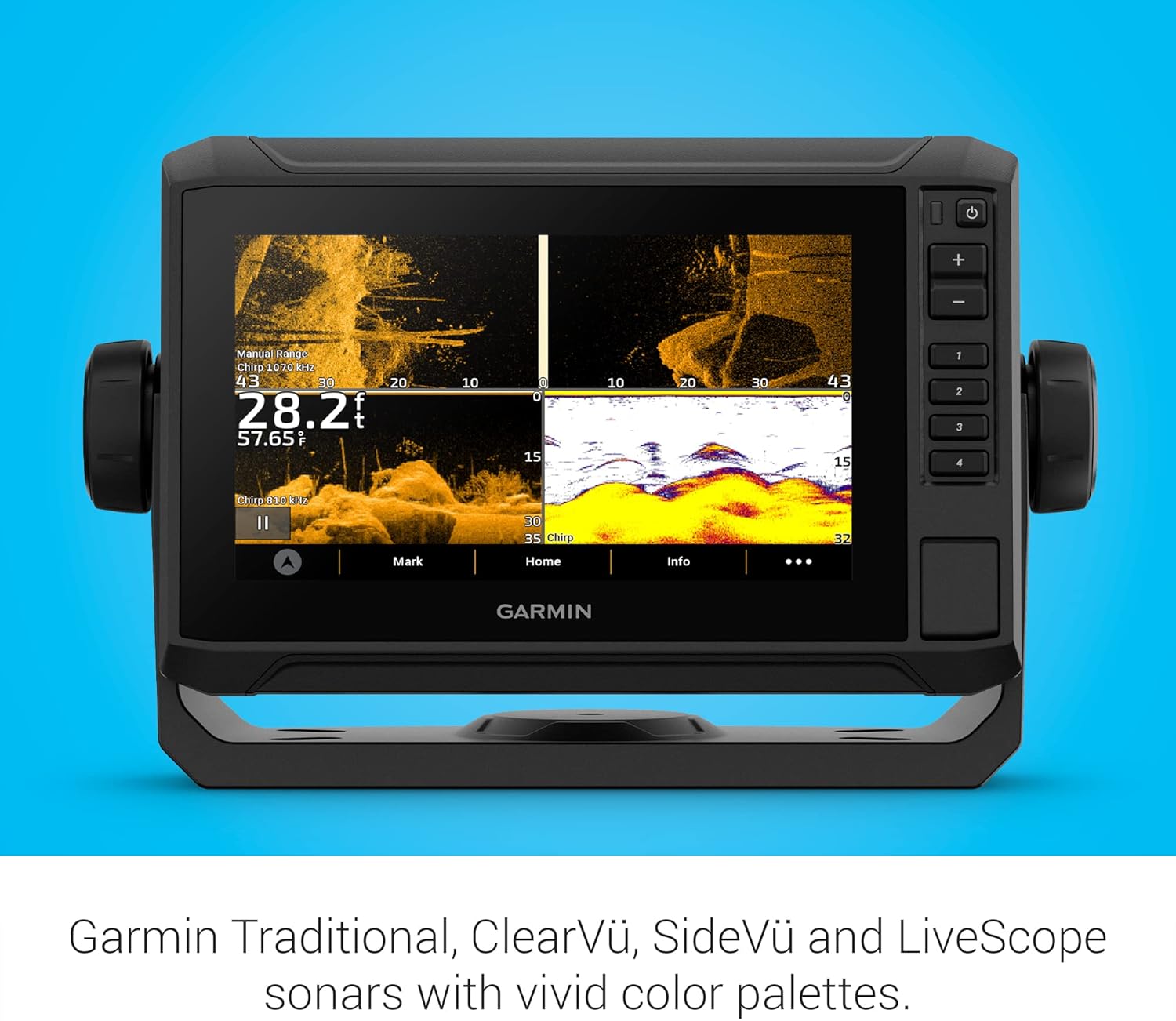
Figure 3: ECHOMAP UHD2 display showing ClearVü and SideVü sonar with vivid color palettes.
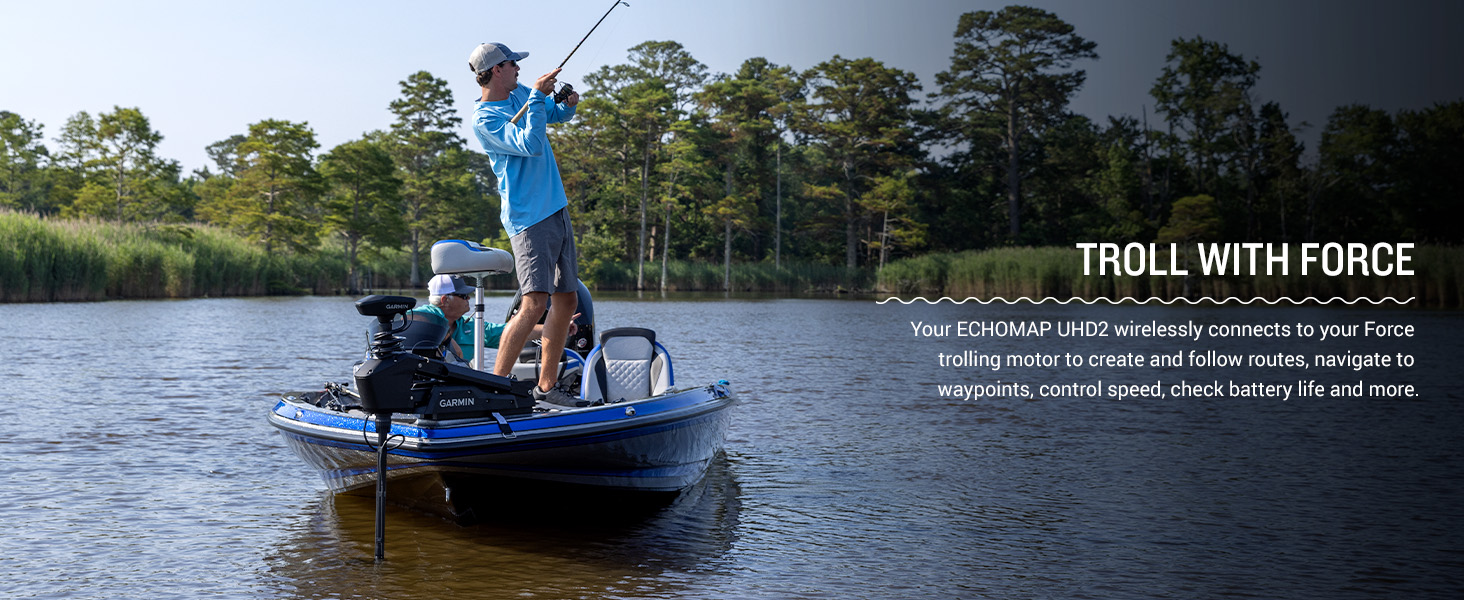
Figure 4: A user interacting with the touchscreen to adjust sonar settings, highlighting the vivid color palettes.
3.3 Chartplotter and Navigation
Utilize the built-in worldwide basemap for navigation. The device supports Garmin Navionics+ and Garmin Navionics Vision+ cartography for enhanced detail. You can easily mark waypoints, create routes, and track your path. Multi-band GPS ensures superior position accuracy, especially in challenging environments.

Figure 5: The ECHOMAP UHD2 display showing a detailed navigational chart with depth contours.
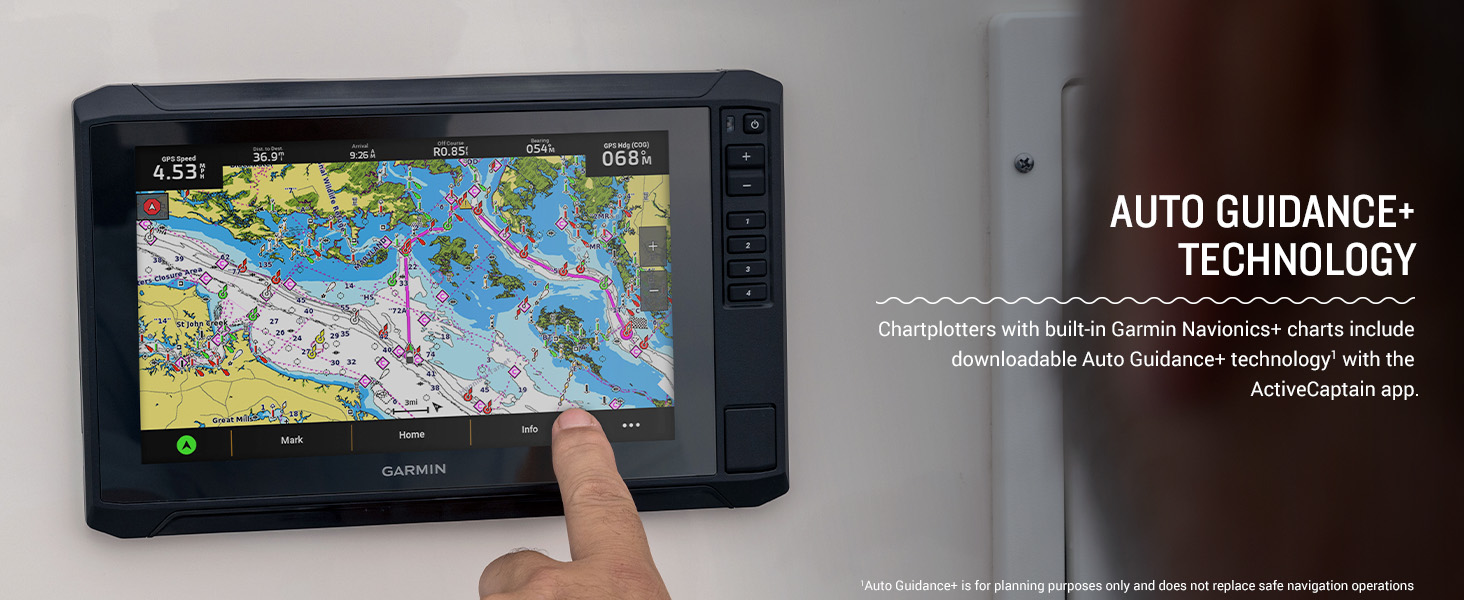
Figure 6: A Garmin ECHOMAP UHD2 chartplotter mounted on a boat, displaying preloaded charts.
3.4 Wireless Connectivity and ActiveCaptain App
The built-in Wi-Fi allows you to wirelessly share sonar data, waypoints, and routes with another compatible ECHOMAP UHD2 chartplotter. Pair your device with the free ActiveCaptain app on your smartphone to access OneChart, receive smart notifications, download software updates, and manage your marine experience.
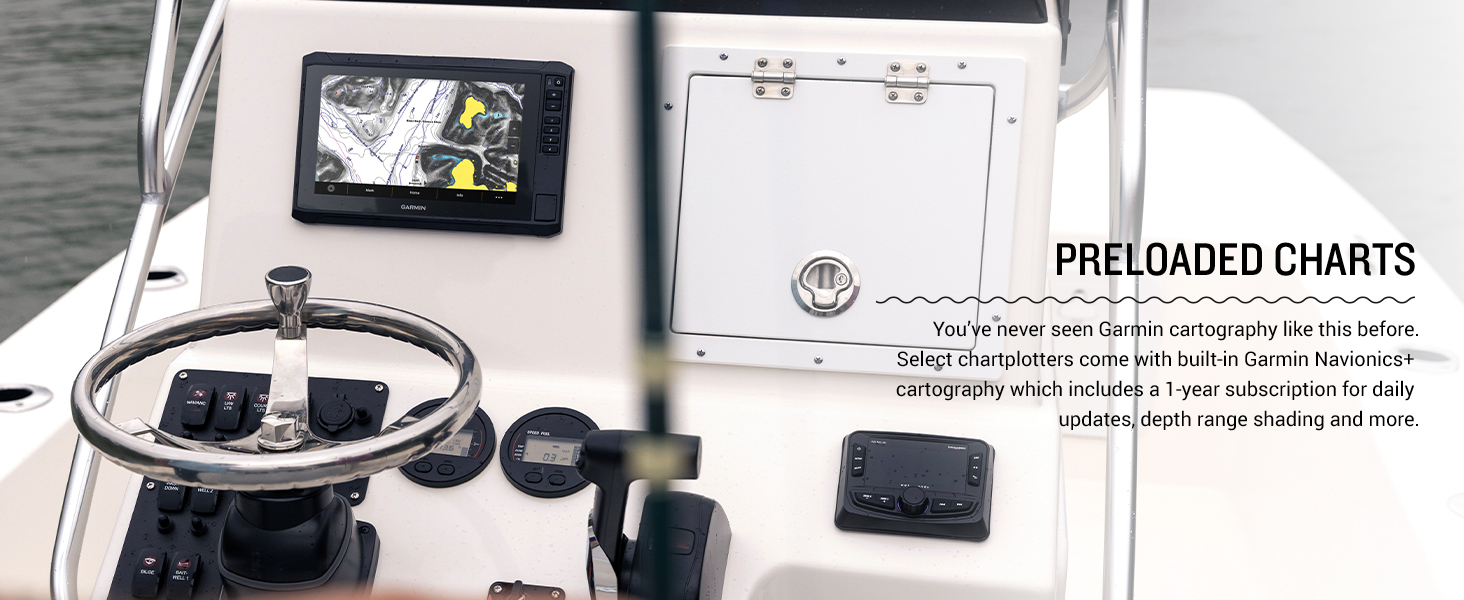
Figure 7: A smartphone showing the ActiveCaptain app, which pairs with the ECHOMAP UHD2 for enhanced features.
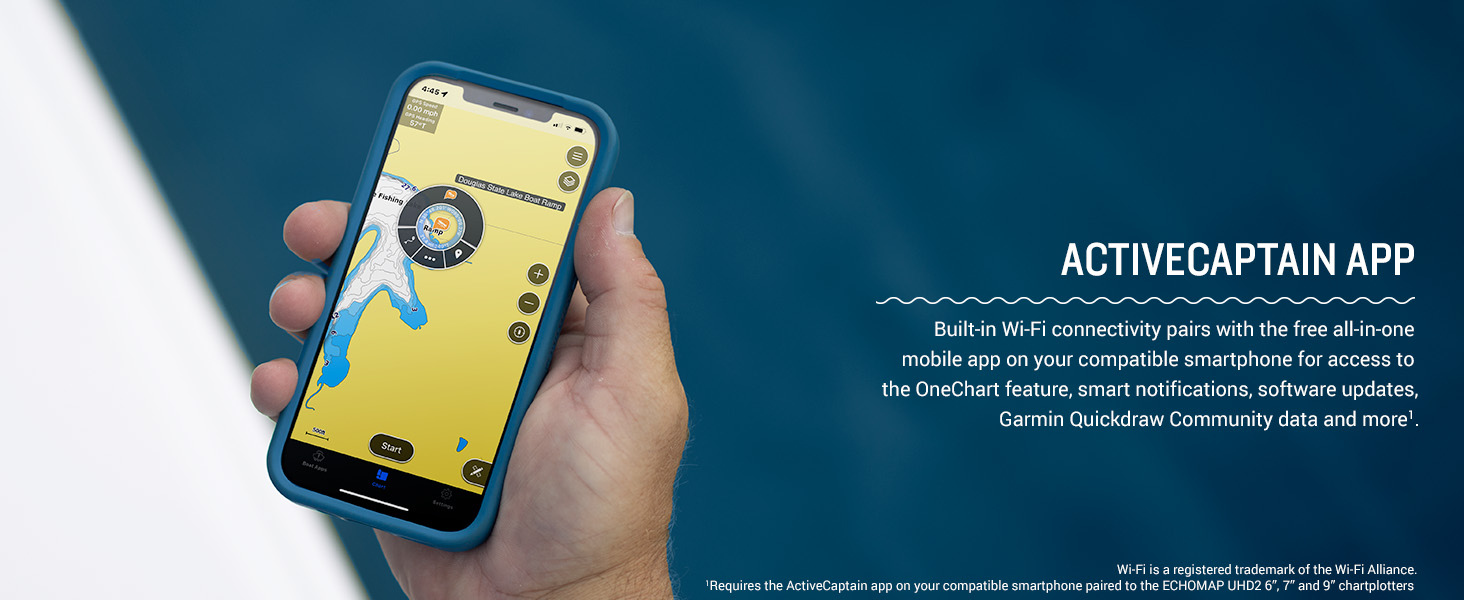
Figure 8: A user interacting with the chartplotter, illustrating the wireless networking capabilities to share data.
3.5 NMEA 2000 Network Support
The chartplotter supports NMEA 2000 networks, allowing you to connect compatible autopilots, digital switching systems, and marine audio to view and control them all from one screen.
3.6 Trolling Motor Integration
Your ECHOMAP UHD2 wirelessly connects to your Force trolling motor to create and follow routes, navigate to waypoints, control speed, check battery life, and more.

Figure 9: A boat with a Garmin Force trolling motor, demonstrating integration with the ECHOMAP UHD2 for enhanced control while fishing.
4. Maintenance
4.1 Cleaning the Device
Clean the screen and exterior of the device with a soft, clean cloth dampened with fresh water. Avoid using chemical cleaners or solvents, as they may damage the plastic components and screen coating. For stubborn stains, a mild soap solution can be used, followed by rinsing with fresh water.
4.2 Protective Cover
Always use the provided protective cover when the device is not in use or during transport to prevent scratches and damage to the screen and buttons.
4.3 Software Updates
Regularly check for and install software updates via the ActiveCaptain app or by downloading updates to an SD card from the Garmin website. Updates ensure optimal performance, new features, and bug fixes.
5. Troubleshooting
5.1 Device Not Powering On
- Ensure the power cable is securely connected to both the device and the 12V DC power source.
- Check the vessel's fuse or circuit breaker for the power connection.
- Verify that the battery has sufficient charge.
5.2 No Sonar Data
- Confirm that the transducer is correctly connected to the chartplotter.
- Ensure the transducer is properly submerged in water and free from obstructions.
- Check sonar settings on the device to ensure the correct transducer type is selected and gain/range settings are appropriate for current conditions.
5.3 GPS Signal Loss
- Ensure the device has a clear view of the sky, free from overhead obstructions.
- Move the device away from other electronic equipment that may cause interference.
- Perform a software update to ensure the latest GPS firmware is installed.
6. Specifications
| Feature | Specification |
|---|---|
| Brand | Garmin |
| Model Name | Garmin ECHOMAP 7" |
| Model Number | 010-02683-00 |
| Screen Size | 7 Inches |
| Display Type | LCD |
| Power Source | DC Power Source |
| Item Weight | 1 Kilograms |
| Mounting Type | Tilt/Swivel Mount |
| GTIN / UPC | 753759177119 |
7. Warranty and Support
7.1 Limited Warranty
The Garmin ECHOMAP UHD2 72sv comes with a 1-year limited warranty. Please refer to the included documentation for full terms and conditions of the warranty.
7.2 Customer Support
For technical assistance, troubleshooting, or warranty claims, please visit the official Garmin support website or contact Garmin customer service directly. Contact information can be found in your product documentation or on the Garmin website.


