
Introduction
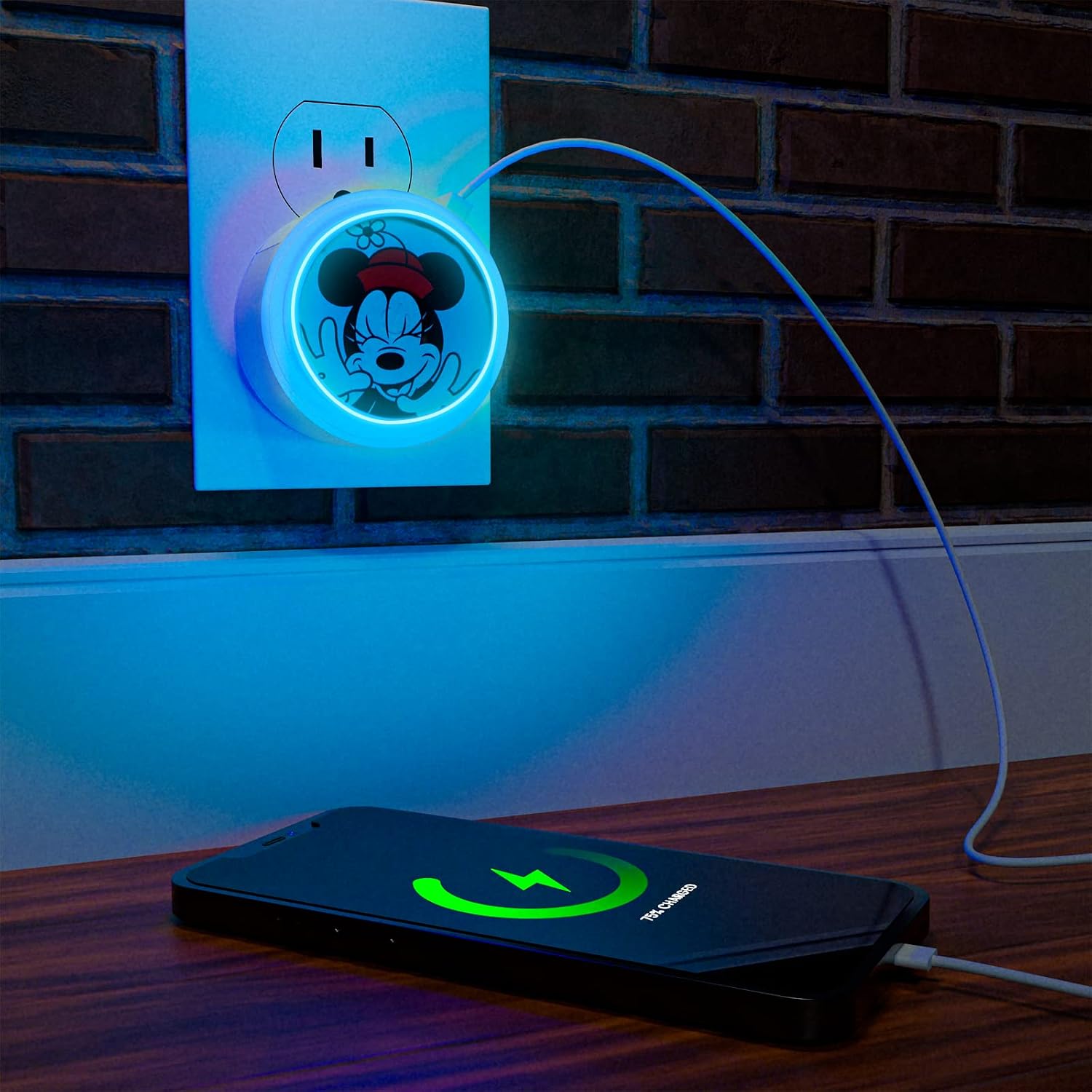
This manual provides instructions for the iJoy Disney Minnie Mouse Touch LED Night Light with USB Charging Station. This device combines a multi-color LED night light with convenient USB charging ports, designed for indoor use.
What's in the Box
- 1 x USB Charging Nightlight with USB and USB Type-C Port
Setup
- Unpack the Device: Carefully remove the night light from its packaging.
- Plug into Power Outlet: Insert the night light directly into a standard wall power outlet. Ensure it is securely plugged in.
Operation
Night Light Function
- Turn On/Change Color: Gently touch the top surface of the night light to cycle through the available light settings.
- Light Settings: The device offers 6 LED light settings: White, Red, Blue, Green, Slow Rainbow, and Fast Rainbow. Each touch will advance to the next setting.


USB Charging Function
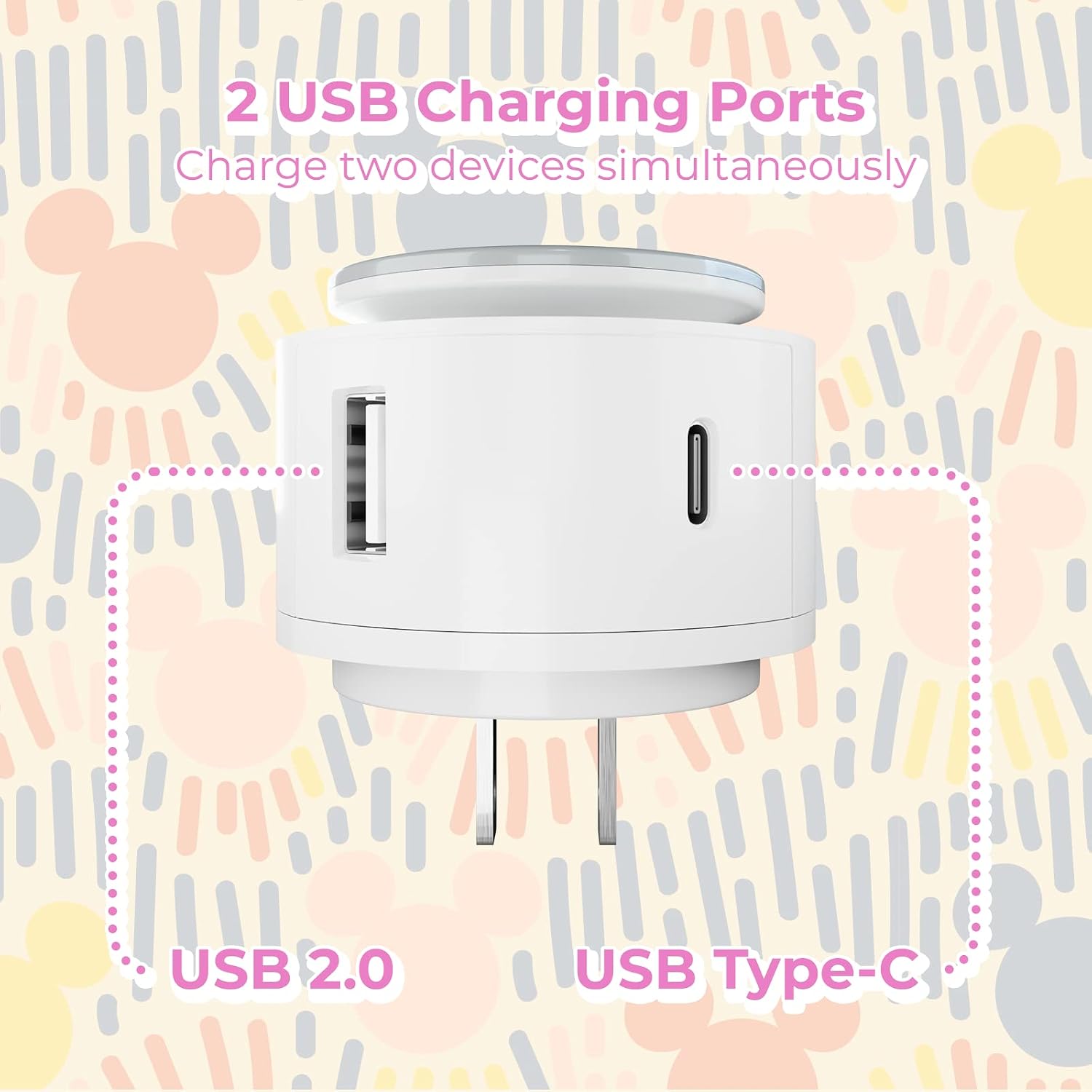
- Connect Devices: Use a compatible USB cable to connect your device to either the USB-A port or the USB Type-C port on the side of the night light.
- Charging Indication: The night light will provide power to your connected device. Monitor your device's screen for charging status.
- Simultaneous Charging: Both USB ports can be used simultaneously to charge two devices.
Features
- Official Disney Merchandise: Authentic Minnie Mouse design.
- Touch Control: Easy tap functionality to change light settings.
- Multiple Light Settings: Includes White, Red, Blue, Green, Slow Rainbow, and Fast Rainbow LED options.
- Dual Charging Ports: Equipped with 1 USB-A and 1 USB Type-C port for charging devices.
- Compact Design: Plugs directly into a standard power outlet.
Specifications
| Feature | Detail |
|---|---|
| Model Number | DNL |
| Brand | iJoy |
| Light Source Type | LED |
| Number of Light Sources | 6 (settings) |
| Control Method | Touch |
| Power Source | Corded Electric |
| Voltage | 24 Volts (DC) |
| Wattage | 12 watts |
| Connectivity Technology | USB (USB-A, USB Type-C) |
| Base Material | Plastic |
| Shade Material | Plastic |
| Shade Height | 5 Inches |
| Indoor/Outdoor Usage | Indoor |
| Water Resistance Level | Not Water Resistant |
Maintenance
- Cleaning: Disconnect the device from the power outlet before cleaning. Wipe the surface with a soft, dry cloth. Do not use liquid cleaners or abrasive materials.
- Storage: When not in use, store the night light in a cool, dry place away from direct sunlight and moisture.
Troubleshooting
- Light is not turning on:
- Ensure the night light is securely plugged into a functional power outlet. Try plugging another device into the same outlet to confirm it has power. Gently tap the top surface to activate the light.
- Device is not charging:
- Verify that the night light is plugged into a live power outlet. Check that your USB cable is properly connected to both the night light and your device. Try a different USB cable or device to rule out cable or device issues.
- Light colors are not changing:
- Ensure you are tapping the touch-sensitive area on the top of the night light. Try tapping firmly but gently. If the issue persists, unplug the device for 30 seconds and then plug it back in to reset it.
Warranty and Support
This product comes with a 365-day manufacturer warranty. For warranty claims or technical support, please contact iJoy customer service through their official website or the retailer where the product was purchased. Please retain your proof of purchase for warranty validation.
