
USTELLAR UT88125
USTELLAR 55W LED Security Light Instruction Manual
Model: UT88125
Product Overview
The USTELLAR 55W LED Security Light is a high-brightness outdoor flood light designed for enhanced security and illumination. Featuring a motion sensor, remote control, and durable IP65 waterproof construction, it is suitable for various outdoor applications such as eaves, gardens, garages, backyards, and patios.

Image: USTELLAR 55W LED Security Light with its remote control, showcasing the three adjustable light heads and the motion sensor.
What's in the Box
- 1 Pack Flood Light
- Remote Control
Specifications
| Feature | Detail |
|---|---|
| Brand | USTELLAR |
| Model Name | Flood Light (UT88125) |
| Color | White-1 |
| Material | Aluminum |
| Wattage | 55 watts |
| Brightness | 5500 Lumen |
| Color Temperature | 5000 Kelvin (Daylight White) |
| Water Resistance Level | IP65 Waterproof |
| Motion Sensor Detection Angle | 180° |
| Motion Sensor Detection Distance | Up to 60ft |
| Power Source | Corded Electric |
| Control Method | Remote Control |
| Average Life | 50,000 Hours |
| Batteries (for remote) | 1 CR2 battery (included) |
Setup and Installation
The USTELLAR 55W LED Security Light is designed for easy hard-wired installation. It can be mounted on a wall or under eaves.
Mounting Options:

Image: Example of the security light installed under a soffit or eave.

Image: Example of the security light installed on a vertical wall surface.
Follow the provided wiring steps carefully to ensure proper and safe installation. It is recommended to consult a qualified electrician if you are unsure about any part of the installation process.
Operating Instructions
Adjustable Light Heads:
The flood light features three flexible light heads that can be adjusted to direct illumination to your desired area. Each head offers a 90° adjustment range, and the main sensor unit can rotate 180° for optimal coverage.

Image: Diagram showing the 90-degree vertical and horizontal adjustment capabilities of the light heads and the 180-degree rotation of the sensor base.
Remote Control Functionality:
All settings for the light can be conveniently adjusted using the included remote control, eliminating the need for manual adjustments on the unit itself. The remote also features a memory function, retaining your settings even after a power outage.

Image: A hand holding the remote control, illustrating how it simplifies adjusting light modes compared to manual adjustments on the light fixture.
The remote allows you to select different lighting modes, adjust hold time, set luminance detection (LUX), and configure sensor sensitivity (SENS).
Lighting Modes:
The USTELLAR security light offers three distinct operating modes:
- Motion Sensor Mode (PIR Mode): The light activates at 100% brightness when motion is detected within the sensor's range. It will turn off after a set duration once motion ceases.
- Dusk to Dawn Mode (D2D Mode): The light automatically turns on at night and turns off in the morning. The motion sensor functionality is inactive in this mode.
- Dimming Mode: The light illuminates at 100% brightness (5500lm) when motion is detected. After the detected presence leaves the sensor area, the brightness will reduce to 20% (1100lm) and remain on at this dim level until motion is detected again or until dawn.

Image: Visual representation of the three lighting modes: PIR Mode (motion activated), DIM Mode (dim to full brightness on motion), and Dusk to Dawn Mode (always on at night).
The motion sensor has a 180° detection angle and can detect motion up to 60 feet away, enhancing outdoor security.

Image: Diagram illustrating the wide 180-degree detection angle and 60-foot detection distance of the motion sensor.
Maintenance
To ensure optimal performance and longevity of your USTELLAR LED Security Light, regular maintenance is recommended:
- Cleaning: Periodically wipe the light heads and motion sensor lens with a soft, damp cloth to remove dust, dirt, and debris. Avoid using abrasive cleaners or solvents.
- Inspection: Annually inspect the wiring and mounting hardware for any signs of wear, damage, or loosening. Ensure all connections remain secure.
- Sensor Clarity: Keep the motion sensor lens clear of obstructions (e.g., spiderwebs, leaves) to maintain accurate detection.
- Remote Battery: Replace the CR2 battery in the remote control when its performance degrades.
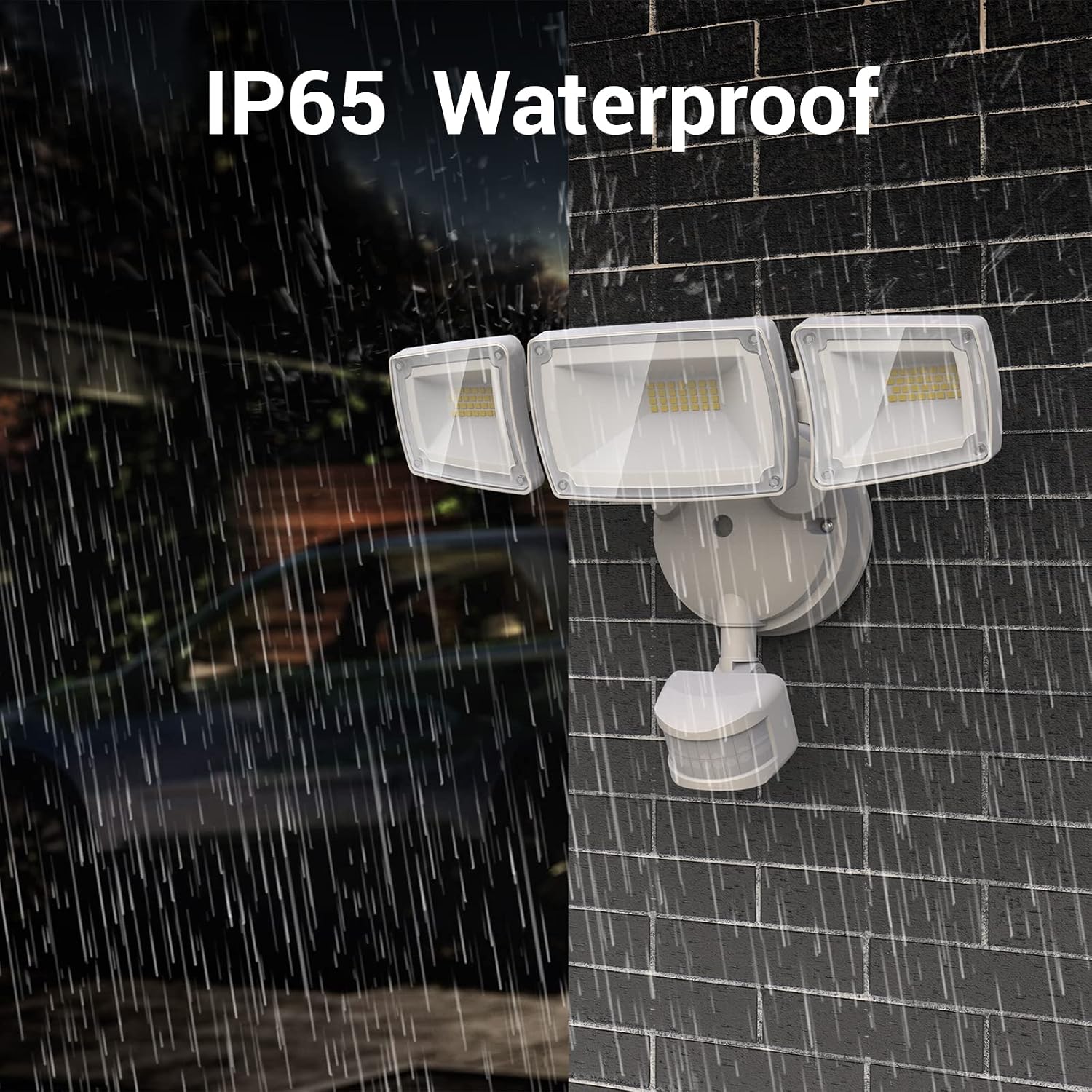
Image: The security light being exposed to rain, demonstrating its IP65 waterproof rating for outdoor durability.
Troubleshooting
| Problem | Possible Cause | Solution |
|---|---|---|
| Light does not turn on. | No power, incorrect wiring, or light mode setting. | Check power supply and wiring. Ensure the correct lighting mode is selected (e.g., not in Dusk to Dawn mode during the day). |
| Motion sensor not working. | Sensor obstructed, incorrect sensitivity setting, or in Dusk to Dawn mode. | Clear any obstructions from the sensor lens. Adjust sensor sensitivity (SENS) using the remote. Ensure the light is not in Dusk to Dawn mode if motion detection is desired. |
| Light stays on constantly. | Continuous motion detected, or incorrect mode/hold time setting. | Check for constant motion in the detection area. Verify the selected lighting mode and adjust the hold time setting on the remote. |
| Remote control not responding. | Low or dead battery, or remote out of range. | Replace the CR2 battery in the remote. Ensure you are within effective range of the light fixture. |
Warranty and Support
This USTELLAR product comes with a limited warranty. For detailed warranty information, product support, or technical assistance, please refer to the warranty card included in your product packaging or contact USTELLAR customer service directly.
You can also visit the official USTELLAR store for more information: USTELLAR Store on Amazon
Related documentsUT88125

Ask a question about this manual
Ask about setup, troubleshooting, compatibility, parts, safety, or missing instructions. Manuals+ will review the question and use this page’s manual context to help answer it.