
1. Introduction
The BOYA BY-V20 is a compact and user-friendly wireless microphone system designed for devices with a USB-C port, including Android smartphones, tablets, and laptops. It features noise cancellation technology, extended battery life, and a plug-and-play setup, making it suitable for various audio recording applications such as vlogging, live streaming, and online meetings.
2. Package Contents
Verify that all items are present in your package:
- BY-V20 Transmitter (TX)
- BY-V20 Receiver (RX) with USB-C Connector
- USB-C Charging Cable (x2)
- Foam Windscreen (pre-installed on TX)
- User Manual
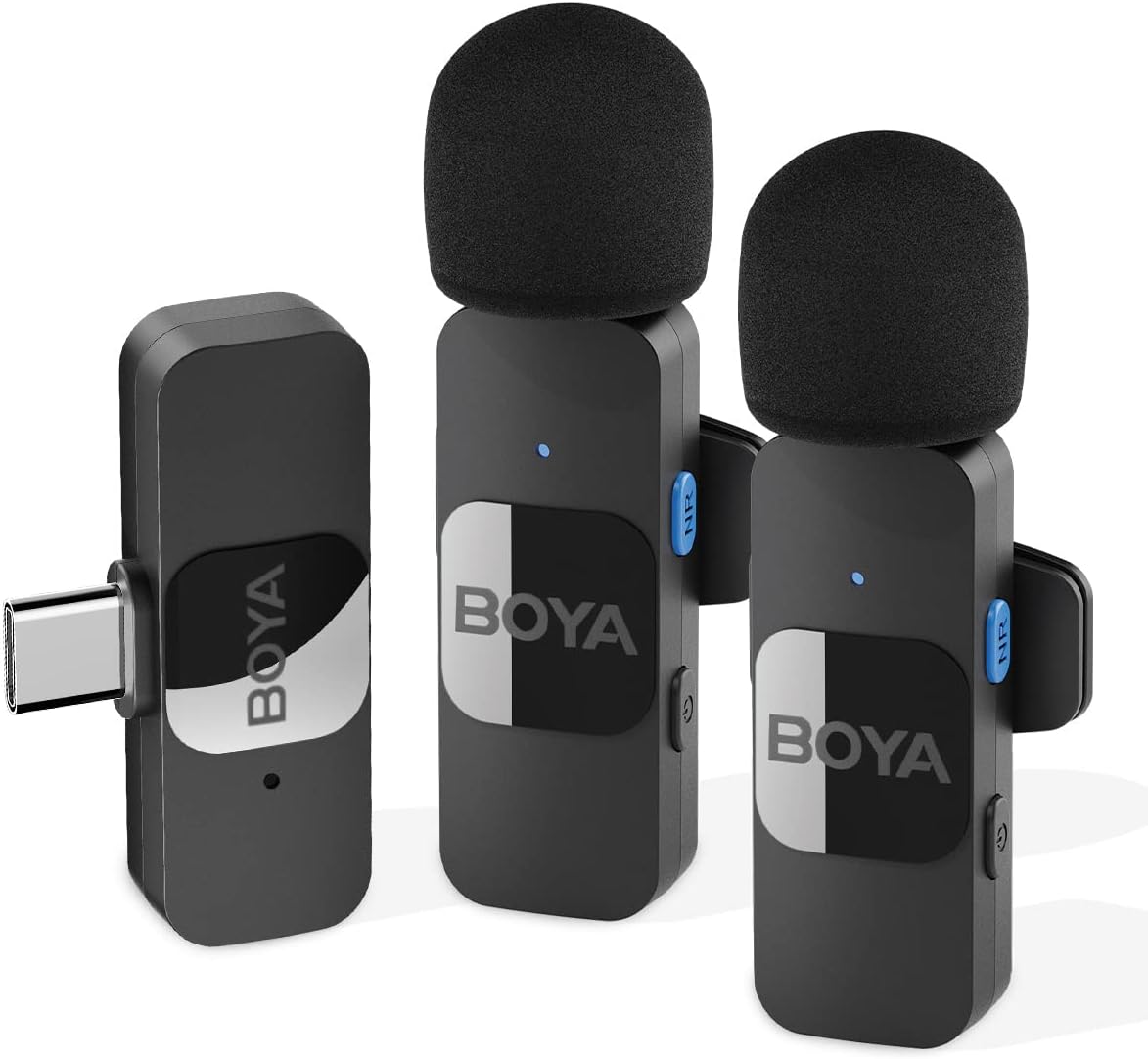
Image: The BOYA BY-V20 system showing two transmitters and one receiver.
3. Product Overview
Transmitter (TX)
- Microphone: Captures audio.
- Power Button: Press and hold to power on/off.
- Noise Reduction (NR) Button: Activates/deactivates noise cancellation.
- Status Indicator Light: Displays pairing and operating status.
- USB-C Charging Port: For charging the transmitter.
- Clip: For attaching the transmitter to clothing.
Receiver (RX)
- USB-C Connector: Plugs directly into your recording device.
- Status Indicator Light: Displays pairing and operating status.
- USB-C Charging Port: Allows pass-through charging of the connected device.

Image: The compact design of the BY-V20 transmitter and receiver, showing approximate dimensions.
4. Setup Guide
Follow these steps to set up and connect your BOYA BY-V20 wireless microphone system:
- Charge the Transmitter: Before first use, ensure the transmitter(s) are fully charged using the provided USB-C charging cable. The status indicator will show charging status.
- Power On Transmitter(s): Press and hold the power button on the transmitter(s) for 2 seconds to turn them on. The indicator light will flash, indicating it is searching for a receiver.
- Connect Receiver: Plug the BY-V20 receiver directly into the USB-C port of your Android smartphone, tablet, or laptop. The receiver's indicator light will flash.
- Automatic Pairing: The transmitter(s) and receiver will automatically pair within 10 seconds. Once successfully paired, the indicator lights on both the transmitter(s) and receiver will turn solid blue.
- Ready for Use: Your BOYA BY-V20 system is now ready for recording. Open your preferred audio or video recording application on your device.
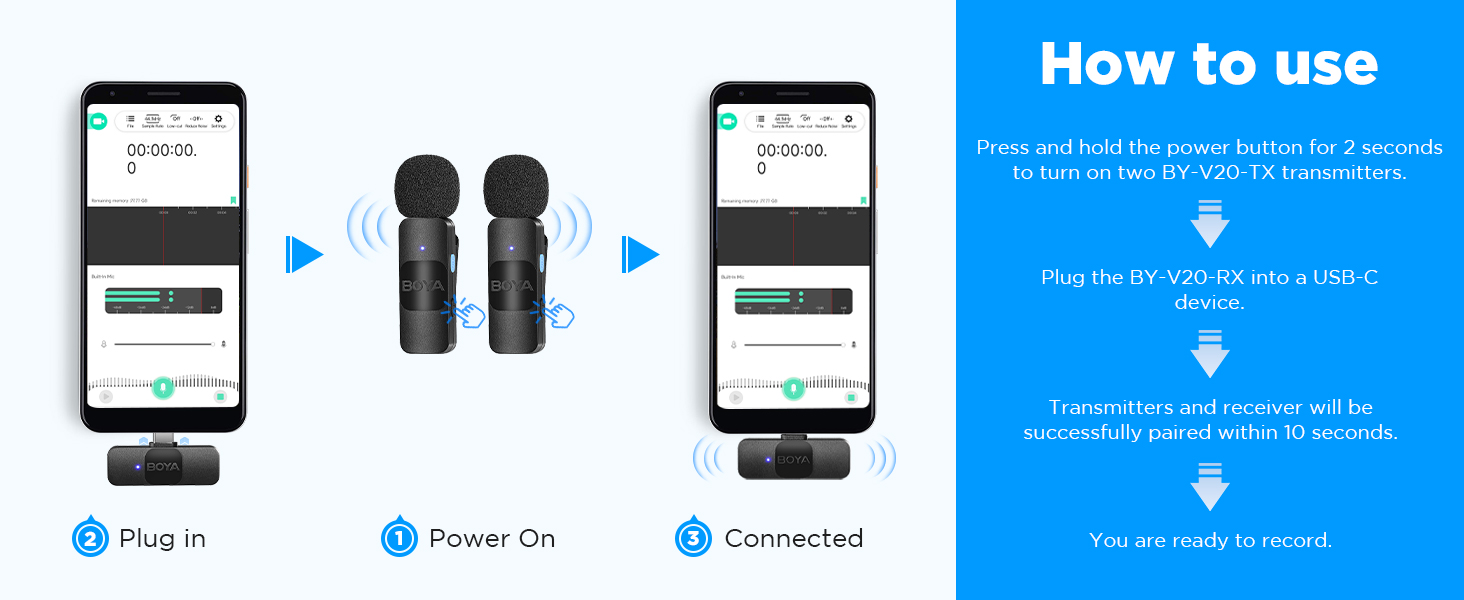
Image: Visual guide for connecting the BY-V20: Power On, Plug In, and Connected status.
5. Operating Instructions
Noise Cancellation
The BY-V20 features a dedicated noise reduction function. To activate or deactivate noise cancellation, press the NR button on the side of the transmitter. When active, the system will attenuate background noises, enhancing the clarity of your voice recordings.
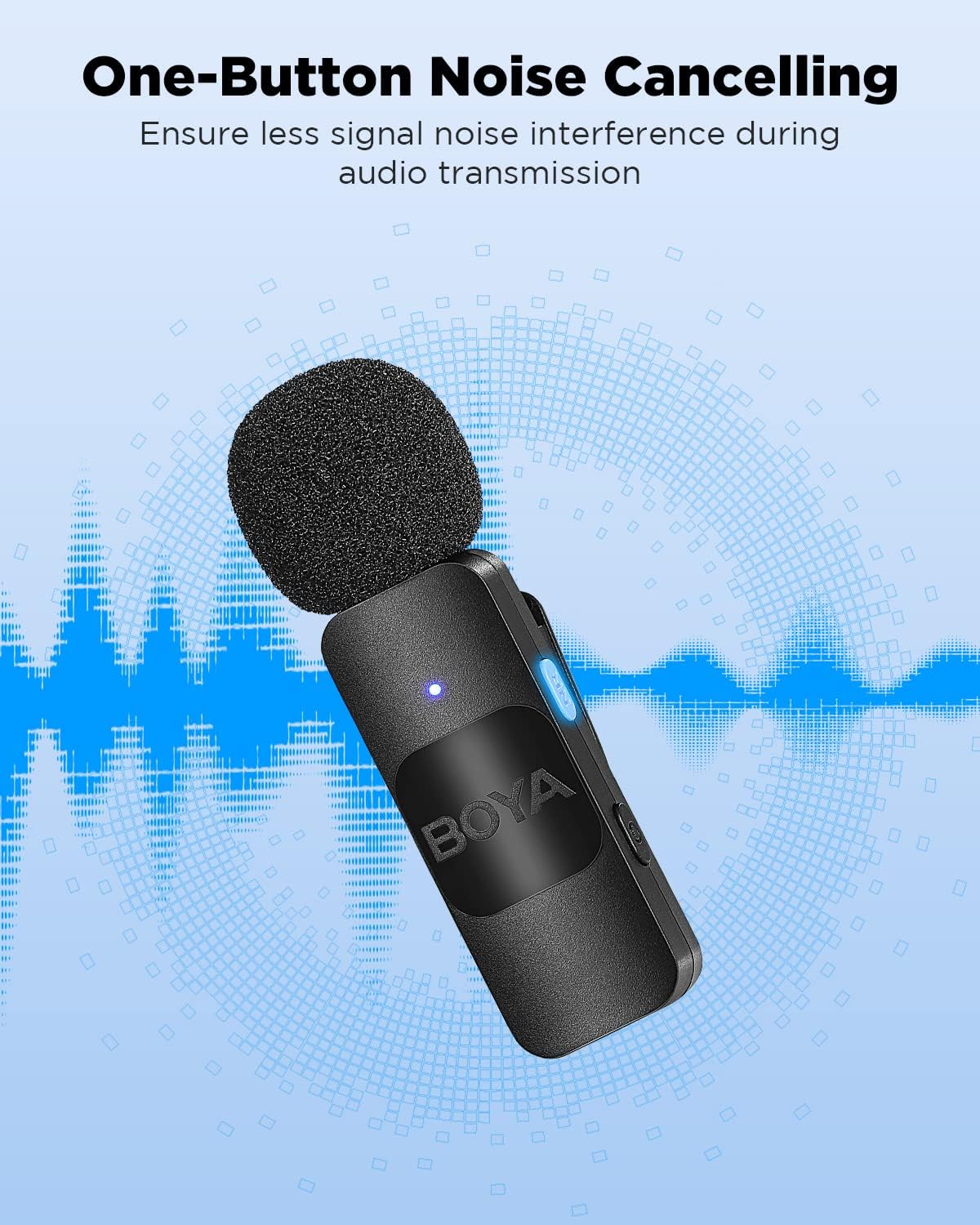
Image: The BY-V20 transmitter highlighting the one-button noise cancellation feature.
Battery Life and Charging
The transmitter offers approximately 9 hours of continuous operation on a full charge. Charging the transmitter takes about 2 hours via its USB-C port. The receiver is powered directly by the connected device.
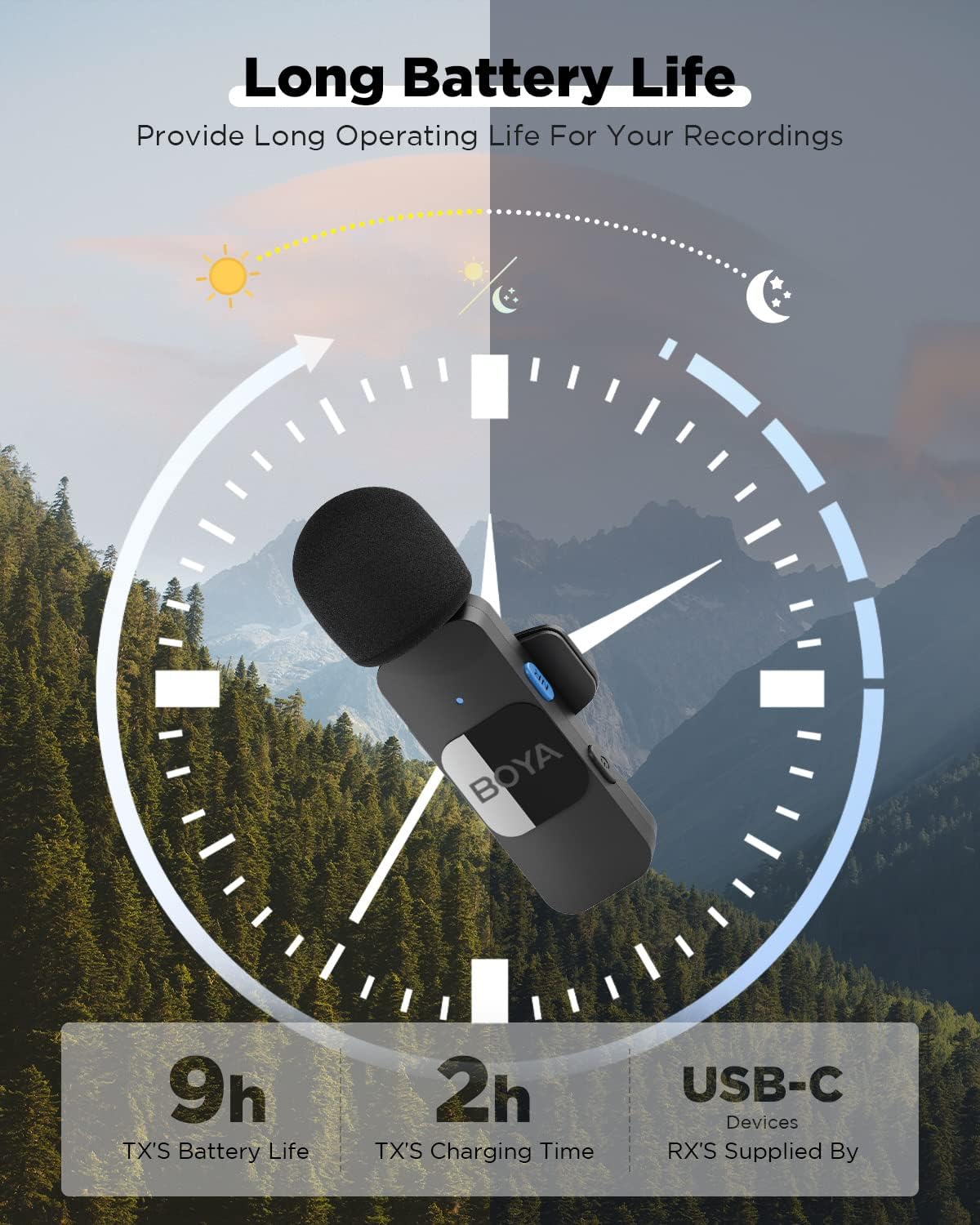
Image: A visual representation of the BY-V20 transmitter's 9-hour battery life and 2-hour charging time.
Charging While Recording
The receiver includes a USB-C port that supports pass-through charging. This allows you to charge your connected smartphone, tablet, or laptop while simultaneously recording audio. It supports QC/PD fast charging protocols, with speeds up to 3A, preventing interruptions during long recording sessions or live broadcasts.

Image: A user recording with the BY-V20 while their phone is being charged through the receiver's USB-C port.
6. Features
- One-Click Noise Cancellation: Reduces ambient noise for clear audio.
- Extended Wireless Range: Offers a barrier-free transmission distance exceeding 164 feet (50 meters) using 2.4GHz wireless technology.
- Long Battery Life: Transmitter provides up to 9 hours of operation.
- Pass-Through Charging: Receiver allows charging of the host device during use.
- Plug-and-Play: Automatic pairing for quick setup.
- Wide Compatibility: Compatible with USB-C Android smartphones, tablets, and laptops.
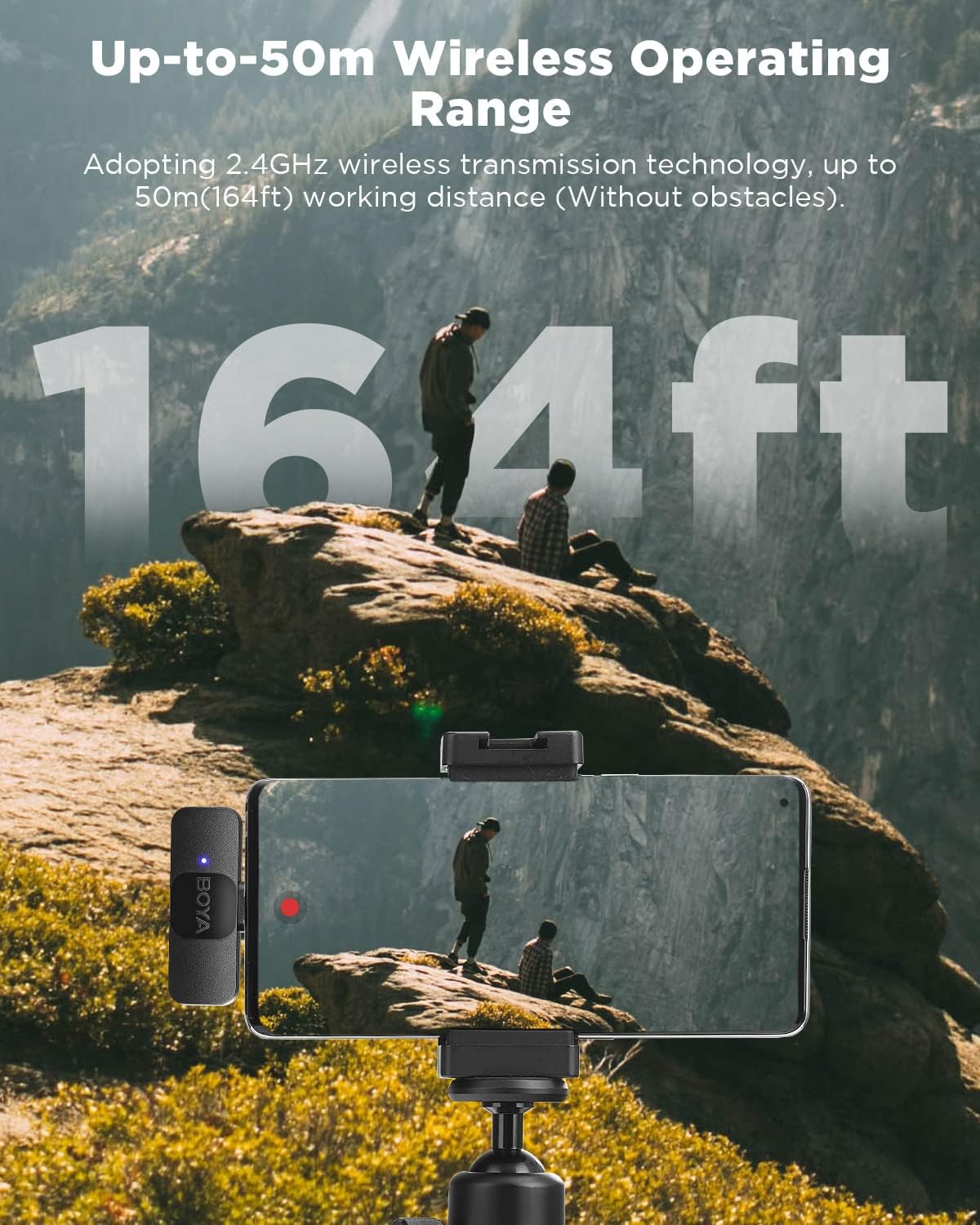
Image: The BY-V20 system demonstrating its wireless operating range of up to 164 feet (50 meters) in an outdoor setting.
7. Specifications
| Feature | Specification |
|---|---|
| Brand | BOYA |
| Model Number | BY-V20 |
| Connectivity Technology | USB (Wireless 2.4GHz) |
| Connector Type | USB Type-C |
| Microphone Form Factor | Lavalier |
| Polar Pattern | Omnidirectional |
| Signal-to-Noise Ratio | 74 dB |
| Transmitter Battery Life | Up to 9 hours |
| Transmitter Charging Time | Approx. 2 hours |
| Wireless Operating Range | Up to 164 ft (50m) without obstacles |
| Power Source | Corded Electric (for charging TX) |
| Material | Acrylonitrile Butadiene Styrene |
| Item Weight | 2.08 ounces (total package) |
| Compatible Devices | Laptop, Smartphone, Tablet (with USB-C) |
8. Compatibility
The BOYA BY-V20 system is compatible with a wide range of devices featuring a USB-C port. This includes, but is not limited to:
- Android Smartphones (e.g., Samsung Galaxy series, Google Pixel, LG, TCL)
- Tablets (e.g., Android tablets, iPad Mini 6, iPad Air 4/5, iPad Pro)
- Laptops (e.g., MacBook Air/Pro, MSI Laptop, Dell Laptop, other laptops with USB-C)
- Action Cameras (e.g., DJI OSMO ACTION 2/3)
Note: Compatibility may vary with specific device models and operating system versions. Ensure your device supports external USB-C audio input.

Image: A visual chart illustrating the wide compatibility of the BY-V20 with smartphones, tablets, laptops, and action cameras.
9. Maintenance
To ensure the longevity and optimal performance of your BOYA BY-V20 microphone system, follow these maintenance guidelines:
- Cleaning: Use a soft, dry cloth to clean the transmitter and receiver. Avoid using harsh chemicals or abrasive materials.
- Storage: Store the system in a cool, dry place away from direct sunlight and extreme temperatures.
- Handling: Handle the components with care to prevent physical damage. Avoid dropping the devices.
- Charging: Only use the provided USB-C charging cables or certified equivalents. Do not overcharge the transmitter.
- Power Off When Not in Use: To conserve battery life, turn off the transmitter when not actively recording.
10. Troubleshooting
If you encounter issues with your BOYA BY-V20 system, refer to the following common problems and solutions:
- No Sound/Recording:
- Ensure both the transmitter(s) and receiver are powered on and successfully paired (solid blue indicator lights).
- Verify the receiver is fully inserted into your device's USB-C port.
- Check your device's audio input settings to ensure the external microphone is selected.
- Test with a different recording application.
- Ensure the transmitter battery is not depleted.
- Poor Audio Quality/Interference:
- Activate the noise cancellation feature by pressing the NR button on the transmitter.
- Ensure the transmitter is within the recommended operating range (within 164ft/50m, less with obstacles).
- Minimize physical obstructions between the transmitter and receiver.
- Avoid strong electromagnetic interference sources.
- Check if the foam windscreen is properly installed to reduce wind noise.
- Transmitter Not Charging:
- Ensure the USB-C charging cable is securely connected to both the transmitter and a power source.
- Try a different USB-C cable or power adapter.
- Receiver Not Powering Device:
- Ensure the charging cable is properly connected to the receiver's pass-through port and a power source.
- Verify your device supports USB-C pass-through charging.
11. Warranty and Support
BOYA provides a 24-month warranty for this product. If the product experiences a failure or defect within this period, please contact BOYA customer support for assistance. They will provide after-sales solutions and support for any questions regarding your BY-V20 clip microphone.
For further assistance or inquiries, please refer to the contact information provided in your product packaging or visit the official BOYA website.


