
1. Introduction
Thank you for choosing the Pic Solution Literapid Wrist Blood Pressure Monitor. This device is designed for convenient and accurate measurement of blood pressure and pulse rate at the wrist. Regular monitoring can provide valuable information for managing your health. Please read this manual thoroughly before using the device to ensure correct operation and to understand all safety precautions.
This monitor is intended for adult use in a home environment. It is not intended to be a diagnostic device. Always consult your physician for interpretation of blood pressure measurements.
2. Safety Information
Important Safeguards:
- Consult your physician before using this device if you have any medical conditions, especially if you have severe blood circulation problems, diabetes, or kidney disease.
- Do not use this device on infants, children, or individuals who cannot express their consent.
- Do not use this device if you have a wound or injury on your wrist.
- Avoid taking measurements immediately after exercise, bathing, or consuming alcohol or caffeine.
- Rest for at least 5 minutes before taking a measurement.
- Do not attempt to repair the device yourself. Contact customer support for assistance.
- Keep the device out of reach of children and pets.
- Use only specified batteries. Do not mix old and new batteries or different types of batteries.
3. Product Overview
The Pic Solution Literapid Wrist Blood Pressure Monitor consists of the main unit with an integrated wrist cuff and an LCD display. It is designed for ease of use and portability.
3.1 Components
- Main Unit (Monitor)
- Integrated Wrist Cuff
- LCD Display
- "MEM" Button (Memory)
- "START/STOP" Button
- Battery Compartment
- Storage Pouch
3.2 Display Elements
The LCD display shows various indicators during and after measurement:
- Systolic Pressure (SYS)
- Diastolic Pressure (DIA)
- Pulse Rate (Pul/min)
- Date/Time
- Memory Indicator
- Battery Indicator
- Irregular Heartbeat Indicator (if applicable)
- Cuff Wrap Guide (if applicable)

Figure 1: Close-up of the monitor's LCD display. It shows numerical readings for systolic and diastolic pressure, pulse rate, and a time stamp.

Figure 2: The Pic Solution Literapid Wrist Blood Pressure Monitor, removed from its packaging, showcasing the main unit and the attached wrist cuff.
4. Setup
4.1 Battery Installation
- Locate the battery compartment cover on the back of the monitor.
- Slide the cover off in the direction indicated by the arrow.
- Insert two AAA batteries (included) according to the polarity markings (+ and -) inside the compartment.
- Replace the battery compartment cover until it clicks into place.
Note: If the battery indicator appears on the display, replace both batteries with new ones.
4.2 Setting Date and Time
- With the device off, press and hold the "MEM" button for approximately 3 seconds until the year starts flashing.
- Press the "START/STOP" button to adjust the year. Press "MEM" to confirm and move to the month.
- Repeat this process for month, day, hour, and minute.
- Once all settings are confirmed, the device will exit setting mode.
5. Operation
5.1 Preparing for Measurement
- Avoid eating, drinking alcohol, smoking, exercising, and bathing for 30 minutes before measurement.
- Rest in a calm environment for at least 5 minutes before taking a reading.
- Sit comfortably with your back supported and feet flat on the floor.
- Place your arm on a table so that the monitor is at heart level.

Figure 3: Proper positioning for a wrist blood pressure measurement. The monitor is placed on the wrist, and the arm is supported at heart level.
5.2 Applying the Wrist Cuff
- Remove any tight clothing from your wrist.
- Wrap the cuff around your left wrist, with the display facing upwards, approximately 1-2 cm from your palm.
- Ensure the cuff is snug but not too tight. There should be enough space to insert one finger between the cuff and your wrist.
5.3 Taking a Measurement
- Press the "START/STOP" button. The cuff will begin to inflate automatically.
- Remain still and silent during the measurement. Do not talk or move your arm.
- Once the measurement is complete, the cuff will deflate, and your systolic pressure, diastolic pressure, and pulse rate will be displayed on the screen.
- Press the "START/STOP" button again to turn off the device. If you do not turn it off, it will automatically power down after approximately 1 minute.
Rapid Tech Comfort Experience: This device utilizes Rapid Tech Comfort Experience technology, which measures during the inflation phase for faster and more comfortable readings.
5.4 Memory Function
The device stores up to 60 measurements for two users (60x2 memories). To view past measurements:
- With the device off, press the "MEM" button. The most recent measurement will be displayed.
- Press the "MEM" button repeatedly to scroll through older measurements.
- The device also calculates the average of the last three consecutive measurements.
- To exit memory mode, press the "START/STOP" button or wait for automatic shutdown.

Figure 4: The monitor and its packaging, illustrating the 60x2 memory capacity and the average of the last 3 consecutive measurements feature.
6. Maintenance
6.1 Cleaning
- Clean the monitor and cuff with a soft, dry cloth.
- If necessary, use a cloth lightly dampened with water or a mild detergent.
- Do not use abrasive cleaners, solvents, or immerse the device in water.
6.2 Storage
- Store the device in its protective pouch when not in use.
- Keep the device in a cool, dry place, away from direct sunlight, extreme temperatures, and humidity.
- Remove batteries if the device will not be used for an extended period.
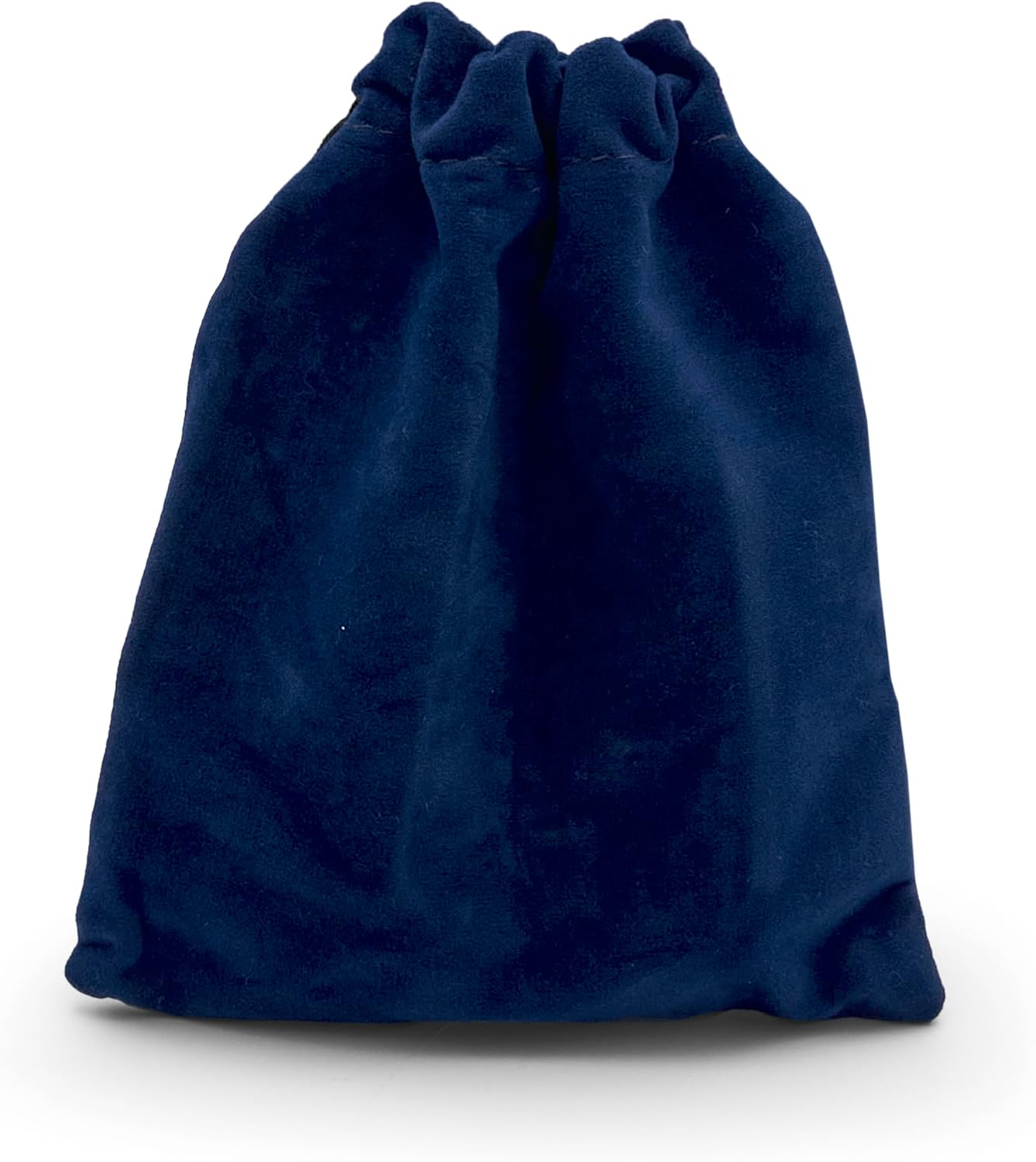
Figure 5: The included dark blue velvet storage pouch, designed to protect the monitor during storage and travel.
7. Troubleshooting
If you encounter any issues with your blood pressure monitor, refer to the table below for common problems and solutions.
| Problem | Possible Cause | Solution |
|---|---|---|
| Device does not turn on. | Batteries are dead or incorrectly inserted. | Replace batteries with new AAA batteries, ensuring correct polarity. |
| Error message on display. | Cuff not applied correctly, movement during measurement, or irregular pulse. | Reapply cuff correctly, remain still and silent, or consult a physician if irregular pulse persists. |
| Inaccurate readings. | Incorrect body/arm position, talking during measurement, or cuff too loose/tight. | Ensure proper positioning, remain still, and adjust cuff for a snug fit. |
| Cuff does not inflate. | Air leakage or pump malfunction. | Check cuff for damage. If problem persists, contact customer support. |
8. Specifications
- Model: 8058090027935
- Measurement Method: Oscillometric
- Memory: 60 measurements x 2 users
- Power Source: 2 x AAA batteries (included)
- Cuff Size: 19.5 cm
- Product Dimensions: 7.9l x 2w x 6h cm
- Product Weight: 89 Grams
- Display Type: LCD
- Intended Use: Wrist
- Material Features: Durable, Reusable
9. Warranty and Support
The Pic Solution Literapid Wrist Blood Pressure Monitor comes with a 3-year warranty from the date of purchase, covering manufacturing defects. Please retain your proof of purchase for warranty claims.
For technical support, warranty claims, or any questions regarding the use of your device, please contact Pic Solution customer service. Contact information can typically be found on the product packaging or the official Pic Solution website.
Manufacturer: Pikdare
Country of Origin: Italy