
1. Introduction
Thank you for choosing the Jecod SLW-10 Sine Wavemaker Pump. This device is designed to create optimal water movement in marine and reef aquariums, promoting a healthy environment for your aquatic life. Please read this manual carefully before installation and operation to ensure proper use and longevity of your pump.
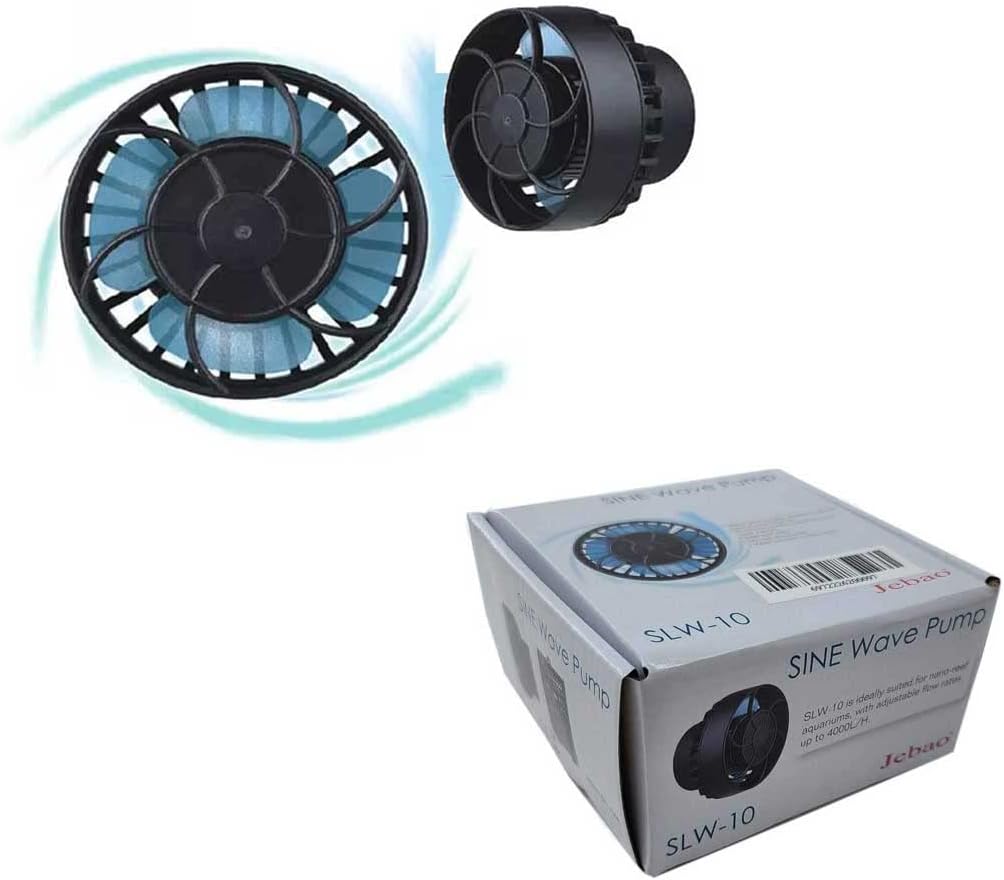
Figure 1: Jecod SLW-10 Sine Wavemaker Pump with its external controller.
2. Safety Instructions
- Always disconnect power before performing any maintenance or handling the pump.
- Ensure your hands are dry before plugging or unplugging the power adapter.
- The pump is designed for submersible use only. The controller and power adapter must remain dry.
- Do not operate the pump if the power cord or any part of the unit is damaged.
- Keep the pump away from children and pets.
- Avoid placing the magnetic base near sensitive electronic devices or magnetic media.
3. Package Contents
Verify that all components are present in the package:
- SLW-10 Wavemaker Pump Head
- External Controller
- Power Adapter
- Magnetic Base
- User Manual (this document)

Figure 2: All components included in the Jecod SLW-10 package.
4. Setup
4.1. Installation of the Pump Head
- Position the pump head inside your aquarium, ensuring it is fully submerged and at least 15-20cm below the water level to prevent splashing.
- Align the external magnetic base on the outside of the tank wall directly opposite the pump head. The strong magnets will secure the pump in place. Exercise caution to avoid pinching fingers or damaging the glass.
- The pump head features a 3D rotation angle, allowing you to adjust the output water direction for optimal flow.

Figure 3: The SLW-10 Wavemaker Pump creating water movement in an aquarium.
4.2. Connecting the Controller and Power
- Connect the pump head cable to the designated port on the external controller.
- Connect the power adapter to the controller.
- Plug the power adapter into a suitable electrical outlet. The controller display will illuminate, indicating it is ready for operation.
5. Operating Instructions
The external controller allows for easy adjustment of the wavemaker's functions:
- Power On/Off: Press the 'POWER' button to turn the pump on or off.
- Mode Selection: Use the 'MODE/NIGHT' button to cycle through different wave modes (e.g., constant, classic, sine, random).
- Speed Adjustment: Turn the 'SPEED/FEED' dial to increase or decrease the flow rate (gph) of the pump.
- Feed Mode: Press and hold the 'SPEED/FEED' dial for a few seconds to activate feed mode, which temporarily pauses the pump to allow fish to eat without food being swept away.
- Wireless Control (Master/Slave): The SLW-10 supports wireless master and slave control for synchronizing multiple pumps. Refer to the controller's display for master (M) or slave (S) indicators.
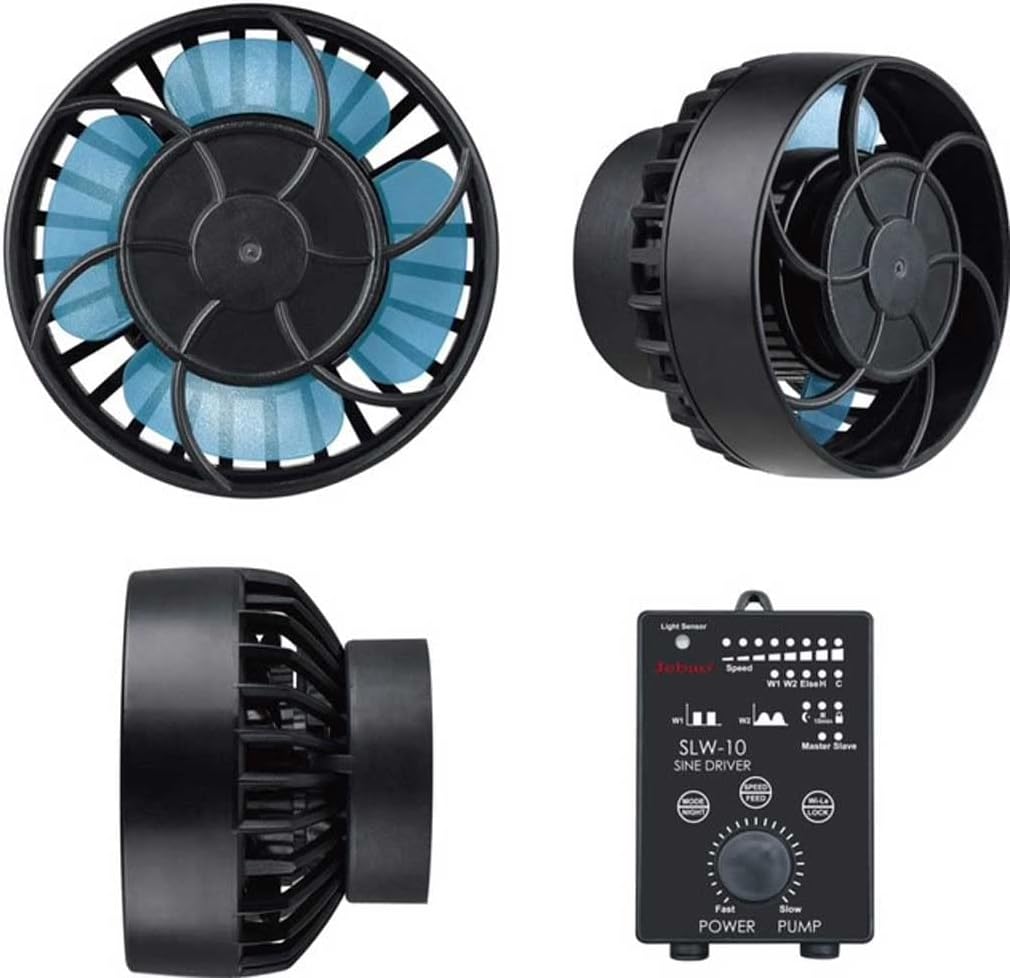
Figure 4: Close-up of the external controller with its buttons and dial for pump operation.
6. Maintenance
Regular maintenance ensures optimal performance and extends the lifespan of your wavemaker:
- Cleaning the Impeller: Periodically remove the pump head from the tank, disassemble the front shell, and carefully clean the impeller and ceramic shaft. Remove any debris, algae, or calcium buildup.
- Lubrication: A small amount of petroleum jelly can be applied to the ceramic shaft to ensure smooth operation and reduce stiffness, especially after cleaning.
- Rinse all parts with clean water before reassembling and placing the pump back into the aquarium.
7. Troubleshooting
If you encounter issues with your SLW-10 wavemaker, refer to the following common problems and solutions:
| Error Code | Problem | Solution |
|---|---|---|
| ER01 | Lack of power | Check if the cables or controller are damaged. |
| ER02 | Controller is overheating | Check if the controller is exposed to direct sunlight or a high-temperature environment. |
| ER03 | Pump is running dry | Ensure the pump is fully submerged in water. |
| ER04 | Pump is blocked | Check if the impeller is blocked by debris or algae. Clean as per maintenance instructions. |
| ER05 | Overvoltage | Check if the power supply or adapter is damaged. |
8. Specifications
- Model: SLW-10
- Brand: Jecod
- Manufacturer: JEBAO INC
- Power: 10W
- Max Flow: 1056 gph (gallons per hour)
- Recommended Tank Length: Less than 24 inches
- Product Dimensions: 2 x 2.2 x 2.4 inches
- Color: Black
- Material: Plastic
- Power Source: AC/DC
- Style: Submersible
9. Warranty and Support
For warranty information, please refer to the product packaging or contact Jecod customer support directly. Keep your purchase receipt as proof of purchase for any warranty claims.
For technical support or further assistance, please contact the manufacturer or your retailer.
