
ARREGUI CI10B-E
ARREGUI CI10B-E Electronic Invisible Lock User Manual
Model: CI10B-E
1. Introduction
This user manual provides essential information for the installation, operation, and maintenance of your ARREGUI CI10B-E Electronic Invisible Lock. Please read these instructions carefully before using the product to ensure proper function and safety. The ARREGUI CI10B-E is designed to enhance security by providing an additional, invisible locking mechanism for your door.
2. Product Overview
The ARREGUI CI10B-E is an electronic invisible lock designed for interior placement, making its presence unknown to potential intruders. It functions as an additional security measure for homes, apartments, or offices. Key features include:
- Invisible Design: Installed on the inside of the door, it remains hidden from external view.
- Remote Control Operation: Comes with 4 remote controls for convenient opening and closing.
- Secure Radio Frequency: Utilizes evolving code encryption to prevent unauthorized copying of signals.
- Reprogrammable Remotes: Remotes can be reprogrammed in case of loss or theft. Additional remotes can be purchased and paired (up to 16 per lock).
- Low Battery Warning: The lock emits an audible signal when batteries are low, preventing accidental lockout. The lock will not close if batteries are critically low.
- Emergency Unlock System: Features an emergency override for manual operation.
- Audible Confirmation: Emits an alarm sound upon each opening and closing for verification.

Image: The ARREGUI CI10B-E Electronic Invisible Lock unit shown with its four accompanying remote controls.
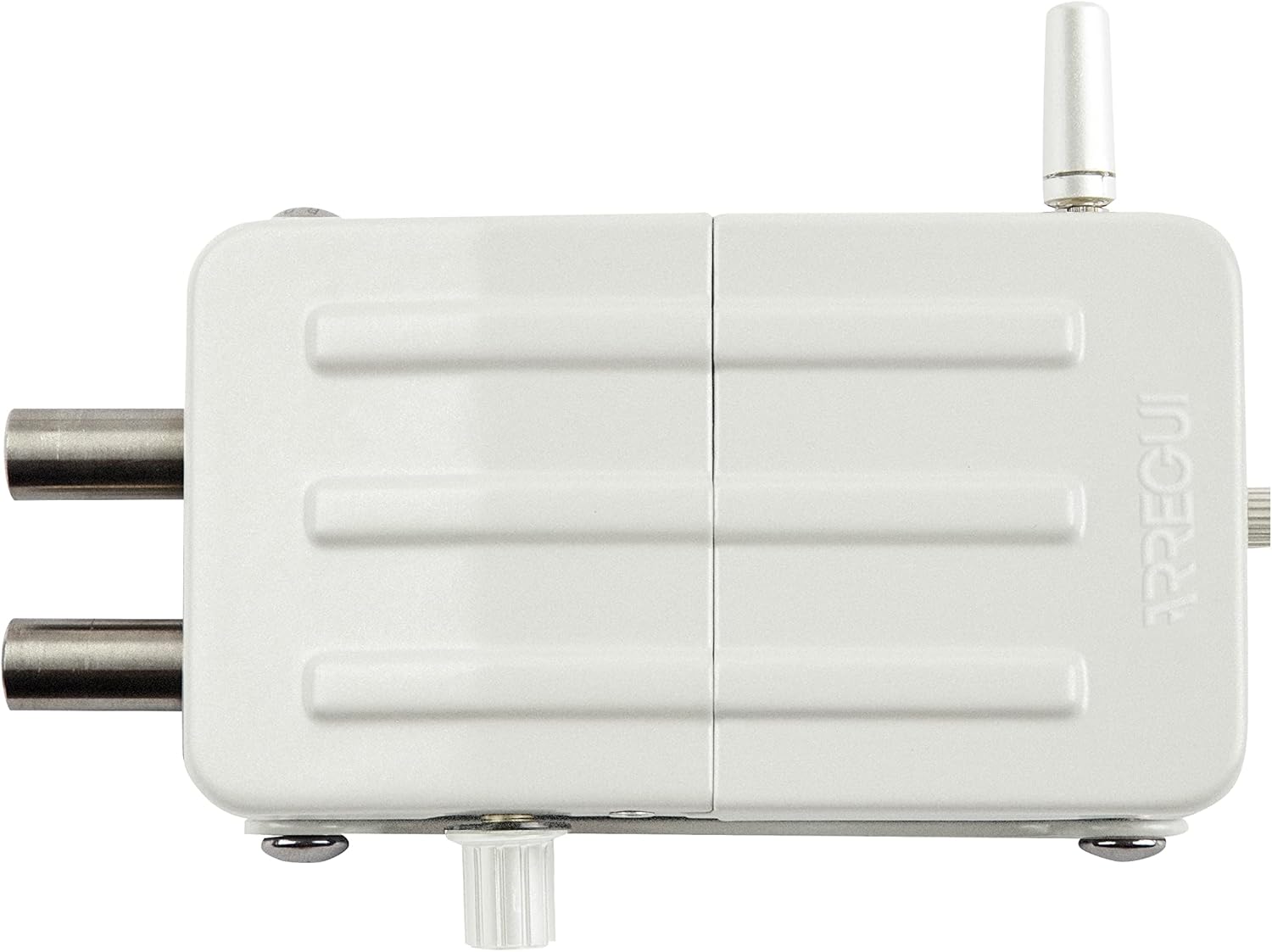
Image: A top-down view of the ARREGUI CI10B-E Electronic Invisible Lock, highlighting its robust construction.
3. Package Contents
Verify that all components are present in the package:
- 1x ARREGUI CI10B-E Electronic Invisible Lock
- 4x Remote Controls
- 1x Fixing Plate
- 1x Antenna
- Fixing Screws (for wood or metal doors)
- 1x Allen Key
- 4x AA Alkaline Batteries (1.5V)
- 1x 12V Emergency Battery
- User Manual (this document)
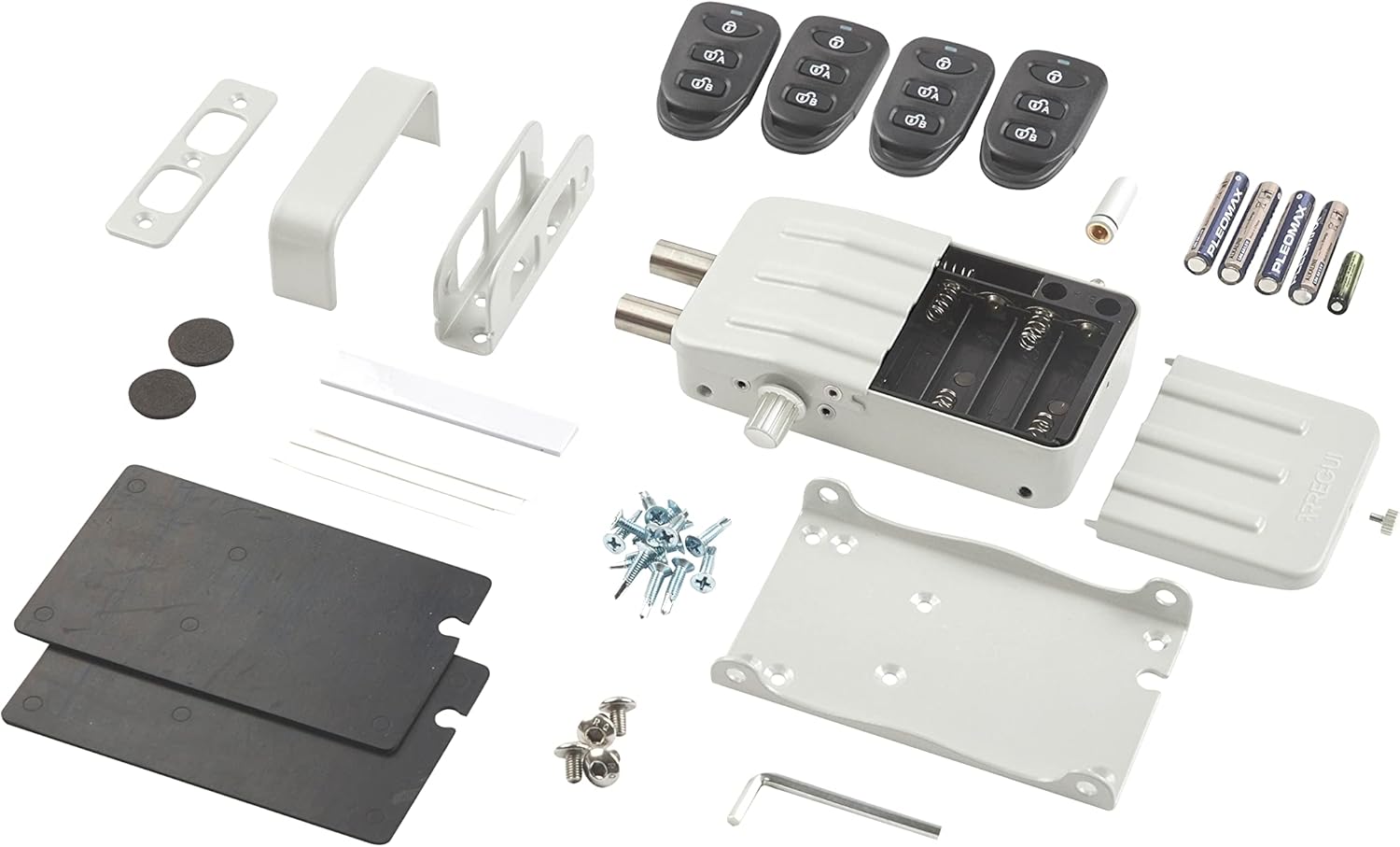
Image: An exploded view showing all items included in the ARREGUI CI10B-E product package, including the lock, remotes, mounting hardware, and batteries.
4. Setup and Installation
The ARREGUI CI10B-E lock is suitable for both wooden and metal doors. Detailed installation instructions are provided in the included user manual. Please follow these steps carefully to ensure correct and secure installation.
4.1. Battery Installation
- Open the battery compartment on the lock unit.
- Insert the 4 AA alkaline batteries, ensuring correct polarity.
- Insert the 12V emergency battery into its designated slot.
- Close the battery compartment securely.
4.2. Mounting the Lock
- Choose an appropriate location on the interior side of your door for the lock unit and the fixing plate.
- Use the provided screws to securely attach the fixing plate to the door.
- Mount the lock unit onto the fixing plate.
- Ensure the antenna is properly connected and positioned for optimal signal reception.

Image: A hand demonstrating the use of the remote control with the ARREGUI CI10B-E lock installed on the interior of a door.
5. Operating Instructions
5.1. Opening and Closing with Remote Control
The lock operates via radio frequency remote controls. Each remote uses evolving code encryption to prevent unauthorized duplication.
- To open the lock, press the designated unlock button on the remote control.
- To close the lock, press the designated lock button on the remote control.
- The lock will emit an audible alarm sound upon each successful opening and closing.
5.2. Remote Control Reprogramming
In case a remote control is lost or stolen, you can reprogram all existing remotes to change their internal code, rendering the lost/stolen remote unusable. New additional remotes can also be paired with the lock.
- Refer to the detailed instructions in the included manual for the specific steps to reprogram or add remote controls.
- The lock supports up to 16 remote controls.
5.3. Emergency Unlock
The lock features an emergency unlock system that can be activated at any time. Additionally, the lock can be opened and closed manually by turning the latch located on the bottom part of the unit.
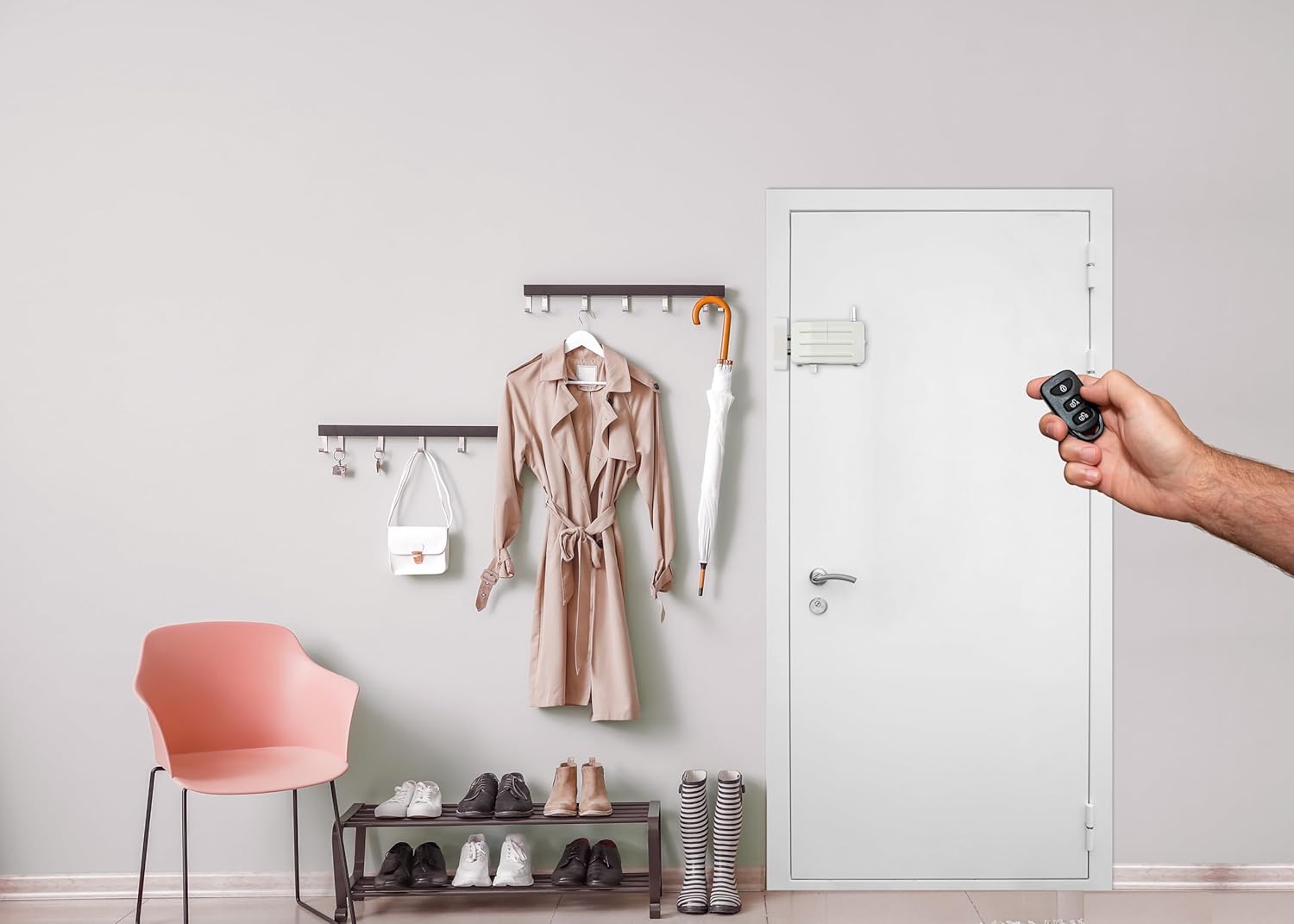
Image: The ARREGUI CI10B-E lock discreetly installed on the interior of a white door, blending into a home environment.
6. Maintenance
6.1. Battery Replacement
The lock will emit an audible signal when the batteries are running low. It will not allow itself to be locked until the batteries are replaced, preventing you from being locked out.
- When the low battery warning sounds, replace all 4 AA alkaline batteries promptly.
- Ensure correct polarity when inserting new batteries.
- It is recommended to use high-quality alkaline batteries for optimal performance and lifespan.
6.2. General Care
Clean the lock unit with a soft, dry cloth. Avoid using abrasive cleaners or solvents, which may damage the finish or internal components.
7. Troubleshooting
| Problem | Possible Cause | Solution |
|---|---|---|
| Lock does not respond to remote control. | Low batteries in the lock unit or remote control. Remote control not paired or reprogrammed correctly. Obstruction between remote and lock. | Replace batteries in the lock unit and remote control. Reprogram the remote controls as per the manual. Ensure clear line of sight or proximity. |
| Lock emits continuous beeping sound. | Low battery warning. | Replace all 4 AA alkaline batteries in the lock unit immediately. The lock will not close until batteries are replaced. |
| Cannot open the lock electronically. | Electronic malfunction or critical battery depletion. | Utilize the emergency unlock system or manually open the lock by turning the latch on the bottom of the unit. |
8. Specifications
| Feature | Detail |
|---|---|
| Brand | ARREGUI |
| Model Number | CI10B-E |
| Product Dimensions (L x W x H) | 3.5 x 13.3 x 7.5 cm (1.38 x 5.24 x 2.95 inches) |
| Weight | 632 grams (1.39 lbs) |
| Color | White |
| Style | Invisible Lock |
| Finish | Painted |
| Material | Alloy Steel |
| Power Source | 4x AA Alkaline Batteries (included) |
| Emergency Power | 1x 12V Emergency Battery (included) |
| Special Features | Alarm, Remote Control, Emergency Unlock |
| Max Remote Controls | Up to 16 |
| Compatibility | Wooden and Metal Doors |
9. Warranty Information
Specific warranty details for the ARREGUI CI10B-E Electronic Invisible Lock are not provided in this document. Please refer to the warranty card included with your product or contact ARREGUI customer support for information regarding warranty coverage and terms.
10. Customer Support
For any incidents, questions, or assistance regarding the use of your ARREGUI CI10B-E Electronic Invisible Lock, please contact ARREGUI's technical support service. Contact information can typically be found on the product packaging, the ARREGUI website, or in the included documentation.
Related documentsCI10B-E


Ask a question about this manual
Ask about setup, troubleshooting, compatibility, parts, safety, or missing instructions. Manuals+ will review the question and use this page’s manual context to help answer it.