
1. Product Overview
The iJoy Magnetic Card Holder Wallet (Model: IJWTWI) is designed to provide a convenient and slim solution for carrying essential cards with your compatible iPhone or MagSafe-enabled case. It attaches magnetically to the back of your device, allowing for easy access to your cards without the bulk of a traditional wallet.
2. Package Contents
- 1 x iJoy Magnetic Card Holder Wallet
3. Compatibility
This magnetic card holder is compatible with:
- iPhone 14 series (Pro Max, Plus, Pro, 14)
- iPhone 13 series (Pro Max, Pro, 13, Mini)
- iPhone 12 series (Pro Max, Pro, 12, Mini)
- Any MagSafe compatible phone case
Note: This product requires a MagSafe-compatible device or case for proper magnetic attachment. It is not designed for use with non-magnetic cases.

4. Setup and Installation
- Ensure your iPhone is a compatible model (iPhone 12, 13, or 14 series) or is equipped with a MagSafe compatible case.
- Align the iJoy Magnetic Card Holder Wallet with the MagSafe ring on the back of your iPhone or MagSafe case.
- The wallet will snap into place magnetically. Verify that it is securely attached before use.

5. Operation
Inserting Cards:
- The wallet is designed to hold up to two (2) standard-sized cards (e.g., ID, credit card).
- Gently slide your cards into the designated slot on the wallet. Do not force more than two cards, as this may damage the wallet or cause cards to fall out.
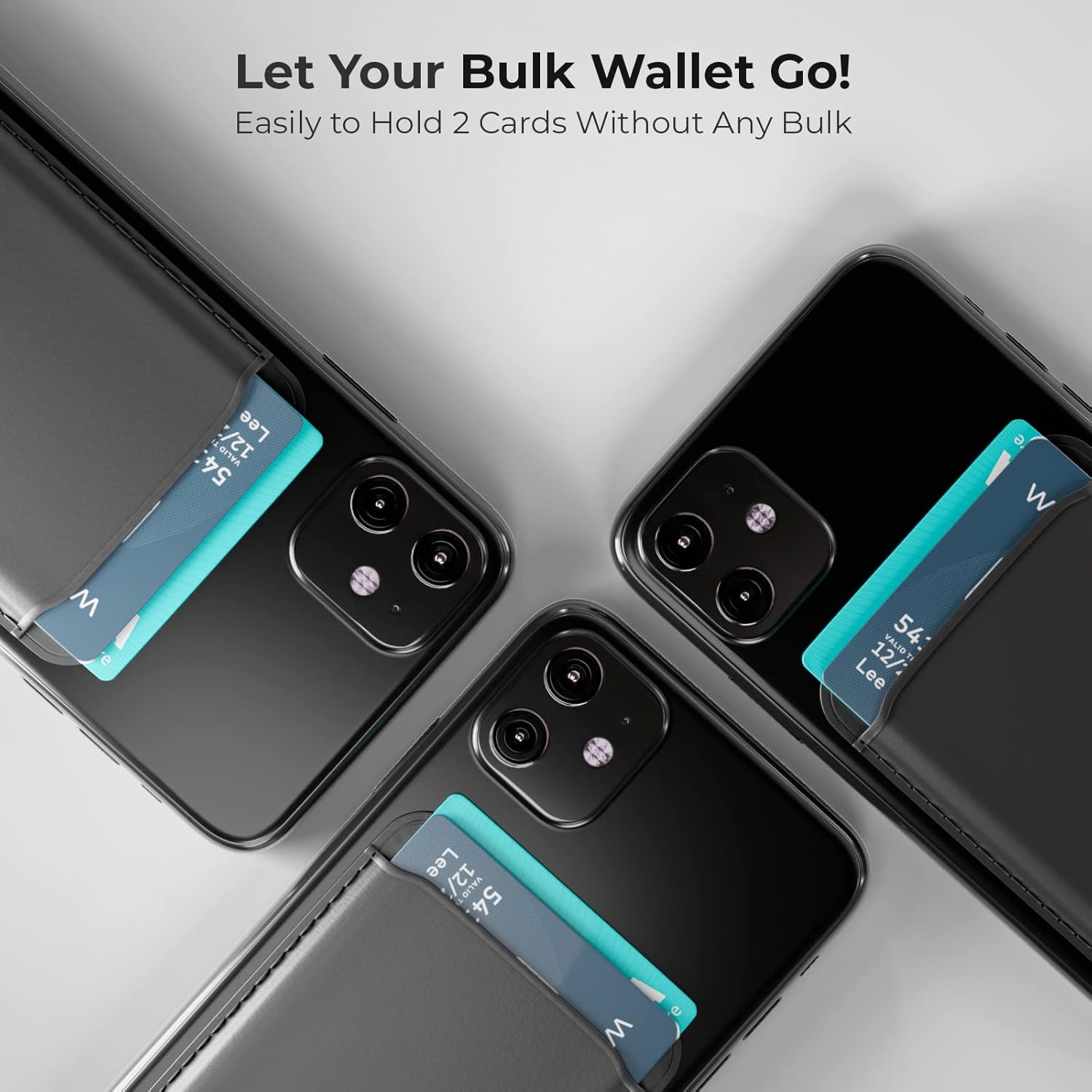
Removing Cards:
The wallet features a slot on the back for easy card removal:
- Pull Method: Gently pull the card from the top opening.
- Push Method: Use your thumb to push the card up through the cutout slot on the back of the wallet.

6. Maintenance
- To clean the wallet, wipe it gently with a soft, damp cloth. Avoid harsh chemicals or abrasive cleaners.
- Keep the wallet away from extreme temperatures and direct sunlight to prevent material degradation.
- Avoid overstuffing the wallet, as this can stretch the material and reduce its ability to securely hold cards.
7. Troubleshooting
Wallet does not attach securely or falls off easily:
- Ensure your phone or phone case is genuinely MagSafe compatible. Some cases may claim compatibility but have weaker magnets.
- Check for any debris or obstructions between the wallet and your phone/case that might interfere with the magnetic connection.
- The magnetic strength can vary between devices and cases. If the hold is consistently weak, consider using a different MagSafe-compatible case.
Cards fall out of the wallet:
- Ensure you are not exceeding the recommended capacity of two (2) cards. Overstuffing can loosen the card slot.
- If only one card is inserted, it may have less tension and could potentially slide out more easily than two cards.
8. Specifications
| Model Number | IJWTWI |
| Brand | iJoy |
| Material | Faux Leather |
| Dimensions | 2.5 x 0.2 x 3.9 inches |
| Item Weight | 1.44 ounces |
| Card Capacity | Up to 2 cards |
9. Warranty and Support
For warranty information or technical support, please contact iJoy customer service through their official website or the retailer where the product was purchased. Please have your model number (IJWTWI) and proof of purchase available.