
Introduction
Welcome to the user manual for your Audizio FOGGIA Portable DAB+ Stereo Radio. This versatile device combines modern digital radio technology with classic design, offering DAB+ and FM radio, Bluetooth streaming, and an AUX input. It features a powerful 50W output and an alarm function, making it suitable for various listening environments. Please read this manual carefully to ensure proper use and maintenance of your radio.
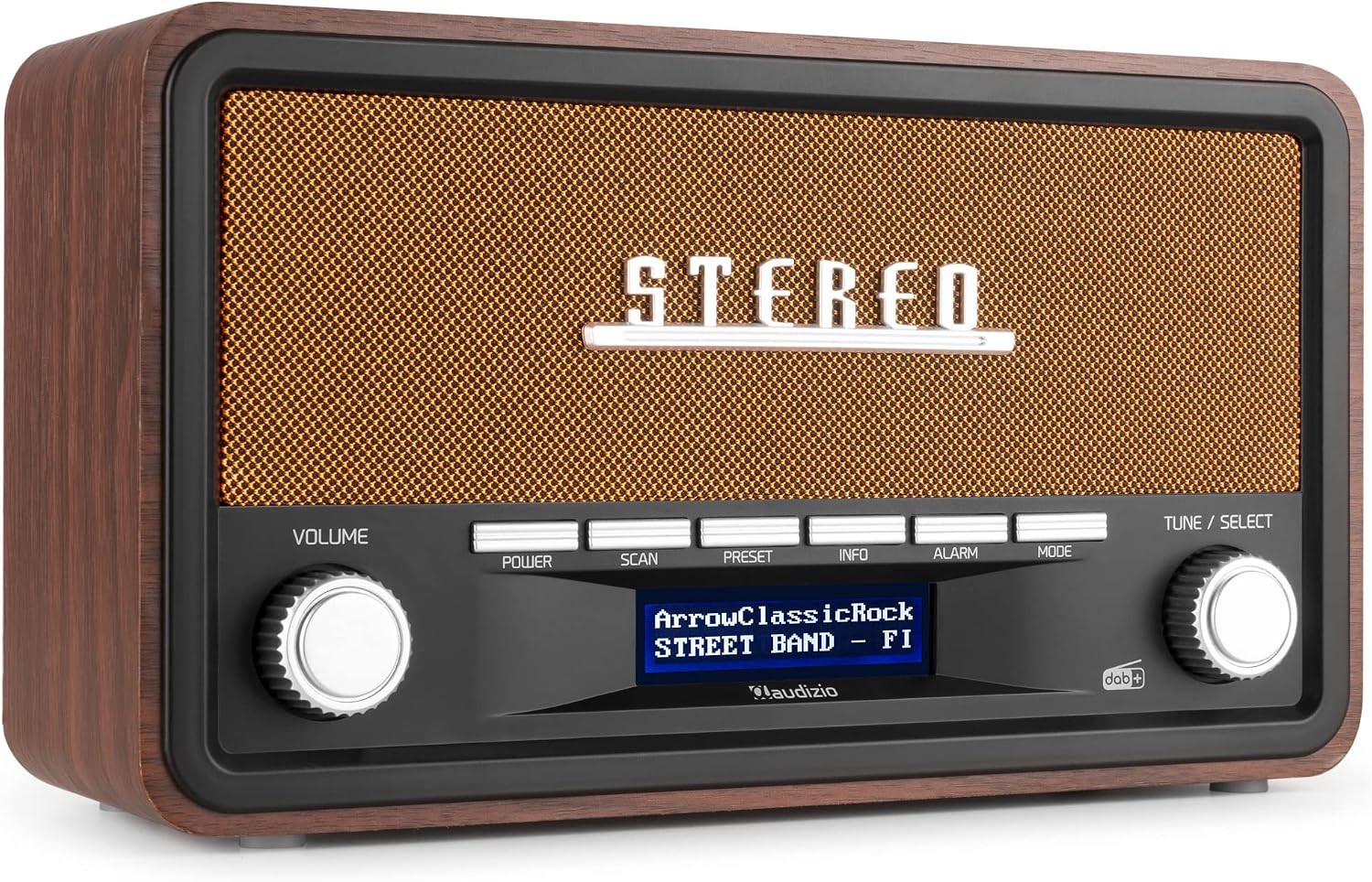
The Audizio FOGGIA Portable DAB+ Stereo Radio, showcasing its elegant copper finish and classic design.
Important Safety Information
- Do not expose the unit to rain or moisture to prevent fire or electric shock.
- Ensure proper ventilation; do not block any ventilation openings.
- Only use attachments/accessories specified by the manufacturer.
- Unplug the apparatus during lightning storms or when unused for long periods.
- Refer all servicing to qualified service personnel.
- Do not open the casing; there are no user-serviceable parts inside.
- Keep the unit away from direct sunlight, heat sources, and strong magnetic fields.
Product Overview and Components
What's in the Box:
- Audizio FOGGIA Portable DAB+ Stereo Radio
- Power Adapter (type_ef_2pin_eu)
- User Manual (this document)
Controls and Connections:
Familiarize yourself with the main controls and connections on your FOGGIA radio.

A detailed view of the front panel controls, including Volume, Power, Scan, Preset, Info, Alarm, Mode, and Tune/Select knobs.
- Volume Knob: Adjusts the audio output level.
- Power Button: Turns the unit on or off.
- Scan Button: Initiates a scan for radio stations.
- Preset Button: Accesses and saves preset radio stations.
- Info Button: Displays additional information about the current station or track.
- Alarm Button: Configures and activates the alarm function.
- Mode Button: Switches between DAB+, FM, Bluetooth, and AUX modes.
- Tune / Select Knob: Navigates menus, tunes radio frequencies, and confirms selections.
- Display Screen: Shows station information, time, and menu options.
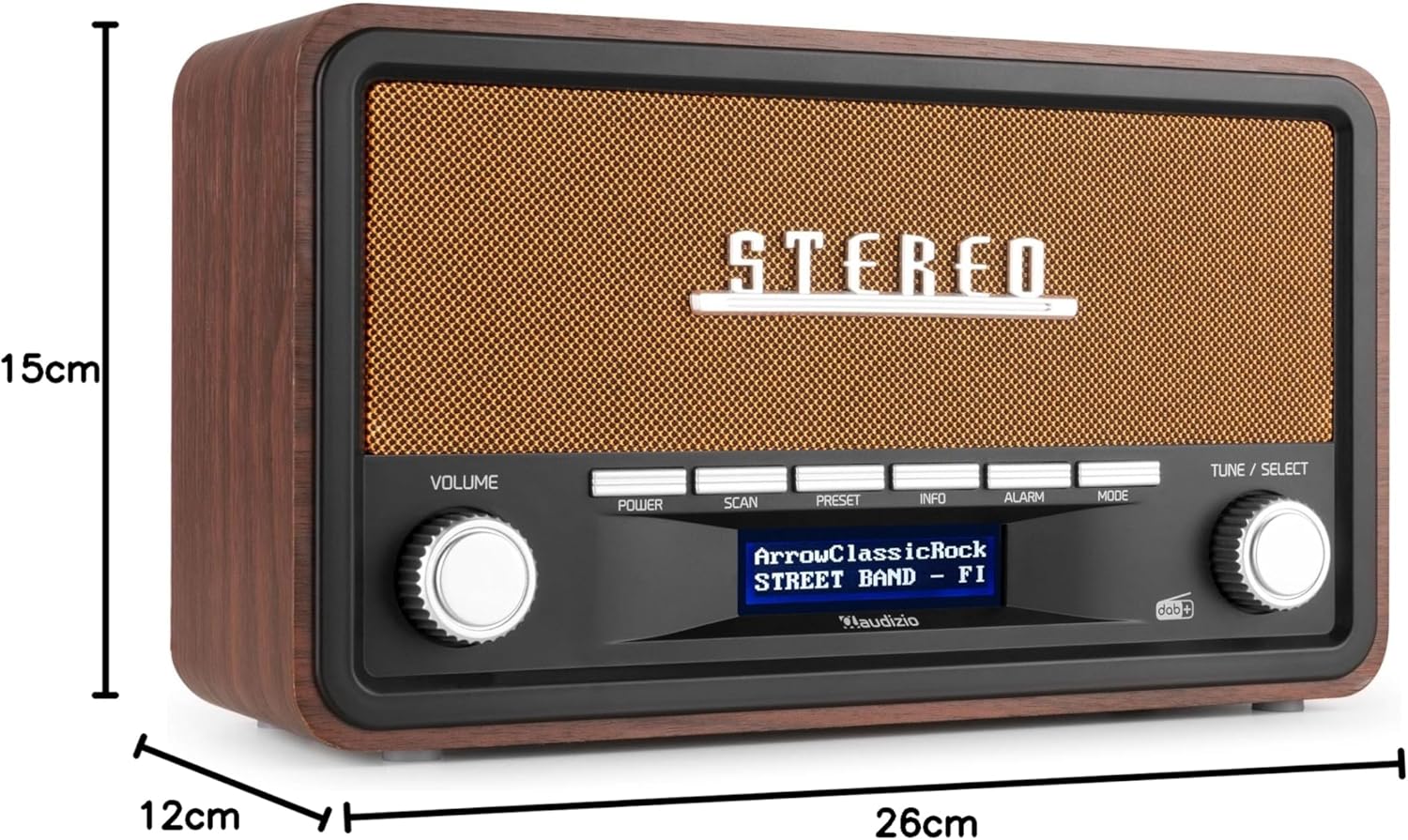
The Audizio FOGGIA radio with its dimensions indicated: 26cm (length), 12cm (width), and 15cm (height).

Front and rear views of the Audizio FOGGIA radio, showing the extendable antenna and input ports on the back.
Setup and First Use
Powering the Radio:
The Audizio FOGGIA radio can be powered in two ways:
- AC Power: Connect the provided power adapter to the DC 5V input port on the back of the radio and plug it into a standard wall outlet.
- Battery Power: For portable use, insert batteries (not included) into the battery compartment. Ensure correct polarity.

Illustration of the Audizio FOGGIA radio's power options: battery operation (batteries not included) and AC/DC 5V input.
Antenna Adjustment:
Extend the telescopic antenna fully for optimal reception, especially when using DAB+ or FM radio.

The Audizio FOGGIA radio with its telescopic antenna extended, emphasizing its stereo speakers for high-quality sound.
Initial Power On:
Press the Power button to turn on the radio. The display will light up. The radio may automatically perform a scan for DAB+ stations on first use.
Operating Instructions
Radio Mode (DAB+ / FM):
Press the Mode button to switch between DAB+ and FM radio modes.
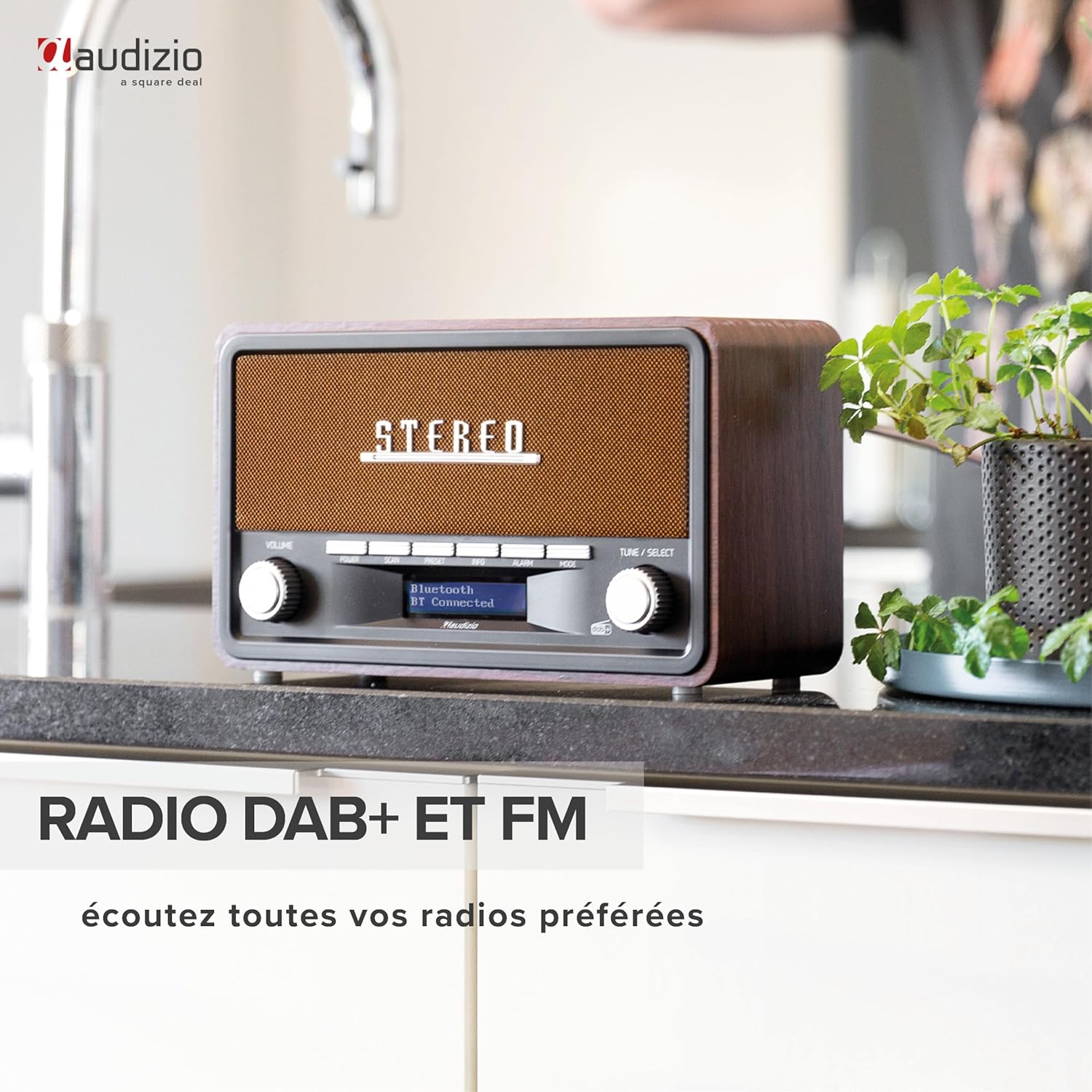
The Audizio FOGGIA radio positioned on a kitchen counter, highlighting its DAB+ and FM radio functionality for listening to all your favorite stations.
- Scanning for Stations: In either DAB+ or FM mode, press the Scan button to automatically search for available stations.
- Manual Tuning (FM): In FM mode, use the Tune / Select knob to manually adjust the frequency.
- Preset Stations:
- To save a station: Tune to your desired station. Press and hold the Preset button until "Preset Store" appears. Use the Tune / Select knob to choose a preset number (1-10 for FM, 1-10 for DAB+). Press Tune / Select to confirm.
- To recall a station: Briefly press the Preset button. Use the Tune / Select knob to select your desired preset. Press Tune / Select to confirm.
Bluetooth Streaming:
Connect your smartphone or tablet to the FOGGIA radio via Bluetooth to stream audio wirelessly.

The Audizio FOGGIA radio displaying its Bluetooth 5.0 connectivity, allowing users to connect and stream their favorite playlists from a smartphone.
- Press the Mode button until "Bluetooth" mode is selected on the display. The radio will enter pairing mode.
- On your Bluetooth-enabled device, search for "FOGGIA" in the list of available devices.
- Select "FOGGIA" to pair. Once connected, you will hear a confirmation sound, and the display will show "Bluetooth Connected".
- You can now play audio from your device through the radio.
AUX Input:
Connect external audio devices using a 3.5mm audio cable (not included) to the AUX IN port on the back of the radio.
- Connect one end of the 3.5mm audio cable to your external device's headphone or audio output.
- Connect the other end to the AUX IN port on the FOGGIA radio.
- Press the Mode button until "AUX" mode is selected.
- Audio from your connected device will now play through the radio.
Alarm Function:
The FOGGIA radio features a versatile alarm clock function with multiple settings.

The Audizio FOGGIA radio placed on a bedside table, demonstrating its alarm function with two types of alarms available.
- Press the Alarm button to enter alarm setup.
- Use the Tune / Select knob to navigate through settings such as alarm time, alarm source (Buzzer, DAB, FM), and alarm frequency (Daily, Weekdays, Weekends, Once).
- Press Tune / Select to confirm each setting.
- Ensure the alarm is enabled after configuration.
Maintenance and Care
- Cleaning: Use a soft, dry cloth to clean the exterior of the radio. Do not use abrasive cleaners, waxes, or solvents.
- Storage: If storing the radio for an extended period, remove the batteries to prevent leakage. Store in a cool, dry place.
- Antenna: Handle the telescopic antenna carefully to avoid bending or breaking.
Troubleshooting
| Problem | Possible Cause | Solution |
|---|---|---|
| No power / Unit does not turn on. | Power adapter not connected or faulty; batteries depleted or incorrectly inserted. | Ensure power adapter is securely connected and working. Check battery polarity and replace if necessary. |
| Poor radio reception (DAB+/FM). | Antenna not extended or poorly positioned; weak signal in the area. | Fully extend the telescopic antenna and adjust its position. Try moving the radio to a different location. Perform a new station scan. |
| Cannot save FM/DAB+ stations. | Incorrect procedure for saving presets. | Ensure you press and hold the Preset button until "Preset Store" appears, then select the number and confirm. Refer to the "Preset Stations" section. |
| Bluetooth pairing issues. | Radio not in Bluetooth mode; device too far; device already connected to another Bluetooth unit. | Ensure the radio is in Bluetooth mode. Keep your device within range (approx. 10 meters). Disconnect from other Bluetooth devices. |
| Difficulty with programming or alarm settings. | Steps in the manual are unclear or not followed precisely. | Carefully re-read the "Alarm Function" section. Pay attention to pressing vs. holding buttons and confirming selections with the Tune / Select knob. |
Technical Specifications
| Brand | Audizio |
| Model Number | Foggia |
| Color | Copper |
| Connectivity Technology | Auxiliary, Bluetooth |
| Special Features | Portable, Wireless |
| Compatible Devices | Smartphone, Tablet |
| Rechargeable Battery | No |
| Product Dimensions (L x W x H) | 26 cm x 12 cm x 15 cm |
| Tuning Technology | DAB+ |
| Supported Radio Bands | FM |
| Power Source | AC/DC 5V (type_ef_2pin_eu) |
| Recommended Uses | Music, sports broadcasting, news |
Warranty Information
The Audizio FOGGIA radio comes with a 2-year manufacturer's warranty. This warranty covers defects in materials and workmanship under normal use. Please retain your proof of purchase for warranty claims. The warranty does not cover damage caused by misuse, accidents, unauthorized modifications, or normal wear and tear.
Customer Support
For technical assistance, troubleshooting, or warranty inquiries, please contact Audizio customer support through their official website or the retailer from whom you purchased the product.
Website: www.audizio.com (Note: This is a placeholder URL, please refer to your product packaging or official Audizio documentation for the correct support contact information.)


