1. Important Safety Information
Please read all instructions carefully before operating your new television. Keep this manual for future reference. Always follow basic safety precautions to reduce the risk of fire, electric shock, and injury.
- Do not expose the TV to rain or moisture.
- Do not open the TV casing; refer all servicing to qualified personnel.
- Ensure proper ventilation around the TV.
- Use only the power cord supplied with the TV.
- Keep the TV away from direct sunlight and heat sources.
2. What's in the Box
Carefully unpack the box and ensure all items are present and undamaged.
- 1 LED TV
- 1 User Guide (this document)
- 2 Table Top Stands
- 1 Warranty Card
- 1 Remote Controller
- 1 Power Cord
3. Setup
3.1 Attaching the TV Stand
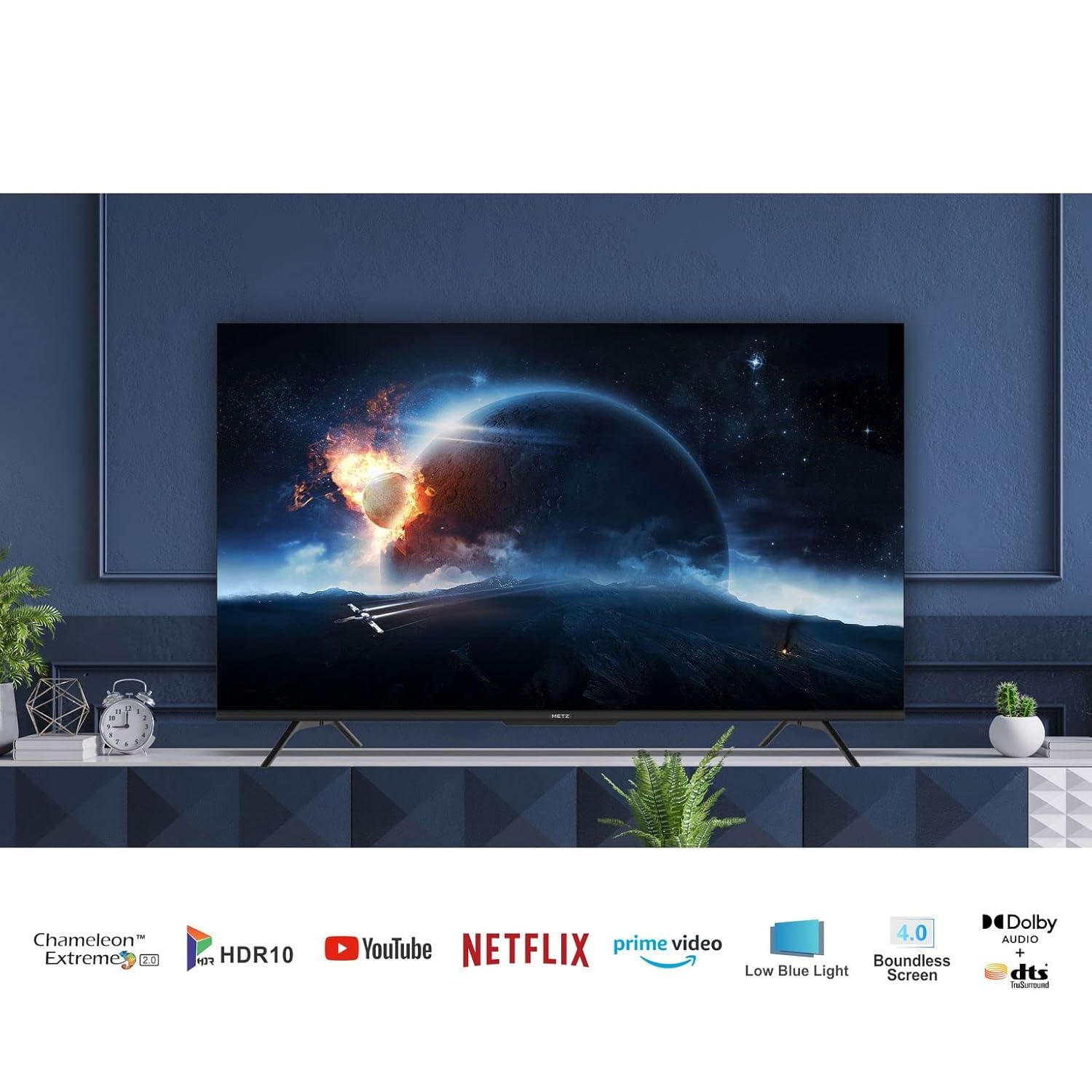
To attach the table-top stands:
- Place the TV face down on a soft, flat surface to prevent screen damage.
- Align each stand with the corresponding screw holes on the bottom of the TV.
- Secure the stands using the provided screws. Ensure they are firmly attached.
3.2 Wall Mounting (Optional)
If you choose to wall mount your TV, please consult a professional installer. Wall mount brackets are not included with the TV. Refer to the VESA mounting standards in the specifications section for compatible brackets.

3.3 Initial Power On and Configuration
- Connect the power cord to the TV and then to a power outlet.
- Press the power button on the TV or the remote control to turn on the TV.
- Follow the on-screen instructions to complete the initial setup, including language selection, network connection (Wi-Fi), and Google account login.
4. Operating the TV
4.1 Remote Control Overview
The remote control allows you to access all functions of your TV. Insert two AAA batteries (not included) into the remote control, ensuring correct polarity.

- Power Button: Turns the TV on or off.
- Navigation Pad (Up/Down/Left/Right/OK): Navigates menus and selects options.
- Volume +/-: Adjusts the volume level.
- Input: Selects the input source (HDMI, USB, etc.).
- Home: Returns to the Google TV home screen.
- Back: Returns to the previous screen.
- Dedicated App Buttons: Quick access to popular streaming services like Netflix, Prime Video, and YouTube.
4.2 Basic TV Functions
- Power On/Off: Press the power button on the remote or TV.
- Source Selection: Press the 'Input' button on the remote to cycle through available input sources (HDMI 1, HDMI 2, USB, etc.).
- Volume Control: Use the 'Volume +/-' buttons.
4.3 Smart TV Features (Google TV)
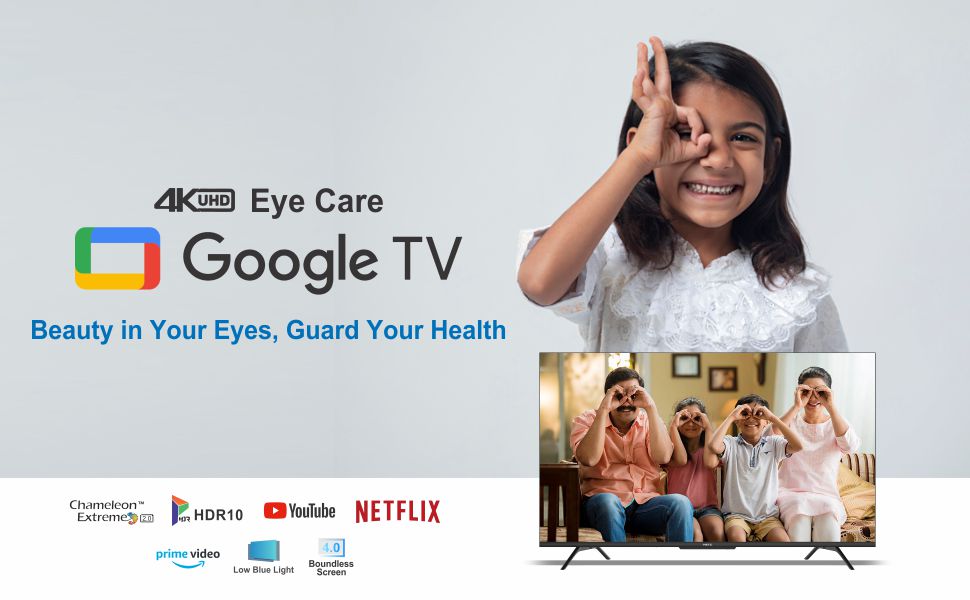
Your Metz 55MUE7600 TV runs on Google TV, providing access to a wide range of apps, streaming services, and smart features.

- Home Screen: The central hub for all your content. It displays personalized recommendations, installed apps, and quick access to settings.
- Apps: Download and install additional apps from the Google Play Store.
- Voice Assistant: Use the built-in Google Assistant for voice commands (e.g., "Open Netflix," "Search for movies").
4.4 Connectivity
The TV offers multiple connectivity options for external devices.
- HDMI Ports: Connect Blu-ray players, gaming consoles, set-top boxes, and other HDMI-enabled devices.
- USB Ports: Connect USB drives to play media files (photos, videos, music).
- Wi-Fi: Connect to your home wireless network for internet access and smart TV features.
5. Maintenance
5.1 Cleaning the TV
- Always unplug the TV before cleaning.
- Use a soft, dry, lint-free cloth to wipe the screen and cabinet.
- For stubborn marks, lightly dampen the cloth with water or a mild screen cleaner. Never spray cleaner directly onto the screen.
- Avoid using abrasive cleaners or solvents.
5.2 Software Updates
Your TV may receive software updates periodically to improve performance and add new features. Ensure your TV is connected to the internet to receive these updates. You can usually check for updates in the TV's settings menu.
6. Troubleshooting
If you encounter issues with your TV, refer to the following common solutions:
| Problem | Possible Solution |
|---|---|
| No power | Check if the power cord is securely connected to the TV and the power outlet. Ensure the power outlet is working. |
| No picture, but sound is present | Ensure the correct input source is selected. Check cable connections to external devices. |
| No sound, but picture is present | Check the volume level and ensure the TV is not muted. Verify audio cable connections. |
| Remote control not working | Replace the batteries in the remote control. Ensure there are no obstructions between the remote and the TV's IR sensor. |
| Smart TV features not working / Wi-Fi issues | Check your internet connection. Restart your Wi-Fi router. Reconnect the TV to the Wi-Fi network in settings. |
7. Specifications
Detailed technical specifications for the Metz 55MUE7600 TV.
| Feature | Specification |
|---|---|
| Brand | Metz |
| Model | 55MUE7600 |
| Screen Size | 55 Inches (138 cm) |
| Display Technology | LED, IPS |
| Resolution | 4K Ultra HD (3840 x 2160 pixels) |
| Refresh Rate | 60 Hz |
| Operating System | Android (Google TV) |
| Memory Storage Capacity | 16 GB |
| RAM Memory Installed Size | 1 GB |
| Hardware Interface | USB, HDMI |
| Total USB Ports | 2 |
| Audio Output Mode | Surround |
| Audio Wattage | 30 Watts |
| Voltage | 220 Volts (AC) |
| Product Dimensions (LxWxH) | 122.5 x 9.3 x 72 cm |
| Item Weight | 10.1 kg |
| Mounting Type | Table Mount (VESA compatible for wall mount) |

8. Warranty and Support
8.1 Warranty Information
This Metz TV comes with a 2-year warranty from the date of purchase. Please retain your purchase receipt and the warranty card for any warranty claims. The warranty covers manufacturing defects and malfunctions under normal use. It does not cover damage caused by misuse, accidents, unauthorized repairs, or natural disasters.
8.2 Customer Support
For technical assistance, troubleshooting beyond this manual, or warranty service, please contact Metz customer support. Refer to the warranty card or the official Metz website for the most up-to-date contact information.
When contacting support, please have your TV model number (55MUE7600) and purchase details ready.


