1. Product Overview
The Hunter Newsome 52-inch ceiling fan is designed for indoor use, featuring a low-profile mount suitable for rooms with ceilings under 9 feet. It includes an integrated LED light and is controlled via pull chains. The fan incorporates WhisperWind® motor technology for quiet operation and SureSpeed® for optimized airflow, ensuring comfort in large bedrooms, living rooms, kitchens, and home offices.

Figure 1.1: Hunter Newsome 52-inch Indoor Ceiling Fan with LED Light in Matte Black.

Figure 1.2: Hunter Newsome 52-inch Indoor Ceiling Fan with LED Light, highlighting its 52-inch size and Newsome model name.
Quality Features
Hunter fans are designed and tested to ensure durability, quiet operation, and efficient airflow. The following video highlights some of the key quality aspects of Hunter ceiling fans.
Video 1.1: This video demonstrates the quality, innovation, and long-lasting features of Hunter fans, including wobble-free and whisper-quiet operation.
2. Included Components
Before beginning installation, verify that all components are present and undamaged. If any parts are missing or damaged, do not proceed with installation and contact customer support.
- 52-inch Ceiling Fan (Matte Black finish)
- 5 Reversible Blades
- Integrated LED Light Fixture
- 2 LED Bulbs
- 2 Pull Chains
- Mounting Hardware
- Installation Manual

Figure 2.1: Visual representation of the components included in the Hunter Newsome 52396 package.
3. Specifications
The following table details the technical specifications of the Hunter Newsome 52396 ceiling fan:
| Feature | Detail |
|---|---|
| Brand | Hunter |
| Model Name | Newsome |
| Part Number | 52396 |
| Color | Matte Black |
| Electric Fan Design | Ceiling Fan |
| Power Source | Corded Electric |
| Style | Traditional |
| Product Dimensions | 52"D x 52"W x 14.23"H |
| Room Type | Bedroom, Living Room, Kitchen, Home Office |
| Special Feature | LED Light, Quiet Operation |
| Recommended Uses | Cooling |
| Number of Blades | 5 |
| Voltage | 120 Volts |
| Item Weight | 18.96 pounds |
| Included Components | Pull Chain Included |
| Indoor/Outdoor Usage | Indoor |
| Control Method | Pull Chain |
| Efficiency | High Efficiency |
| Type of Bulb | LED |
| Luminous Flux | 1600 Lumen |
| Assembled Diameter | 52 Inches |

Figure 3.1: Fan Dimensions for Low Profile Mount.
4. Installation Instructions
This section outlines the general steps for installing your Hunter Newsome ceiling fan. For detailed, step-by-step instructions, please refer to the dedicated installation manual included with your product (Figure 4.1).
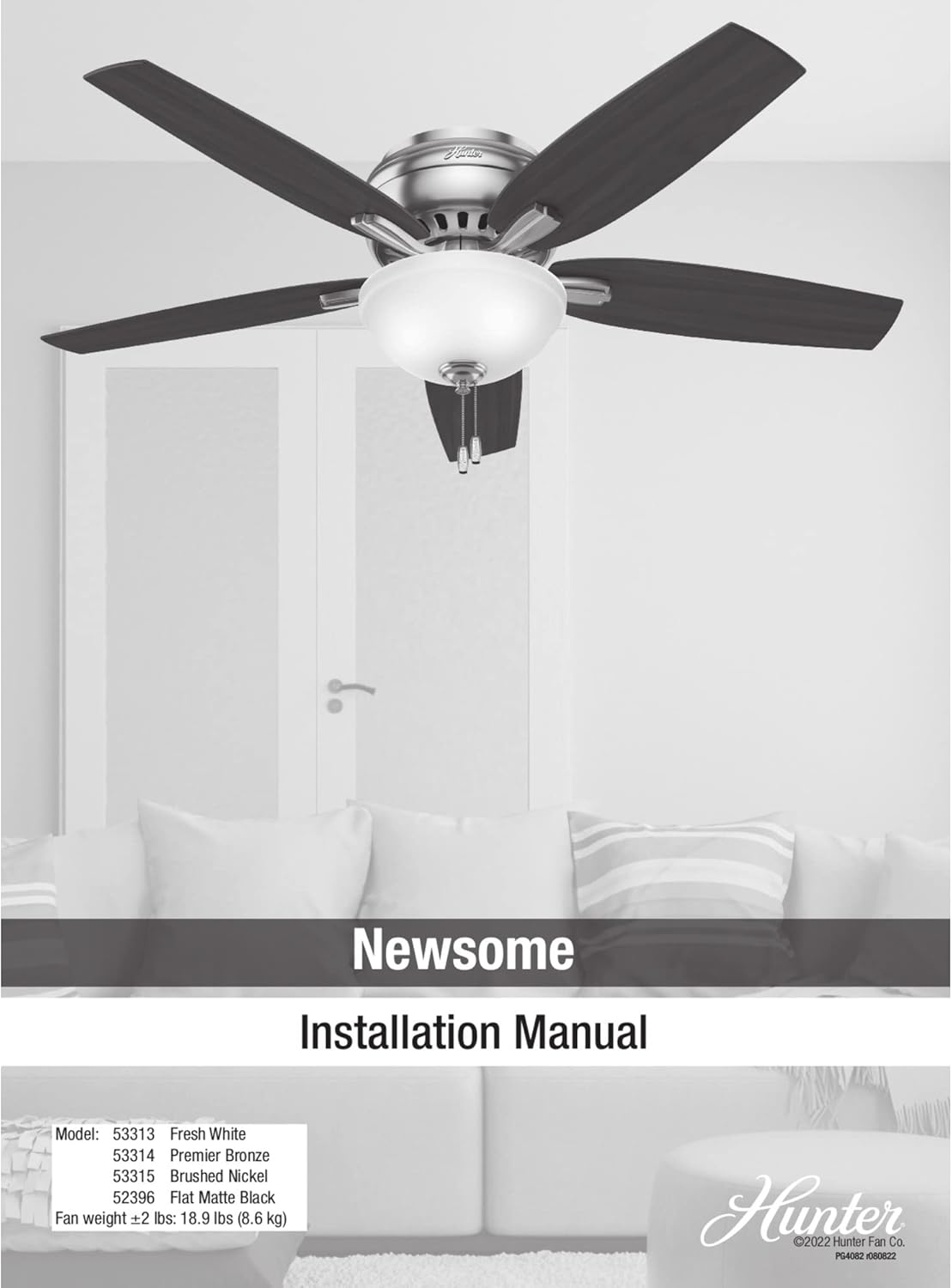
Figure 4.1: Hunter Newsome Installation Manual cover.
Safety Precautions
- Ensure power is disconnected at the circuit breaker before installation.
- Consult a qualified electrician if you are unfamiliar with electrical wiring.
- Mount the fan to a ceiling joist or a fan-rated outlet box capable of supporting the fan's weight (approximately 19 pounds).
Mounting the Fan
- Secure the mounting bracket to the ceiling outlet box.
- Connect the electrical wiring according to local codes and the included wiring diagram.
- Attach the fan motor assembly to the mounting bracket.

Figure 4.2: Hunter Newsome fan installed in a bedroom, demonstrating its low-profile aesthetic.

Figure 4.3: Another view of the Hunter Newsome fan in a bedroom setting.
Attaching Blades and Light Kit
- Securely attach the five reversible fan blades to the motor housing.
- Install the LED light kit and bulbs.
- Attach the glass bowl and pull chains.
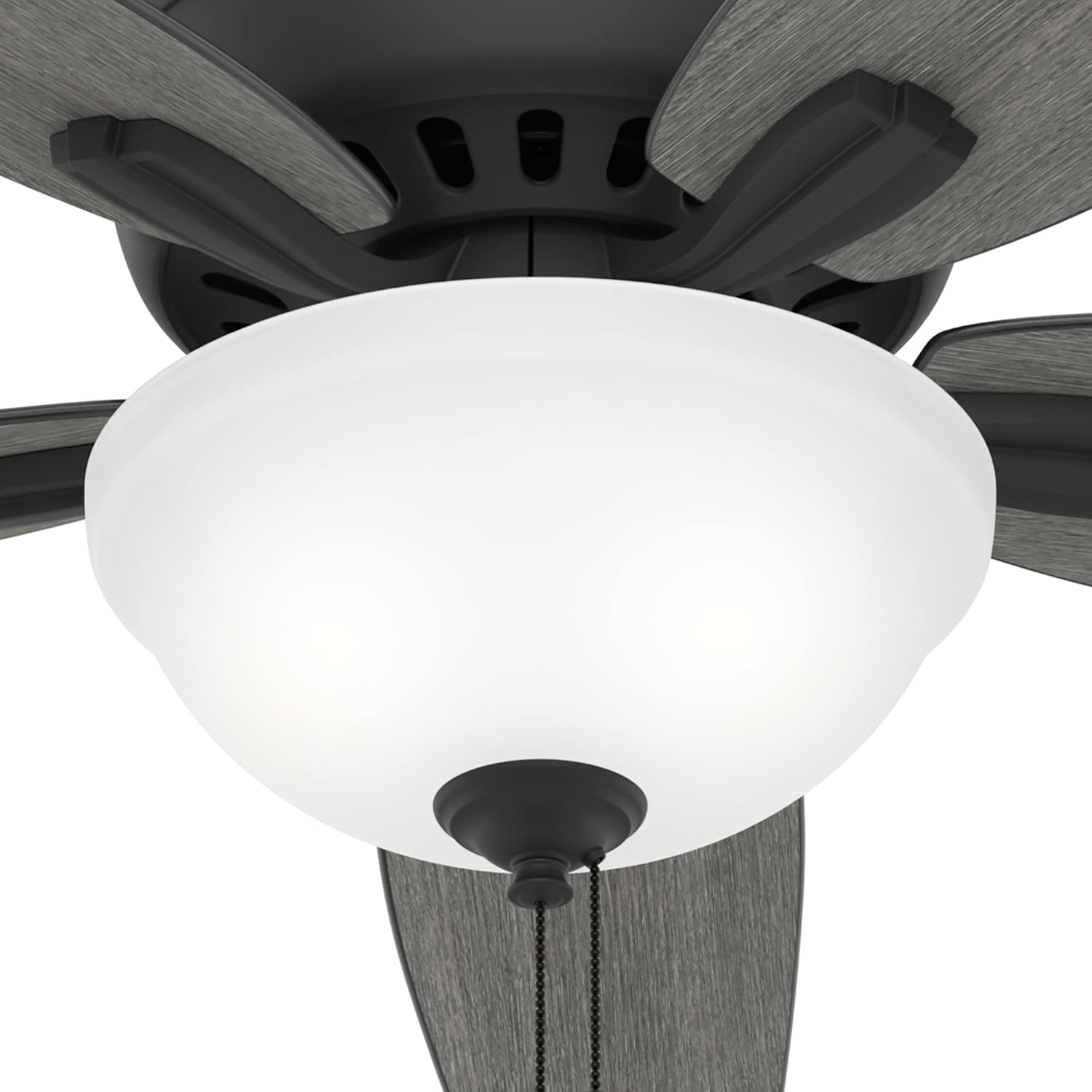
Figure 4.4: Close-up of the integrated LED light fixture and pull chain mechanism.
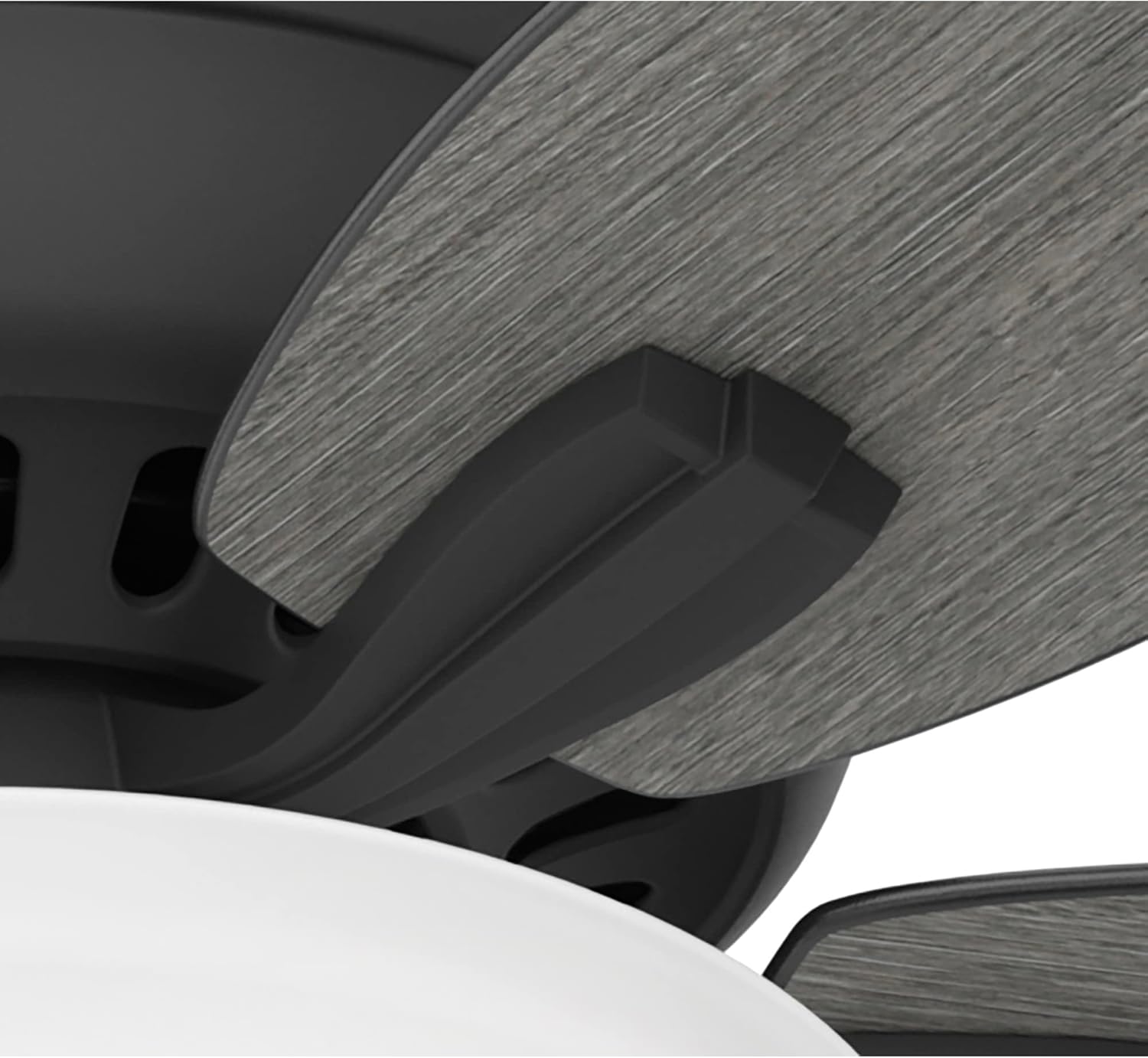
Figure 4.5: Detail of how the fan blades attach to the motor housing.

Figure 4.6: View of the fan's motor housing, featuring the Hunter brand emblem.
5. Operating Instructions
The Hunter Newsome ceiling fan is operated using two pull chains: one for fan speed and one for the light.
Fan Speed Control
- Pull the fan speed chain repeatedly to cycle through the three available speeds (High, Medium, Low) and Off.
Light Control
- Pull the light chain to turn the LED light On or Off.
Reversible Blades
The fan features reversible blades, allowing you to change the blade finish to match your decor. To reverse the direction of airflow for seasonal comfort, locate the reverse switch on the fan motor housing (typically a small slide switch).
- For cooling (summer), set the switch to ensure downward airflow.
- For heat circulation (winter), set the switch to ensure upward airflow.

Figure 5.1: Fan blades showing the wood grain finish option.
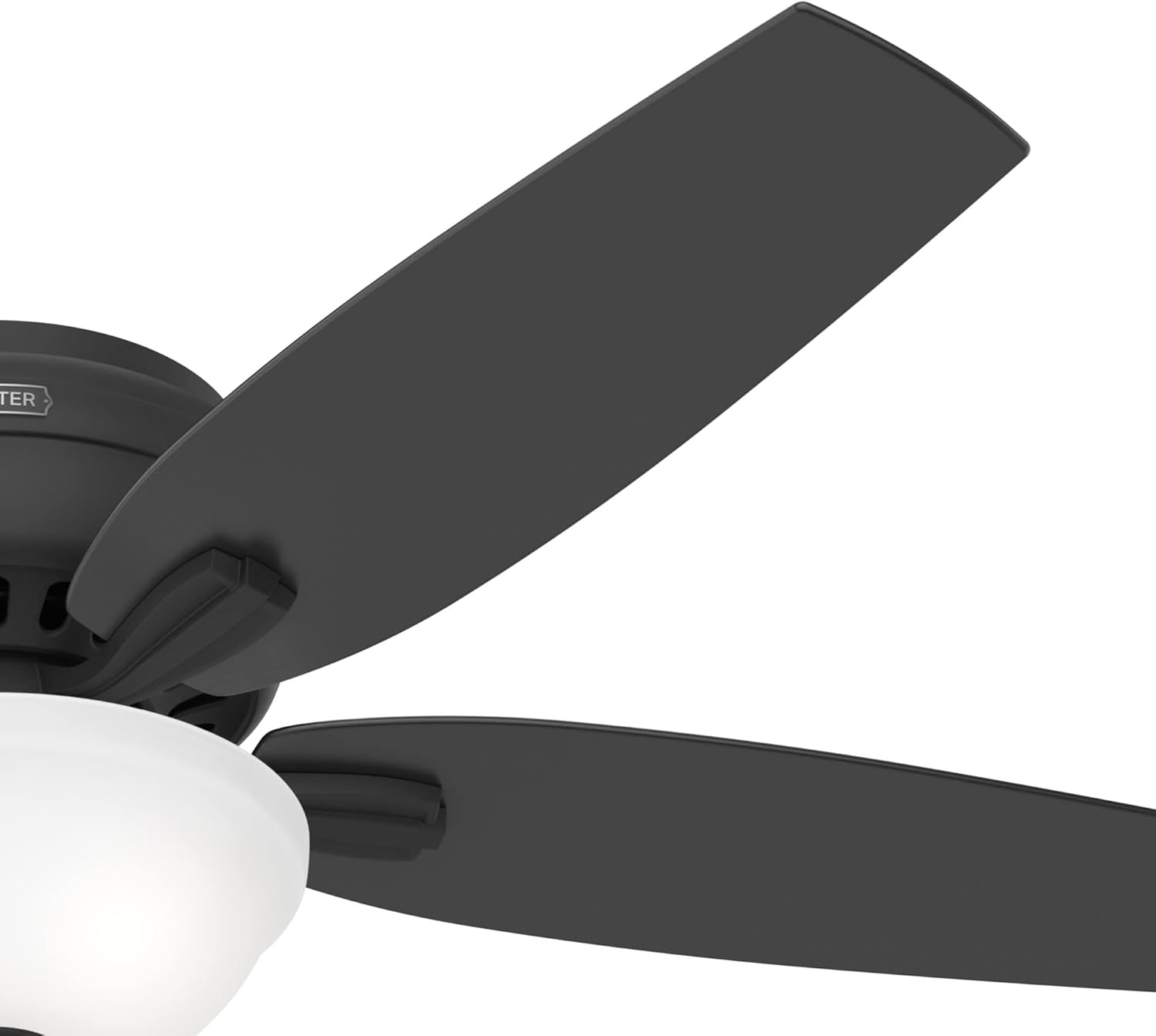
Figure 5.2: Fan blades showing the matte black finish option.
6. Maintenance and Care
Regular maintenance ensures the longevity and optimal performance of your Hunter Newsome ceiling fan.
- Cleaning: Periodically clean the fan blades and motor housing with a soft, damp cloth. Avoid abrasive cleaners that may damage the finish.
- Blade Balancing: If the fan wobbles, ensure all blade screws are tight. A balancing kit (not included) can be used if wobbling persists.
- Light Bulb Replacement: The fan uses energy-efficient LED bulbs. If replacement is needed, ensure power is off and use bulbs of the same type and wattage.
- Annual Inspection: Annually check all connections and mounting hardware for tightness.
7. Troubleshooting Guide
Refer to the table below for common issues and their solutions.
| Problem | Possible Cause | Solution |
|---|---|---|
| Fan does not start | No power to the fan | Check circuit breaker and wall switch. |
| Fan wobbles | Loose blade screws or unbalanced blades | Tighten all blade screws. Ensure blades are balanced. |
| Light does not work | Loose wiring or faulty bulb | Check light kit wiring. Replace LED bulb. |
| Fan is noisy | Loose screws or internal motor issue | Tighten all screws. If noise persists, contact customer support. |
8. Quality and Testing
Hunter is committed to producing high-quality, reliable ceiling fans. The following video provides insight into the rigorous testing and certification processes that Hunter products undergo to ensure safety and performance.
Video 8.1: This video details Hunter's testing lab, including blade iron shake tests, accelerated life tests for electronic components, and CFM tests for airflow, demonstrating their commitment to exceeding industry standards.
9. Warranty Information
The Hunter Newsome 52396 ceiling fan comes with a limited lifetime motor warranty. This warranty covers defects in materials and workmanship of the fan motor for the lifetime of the original purchaser. For full details, terms, conditions, and exclusions, please refer to the warranty documentation included with your purchase or visit the official Hunter website.
10. Customer Support
For further assistance, technical support, or replacement parts, please contact Hunter Customer Service. You can also find more information and products by visiting the Hunter Store.
- Visit the Hunter Store on Amazon.
- Refer to the official Hunter website for direct contact information and additional resources.
Video 10.1: A brand video showcasing Hunter's long history and commitment to enhancing home comfort since 1886.