
truke F220
Contents
truke Buds Vibe True Wireless Earbuds User Manual
Model: F220
1. Introduction
Thank you for choosing truke Buds Vibe True Wireless Earbuds. This manual provides detailed instructions on how to set up, operate, and maintain your earbuds to ensure optimal performance and longevity. Please read this manual carefully before using the product.
2. Package Contents
Please verify that all items listed below are present in your package:
- Wireless Charging Case
- Type-C USB Cable
- 2 Pairs (S & L) extra Eartips
- Warranty Card
- User Manual

Image: truke Buds Vibe True Wireless Earbuds with their charging case, showing the earbuds inserted into the case and the digital battery display.
3. Product Overview
The truke Buds Vibe earbuds are designed for a superior audio experience with advanced features. Key components include:
- Earbuds: Left and Right earbuds with integrated touch controls and microphones.
- Charging Case: Portable case for charging and storing earbuds, featuring a digital battery indicator.
- Microphones: Quad MEMS microphones for clear voice calls and Environmental Noise Cancellation (ENC).
- Drivers: 13mm titanium drivers for rich bass and immersive sound.
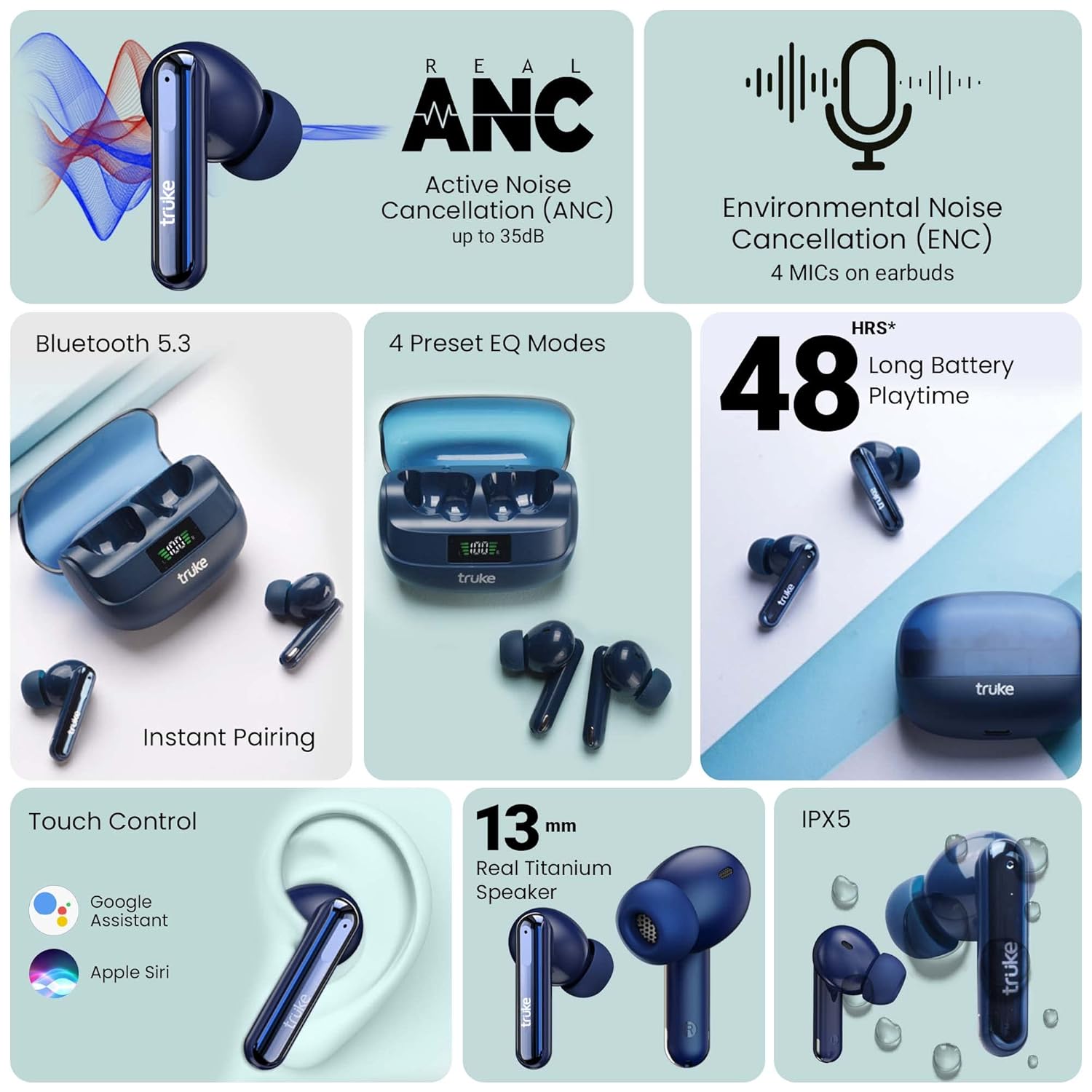
Image: Diagram illustrating the placement of the four MEMS microphones (Mic 1, Mic 2, Mic 3, Mic 4) on both the left and right truke Buds Vibe earbuds, highlighting their role in clear calls.
4. Setup
4.1 Charging the Earbuds and Case
Before first use, fully charge the earbuds and the charging case. Place the earbuds into the charging case and connect the Type-C USB cable to the charging port on the case and a power source. The digital display on the case will indicate the charging status.
- A full charge provides up to 48 hours of total playtime with the charging case.
- Fast charging: 10 minutes of charge provides up to 10 hours of playtime.

Image: The truke Buds Vibe charging case with an earbud, illustrating the fast charging feature and long battery life.
4.2 Pairing with a Device
- Ensure the earbuds are charged.
- Open the charging case. The earbuds will automatically enter pairing mode.
- On your device (smartphone, tablet, laptop), enable Bluetooth.
- Search for "truke Buds Vibe" in the list of available Bluetooth devices.
- Select "truke Buds Vibe" to connect. A voice prompt will confirm successful pairing.
- The earbuds feature instant pairing and will automatically connect to the last paired device when the case is opened.
5. Operating Instructions
5.1 Touch Controls
The truke Buds Vibe earbuds feature intuitive touch controls. The following actions can be performed by tapping the touch panels on the earbuds:
| Action | Control |
|---|---|
| Play/Pause Music | Single tap on either earbud |
| Next Track | Double tap on the right earbud |
| Previous Track | Double tap on the left earbud |
| Answer/End Call | Single tap on either earbud |
| Reject Call | Long press on either earbud |
| Activate Voice Assistant (Google Assistant/Siri) | Triple tap on either earbud |
| Switch ANC On / Transparency Mode | Tap and hold the right earbud for 2 seconds |
| Enter Gaming Mode | Triple tap on the right earbud |
| Switch EQ Modes | Tap and hold the left earbud for 2 seconds |

Image: Illustration of the touch control area on the truke Buds Vibe earbud, indicating compatibility with Google Assistant and Apple Siri.
5.2 Noise Cancellation Modes (ANC & Transparency)
The earbuds feature Dual Noise Cancellation with up to 35dB Active Noise Cancellation (ANC) and Quad Mic Environmental Noise Cancellation (ENC).
- Active Noise Cancellation (ANC): Reduces up to 90% of ambient noise, ideal for noisy environments.
- Transparency Mode: Allows you to hear your surroundings clearly without removing the earbuds or pausing music.
To switch between ANC On and Transparency Mode, tap and hold the right earbud for 2 seconds.

Image: A visual representation of the 35dB Active Noise Cancellation feature of the truke Buds Vibe, showing noise reduction capabilities.
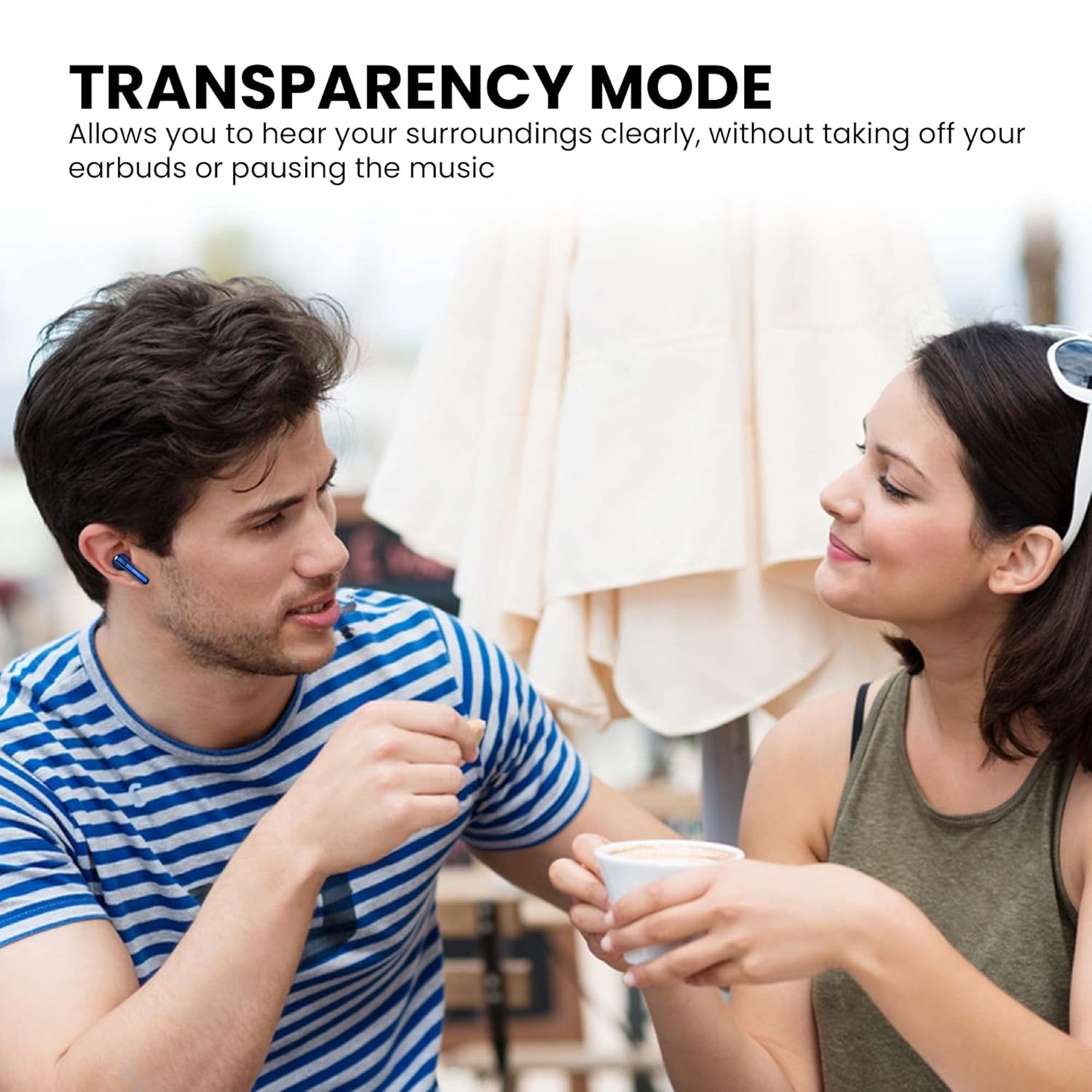
Image: A person wearing truke Buds Vibe earbuds, demonstrating the transparency mode which allows hearing surroundings clearly during conversation.
5.3 EQ Modes
The earbuds offer four preset EQ modes to personalize your listening experience:
- Balanced: Standard audio profile.
- Dynamic: Enhanced audio for a more vibrant sound.
- Bass Boost: Amplified bass for powerful low frequencies.
- Movie Mode: Optimized audio for cinematic experiences.
To switch between EQ Modes, tap and hold the left earbud for 2 seconds.

Image: The truke Buds Vibe earbuds and charging case, emphasizing the 13mm Real Titanium Speaker and the four available Equalizer Modes: Bass Boost, Dynamic Audio, Balanced Mode, and Movie Mode.
5.4 Gaming Mode
For an optimized gaming experience, activate the True Gaming Mode with ultra-low latency of up to 40ms.
To enter Gaming Mode, triple tap on the right earbud.
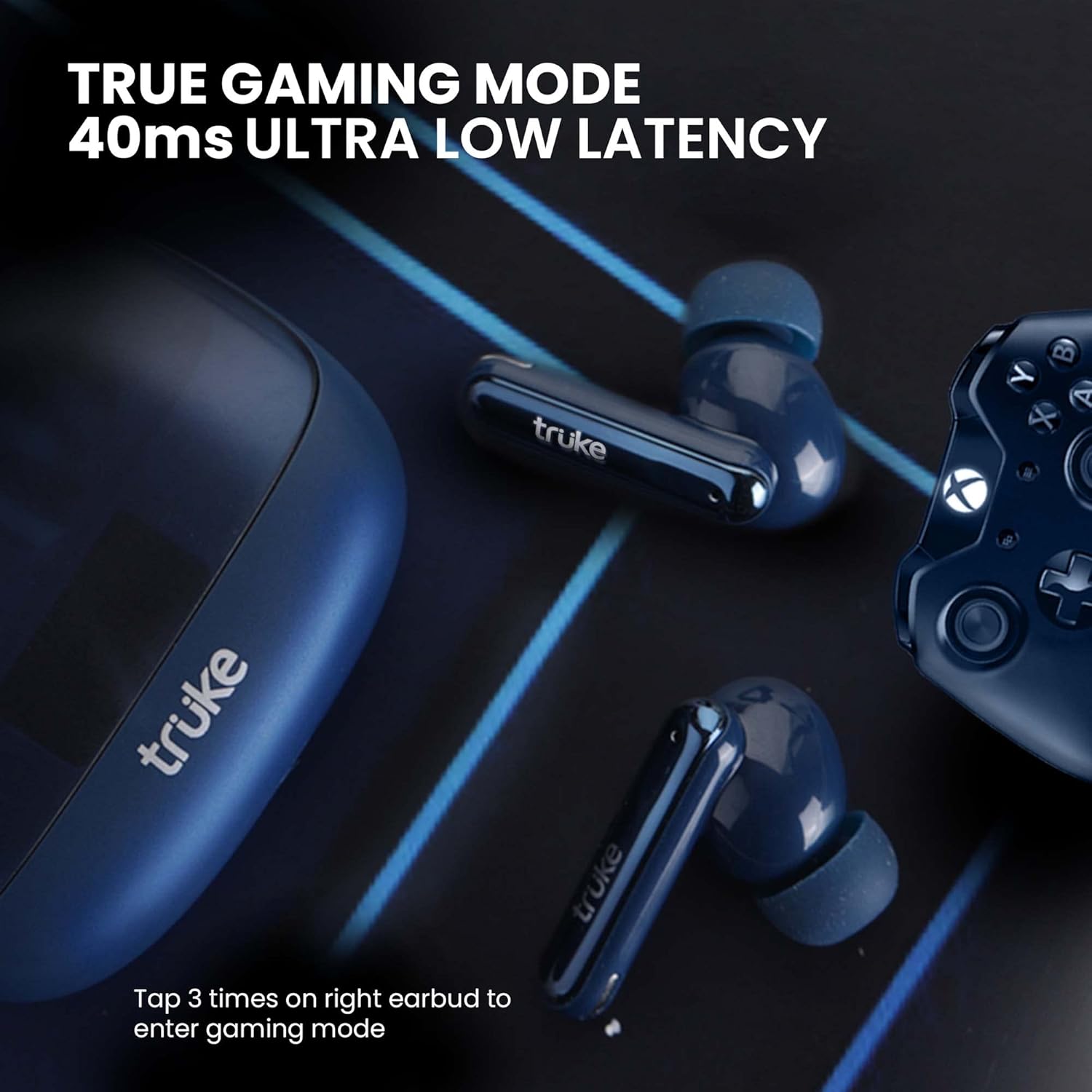
Image: The truke Buds Vibe earbuds and charging case positioned next to a gaming controller, illustrating the True Gaming Mode with 40ms ultra-low latency.
6. Maintenance
- Cleaning: Regularly clean the earbuds and charging case with a soft, dry, lint-free cloth. Do not use harsh chemicals or abrasive materials.
- Eartips: Remove and clean the eartips periodically with water and mild soap. Ensure they are completely dry before reattaching.
- Storage: When not in use, store the earbuds in their charging case to protect them from dust and damage.
- Water Resistance: The earbuds are IPX5 water-resistant, meaning they can withstand splashes and sweat. Do not submerge them in water.
Image: truke Buds Vibe True Wireless Earbuds with their charging case, suitable for illustrating proper storage.
7. Troubleshooting
If you encounter any issues with your truke Buds Vibe earbuds, please refer to the following common solutions:
| Problem | Possible Solution |
|---|---|
| Earbuds not pairing | Ensure earbuds are charged. Place them back in the case, close, then reopen. Check your device's Bluetooth settings and try re-pairing. |
| Only one earbud working | Place both earbuds back in the charging case, close the lid for 5 seconds, then open again. Ensure both earbuds are charged. Try resetting the earbuds (refer to manufacturer's website for specific reset instructions if needed). |
| Low volume or poor sound quality | Clean the earbud mesh and eartips. Adjust volume on both your device and the earbuds. Try different EQ modes. Ensure a secure fit in your ears. |
| Earbuds not charging | Ensure the charging cable is securely connected. Check the charging port for debris. Try a different USB port or power adapter. |
| Touch controls not responding | Ensure your fingers are clean and dry. Try restarting the earbuds by placing them in the case and taking them out. |
8. Specifications
| Feature | Detail |
|---|---|
| Model Name | Buds Vibe ANC |
| Model Number | F220 |
| Connectivity Technology | Bluetooth 5.3 |
| Noise Control | Active Noise Cancellation (up to 35dB), Environmental Noise Cancellation (Quad Mic) |
| Audio Driver Size | 13mm Dynamic Driver |
| Playtime | Up to 48 Hours (with charging case) |
| Fast Charging | 10 mins charge = 10 hours playtime |
| Low Latency | 40ms (Gaming Mode) |
| Water Resistance | IPX5 |
| Control Type | Touch Control |
| Item Weight | 50 Grams |
| Product Dimensions | 6.4 x 5 x 2.6 cm |
9. Warranty and Support
The truke Buds Vibe comes with a 12-month warranty from the date of purchase. Warranty coverage is available at over 250 active service centers.
For further assistance, troubleshooting, or warranty claims, please refer to the contact information provided on your Warranty Card or visit the official truke website.
Manufacturer: SHENZHEN SHENYU ELECTRONIC TECHNOLOGY CO., LTD
Importer: Eccentric Enterprises Private Limited
Ask a question about this manual
Ask about setup, troubleshooting, compatibility, parts, safety, or missing instructions. Manuals+ will review the question and use this page’s manual context to help answer it.