
Introduction
The Eargo 7 is a self-fitting, FDA-cleared Over-The-Counter (OTC) Completely-In-Canal (CIC) hearing aid system. This manual provides instructions for the proper setup, operation, maintenance, and troubleshooting of your Eargo 7 devices. Please read this manual thoroughly before using your Eargo 7 hearing aids.
What's in the Box
Your Eargo 7 package includes the following components:

Eargo 7 hearing aids and portable charging case.

Left & right Eargo 7 devices, portable recharging case, USB cable, wall plug, cleaning tools, closed-style Petal eartips, open-style Petal eartips, and user guides.
- Left & Right Eargo 7 Devices
- Portable Recharging Case
- USB Cable
- Wall Plug
- Cleaning Tools
- Closed-style Petal Eartips (Medium and Large)
- Open-style Petal Eartips (Medium and Large)
- User Guides
- 3 Product Specific batteries (included, pre-installed)
Setup
1. Initial Charging
Before first use, fully charge your Eargo 7 devices and the portable charging case. Connect the USB cable to the charging case and a power source using the provided wall plug. The indicator lights on the case will show charging status. A full charge provides up to 16 hours of use for the hearing aids and up to 2 days of portable power from the case.

Eargo 7 devices placed in the charging case.
2. App Installation and Sound Match
Download the Eargo mobile app from your device's app store. The app guides you through the Sound Match process, which tailors the device settings to your unique hearing preferences for each ear. This self-fitting feature eliminates the need for in-office clinic visits.

The Eargo mobile app's Sound Match feature for personalized hearing profiles.
3. Selecting Petal Tips
Choose between the included Medium or Large size Petal tips (closed-style or open-style) for the best fit and comfort. Experiment with both styles to determine which provides optimal sound quality and comfort for your ear canal.

Proper insertion of the Eargo 7 device with a Petal tip.
Operating Instructions
Wearing Your Eargo 7 Devices
Gently insert each Eargo 7 device into your ear canal until it sits comfortably and securely. The devices are designed to be discreet and virtually invisible. Ensure the pull thread is accessible for easy removal.

The Eargo 7 device is designed for discreet wear within the ear canal.
Adjusting Settings with the Mobile App
Use the Eargo mobile app to make discreet, in-ear adjustments to your hearing devices. The app allows you to:
- Select different audio profiles for various environments.
- Adjust volume, treble, and bass settings.
- Activate Sound Adjust+ with Clarity Mode for automatic environmental adaptation.
- Utilize fast-acting noise reduction for improved hearing in noisy places.

The Eargo app provides controls for personalized hearing adjustments.
Maintenance
Daily Cleaning
Regular cleaning is essential for optimal performance and longevity of your Eargo 7 devices. Use the provided cleaning tools to remove earwax and debris from the devices and Petal tips. Refer to the detailed cleaning instructions in the included user guides for best practices.
Eargo 7 cleaning tools for routine maintenance.
Water Resistance
The Eargo 7 has an IPX7 water-resistance rating, meaning it can withstand immersion in up to one meter of water for 30 minutes. This allows for confident wear during exercise or in rainy conditions. However, it is not recommended for swimming or showering.
Troubleshooting
If you experience issues with your Eargo 7 devices, consider the following common solutions:
- No Sound or Weak Sound:
- Ensure devices are fully charged.
- Check for earwax blockage on the Petal tips and clean thoroughly.
- Verify device settings in the Eargo app.
- Discomfort or Poor Fit:
- Experiment with different Petal tip sizes and styles (open vs. closed).
- Ensure proper insertion into the ear canal.
- Battery Not Holding Charge:
- Ensure the charging case is powered and the devices are correctly seated.
- If issues persist, contact Eargo Customer Support.
For further assistance, refer to the comprehensive troubleshooting section in your user guide or contact Eargo Customer Support.
Specifications
| Feature | Detail |
|---|---|
| Model Number | 99-0156-001 |
| Battery Life (Hearing Aids) | Up to 16 hours on a single charge |
| Charging Case Power | Up to 2 days of portable power (multiple charges) |
| Water Resistance Rating | IPX7 (up to 1 meter for 30 minutes) |
| Device Type | Completely-In-Canal (CIC), Self-Fitting, OTC |
| Dimensions (Package) | 5.67 x 4.57 x 2.52 inches |
| Weight (Package) | 11.68 ounces |
| Manufacturer | EARGO |
Warranty and Support
Warranty Information
The Eargo 7 includes a 2-year warranty. This warranty covers unlimited repairs and one-time loss or damage coverage. For complete details, please visit the official Eargo website at eargo.com/warranty.
Customer Support
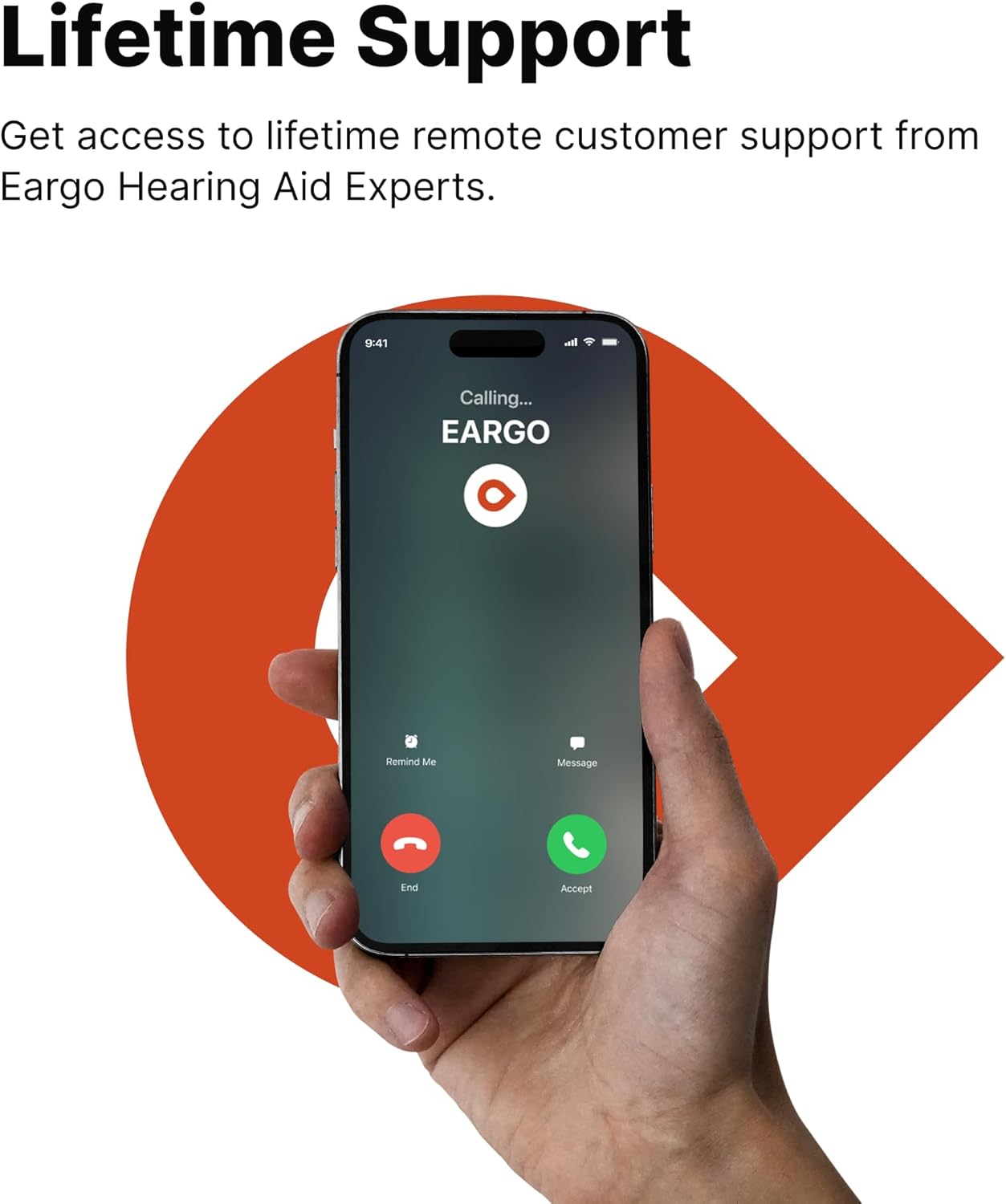
Eargo provides lifetime remote support from Eargo hearing professionals. If you require assistance with your devices, app, or have any questions, please contact Eargo Customer Service. Contact information can be found on the Eargo website or in your included user guides.

Eargo offers remote customer support from hearing experts.
Important Safety Information
By purchasing this item, you certify that you are at least 18 years old and have reviewed Eargo's User Instructional Brochure and support resources. You acknowledge that you can contact Eargo Customer Service for assistance. Reselling of Eargo products is prohibited. Products are for personal use only and not for resale or export.


