
Retevis RT40
Retevis RT40 Digital DMR Walkie Talkie
User Manual
Introduction
The Retevis RT40 is a license-free PMR446 digital and analog two-way radio designed for reliable and clear communication. Featuring 48 channels across 3 zones, a 2000mAh battery for extended use, and a VOX function for hands-free operation, it is an ideal communication tool for families, travel, and various professional settings. Its robust design ensures durability, while USB-C charging provides convenience.
Package Contents
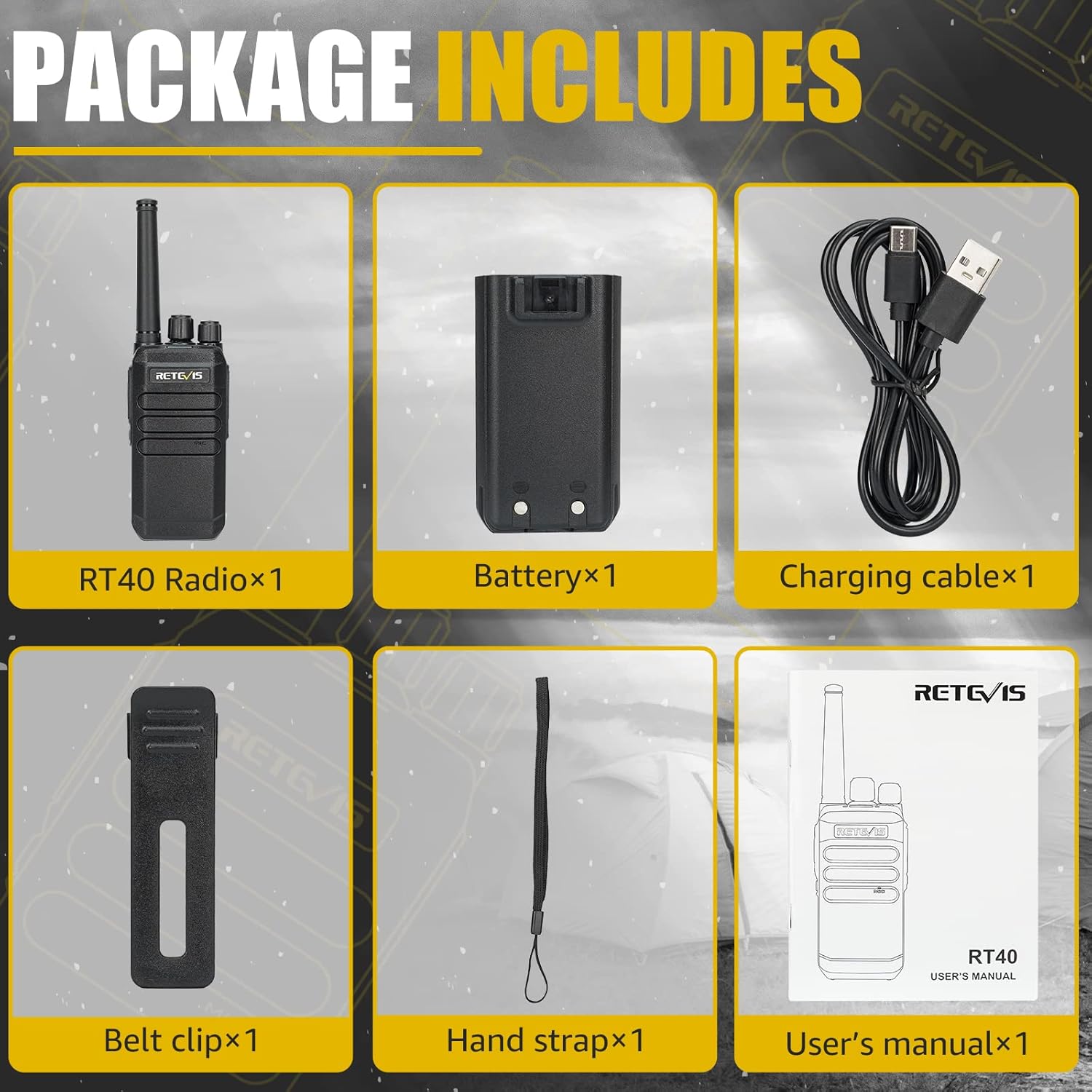
This image displays all the components you will find inside the Retevis RT40 product package, ensuring you have everything needed for immediate use.
- 1 x Retevis RT40 Walkie Talkie
- 1 x 2000mAh Lithium Battery
- 1 x USB-A to USB-C Charging Cable
- 1 x Belt Clip
- 1 x Lanyard
- 1 x User Manual
Product Overview

This image provides a clear view of the Retevis RT40 walkie talkie, highlighting its compact and ergonomic design. It shows the main body, antenna, and control knobs, giving users a visual reference for handling the device.
The Retevis RT40 features a compact and durable design. On the top, you will find the antenna and two rotary knobs: one for power/volume control and the other for channel selection. The side of the radio typically includes the Push-to-Talk (PTT) button, a monitor button, and a programmable function button. The front panel houses the speaker and microphone for clear audio transmission and reception.
Setup
Battery Installation
To install the battery, ensure the radio is powered off. Align the battery pack with the grooves on the back of the radio and slide it into place until it clicks securely. To remove, press the release latch (if present) and slide the battery out.
Charging the Battery
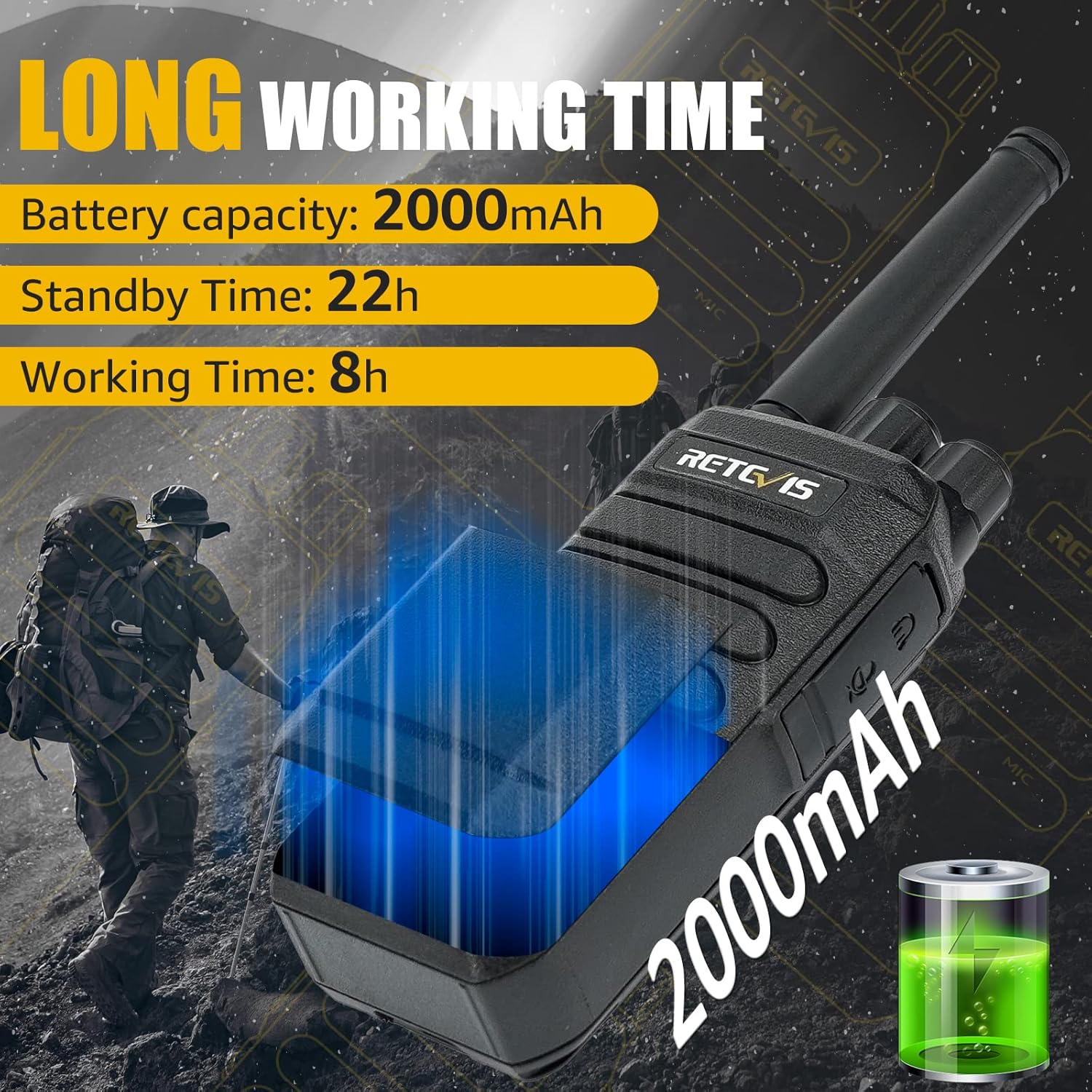
This image highlights the impressive battery life of the Retevis RT40, emphasizing its 2000mAh capacity, 22 hours of standby time, and 8 hours of continuous operation, along with its convenient USB-C charging capability.
Connect the provided USB-A to USB-C charging cable to the radio's charging port and plug the other end into a compatible USB power adapter (not included) or a computer's USB port. The charging indicator light will typically show red while charging and turn green when fully charged. A full charge takes approximately 3-4 hours. Ensure the radio is powered off during charging for optimal results.
Operating Instructions
Power On/Off and Volume Control
Rotate the power/volume knob clockwise to turn the radio on. Continue rotating clockwise to increase the volume. Rotate counter-clockwise to decrease the volume and turn the radio off.
Channel Selection

This image illustrates the user-friendly nature of the Retevis RT40, highlighting its license-free operation, dual analog and digital modes, and versatile calling options including single, group, and all calls.
Rotate the channel selection knob to choose your desired channel. The RT40 supports 48 channels across 3 zones. Ensure all radios in your group are set to the same channel for communication.
Making a Call (Push-to-Talk)
To transmit, press and hold the Push-to-Talk (PTT) button located on the side of the radio. Speak clearly into the microphone. Release the PTT button to listen for a response. Ensure the channel is clear before transmitting.
DMR & Analog Mode Compatibility
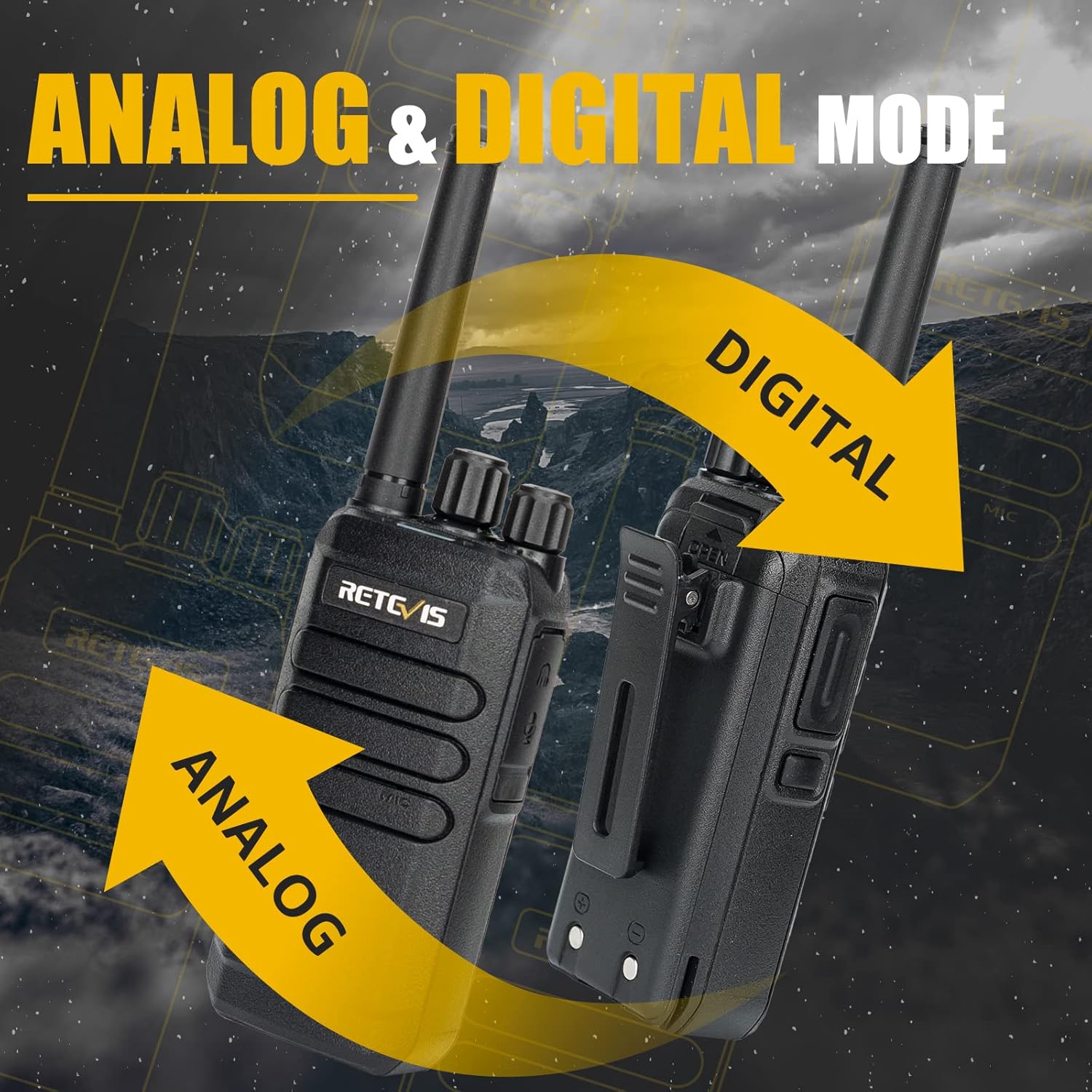
This image visually represents the Retevis RT40's capability to operate in both analog and digital (DMR) modes, providing flexible communication options and compatibility with various radio systems.
The RT40 supports both DMR digital and analog modes, allowing for communication with a wide range of two-way radios. The mode is typically set per channel. Refer to the channel programming for specific mode assignments.
VOX Function (Voice Operated Transmit)
The VOX function allows for hands-free operation. When activated, the radio will automatically transmit when it detects your voice. To enable or disable VOX, refer to the detailed instructions in the full user manual or use the programming software if available. Adjust the VOX sensitivity to prevent accidental transmissions.
Emergency Alarm

This image highlights the emergency alarm feature of the Retevis RT40, designed to provide a quick alert in critical situations, enhancing user safety.
The RT40 is equipped with an emergency alarm function. When activated, the radio will emit a loud alarm sound to alert others to your situation. This feature can be crucial in emergency scenarios. Consult the full user manual for instructions on how to activate and deactivate the emergency alarm.
Maintenance
Cleaning and Care
- Wipe the radio's surface with a soft, damp cloth. Do not use harsh chemicals or abrasive cleaners.
- Keep the charging port clean and free of dust and debris.
- Avoid exposing the radio to extreme temperatures, direct sunlight, or excessive moisture.
- Do not disassemble the radio; this will void the warranty.
Battery Care
- Charge the battery fully before first use.
- Avoid overcharging or completely draining the battery, as this can reduce its lifespan.
- Store the battery in a cool, dry place when not in use for extended periods.
- If the battery performance significantly degrades, consider replacing it with an official Retevis battery.
Troubleshooting
| Problem | Possible Cause | Solution |
|---|---|---|
| Radio does not power on. | Battery is low or not installed correctly. | Charge the battery. Ensure the battery is securely installed. |
| Cannot transmit or receive. | Incorrect channel selected; out of range; battery low. | Verify channel setting. Move closer to other radios. Charge battery. |
| Poor audio quality. | Volume too low/high; interference; out of range. | Adjust volume. Move away from sources of interference. Move closer to other radios. |
| VOX not working. | VOX disabled; sensitivity too low. | Enable VOX. Adjust VOX sensitivity. |
Specifications
| Feature | Detail |
|---|---|
| Brand | Retevis |
| Model Number | RT40 |
| Color | Black |
| Channels | 48 (3 Zones) |
| Battery Capacity | 2000mAh Lithium-ion |
| Operating Modes | DMR Digital & Analog PMR446 |
| Special Features | License-free PMR446, Clear Sound, VOX, Emergency Alarm, USB-C Charging |
| Weight | 340 Grams |
| Voltage | 3.7 Volts |
| Sound Level | 40 dB |
| Compatible Devices | Headset, MP3 player, Speaker |
Warranty and Support
Retevis offers a 2-year warranty for the radio body and a 1-year warranty for accessories. Additionally, there is a 30-day no-reason return policy. Beyond the warranty period, maintenance services are available, with buyers responsible for associated costs.
For any support inquiries, technical assistance, or warranty claims, please contact Retevis customer service directly through Amazon. We aim to respond to all inquiries within 12 hours.
For more information and resources, visit the official Retevis store on Amazon: Retevis Amazon Store.
Related documentsRT40


Ask a question about this manual
Ask about setup, troubleshooting, compatibility, parts, safety, or missing instructions. Manuals+ will review the question and use this page’s manual context to help answer it.