Introduction
Thank you for purchasing the cheero x Natsume's Book of Friends Nyanko-sensei Model True Wireless Earphones. These earphones are designed to provide a high-quality audio experience with unique features, including original voice announcements from Nyanko-sensei, advanced audio codecs, and a versatile charging case that doubles as a mobile power bank. Please read this manual carefully to ensure proper use and maintenance of your device.
Safety Information
To ensure safe and optimal operation, please observe the following precautions:
- Do not expose the earphones or charging case to extreme temperatures, humidity, or liquids.
- Avoid dropping or subjecting the device to strong impacts.
- Do not attempt to disassemble, repair, or modify the device. This will void the warranty.
- Keep out of reach of children and pets.
- Use only the provided charging cable and compatible USB power adapters.
- Prolonged listening at high volumes may cause hearing damage. Adjust volume to a safe level.
- Do not use the earphones in situations where inability to hear ambient sounds could be dangerous (e.g., driving, cycling, walking in traffic).
Package Contents
Please check that all items are present in your package:
- cheero x Natsume's Book of Friends Nyanko-sensei Model True Wireless Earphones (Left and Right)
- Wireless Charging Case with Mobile Battery Function
- USB Charging Cable (USB-A to USB-C)
- User Manual (This document)
Product Overview
Familiarize yourself with the components of your earphones and charging case.
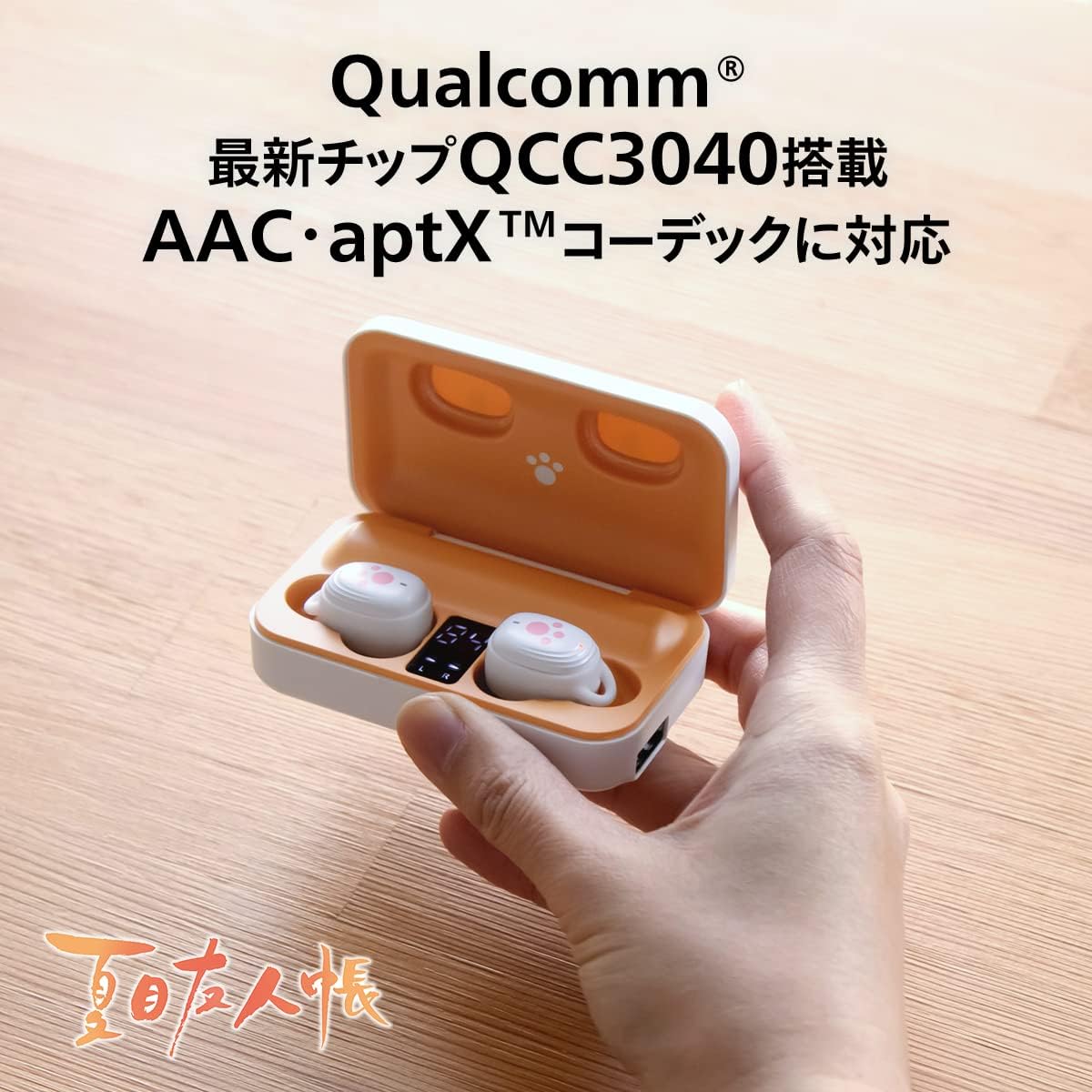
Image: Overview of the earphones and charging case, highlighting key features like the multifunction key, microphone, multi-indicator, support holder, earpiece, USB-C input, USB-A output, and battery indicators.
Earphone Components:
- Multifunction Key: Touch-sensitive area for controlling playback, calls, and voice assistant.
- Microphone: For hands-free calls.
- Multi-Indicator: LED light indicating status (pairing, charging, etc.).
- Support Holder: Designed for a secure fit.
- Earpiece: Silicone tips for comfort and sound isolation.
Charging Case Components:
- Charging Case Battery Level Digital Indicator: Displays the remaining battery percentage of the case.
- Earphone Body Battery Indicator: Shows the charging status of the earphones.
- USB-C Input Port: For charging the charging case.
- USB-A Output Port: For using the case as a mobile battery to charge other devices.
Setup
1. Initial Charging
Before first use, fully charge the earphones and the charging case.
- Place both earphones into the charging case. Ensure they are properly seated.
- Connect the provided USB-A to USB-C charging cable to the USB-C input port on the charging case.
- Connect the other end of the cable to a USB power adapter (not included) or a computer's USB port.
- The digital indicator on the case will show the charging progress. The earphone indicators will light up during charging and turn off when fully charged.
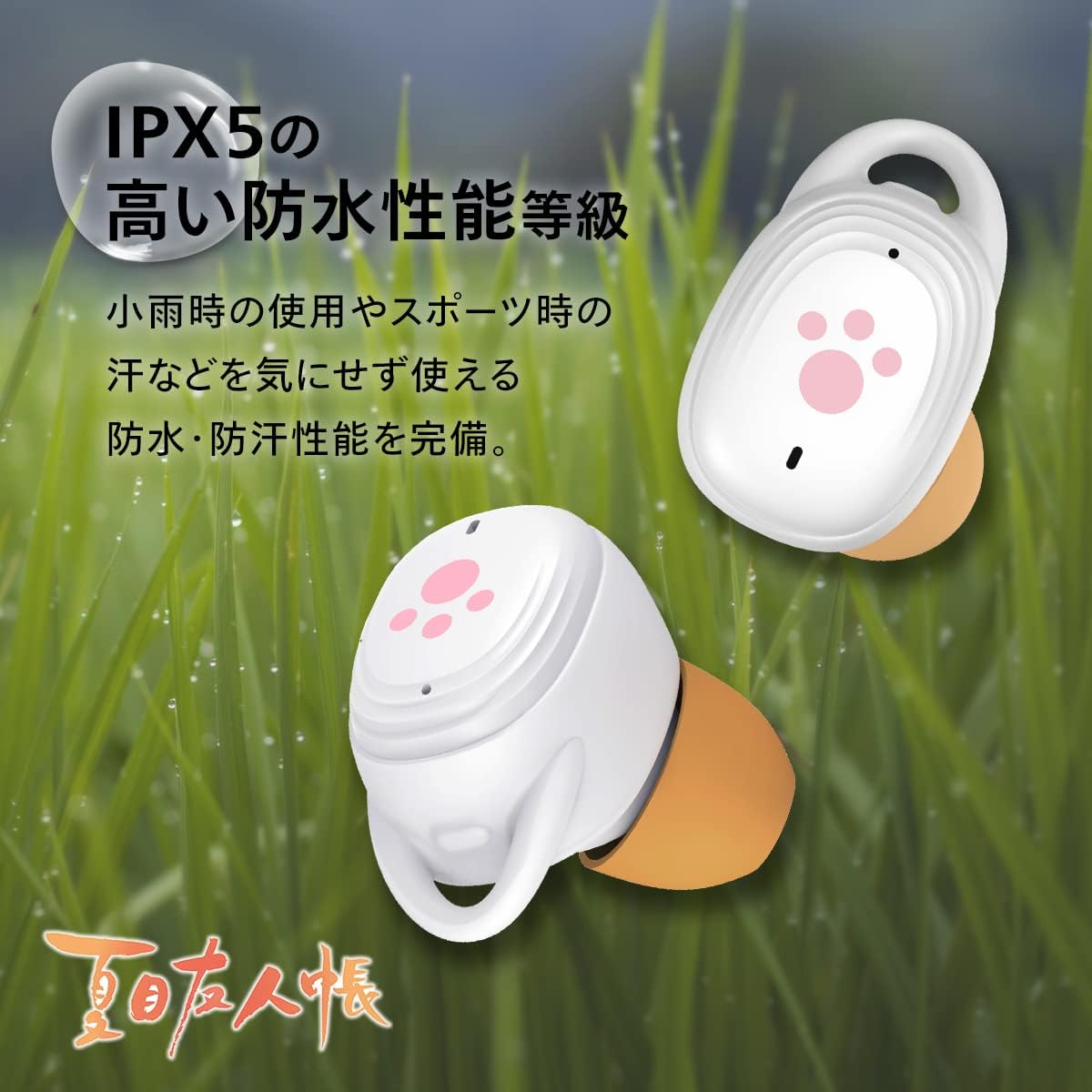
Image: The charging case connected to a smartphone via its USB-A output port, demonstrating its mobile battery function. The digital display shows battery percentage.
The charging case has a 2200mAh capacity and can output 5V/1A max. It can charge your earphones multiple times and also serve as a mobile battery for other devices.
2. Pairing with Your Device
The earphones feature automatic power ON and pairing for convenience.
- Open the charging case and remove both earphones. They will automatically power on and enter pairing mode (if not previously paired). You will hear a Nyanko-sensei voice announcement.
- On your smartphone or Bluetooth-enabled device, go to the Bluetooth settings.
- Search for "CHE-635" or a similar device name in the list of available devices.
- Select "CHE-635" to connect. Once connected, you will hear another Nyanko-sensei voice announcement.
- After the initial pairing, the earphones will automatically connect to the last paired device when removed from the case.

Image: A pair of hands taking the earphones out of their charging case, illustrating the automatic power-on and pairing feature. The case is open, showing the earbuds and digital battery display.
Operating Instructions
Touch Controls:
The earphones feature intuitive touch controls on the multifunction key (the paw print area). The following table outlines the functions:
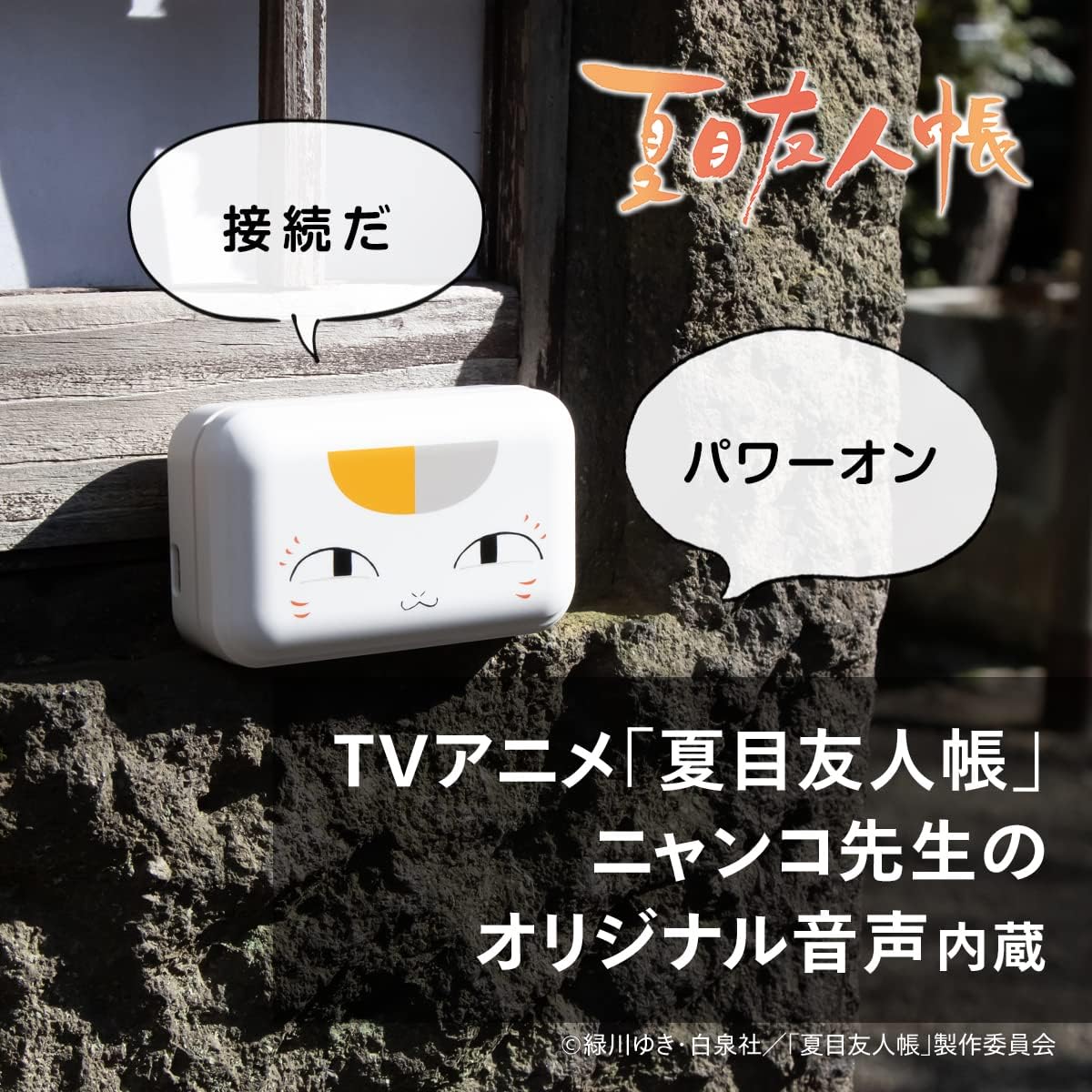
Image: A visual guide to the touch controls on the earphones, showing different tap and long-press actions for playback, calls, volume, and special modes.
| Action | Function (Right Earphone) | Function (Left Earphone) |
|---|---|---|
| Single Tap (R or L) | Play / Pause | |
| Double Tap (R) | Next Track | N/A |
| Double Tap (L) | N/A | Previous Track |
| Triple Tap (R) | Activate Voice Assistant (Siri, etc.) | N/A |
| Triple Tap (L) | N/A | Game Mode* |
| Long Press (R) | Volume Up | N/A |
| Long Press (L) | N/A | Volume Down |
*Game Mode: Reduces communication latency by approximately half compared to normal mode, ideal for gaming and video playback.
Special Features:
- Nyanko-sensei Original Voice Announcements: Enjoy unique voice prompts from Nyanko-sensei for power on, connection, and other events.
- AAC & aptX Codec Support: Equipped with the Qualcomm QCC3040 chip, these earphones support both AAC (optimized for iPhone) and aptX (optimized for Android) codecs, ensuring high-quality, low-latency audio regardless of your device.
- CVC8.0 Noise Cancellation: Advanced CVC8.0 noise reduction technology provides high sound insulation and clear call quality, minimizing background noise during conversations.
- IPX5 Waterproof Rating: The earphones are rated IPX5 waterproof, making them resistant to sweat and light rain. Ideal for sports and outdoor activities.

Image: Close-up of the earphones in a grassy setting with water droplets, illustrating their IPX5 waterproof capability, suitable for use in light rain or during sports.
- Extended Battery Life: Enjoy up to approximately 10 hours of continuous playback on a single charge. With the charging case, total playback time extends to an impressive 180 hours.

Image: The earphones and charging case, with text indicating up to 10 hours of continuous playback and approximately 180 hours of total playback when using the charging case.
Maintenance
- Cleaning: Regularly clean the earphones and charging case with a soft, dry, lint-free cloth. Do not use abrasive cleaners or solvents.
- Ear Tips: Remove the ear tips and clean them with mild soap and water if necessary. Ensure they are completely dry before reattaching.
- Charging Contacts: If charging issues occur, gently clean the charging contacts on both the earphones and the case with a dry cotton swab.
- Storage: When not in use, store the earphones in their charging case to protect them and keep them charged. Store in a cool, dry place away from direct sunlight.
Troubleshooting
| Problem | Possible Cause | Solution |
|---|---|---|
| Earphones do not power on. | Low battery. | Place earphones in the charging case and charge fully. |
| Earphones do not pair with device. | Bluetooth is off on device; earphones not in pairing mode; previously paired device interfering. | Ensure Bluetooth is on. Remove earphones from case to enter pairing mode. Forget "CHE-635" from your device's Bluetooth list and re-pair. |
| Only one earphone has sound. | Earphones not properly connected to each other or device. | Place both earphones back into the case, close it, wait a few seconds, then remove them again. This should re-sync them. |
| Charging case not charging. | Cable or adapter issue; dirty charging port. | Try a different USB-C cable or power adapter. Clean the USB-C port on the case. |
| Poor sound quality or disconnections. | Interference; distance from device; low battery. | Move closer to your device. Ensure no strong interference sources are nearby. Charge earphones and case. |
Specifications
| Feature | Detail |
|---|---|
| Model Name | NATSUME YUJINCHO (CHE-635-NY) |
| Brand | cheero |
| Wireless Technology | Bluetooth 5.2 |
| Chipset | Qualcomm QCC3040 |
| Audio Codecs | AAC, aptX |
| Noise Cancellation | CVC8.0 Noise Reduction |
| Earphone Form Factor | In-ear |
| Waterproof Rating | IPX5 |
| Earphone Playback Time | Approx. 10 hours |
| Total Playback Time (with case) | Approx. 180 hours |
| Charging Case Battery Capacity | 2200mAh |
| Charging Case USB Output | 5V/1A max (USB-A port) |
| Charging Case Input | USB-C |
| Item Weight | 0.17 kg (170 g) |
| Package Dimensions | 19.4 x 9.4 x 3.9 cm |
| Materials | Rubber (for earpieces) |
Warranty and Support
cheero products are manufactured under strict Japanese quality control standards, ensuring safety and reliability. In the event of initial defects or issues during use, please contact our customer support.
When contacting support, please provide your Amazon order number for faster assistance.
For further information or support, please visit the official cheero store on Amazon: cheero Amazon Store


