Introduction
This manual provides detailed instructions for the operation and maintenance of your Sound Oasis Deluxe S-6000 Bluetooth Sleep Tinnitus Sound Machine. Please read this manual thoroughly before using the device to ensure proper function and to maximize your experience with its features, including sound therapy, Bluetooth streaming, and clock radio capabilities.
Safety Information
For safe operation of the Sound Oasis Deluxe S-6000, please observe the following guidelines:
- Use only approved batteries. Batteries are not included with the device.
- Do not expose the device to water or excessive moisture.
- Avoid placing the device near heat sources or in direct sunlight.
- Keep the device out of reach of children.
- Do not attempt to disassemble or repair the device yourself. Refer all servicing to qualified personnel.
Product Overview
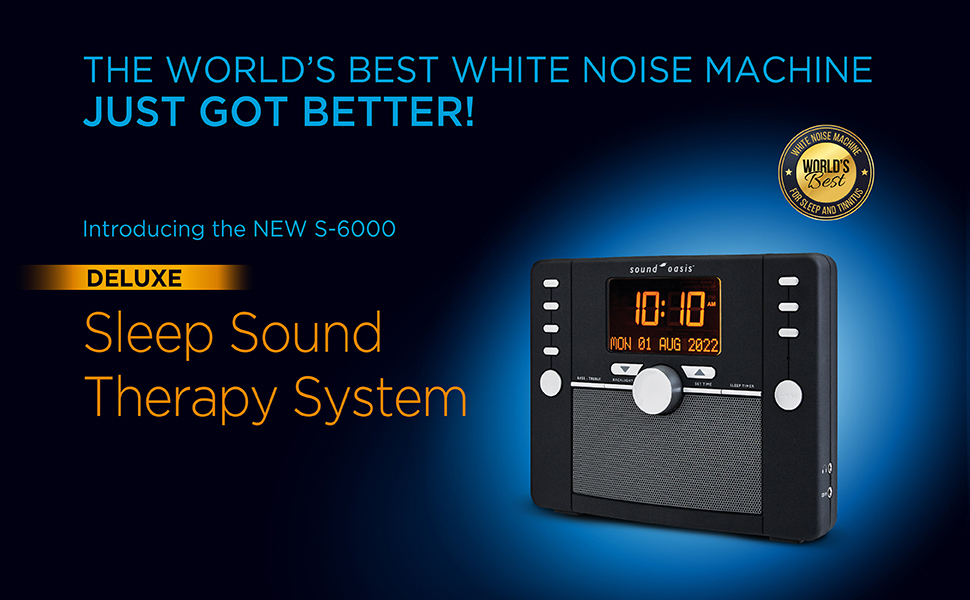
The Sound Oasis Deluxe S-6000 features a comprehensive design for sound therapy and timekeeping. Key components include a backlit AM/FM clock radio with calendar and timer functions, a 3-speaker system for enhanced sound quality, and a headphone jack for private listening. It also supports Bluetooth streaming and includes a backup battery with a global adapter.

Front view of the Sound Oasis Deluxe S-6000, showing the digital display, control buttons, and speaker grille.
An exploded diagram illustrating the internal components of the S-6000, including the 3-speaker system, main circuit board, and display.
Setup
Follow these steps to set up your Sound Oasis Deluxe S-6000:
- Power Connection: Connect the AC adapter to the device and a power outlet. For battery backup, install approved batteries (not included) in the designated compartment.
- Initial Power On: The device should power on automatically or by pressing the power button.
- Set Time and Date: Use the 'SET TIME' button and navigation controls to adjust the current time and date on the display. Refer to the 'Operating Instructions' section for detailed steps.
Operating Instructions
Powering On/Off
Press the POWER button to turn the unit on or off.
Setting Time and Date
- Press and hold the SET TIME button.
- Use the VOLUME/SELECT knob or arrow buttons to adjust hours, minutes, year, month, and day.
- Press SET TIME again to confirm each setting and move to the next.
Sound Selection
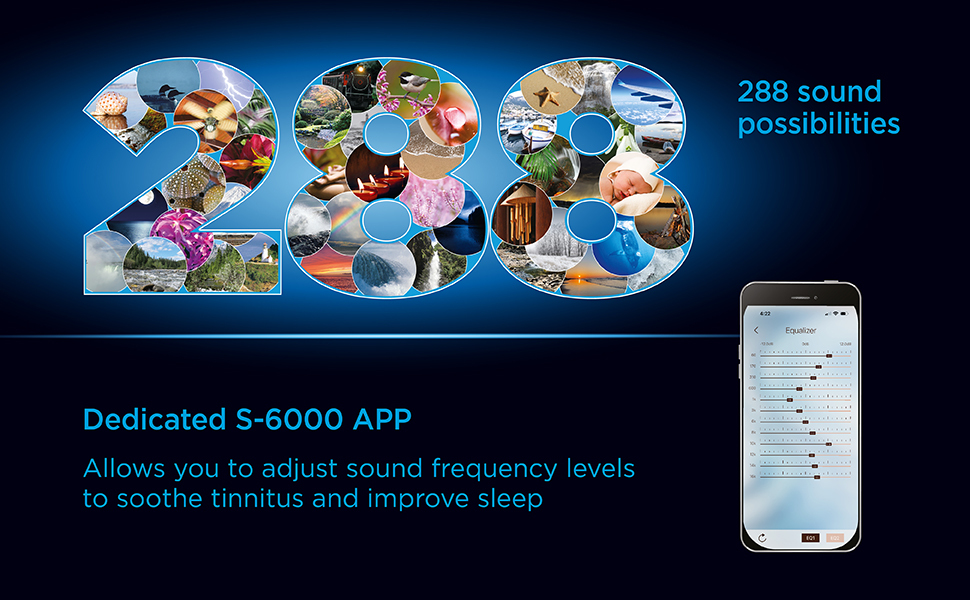
The S-6000 offers 48 main sounds and 5 mix sounds, providing up to 288 sound possibilities.
Visual representation of the wide array of sound options available on the S-6000.
- Press the SOUNDS button to cycle through the main sound categories.
- Use the MIX button to add or change auxiliary sounds that can be blended with the main sound.
- Adjust the BASS/TREBLE controls to fine-tune the audio output.
Bluetooth Pairing
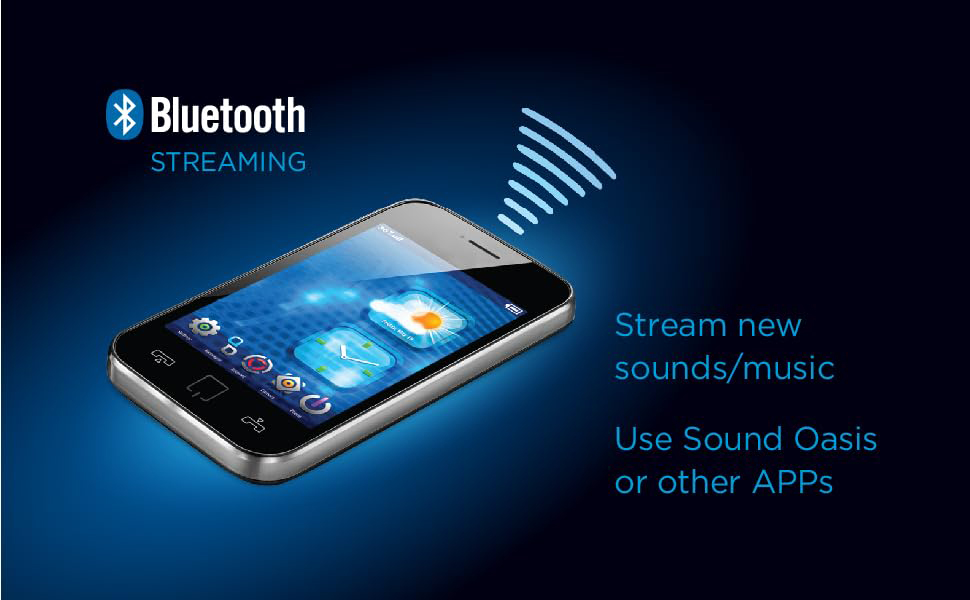
Stream audio wirelessly from your smartphone, tablet, or computer.

An illustration showing a smartphone wirelessly streaming content via Bluetooth to the Sound Oasis device.
- Ensure Bluetooth is enabled on your external device.
- Press the BLUETOOTH button on the S-6000 to enter pairing mode. The display will indicate pairing status.
- Select "Sound Oasis S-6000" from the Bluetooth device list on your external device.
- Once paired, audio from your device will play through the S-6000 speakers.
Radio Operation (AM/FM)
The S-6000 includes an AM/FM stereo radio with 3 presets.
- Press the RADIO button to switch to radio mode.
- Use the TUNE buttons to scan for stations.
- To save a preset, tune to the desired station, then press and hold one of the PRESET (1, 2, 3) buttons until the display confirms.
- Press a PRESET button briefly to recall a saved station.
Timer Functions
The device features a 4-position timer for continuous play or auto-off in 30, 60, or 90 minutes, with a gentle off feature.
- Press the SLEEP TIMER button repeatedly to select the desired duration (30, 60, 90 minutes) or continuous play.
- The selected time will be displayed, and the unit will gradually reduce volume before turning off.
App Integration
The dedicated Sound Oasis S-6000 App allows for precise frequency adjustment to support tinnitus management and improve sleep.
A smartphone screen displaying the equalizer interface of the dedicated S-6000 app, used for adjusting sound frequencies.
- Download the Sound Oasis S-6000 App from your device's app store.
- Connect your smartphone to the S-6000 via Bluetooth.
- Use the app's equalizer controls to customize sound frequencies for personalized therapy.
Maintenance
To ensure the longevity and optimal performance of your Sound Oasis Deluxe S-6000:
- Clean the device with a soft, dry cloth. Do not use liquid cleaners or abrasive materials.
- Keep the speaker grilles free from dust and debris.
- If using battery backup, replace batteries periodically or when the low battery indicator appears.
Troubleshooting
If you encounter issues with your S-6000, refer to the following common solutions:
| Problem | Possible Solution |
|---|---|
| No power | Ensure AC adapter is securely connected. Check power outlet. If using batteries, ensure they are correctly installed and not depleted. |
| No sound | Check volume level. Ensure correct sound source (Bluetooth, Radio, or internal sounds) is selected. If using Bluetooth, ensure device is paired and connected. |
| Bluetooth pairing fails | Ensure the S-6000 is in pairing mode. Turn off and on Bluetooth on your external device. Move devices closer together. |
| Radio static/poor reception | Adjust the antenna. Try repositioning the unit. Check the radio spectrum selector switch for worldwide use. |
| Clock is inaccurate | Reset the time and date. Ensure continuous power supply or fresh backup batteries. |
If the problem persists after trying these solutions, please contact Sound Oasis customer support.
Specifications
| Feature | Detail |
|---|---|
| Product Dimensions | 8.25 x 5.75 x 6.5 inches |
| Weight | 2.9 Pounds |
| Model Number | S-6000 |
| Brand | Sound Oasis |
| Material | Plastic |
| Power Source | AC Adapter (included) with Battery Powered backup (batteries not included) |
| Sound Options | 48 main sounds, 5 mix sounds (288 possibilities) |
| Connectivity | Bluetooth, Headphone Jack, CD/MP3/iPod/iPhone Input Jack |
| Radio | AM/FM Stereo Radio with 3 presets |
| Timer | 4-position timer (Continuous, 30, 60, 90 minutes) with gentle off |
| Clock | Backlit, dual 12/24 hour clock with 3 alarms + digital calendar |
Warranty and Support
For warranty information or technical support, please refer to the documentation included with your purchase or visit the official Sound Oasis website. Contact information for customer service can typically be found on the manufacturer's website.


