Introduction
This manual provides detailed instructions for the safe and effective use of your OPPO Enco Air 3 True Wireless Earbuds. Please read this manual thoroughly before using the product and retain it for future reference.

Image: OPPO Enco Air 3 True Wireless Earbuds and their charging case. The earbuds are white, with a sleek, in-ear design, and are shown partially inserted into the matching white, translucent charging case. The OPPO logo is visible on the case.
Package Contents
Ensure all items are present in the package:
- OPPO Enco Air 3 True Wireless Earbuds (Left and Right)
- Charging Case
- USB Charging Cable (Type-C)
- User Manual (this document)
Setup
1. Charging the Earbuds and Case
Before first use, fully charge the earbuds and charging case.
- Place the earbuds into the charging case.
- Connect the USB charging cable to the charging port on the case and to a power source.
- The indicator light on the case will show charging status. A full charge provides up to 6 hours of playback for the earbuds and an additional 19 hours with the charging case.
- A quick 10-minute charge of the case can provide up to 2 hours of listening time for the earbuds.

Image: Illustration showing the OPPO Enco Air 3 earbuds in their charging case, with a graphic indicating "Up to 25 Hours of Playtime" and "6 Hours Buds + 19 Hours Charging Case".
2. Pairing with a Device
The OPPO Enco Air 3 earbuds support seamless Bluetooth 5.3 connectivity.
- First-time Pairing:
- Open the charging case with the earbuds inside.
- On your smartphone or device, enable Bluetooth.
- A pop-up window should appear on your phone (for OPPO devices or devices with HeyMelody app installed) to quickly pair. Tap to confirm.
- If no pop-up appears, go to your device's Bluetooth settings and select "OPPO Enco Air 3" from the list of available devices.
- Re-pairing: The earbuds will automatically connect to the last paired device when taken out of the case.
- New Device Pairing: To pair with a new device, place the earbuds in the case, open the lid, and press and hold the function button on the case (if available, or refer to device-specific instructions) until the indicator light flashes, then select "OPPO Enco Air 3" on the new device.

Image: A graphic displaying "The New Generation of Bluetooth 5.3" with a stylized image of an earbud's internal circuitry and the Bluetooth logo, indicating advanced wireless connectivity.
3. HeyMelody App (Recommended)
For enhanced control and customization, download the HeyMelody app from your device's app store. The app allows you to:
- Customize touch controls.
- Adjust equalizer settings.
- Update firmware.
- Access additional features.
Operating Instructions
1. Touch Controls
The OPPO Enco Air 3 earbuds feature intuitive touch controls. Default controls typically include:
- Double Tap: Play/Pause music, Answer/End call.
- Triple Tap: Skip to next track.
- Touch and Hold: Activate voice assistant, switch noise control modes (if applicable).
Note: Specific touch controls can be customized via the HeyMelody app.
2. Making and Receiving Calls
The earbuds utilize DNN Noise Cancellation for clear calls, even in noisy environments.
- Answer Call: Double-tap either earbud.
- End Call: Double-tap either earbud.
- Reject Call: Touch and hold either earbud for 2 seconds.
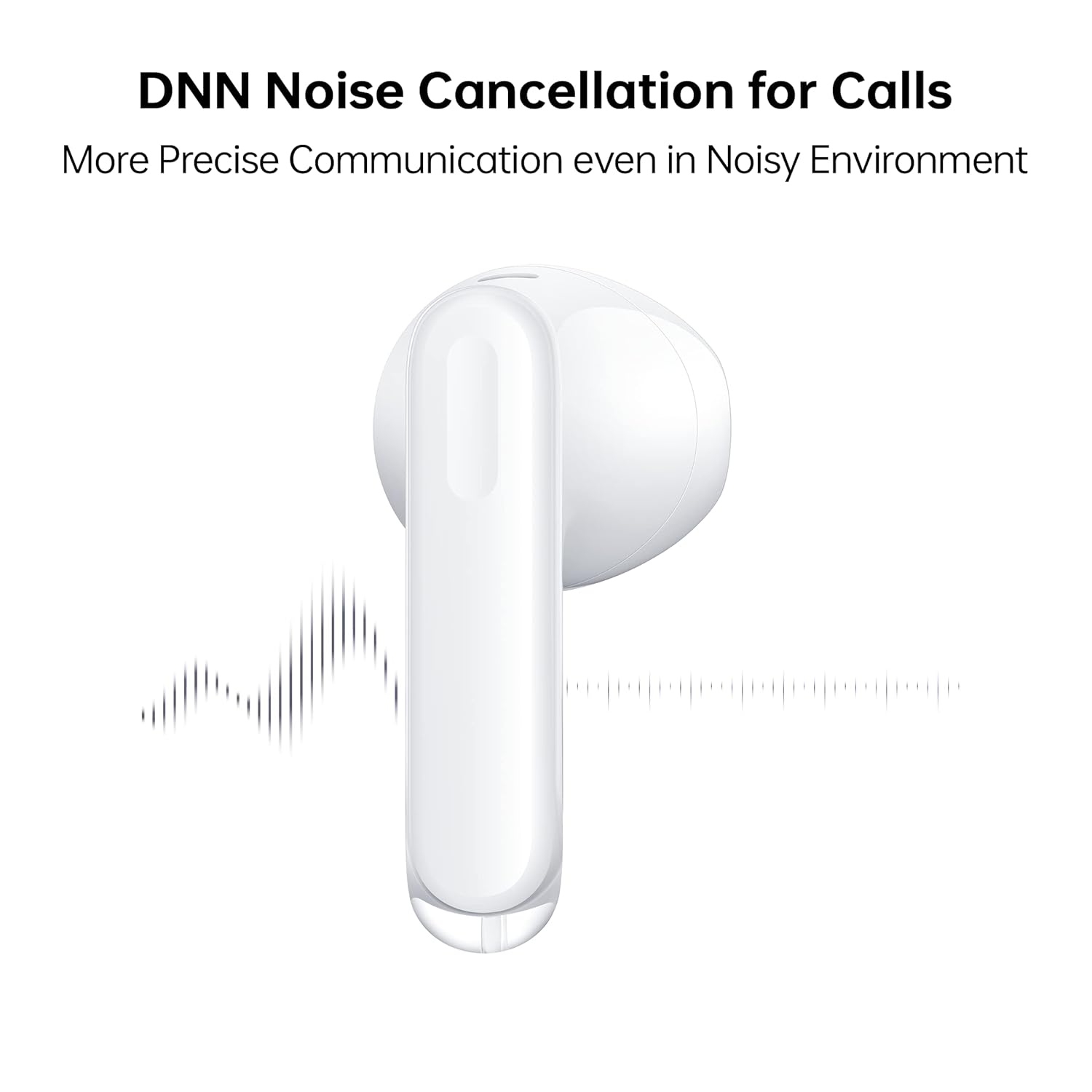
Image: A close-up of an OPPO Enco Air 3 earbud, with sound wave graphics emanating from it, illustrating the DNN Noise Cancellation feature for clearer communication.
3. Gaming Mode
Activate Gaming Mode for an ultra-low latency experience, reducing audio delay to 47ms on the earbuds and 94ms end-to-end.
- Gaming Mode can typically be activated or deactivated through the HeyMelody app or via a specific touch control gesture (refer to app settings for customization).

Image: An OPPO Enco Air 3 earbud next to a smartphone displaying a racing game, highlighting the "47ms Ultra-Low Latency" feature for an enhanced gaming experience.
4. Audio Features
The OPPO Enco Air 3 incorporates advanced audio technology for a superior listening experience:
- Cadence HiFi5 DSP: Features an audiophile-grade digital signal processor for enhanced sound processing.
- 13.4mm Large Composite Driver: Delivers powerful and dynamic bass.
- OPPO Alive Audio: Provides a wider sound stage and a 360-degree surround sound experience.

Image: A detailed illustration of the Cadence HiFi5 DSP chip, emphasizing its role in audiophile-grade sound processing within the OPPO Enco Air 3 earbuds.

Image: An exploded view diagram of an OPPO Enco Air 3 earbud, highlighting its internal components, specifically the 13.4mm large composite driver responsible for sound output.
Maintenance and Care
1. Cleaning
- Regularly clean the earbuds and charging case with a soft, dry, lint-free cloth.
- Do not use abrasive cleaners, alcohol, or chemical solvents.
- Gently remove any earwax or debris from the earbud mesh and charging contacts using a dry cotton swab or a soft brush.
2. Water and Dust Resistance
The OPPO Enco Air 3 earbuds are rated IP54 for dust and water resistance.
- This rating indicates protection against limited dust ingress and splashing water from any direction.
- They are suitable for use during workouts or in light rain.
- Do not submerge the earbuds in water or expose them to high-pressure water jets.
- The charging case is not water-resistant.
- Ensure earbuds are dry before placing them back into the charging case to prevent damage.

Image: Two OPPO Enco Air 3 earbuds with water droplets around them, illustrating their IP54 dust and water resistance feature.
3. Storage
- When not in use, store the earbuds in their charging case to protect them and keep them charged.
- Avoid extreme temperatures and direct sunlight.
Troubleshooting
If you encounter issues with your OPPO Enco Air 3 earbuds, try the following solutions:
1. Earbuds Not Pairing/Connecting
- Ensure Bluetooth is enabled on your device.
- Make sure the earbuds are charged.
- Place the earbuds back in the case, close the lid, wait a few seconds, then open it again to re-initiate pairing mode.
- Try forgetting the device ("OPPO Enco Air 3") from your device's Bluetooth settings and re-pairing.
- Restart your device.
2. No Sound or Low Volume
- Check the volume level on both your device and the earbuds.
- Ensure the earbuds are properly seated in your ears.
- Clean any debris from the earbud mesh.
- Confirm the earbuds are connected to the correct audio output on your device.
3. Charging Issues
- Ensure the charging cable is securely connected to both the case and the power source.
- Try a different USB-C cable and power adapter.
- Clean the charging contacts on both the earbuds and inside the case.
4. Unresponsive Touch Controls
- Ensure your fingers are clean and dry when using touch controls.
- Restart the earbuds by placing them in the case and closing the lid.
- Check the HeyMelody app for any customized control settings or firmware updates.
Specifications
| Feature | Detail |
|---|---|
| Model Name | ETE31 |
| Item Model Number | 6672827 |
| Connectivity Technology | Wireless (Bluetooth) |
| Bluetooth Version | 5.3 |
| Audio Driver Type | Dynamic Driver (13.4mm) |
| Battery Life (Earbuds) | Up to 6 hours |
| Battery Life (with Charging Case) | Up to 25 hours |
| Fast Charging | 10 minutes charge for 2 hours playback (earbuds via case) |
| Latency | 47ms (earbuds), 94ms (end-to-end) in Gaming Mode |
| Noise Control | DNN Noise Cancellation for Calls |
| Water Resistance Level | IP54 (Earbuds) |
| Control Method | Touch |
| Earbud Weight | 3.7 grams (each) |
| Total Item Weight | 37 grams |
| Product Dimensions | 3.3 x 1.8 x 1.7 cm |
| Compatible Devices | Cellphones, Gaming Consoles, Laptops, Tablets |
| Manufacturer | Guangdong Oppo Mobile Telecommunications Corp, Ltd. |
Warranty and Support
Your OPPO Enco Air 3 True Wireless Earbuds come with a 1-Year Warranty from the date of purchase. Please retain your proof of purchase for warranty claims.
For technical support, service, or warranty inquiries, please contact OPPO customer service through their official website or authorized service centers.
Manufacturer: Guangdong Oppo Mobile Telecommunications Corp, Ltd. NO.18, HAIBIN ROAD, WUSHA, CHANGAN, DONGUAN, GUANGDONG, China
Importer (India): Oppo Mobiles India Private Limited 5th Floor, Tower-B, Building No. 8, DLF Cyber City, Gurugram, Haryana-122002, India


