
1. Introduction
Thank you for choosing the FEZIBO Electric Standing Desk. This manual provides detailed instructions for the assembly, operation, maintenance, and troubleshooting of your new height-adjustable desk. Please read this manual thoroughly before assembly and use to ensure proper function and safety.

Image: The FEZIBO Electric Standing Desk, featuring a maple-colored desktop and white legs, set up with dual monitors and a laptop, showcasing its modern design and functionality.
2. Safety Information
To prevent injury or damage to your desk, please observe the following safety guidelines:
- Weight Limit: Do not exceed the maximum weight capacity of 176 lbs (80 kg). Overloading can cause instability and damage.
- Anti-Collision Feature: The desk is equipped with an anti-collision system. If the desk encounters an obstacle during height adjustment, it will stop and reverse slightly to prevent damage. However, always ensure the path is clear.
- Stability: Ensure the desk is placed on a level surface. For added stability, especially at full height, avoid leaning heavily on the desk.
- Children and Pets: Keep children and pets away from the desk during operation to prevent accidents.
- Power Cord: Ensure the power cord is not pinched or damaged. Do not operate the desk with a damaged cord.
- Liquid Spills: Avoid spilling liquids on the control panel or motor components.
3. Package Contents
Before assembly, verify that all components are present. The package typically includes:
- Desktop (often in two sections)
- Leg frames (2)
- Feet (2)
- Control panel
- Motor and power adapter
- Assembly tools (e.g., Allen wrench)
- Detachable lockable casters (optional, if included)
- Desk hooks (2)
- Screws and accessories
- Instruction manual
4. Assembly Instructions
Assembly typically requires two people. A detailed installation video is often available from the manufacturer. Follow the included step-by-step instructions and diagrams carefully.
- Unpack Components: Carefully remove all parts from the packaging and lay them out on a clean, soft surface to prevent scratches.
- Assemble Frame: Attach the leg frames to the crossbar, ensuring all screws are tightened securely.
- Attach Feet/Casters: Secure the feet or optional lockable casters to the bottom of the leg frames.
- Mount Desktop: Place the desktop (if two sections, align and secure them first) onto the assembled frame. Ensure the pre-drilled holes align with the frame. Secure the desktop using the provided screws.
- Install Control Panel: Mount the control panel to the underside of the desktop in a convenient location.
- Connect Motor and Power: Connect the motor cable to the control panel and the power adapter. Plug the power adapter into a wall outlet.
- Attach Desk Hooks: If desired, attach the two desk hooks to the underside of the desktop for headphones or bags.
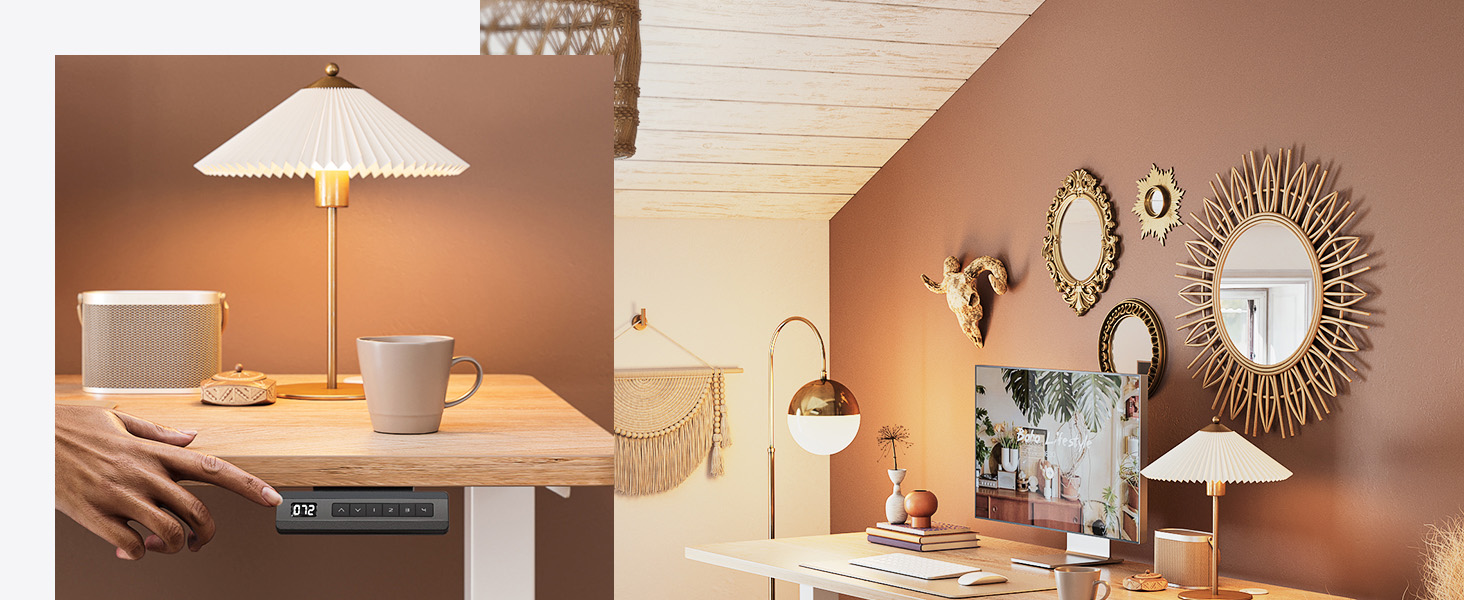
Image: A close-up view of the underside of the desk, highlighting the two included desk hooks for convenient storage of headphones or other items.
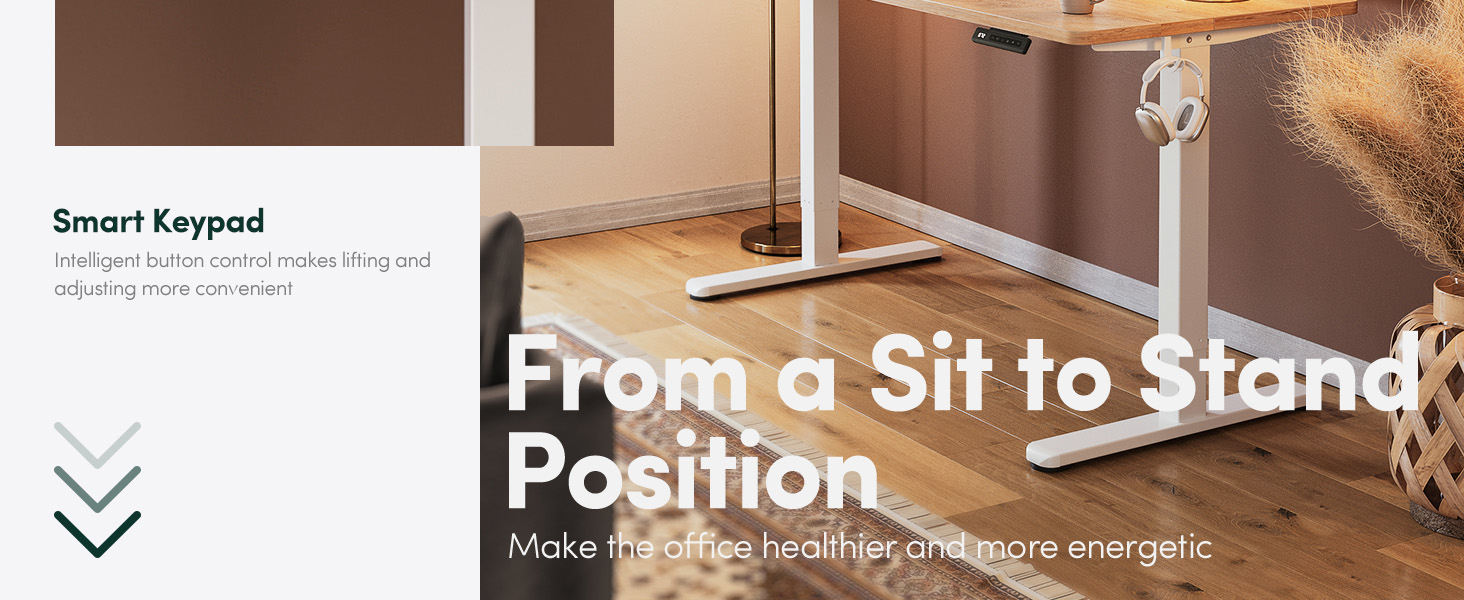
Image: A detailed shot of the desk's frame base, illustrating its design for enhanced stability on various floor types.
5. Operating Instructions
Height Adjustment
The desk features an electric lifting system allowing height adjustment between 27.3 inches and 45.5 inches (or 30.3 inches to 48.5 inches with casters). The motor operates quietly, typically under 50 dB.

Image: A visual representation of the desk's height adjustment capabilities, showing its range from a sitting to a standing position.

Image: An illustration demonstrating the quiet operation of the desk's motor, comparing its sound level (under 50dB) to a butterfly flutter and a car horn.
Control Panel Functions
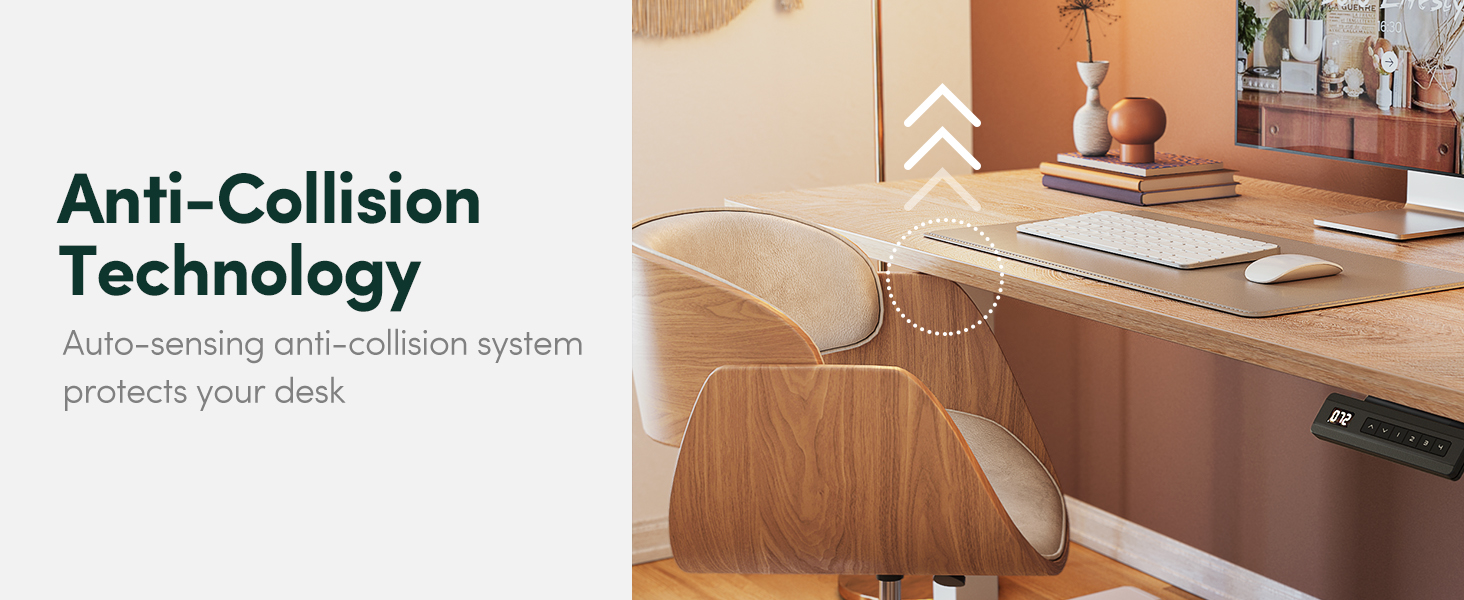
Image: A close-up of the desk's smart keypad, featuring intuitive buttons for height adjustment and memory presets.
- Up/Down Arrows (▲ / ▼): Press and hold to raise or lower the desk to your desired height.
- Memory Buttons (1, 2): The desk has 2 programmable memory height buttons. To set a memory position: Adjust the desk to your desired height, then press and hold a memory button (e.g., '1') until you hear a beep or the display flashes. The height is now saved.
Anti-Collision Technology
The desk is equipped with an auto-sensing anti-collision system. If the desk encounters an obstruction while moving up or down, it will automatically stop and reverse approximately 2 cm to prevent damage or injury.

Image: A visual explanation of the anti-collision feature, demonstrating how the desk detects and reacts to obstacles during height adjustment.
6. Maintenance
Regular maintenance ensures the longevity and optimal performance of your FEZIBO Electric Standing Desk:
- Cleaning: Wipe the desktop and frame with a soft, damp cloth. Avoid abrasive cleaners or harsh chemicals.
- Cable Management: Periodically check and organize cables to prevent tangling or damage, especially during height adjustments.
- Screw Tightness: Occasionally check all screws and bolts to ensure they remain tight. Retighten if necessary.
- Motor Inspection: Listen for any unusual noises during operation. If you notice any, discontinue use and contact customer support.
7. Troubleshooting
If you encounter issues with your desk, refer to the following common solutions:
| Problem | Possible Cause | Solution |
|---|---|---|
| Desk does not move / No power | Power cable disconnected, power outage, motor error. | Check power connections. Ensure the outlet is functional. Perform a reset. |
| Desk moves unevenly or makes unusual noise | Loose screws, obstruction, motor issue. | Check all assembly screws for tightness. Ensure no objects are obstructing the legs. Perform a reset. If problem persists, contact support. |
| Anti-collision system frequently triggers | Obstruction, sensitivity setting. | Ensure the area around the desk is clear. Refer to the full manual for potential sensitivity adjustments (if available for your model). |
| Memory presets not working | Not set correctly, system error. | Re-program the memory positions. Perform a reset. |
Reset Procedure
If the desk is unresponsive or behaving erratically, a reset may resolve the issue:

Image: A detailed view of the control panel, illustrating the buttons and the instruction to press and hold the UP and DOWN buttons simultaneously for 5 seconds to initiate a reset.
- Unplug the desk from the power outlet.
- Wait for at least 10-15 seconds.
- Plug the desk back into the power outlet.
- Press and hold the UP (▲) and DOWN (▼) buttons simultaneously for 5 seconds until the desk moves slightly or the display shows 'RST'.
- Release the buttons. The desk should now be reset and ready for normal operation.
8. Specifications
| Feature | Detail |
|---|---|
| Brand | FEZIBO |
| Model | B0BS6SD9NP |
| Product Dimensions (D x W x H) | 24"D x 48"W x 27"H |
| Color | Maple (Desktop), White (Base) |
| Minimum Height | 27.3 inches (30.3 inches with casters) |
| Maximum Height | 45.5 inches (48.5 inches with casters) |
| Maximum Weight Recommendation | 176 Pounds (80 kg) |
| Base Material | Alloy Steel |
| Top Material Type | Wood (Laminated Finish) |
| Special Features | Electric Height Adjustable, Memory Presets, Anti-Collision Technology |
| Assembly Required | Yes |

Image: A diagram illustrating the key dimensions of the FEZIBO Electric Standing Desk, including its width, depth, and adjustable height range.
9. Warranty and Support
FEZIBO is committed to providing quality products and customer satisfaction.
Warranty Information
This product comes with a limited warranty. Please refer to the product packaging or the official FEZIBO website for specific warranty terms and conditions.
Customer Support
For any questions, assembly assistance, or warranty concerns, please contact FEZIBO customer support:
- Phone: +1 702-620-5156 (Hours: 24/5 Mon-Fri)
- Online: Visit the official FEZIBO store on Amazon: FEZIBO Store
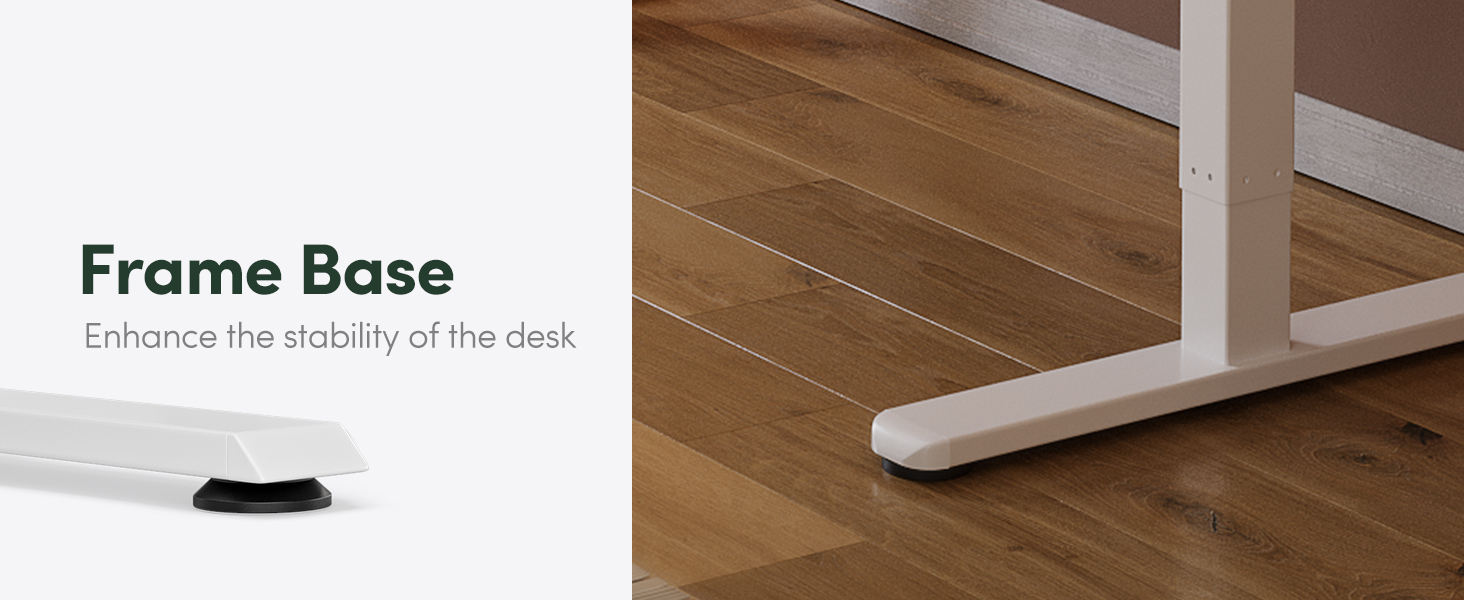
Image: An overview of FEZIBO's quality assurance, highlighting various certifications and customer support details, including a phone number.


