
1. Introduction
The ISDT N24 Smart Battery Charger is a versatile and advanced charging station designed for various rechargeable battery types. It features independent multi-channel quick charging, a full-color LCD touch panel for displaying current job parameters and battery performance, and supports firmware upgrades for enhanced functionality.
Important Safety Note: The N24 charger does not support charging 1.5V & 5.0V lithium rechargeable batteries. If you are unsure of your battery type, please select 'Auto' mode to prevent potential accidents during charging.
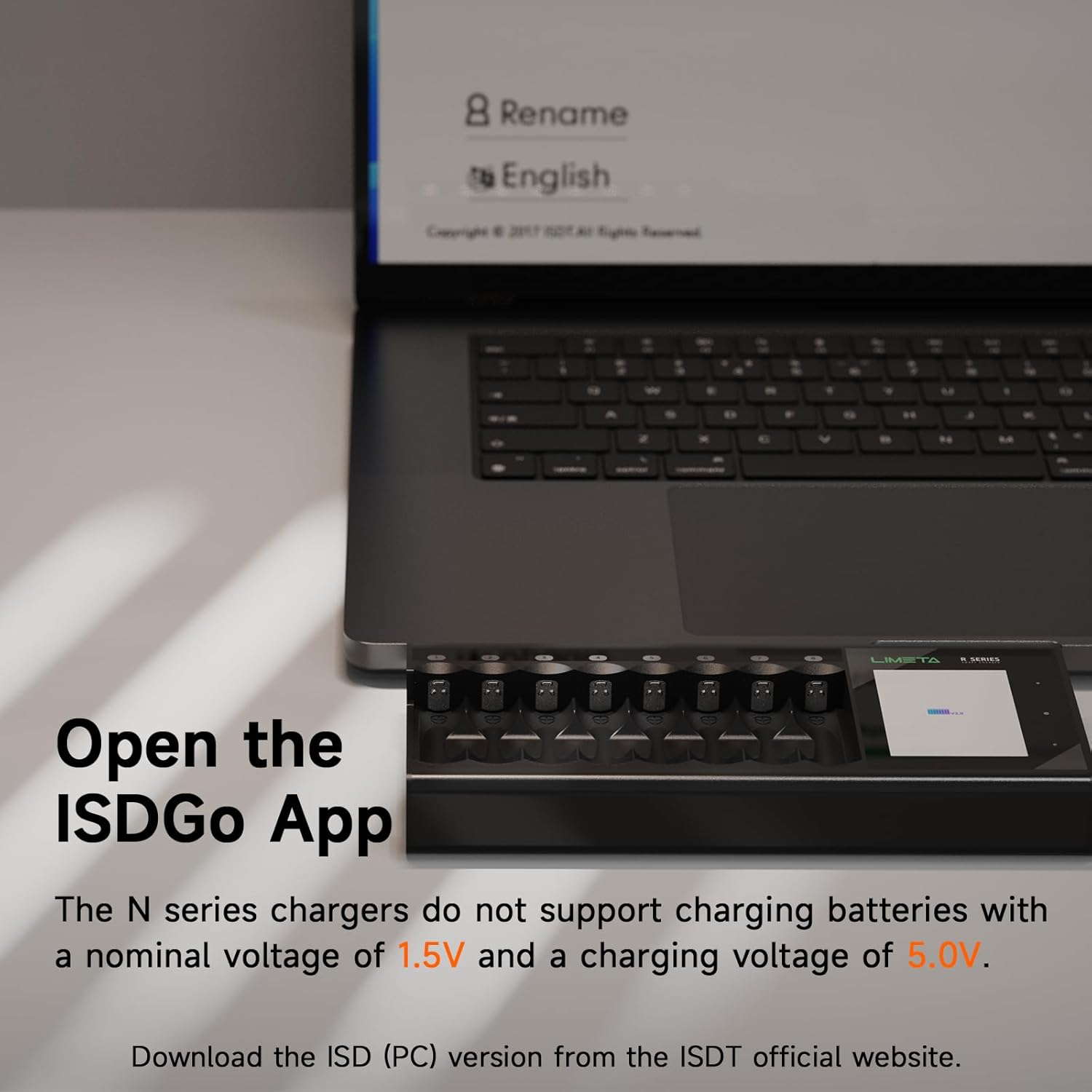
Figure 1: Overview of the ISDT N24 Smart Battery Charger.
2. Package Contents
- 1x ISDT N24 Charger
- 1x AC Wall Adapter
- User Manual (this document)
3. Setup
- Unpack the Charger: Carefully remove the ISDT N24 charger and all accessories from the packaging.
- Connect Power: Connect the provided AC Wall Adapter to the Ø6.5 DC jack on the charger. Plug the adapter into a suitable power outlet. The charger's LCD screen will power on.
- Initial Inspection: Before first use, inspect the charger for any visible damage.

Figure 2: The N-Series chargers, including the N24 model.
4. Operating Instructions
4.1 Inserting Batteries
The N24 charger supports 1-24 AA/AAA cells. Insert batteries into the available slots, ensuring correct polarity. The charger will automatically detect the battery type and initiate charging based on default or previously set parameters.
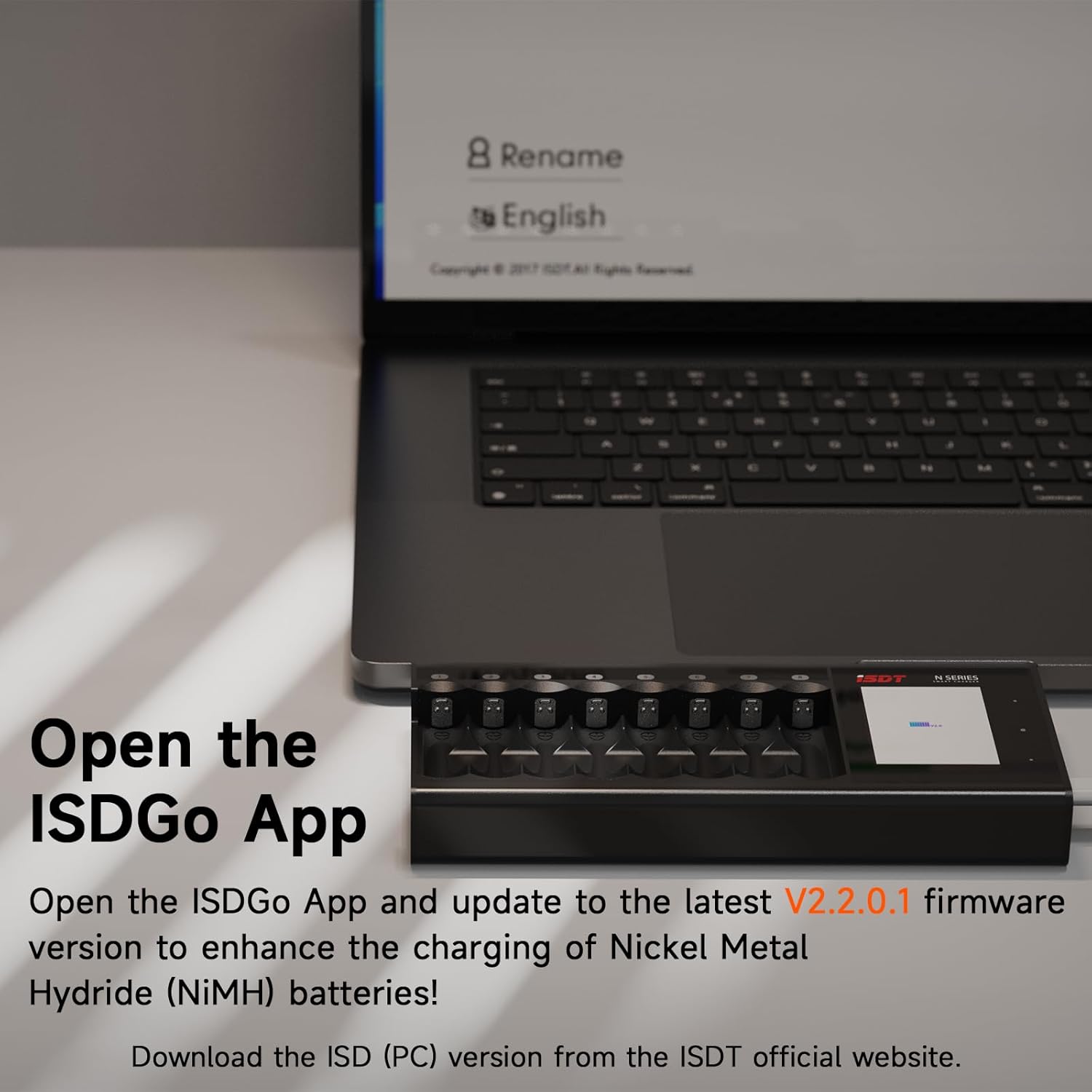
Figure 3: Independent multi-channel quick charge feature with batteries inserted.
4.2 LCD Touch Panel and Navigation
The bright 2.4” high-resolution IPS LCD touch screen displays current job parameters and battery performance. Use the touch interface to navigate menus and adjust settings.

Figure 4: Full color LCD touch panel displaying battery parameters.
4.3 Work Modes
The charger offers professional work modes to meet various battery maintenance needs:
- Charge: Standard battery charging.
- Discharge: Discharges batteries.
- Cycle: Charges and discharges batteries multiple times to optimize performance.
- Activation (Refresh): Revitalizes problematic batteries by fully discharging and then fully charging them.
- Analysis: Provides detailed information about battery health and capacity.

Figure 5: Professional work modes menu on the charger's display.
4.4 Battery Type Compatibility
The N24 charger provides all-in-one control for a wide range of battery types, including Li-Ion, LiHV, LiFe, NiMH, NiCd, and NiZn batteries. It features automatic battery type identification with intelligent charge algorithm matching.

Figure 6: Visual representation of various compatible battery types.
4.5 Adjustable Settings
You can customize various settings via the touch screen:
- Input Power Limit: Adjust the maximum input power (e.g., 36W, 48W) to match your power source.
- Charge Current: Set the charge current per slot from 0.1A to 1.5A.
- Backlight: Adjust screen brightness.
- Buzzer: Control audible alerts.
- Language: Select your preferred language.
4.6 Firmware Update
The charger's firmware is upgradeable. Connect the charger to your computer to update to the latest firmware for optimal performance and new features. Download the ISD (PC) version from the ISDT official website.

Figure 7: Instructions for updating firmware via the ISDGo App.
5. Maintenance
- Cleaning: Use a soft, dry cloth to clean the charger's exterior. Avoid using abrasive cleaners or solvents. Ensure no liquids enter the charging slots or ports.
- Storage: Store the charger in a cool, dry place away from direct sunlight and extreme temperatures when not in use.
- Battery Care: For optimal battery longevity, avoid completely draining batteries before recharging. Utilize the 'Cycle' or 'Activation' modes periodically for batteries exhibiting reduced performance.
- Heat Dissipation: The aluminum alloy shell with an internal heat-conductive silica gel cooling system ensures efficient heat dissipation. Ensure the charger is placed in a well-ventilated area during operation.
6. Troubleshooting
- Charger Not Powering On: Ensure the AC wall adapter is securely connected to both the charger and a working power outlet. Check the power outlet with another device.
- Battery Not Charging/Recognized:
- Verify batteries are inserted with correct polarity.
- Ensure the battery type is compatible with the charger (refer to Section 4.4).
- If using 'Auto' mode, ensure the battery is not a 1.5V or 5.0V lithium type, as these are not supported.
- Clean battery contacts and charger slots if dirty.
- Try the 'Activation' mode for deeply discharged or problematic batteries.
- Slow Charging: Check the 'Charge Current' setting (Section 4.5) and ensure it is set to your desired level. A lower current setting will result in slower charging.
- Overheating: While the charger has a cooling system, ensure it is in a well-ventilated area. If batteries or the charger become excessively hot, discontinue use and allow them to cool. Reduce the charge current if necessary.
7. Specifications
| Feature | Specification |
|---|---|
| Power Input | Ø6.5 DC jack |
| Input Voltage | 5-12V |
| Input Power | 48W |
| Charge Cells | 1-24 AA/AAA cells |
| Battery Types Supported | Li-Ion, LiHv, Ni-MH, Ni-Cd, NiZn, LiFePO4 |
| Charge Current | 0.1A-1.5A/slot |
| Discharge Current | 0.1A-1.0A/slot |
| Display | 240×320 IPS LCD |
| Operating Temperature | 0°C-40°C |
| Size (LxWxH) | 428.2x79x28mm |
| Weight | 810g |
8. Warranty and Support
ISDT products are manufactured to high-quality standards. For warranty information, technical support, or service inquiries, please refer to the official ISDT website or contact their customer service directly. Keep your purchase receipt as proof of purchase for warranty claims.
9. Official Product Video
Video 1: Official overview of the ISDT N-Series Universal Battery Fast Quick Charger, highlighting its features and different models.


