
Introduction
This manual provides detailed instructions for the proper use and care of your Armitron Men's Date Function Bracelet Watch, Model 20/5521. Please read this manual thoroughly to ensure optimal performance and longevity of your timepiece.
The Armitron 20/5521 features a glossy black dial with a date calendar window, gold-tone luminous hands and markers, and an outer minute track. It is equipped with a coin edge bezel, a mineral crystal lens, and a gold-tone adjustable link bracelet with a fold-over clasp and double push-button safety. This watch is water resistant to 165 feet (50M).
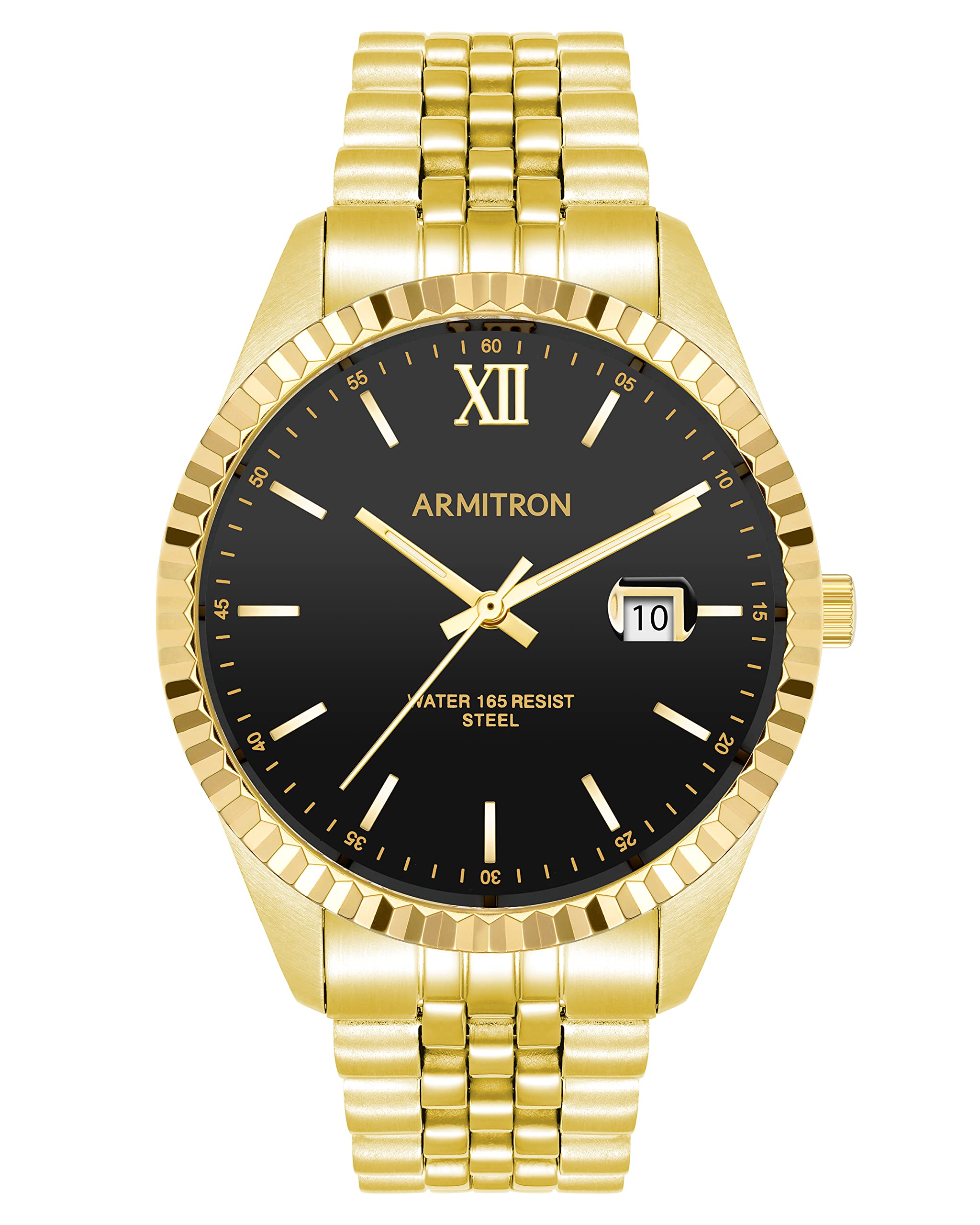
Figure 1: Front view of the Armitron Men's Date Function Bracelet Watch, Model 20/5521. This image displays the gold-tone case and bracelet, black dial, and date window.
Setup
Setting the Time
- Pull the crown (the small knob on the side of the watch case) out to position 2.
- Turn the crown clockwise or counter-clockwise to set the hour and minute hands to the correct time. Ensure you distinguish between AM and PM when setting the time, especially if the watch has a date function that changes at midnight.
- Once the time is set, push the crown back into position 0 (normal operating position).
Setting the Date
- Pull the crown out to position 1.
- Turn the crown clockwise to advance the date until the correct date is displayed in the date window. Avoid setting the date between 9 PM and 3 AM, as this may interfere with the automatic date change mechanism.
- Once the date is set, push the crown back into position 0 (normal operating position).

Figure 2: Side view of the watch, highlighting the crown for time and date adjustments.
Bracelet Adjustment
The gold-tone adjustable link bracelet can be sized to fit your wrist. For proper fit and to avoid damage, it is recommended to have the bracelet adjusted by a professional jeweler. The bracelet features a fold-over clasp with double push-button safety for secure wearing.
Operating Instructions
Your Armitron watch is powered by a Japanese Quartz movement, ensuring accurate timekeeping. Once the time and date are set as described in the Setup section, the watch will operate continuously. The luminous hands and markers provide visibility in low-light conditions.
The date function automatically advances once every 24 hours. If the watch is not worn for an extended period, you may need to reset the time and date when you begin wearing it again.
Maintenance
Cleaning
To maintain the appearance of your watch, wipe the case and bracelet with a soft, dry cloth regularly. For stubborn dirt, a slightly damp cloth can be used, followed by a dry cloth. Avoid using harsh chemicals or abrasive materials, as these can damage the finish.
Water Resistance (50M / 165 Feet)
Your watch is water resistant to 50 meters (165 feet). This means it is suitable for short periods of recreational swimming, but not for diving or snorkeling. It is important to:
- Do not operate the crown or push-buttons when the watch is wet or submerged in water.
- Avoid exposing the watch to hot water, such as in showers or saunas, as extreme temperature changes can compromise the water seals.
- Ensure the crown is fully pushed in to position 0 before any contact with water.
Battery Replacement
The watch is powered by a battery. When the watch stops running, the battery needs to be replaced. It is recommended to have the battery replaced by a qualified watch technician to ensure the water resistance and proper functioning of the watch are maintained.
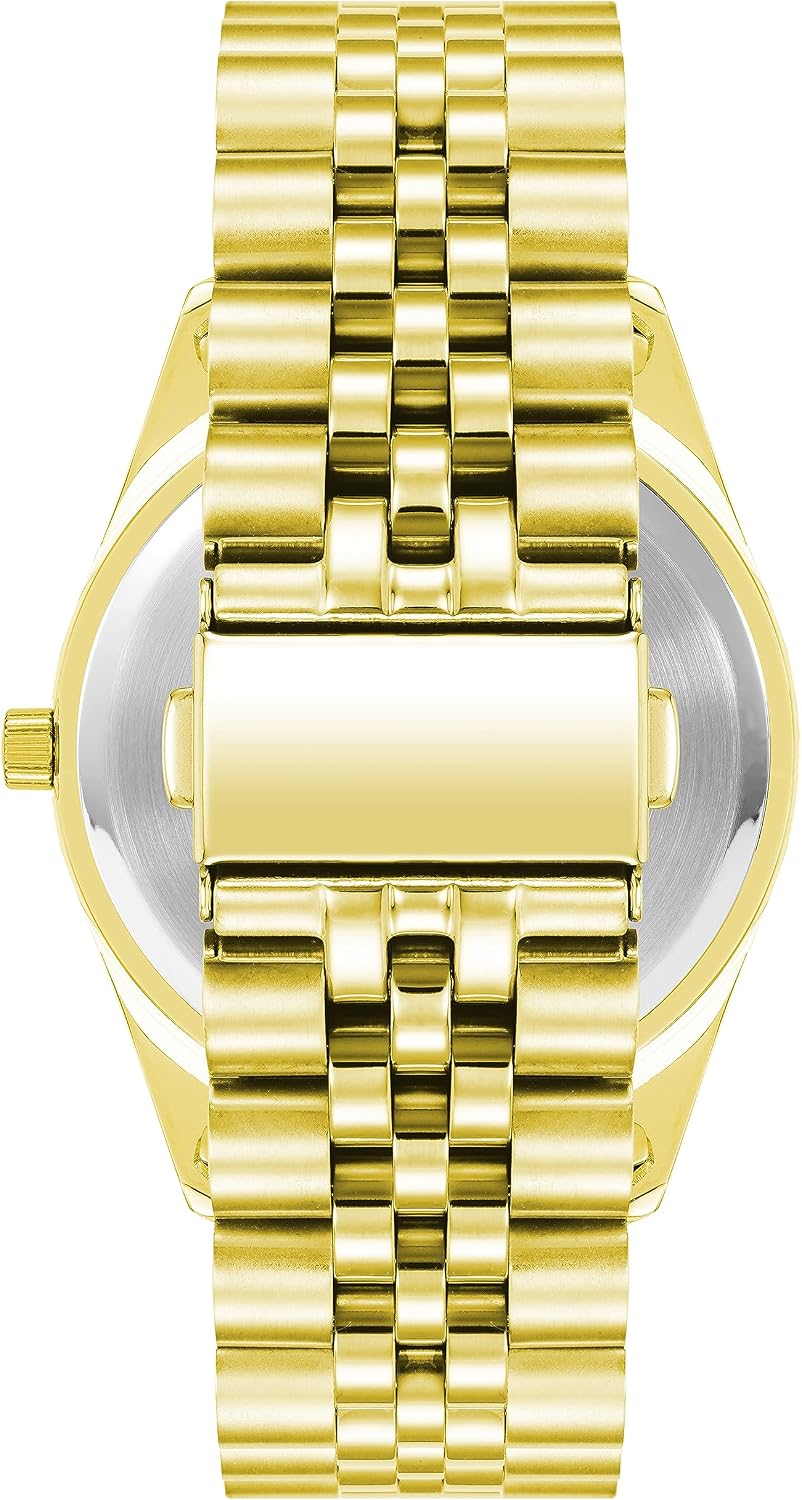
Figure 3: Back view of the watch, showing the stainless steel case back.
Troubleshooting
| Problem | Possible Cause | Solution |
|---|---|---|
| Watch not running | Battery depleted; Crown not pushed in | Replace battery (professional recommended); Push crown fully into position 0. |
| Date not changing at midnight | Time set incorrectly (AM/PM); Date set during restricted hours | Reset time, ensuring correct AM/PM; Reset date outside of 9 PM - 3 AM. |
| Condensation inside watch | Exposure to extreme temperature changes; Crown not fully closed | Avoid extreme temperature changes; Ensure crown is fully pushed in. Seek professional inspection if condensation persists. |
Specifications
| Feature | Detail |
|---|---|
| Model Number | 20/5521BKGP |
| Movement Type | Japanese Quartz |
| Display Type | Analog |
| Water Resistance Depth | 50 Meters (165 Feet) |
| Case Material | Stainless Steel |
| Band Material Type | Stainless Steel |
| Case Diameter | 40 Millimeters |
| Case Thickness | 10.5 Millimeters |
| Band Width | 20 Millimeters |
| Band Length | 7.5 Inches |
| Dial Color | Black |
| Band Color | Gold |
| Clasp Type | Double Locking Foldover Clasp |
Warranty and Support
Warranty Information
This Armitron watch comes with a Limited Warranty. Please refer to the warranty card included with your purchase for specific terms, conditions, and duration of coverage. The warranty typically covers manufacturing defects but does not cover normal wear and tear, accidental damage, or damage resulting from improper use.
Customer Support
For further assistance, service, or inquiries regarding your Armitron watch, please visit the official Armitron website or contact their customer service department. You can find more information and contact details on the Armitron Brand Store.


