
Product Overview
The Wolezek Grow Lights are designed to provide optimal lighting conditions for your indoor plants, promoting healthy growth, flowering, and fruiting. This 2-head LED grow light system features a full spectrum white light, an automatic timer, multiple lighting modes, and dimmable brightness levels to cater to various plant needs and growth stages.

Image: Wolezek 2-Head Grow Light, showcasing its flexible design and clip base.
- Full Spectrum White Light: Equipped with 2pcs 660nm red, 2pcs 3000K white, and 16pcs 6000K white LEDs in each bar, mimicking natural sunlight for comprehensive plant development.
- Cycle Timer Function: Offers 3 timer options (6h/12h/16h) for automatic daily ON/OFF operation, eliminating the need for manual adjustments.
- 3 Lighting Modes: Provides different light combinations to suit various plant growth stages.
- 5-Level Dimmable Brightness: Adjustable brightness from 20% to 100% to meet specific light intensity requirements.
- Easy Installation: Features a non-slip clamp and 360-degree adjustable goosenecks for flexible positioning.
Product Features
Light Spectrum and Modes
The Wolezek Grow Light provides a full spectrum of light crucial for photosynthesis. It includes red, warm white, and cool white LEDs to support all stages of plant growth, from germination to flowering and fruiting. The 3 lighting modes allow you to customize the light output:
- Full Spectrum: All LEDs are active, providing a balanced light for overall plant growth, flowering, and fruiting.
- Red + Warm White: Focuses on red and warm white light, beneficial for flowering and fruiting, and enhancing photosynthesis.
- Only White: Provides white light, primarily promoting vegetative growth and chlorophyll synthesis.

Image: Visual representation of the three distinct lighting modes and their primary benefits for plants.
Dimmable Brightness and Timer
Adjust the light intensity with 5 dimmable levels (20%, 40%, 60%, 80%, 100%) to match your plants' specific light requirements. The integrated timer function allows you to set the light duration for 6, 12, or 16 hours, after which the light will automatically turn off and then turn back on at the same time the next day, maintaining a consistent light cycle.
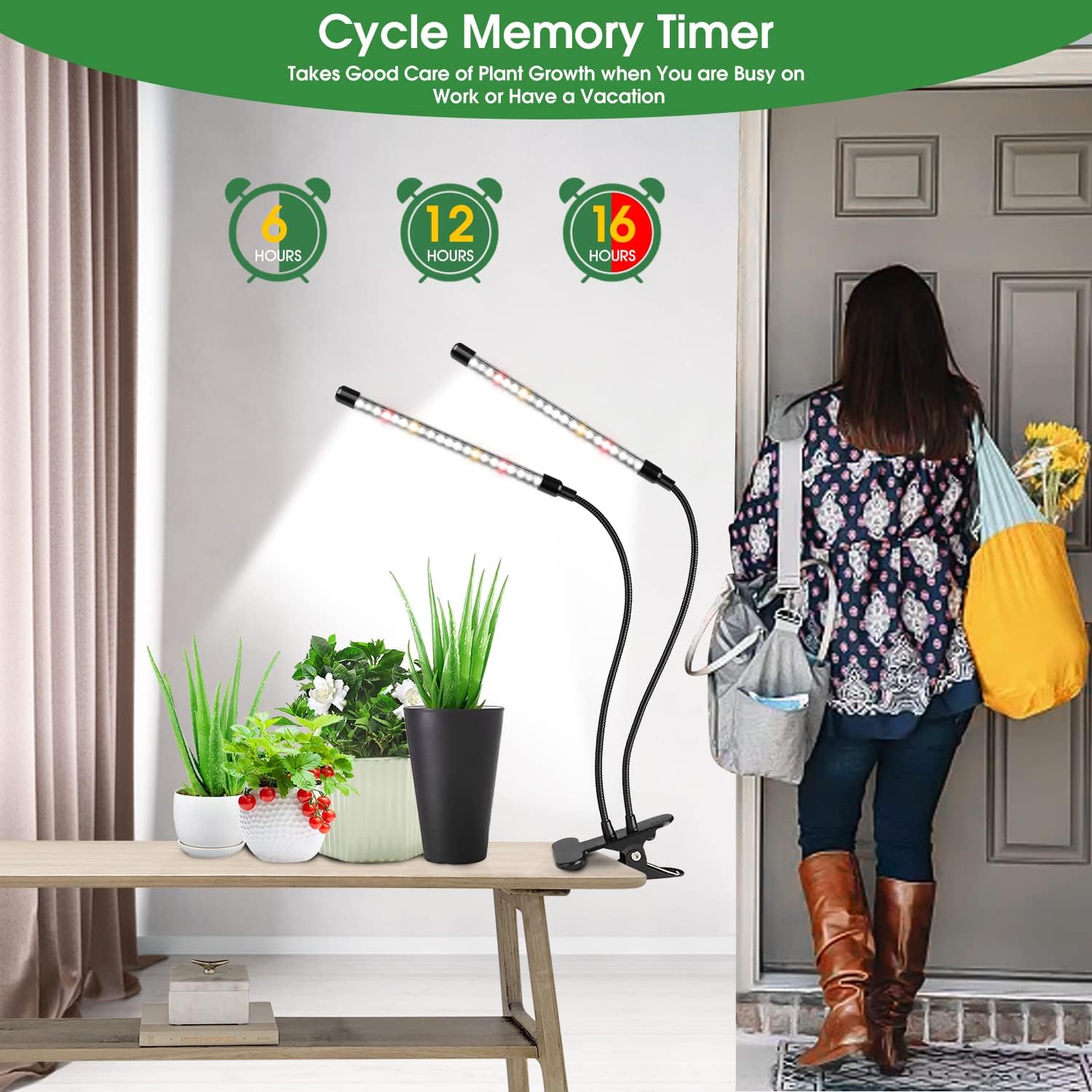
Image: Overview of the 5 dimming levels and 3 timer settings available on the grow light.
Flexible Design
The grow light features a sturdy, non-slip clamp that can be securely attached to various surfaces up to 2.5 inches thick. The two light bars are connected by 360-degree bendable goosenecks, allowing you to precisely direct light to multiple plants or specific areas as needed.

Image: Detailed view of the grow light's dimensions, flexible goosenecks, and robust clip for secure mounting.
Setup and Installation
- Unpack: Carefully remove all components from the packaging. Ensure you have the 2-head grow light with its integrated controller, USB cable, and power adapter.
- Choose Location: Select a suitable location near your plants where the clamp can be securely attached to a table, shelf, or plant stand.
- Attach Clamp: Open the non-slip clamp and firmly attach it to the desired surface. Ensure it is stable and will not tip over.
- Position Lights: Adjust the 360-degree flexible goosenecks to direct the light bars towards your plants. Ensure the light covers the plant canopy evenly.
- Connect Power: Plug the USB cable into the power adapter, then plug the adapter into a standard electrical outlet.
Operating Instructions
The Wolezek Grow Light is controlled via an inline remote with intuitive buttons:

Image: The remote control unit with clearly labeled buttons for various functions.
- Power Button (ⓔ): Press to turn the grow light ON or OFF.
- Brightness Adjustable Button (💡): Cycles through 5 brightness levels: 20%, 40%, 60%, 80%, 100%.
- Switch Lighting Color Button (↻): Toggles between the 3 lighting modes: Full Spectrum, Red + Warm White, and Only White.
- Timing Switch Button (⏱): Sets the automatic timer for 6, 12, or 16 hours. Once set, the light will automatically turn on and off daily at the programmed interval.
Recommended Usage
For optimal plant growth, consider the following guidelines:
- Seedlings/Young Plants: Use the 'Only White' mode at a lower brightness (20-40%) for 12-16 hours per day.
- Vegetative Growth: Use 'Full Spectrum' or 'Only White' mode at medium brightness (60-80%) for 12-16 hours per day.
- Flowering/Fruiting: Use 'Full Spectrum' or 'Red + Warm White' mode at higher brightness (80-100%) for 12-16 hours per day.
Adjust the distance between the light bars and your plants based on their light requirements and the chosen brightness level. Observe your plants for signs of stress (e.g., leaf burn) or etiolation (stretching for light) and adjust accordingly.
Maintenance
- Cleaning: Periodically wipe the LED light bars and the clamp with a soft, dry cloth to remove dust and debris. Ensure the device is unplugged before cleaning.
- Inspection: Regularly check the power cord and connections for any signs of damage. Do not use the product if any part is damaged.
- Storage: If storing the grow light for an extended period, unplug it, clean it, and store it in a cool, dry place away from direct sunlight.
Troubleshooting
| Problem | Possible Cause | Solution |
|---|---|---|
| Light does not turn on. | No power, loose connection, faulty power adapter. | Check if the power adapter is securely plugged into the outlet and the USB cable is connected to the light. Try a different outlet. If the issue persists, the power adapter might need replacement. |
| Timer function not working. | Timer not set correctly. | Ensure you have pressed the 'Timing Switch Button' to select a 6, 12, or 16-hour cycle. The light will then automatically follow this cycle daily. |
| Lights are too dim/bright. | Brightness level not adjusted. | Press the 'Brightness Adjustable Button' to cycle through the 5 available brightness levels until the desired intensity is reached. |
| Plants are not growing well. | Incorrect light mode, insufficient light duration, improper distance. | Adjust the lighting mode and duration according to your plant's growth stage. Ensure the light bars are positioned at an appropriate distance from the plants. Consult the 'Recommended Usage' section. |
Specifications
| Feature | Detail |
|---|---|
| Model Name | BL-J20A |
| Light Source Type | LED (660nm Red, 3000K White, 6000K White) |
| Number of Light Sources | 2 Bars (40 LEDs per bar) |
| Wattage | 20 watts |
| Voltage | 240 Volts |
| Control Method | Remote (Inline Controller) |
| Timer Settings | 6H, 12H, 16H (Auto ON/OFF) |
| Brightness Levels | 5 (20%, 40%, 60%, 80%, 100%) |
| Gooseneck | 360-degree adjustable |
| Mounting Type | Clip-on (Tabletop/Shelf) |
| Material | Aluminum, Metal |
| Product Dimensions | 13.39"D x 5.31"W x 3.35"H |
| Cable Length | 98.43 Inches |
| Indoor/Outdoor Usage | Indoor |
| Energy Efficiency Class | F (EPREL Link) |
Official Product Video
Video: Wolezek 6000K Grow Light with Clip - An official overview of the product's features and functionality.
Warranty and Support
Wolezek provides 24/7 customer service. If you encounter any problems or are not satisfied with your product, please contact us via Amazon for assistance. We are committed to providing satisfactory service.