Introduction
This instruction manual provides detailed guidance for the assembly, operation, and maintenance of your VidaXL TV Stand with LED Lighting. Please read this manual thoroughly before beginning assembly or use to ensure safe and correct installation and to maximize the product's lifespan. Keep this manual for future reference.
The VidaXL TV Stand is designed to accommodate your television and media devices, offering practical storage and an aesthetic enhancement with its integrated RGB LED lighting. It features a brown oak finish, constructed primarily from plywood with a glass shelf in the central compartment.
Safety Information
- Read all instructions: Ensure you understand all assembly steps and safety warnings before proceeding.
- Adult assembly required: This product should be assembled by adults.
- Use appropriate tools: Ensure you have the necessary tools for assembly and use them correctly.
- Weight limits: Do not exceed the maximum weight capacity of 26 kg for the unit. Distribute weight evenly.
- Anti-tip safety: For added safety, consider securing the TV stand to the wall using appropriate anti-tip hardware (not included) to prevent accidental tipping, especially in households with children or pets.
- Electrical safety: When connecting the LED lighting, ensure the power adapter is compatible with your local power supply and is connected to a properly grounded outlet. Do not expose LED components to moisture.
- Ventilation: Ensure adequate ventilation around electronic devices placed on or within the stand to prevent overheating.
- Placement: Place the TV stand on a flat, stable surface. Avoid placing it near heat sources or in direct sunlight.
Package Contents
Before assembly, verify that all components listed below are present and undamaged. If any parts are missing or damaged, do not proceed with assembly and contact customer support.
- Wooden panels (various sizes for top, bottom, sides, doors, and back)
- Glass shelf
- Assembly hardware (screws, dowels, hinges, cam locks, etc.)
- LED strip with power adapter and remote control
- Instruction manual (this document)
Assembly Instructions
Tools Required: Phillips head screwdriver, hammer (optional, for dowels), measuring tape (optional).
- Unpack and Identify Parts: Carefully unpack all components and lay them out on a clean, soft surface to prevent scratches. Identify each part by comparing it with the diagrams in the included assembly guide.
- Assemble the Base Frame: Connect the bottom panel to the side panels using the provided hardware (dowels and cam locks). Ensure all connections are secure.
- Install Internal Dividers: Attach the central divider and any other internal panels according to the diagrams.
- Insert Glass Shelf: Carefully place the glass shelf into the designated central compartment. Ensure it rests securely on its supports.
- Attach Top Panel: Secure the top panel to the assembled frame using the appropriate hardware.
- Install Doors: Attach the hinges to the doors and then to the side panels of the stand. Adjust hinges as needed for proper door alignment.
- Install Back Panel: Secure the back panel to the rear of the unit.
- Install LED Lighting: Follow the specific instructions provided with the LED kit to attach the LED strip to the central compartment. Connect the power adapter.
- Final Checks: Ensure all screws are tightened and the unit is stable. If any parts do not align perfectly, re-check the instructions and ensure all components are correctly oriented before tightening.

Figure 1: Product dimensions for the VidaXL TV Stand.
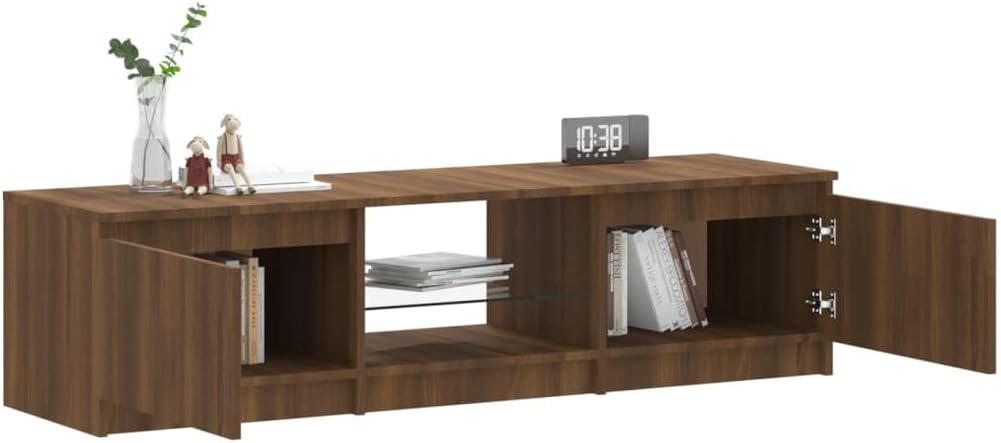
Figure 2: Interior view of the TV stand with doors open, showing storage and the central glass shelf.
Operating Instructions (LED Lighting)
The VidaXL TV Stand features integrated RGB LED lighting in the central compartment, controlled by a remote.
- Power Connection: After assembly, connect the LED power adapter to the LED strip and then plug the adapter into a standard wall outlet.
- Remote Control: Use the provided remote control to operate the LED lights. Ensure the remote has batteries and is pointed towards the LED receiver.
- Functions:
- Power On/Off: Press the ON/OFF button to turn the lights on or off.
- Color Selection: Use the color buttons (e.g., Blue, Red, Green, White) to select a static color.
- Brightness Adjustment: Use the Brightness Up/Down buttons to adjust the intensity of the light.
- Mode Selection: Cycle through various dynamic modes (e.g., flash, strobe, fade, smooth) using the MODE buttons.
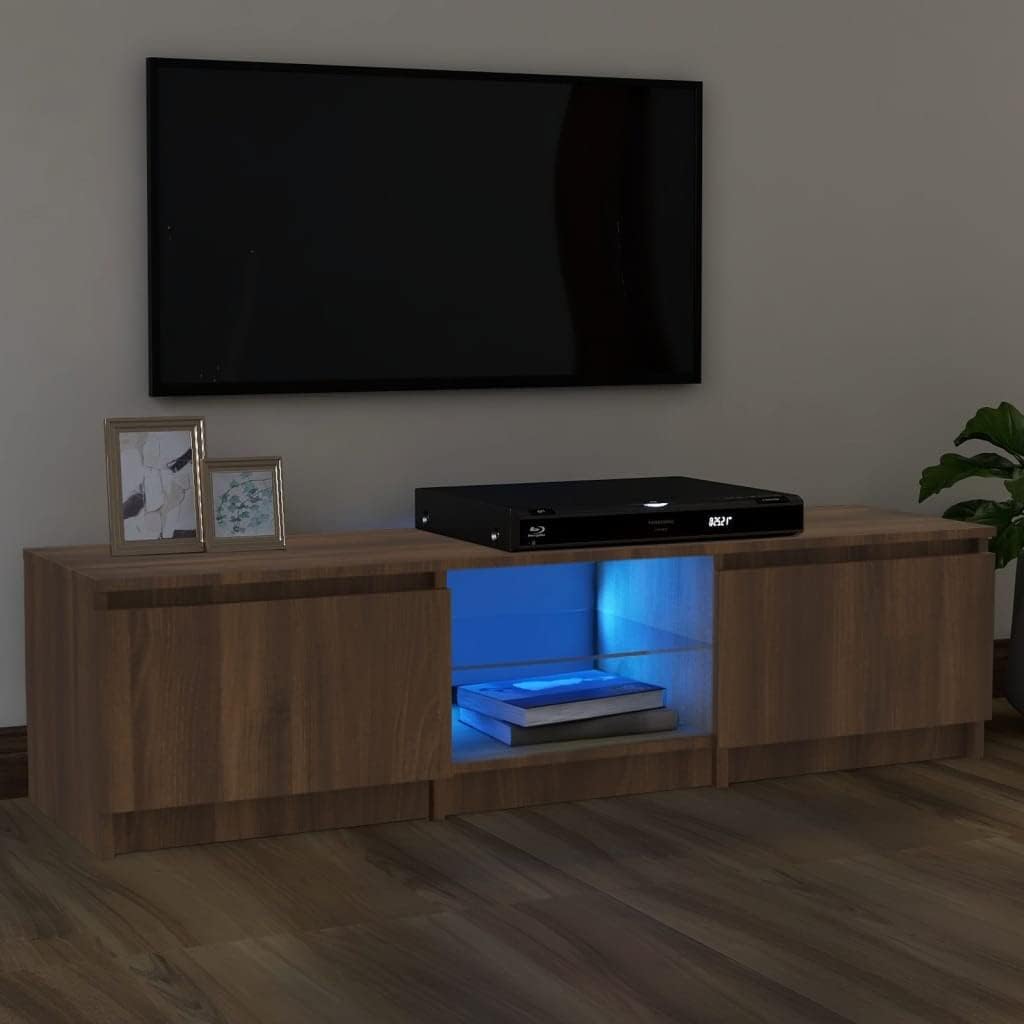
Figure 3: TV stand with blue LED lighting activated.

Figure 4: TV stand with red LED lighting activated.

Figure 5: TV stand with green LED lighting activated.
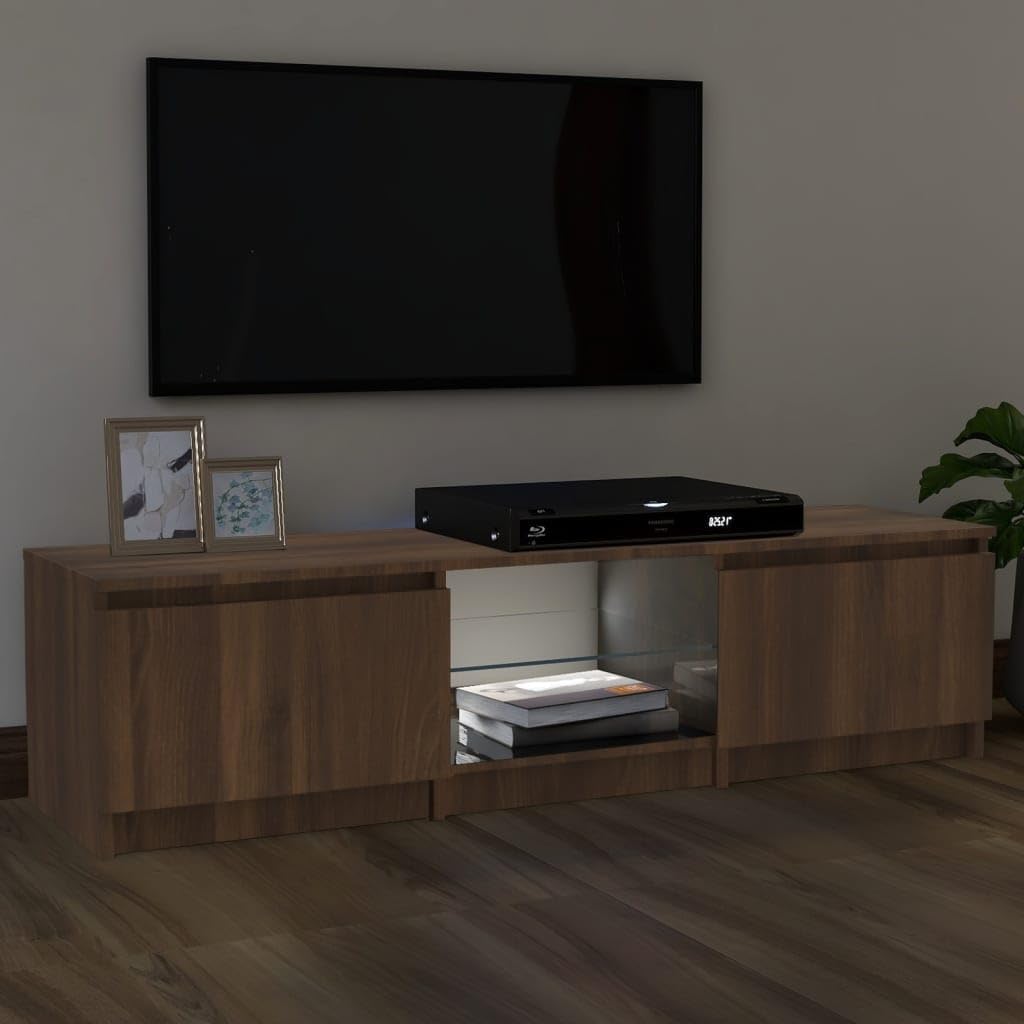
Figure 6: TV stand with white LED lighting activated.
Maintenance
- Cleaning the Wood Surface: Wipe the brown oak surfaces with a soft, damp cloth. Avoid abrasive cleaners or harsh chemicals that could damage the finish. Dry immediately with a clean cloth.
- Cleaning the Glass Shelf: Use a standard glass cleaner and a soft, lint-free cloth to clean the glass shelf.
- LED Care: The LED strip requires minimal maintenance. If dust accumulates, gently wipe it with a dry, soft cloth. Do not attempt to disassemble the LED strip or power adapter.
- Hardware Check: Periodically check all screws and connections to ensure they remain tight. Retighten if necessary.
- Avoid Moisture: Keep the TV stand and its electrical components away from excessive moisture or liquids.
Troubleshooting
| Problem | Possible Cause | Solution |
|---|---|---|
| LED lights do not turn on. | Power adapter unplugged, remote batteries dead, LED strip disconnected. | Ensure power adapter is securely plugged into outlet and LED strip. Replace remote batteries. Check LED strip connection. |
| Remote control not working. | Dead batteries, remote not pointed at receiver, obstruction. | Replace remote batteries. Ensure clear line of sight to the LED receiver. |
| Parts do not align during assembly. | Incorrect orientation of parts, incorrect hardware used, manufacturing variation. | Carefully review assembly diagrams. Ensure each part is oriented correctly. Do not force parts. If issues persist, contact customer support. |
| Unit feels unstable after assembly. | Loose hardware, uneven surface. | Tighten all screws and connections. Ensure the stand is placed on a flat, level surface. |
Specifications
- Model Number: 822683
- Dimensions (L x W x H): 140 cm x 40 cm x 35.5 cm
- Material: Plywood (main structure), Glass (shelf)
- Color: Brown Oak
- Maximum Weight Capacity: 26 kg
- Special Features: RGB LED lighting with remote control
- Brand: vidaXL
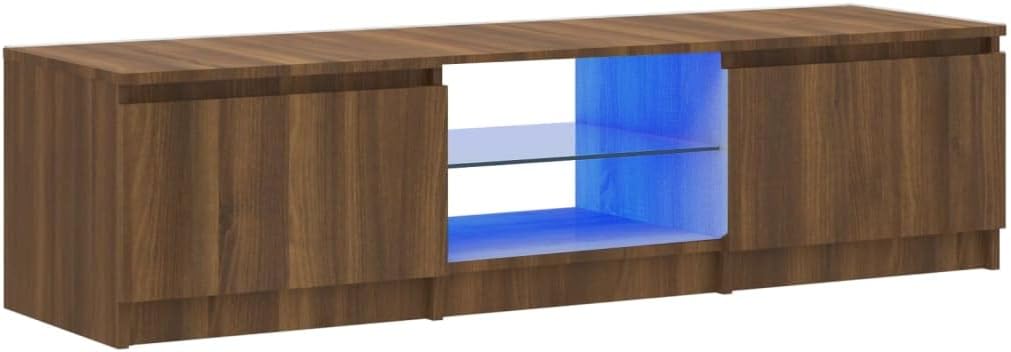
Figure 7: VidaXL TV Stand in a living room setting with blue LED lighting.
Warranty and Support
This VidaXL product is covered by a standard manufacturer's warranty against defects in materials and workmanship. The specific terms and duration of the warranty may vary by region and retailer. Please retain your proof of purchase for warranty claims.
For technical assistance, missing parts, or warranty inquiries, please contact your retailer or the official vidaXL customer service. Contact details can typically be found on the vidaXL website or your purchase documentation.
For more information, visit the official vidaXL website: www.vidaxl.com