
1. Introduction
Thank you for choosing the TIMU BTW98-W Bluetooth 5.3 Wireless Earbuds. This manual provides detailed instructions for setting up, operating, and maintaining your earbuds to ensure optimal performance and longevity. Please read this manual carefully before use and retain it for future reference.
2. Product Overview
The TIMU BTW98-W earbuds are designed for a superior audio experience with advanced features.
Key Features:
- Advanced Audio: Equipped with 13.4mm titanium-coated composite diaphragm drivers for powerful bass, clear mids, and impressive highs.
- Crystal Clear Calls: Features 4 built-in microphones and CVC 8.0 Clear Call technology for enhanced voice clarity during calls.
- Extended Playtime: Enjoy up to 8 hours of music on a single charge, extended to a total of 60 hours with the compact 800mAh charging case.
- LED Power Display: The charging case includes a high-precision digital LED display to accurately show the remaining power of both the case and earbuds.
- Ergonomic Design: Optimized for comfortable wear with an exclusive cavity design and ultra-lightweight earbuds (0.14 oz each). Includes three sizes of eartips (L/M/S).
- Bluetooth 5.3: Utilizes the latest Bluetooth 5.3 technology for faster transmission speeds, stable connection, and reduced latency. Supports HFP, HSP, A2DP, AVRCP profiles.
- One-Step Pairing: Automatic connection to the last paired device upon removal from the charging case.
- Smart Touch Control: Intuitive touch controls for managing volume, music playback, calls, and voice assistant activation.
- IPX7 Waterproof: Designed to withstand sweat and rain, making them suitable for sports and outdoor activities.

Image: TIMU BTW98-W Wireless Earbuds and Charging Case. The image displays the black earbuds magnetically charging within their sleek black case, which features a digital LED power display.
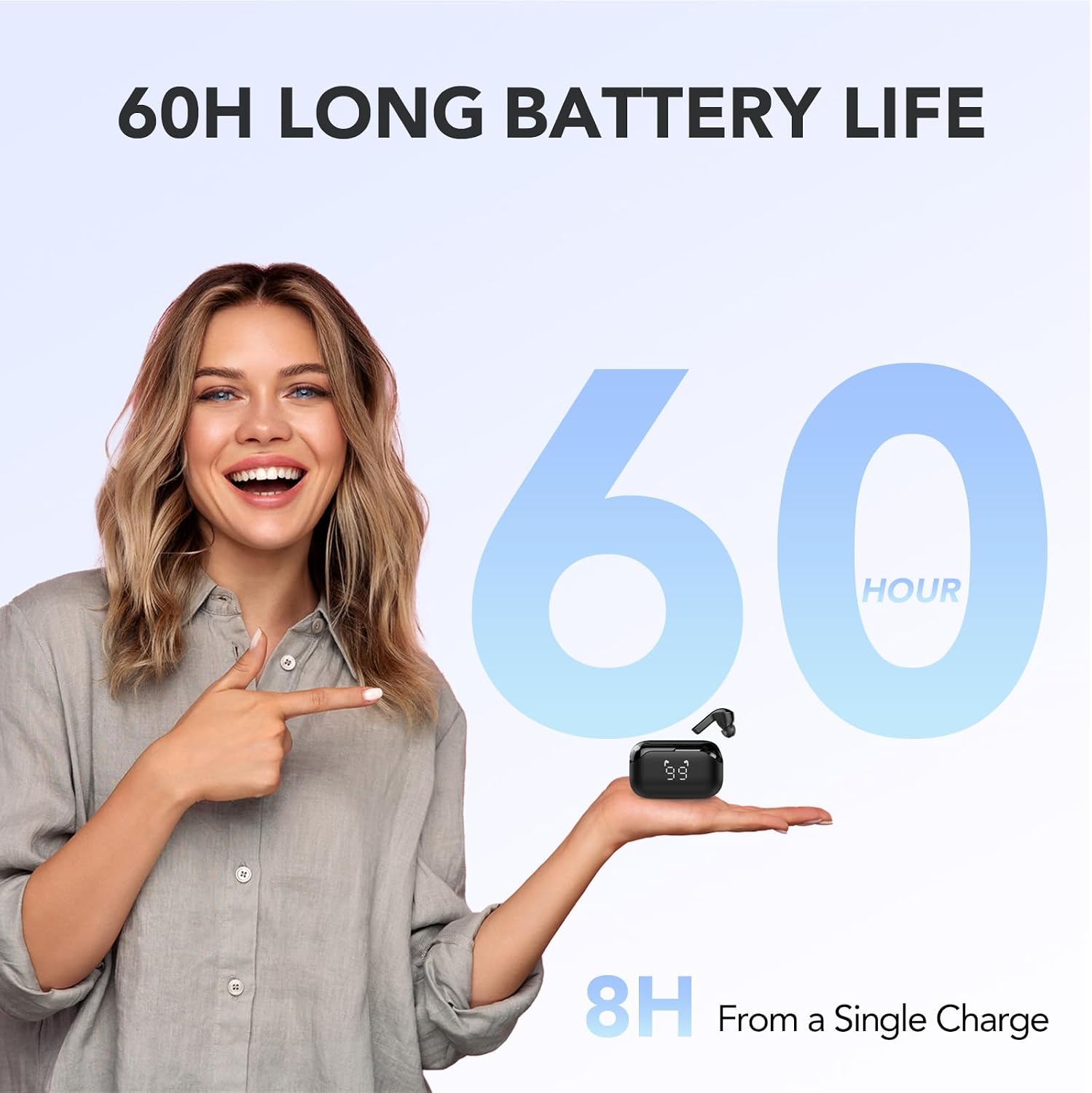
Image: 60-Hour Battery Life. A woman holds the charging case in her palm, with text highlighting '60H LONG BATTERY LIFE' and '8H From a Single Charge', illustrating the extended usage time.

Image: Digital Power Display. The charging case's LED screen shows '99' for battery percentage, and separate icons indicate the charge level of each earbud. Text explains 'Fully charged will show OK'.

Image: 13.4mm Dynamic Drivers and Bass Boost. An exploded view of an earbud highlights the 13.4mm dynamic driver, with text indicating 'BASS BOOSTED BY 43%' and 'Vocal Clarity +30%'.

Image: Clear Calls with 4 Microphones. Two individuals are shown making calls with the earbuds, illustrating '3X CLEARER CALLS' and a graphic indicating '4 mics' effectively reduce 'NOISE' and enhance 'VOICE'.

Image: Ergonomic Design and Soft Eartips. Two models wear the earbuds, with insets showing an 'ERGONOMIC' earbud fit and 'SOFT EARTIPS' for comfort.

Image: One-Step Pairing Process. A smartphone screen shows Bluetooth settings with 'BTW98' connected, illustrating the simple 'ONE STEP PAIRING' process where earbuds connect automatically after being taken out of the case.
3. Package Contents
Please check the package for the following items:
- TIMU BTW98-W Bluetooth Earbuds (Left and Right)
- Charging Case
- USB-C Charging Cable
- Eartips (S, M, L sizes)
- User Manual (Starter manual)
4. Setup
4.1 Charging the Earbuds and Case
- Place the earbuds into the charging case. Ensure they are correctly seated; magnetic contacts will hold them in place.
- Connect the USB-C charging cable to the charging port on the case and the other end to a USB power adapter (not included) or a computer's USB port.
- The LED digital display on the charging case will show the battery percentage of the case and individual earbud charge levels. When fully charged, the display may show "OK" or 100%.
- A full charge for the case typically takes approximately 1.5-2 hours. Earbuds charge faster when placed in a charged case.
4.2 Pairing with a Device
- First-time Pairing: Open the charging case and remove both earbuds. They will automatically enter pairing mode, indicated by a flashing LED light on one or both earbuds.
- On your device (smartphone, tablet, laptop), enable Bluetooth.
- Search for "BTW98" in the list of available Bluetooth devices and select it to connect.
- Once connected, a voice prompt will confirm "Connected," and the LED indicators on the earbuds will turn off or flash slowly.
- Re-pairing: After the initial pairing, the earbuds will automatically connect to the last paired device when removed from the charging case, provided Bluetooth is enabled on the device.
5. Operating Instructions
5.1 Touch Controls
The earbuds feature touch-sensitive areas for easy control. The specific functions may vary slightly depending on your device and application.
| Action | Left Earbud | Right Earbud |
|---|---|---|
| Play/Pause Music | Single Tap | Single Tap |
| Next Track | Double Tap | Double Tap |
| Previous Track | Triple Tap | Triple Tap |
| Volume Up | Press and Hold | N/A |
| Volume Down | N/A | Press and Hold |
| Answer/End Call | Single Tap | Single Tap |
| Reject Call | Press and Hold | Press and Hold |
| Activate Voice Assistant | Long Press (e.g., 2 seconds) | Long Press (e.g., 2 seconds) |
5.2 Power On/Off
- Power On: The earbuds automatically power on when removed from the charging case.
- Power Off: Place the earbuds back into the charging case to automatically power them off and begin charging.
6. Maintenance
Proper maintenance ensures the longevity and performance of your earbuds.
- Cleaning: Regularly clean the earbuds, eartips, and charging contacts with a soft, dry, lint-free cloth. Do not use harsh chemicals or abrasive materials.
- Water Resistance: The earbuds are IPX7 waterproof, meaning they can withstand sweat and rain. However, they are not designed for swimming or prolonged submersion. Ensure the earbuds are dry before placing them back in the charging case to prevent damage to the charging contacts.
- Storage: When not in use, store the earbuds in their charging case to protect them from dust and damage. Store in a cool, dry place away from extreme temperatures.
- Battery Care: To preserve battery life, avoid fully discharging the earbuds and charging case frequently. Charge them regularly, even if not in constant use.
7. Troubleshooting
If you encounter issues with your earbuds, refer to the following common problems and solutions:
| Problem | Possible Solution |
|---|---|
| Earbuds not pairing | Ensure earbuds are charged. Turn off and on Bluetooth on your device. Forget "BTW98" from your device's Bluetooth list and re-pair. Ensure no other devices are connected to the earbuds. |
| Only one earbud working | Place both earbuds back into the charging case, close the lid, then open and remove them again. Ensure both earbuds are charged. |
| No sound or low volume | Check the volume level on both your device and the earbuds. Ensure earbuds are properly connected. Clean any debris from the earbud speakers. |
| Charging case not charging | Ensure the USB-C cable is securely connected to both the case and the power source. Try a different USB-C cable or power adapter. |
| Earbuds fall out easily | Try different sizes of eartips (S, M, L) to find the best fit for your ears. Ensure earbuds are inserted correctly. |
8. Specifications
Detailed technical specifications for the TIMU BTW98-W earbuds:
| Feature | Specification |
|---|---|
| Model Number | BTW98-W |
| Bluetooth Version | 5.3 |
| Wireless Communication Technology | Bluetooth |
| Earbud Playtime (Single Charge) | Up to 8 hours |
| Total Playtime with Charging Case | Up to 60 hours |
| Charging Case Battery Capacity | 800 mAh |
| Microphones | 4 (with CVC 8.0 Clear Call technology) |
| Driver Size | 13.4mm |
| Water Resistance Rating | IPX7 |
| Earbud Weight | Approx. 0.14 oz (per earbud) |
| Material | Titanium (composite diaphragm) |
| Compatible Devices | Mobile phones, tablets, laptops, desktops, smart speakers |
| Special Features | Microphone included, Sweat resistant, LED Power Display |
9. Safety Information
Please observe the following safety guidelines:
- Do not disassemble, repair, or modify the product. This may cause fire, electric shock, or complete damage to the product.
- Keep the earbuds and charging case away from extreme temperatures, direct sunlight, and open flames.
- Avoid exposing the product to excessive moisture or liquids beyond its IPX7 rating. Ensure the charging port is dry before charging.
- Do not use the earbuds at high volume for extended periods to prevent hearing damage.
- Keep out of reach of children and pets to prevent accidental ingestion of small parts.
- Dispose of the product responsibly according to local regulations. Do not dispose of with household waste.
10. Warranty and Support
Information regarding product warranty and availability of spare parts is not provided in the product details. For support or warranty inquiries, please contact the retailer or manufacturer directly.