Introduction
This manual provides essential instructions for the safe and efficient use of your Sony WH-CH520 Wireless Headphones. These headphones offer high-quality audio and comfortable, extended listening with a long-lasting battery.
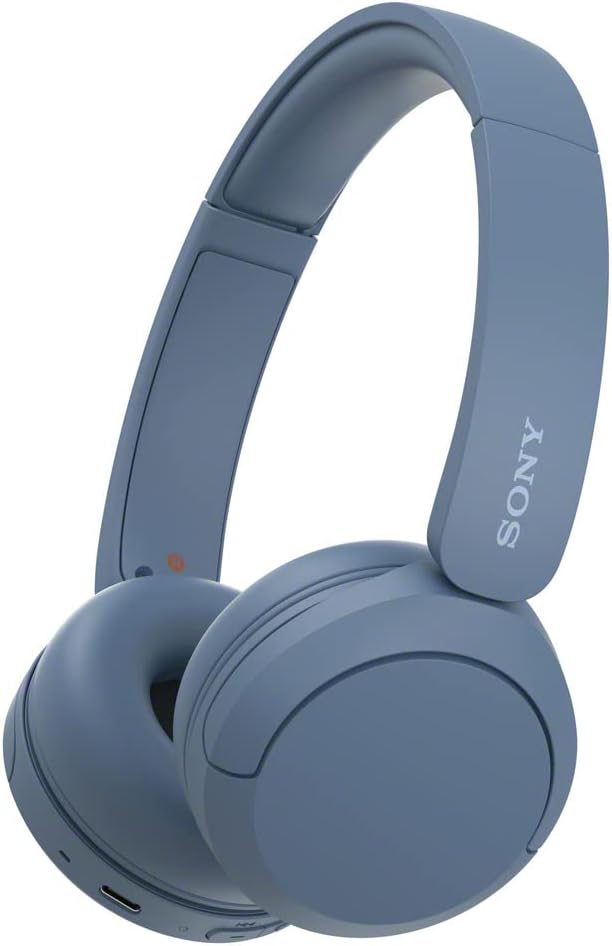
Image: Sony WH-CH520 Wireless Headphones, blue color variant.
What's in the Box
Verify that all items are present in the package:
- Sony WH-CH520 Wireless Headphones
- USB Type-C cable (USB-A to USB-C) (approx. 20 cm / 7.88 in.)

Image: The Sony WH-CH520 headphones alongside their included USB-C charging cable.
Setup
1. Charging the Headphones
Before initial use, fully charge the headphones. Connect the supplied USB Type-C cable to the USB Type-C port on the headphones and to a USB charging adapter or a computer's USB port.
- A full charge provides up to 50 hours of playback.
- A 3-minute quick charge can provide approximately 1.5 hours of audio playback.

Image: The Sony WH-CH520 headphones on a wooden surface, highlighting their extended battery life and quick charge capability.
2. Power On/Off
- To power on: Press and hold the power button until the indicator light flashes.
- To power off: Press and hold the power button until the indicator light turns off.
3. Bluetooth Pairing
The headphones utilize Bluetooth 5.2 for wireless connectivity.
- Initial Pairing: When powered on for the first time, the headphones automatically enter pairing mode. The indicator light will flash blue and red alternately.
- On your device (smartphone, tablet, computer), enable Bluetooth and search for available devices.
- Select "WH-CH520" from the list of detected devices.
- Once connected, the indicator light will flash blue slowly.
Multipoint Connection
The WH-CH520 supports multipoint connection, allowing you to connect to two Bluetooth devices simultaneously. This enables seamless switching between devices, for example, listening to music on a computer and then answering a call on your smartphone.
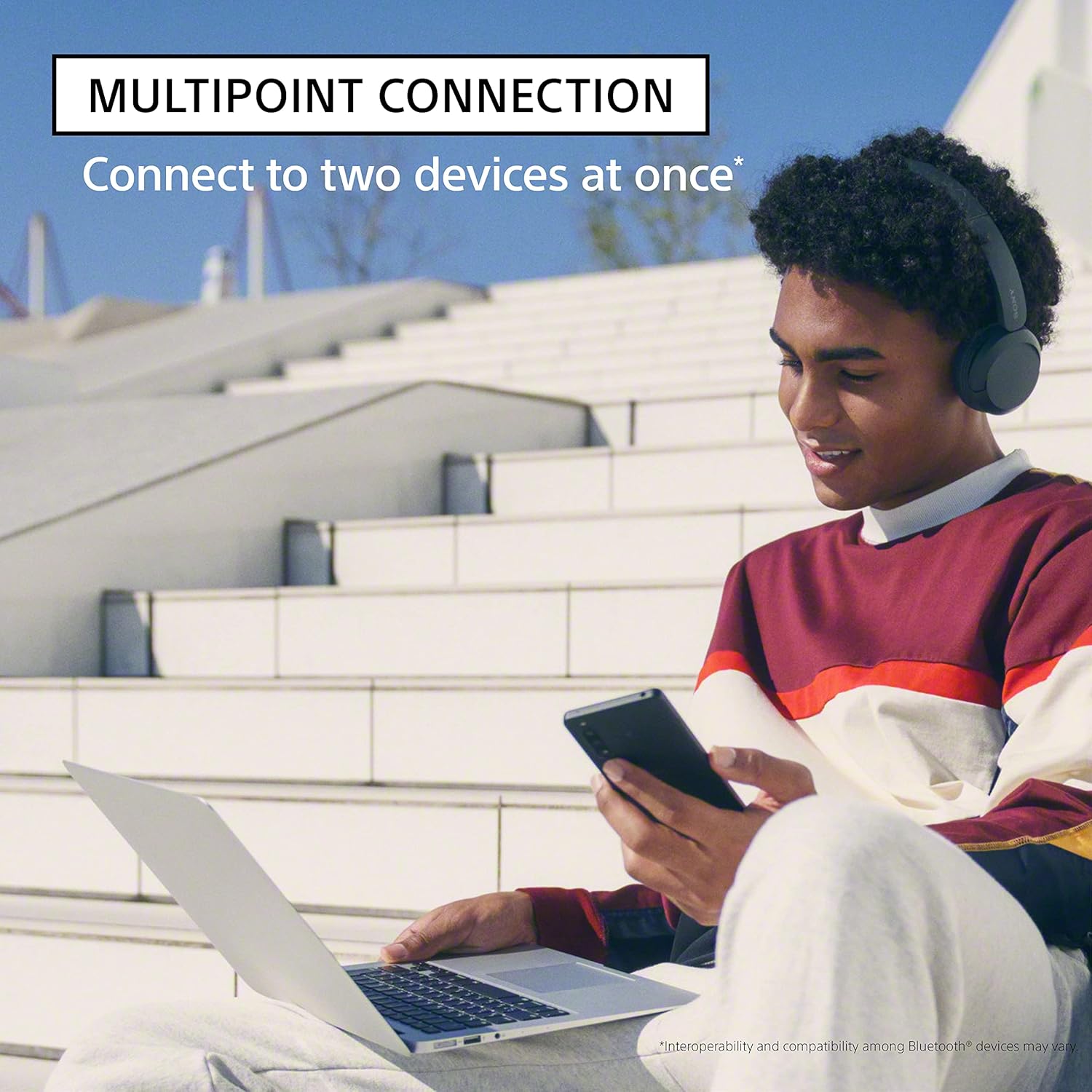
Image: A user wearing Sony WH-CH520 headphones, simultaneously connected to a laptop and a smartphone, demonstrating the multipoint connection feature.
Fast Pair (Android)
For Android devices, Fast Pair allows for quick and easy pairing. Simply turn on the headphones and bring them close to your Android device. A pop-up notification will appear, prompting you to connect.
Swift Pair (Windows 10)
For Windows 10 computers, Swift Pair enables quick pairing. Activate Swift Pair on your Windows 10 device and turn on the headphones. A notification will appear to complete the connection.
Operating Instructions
1. Controls
The headphones feature integrated media controls on the earcup:
- Power Button: Power on/off, pairing mode.
- Volume Up/Down Buttons: Adjust volume. Hold to skip tracks (forward/backward).
- Multi-function Button (center): Play/pause music, answer/end calls.

Image: A detailed view of the control buttons located on the right earcup of the Sony WH-CH520 headphones.
2. Making and Receiving Calls
The built-in microphone allows for hands-free calling:
- To answer a call: Press the multi-function button once.
- To end a call: Press the multi-function button once during a call.
- To reject a call: Press and hold the multi-function button for approximately 2 seconds.
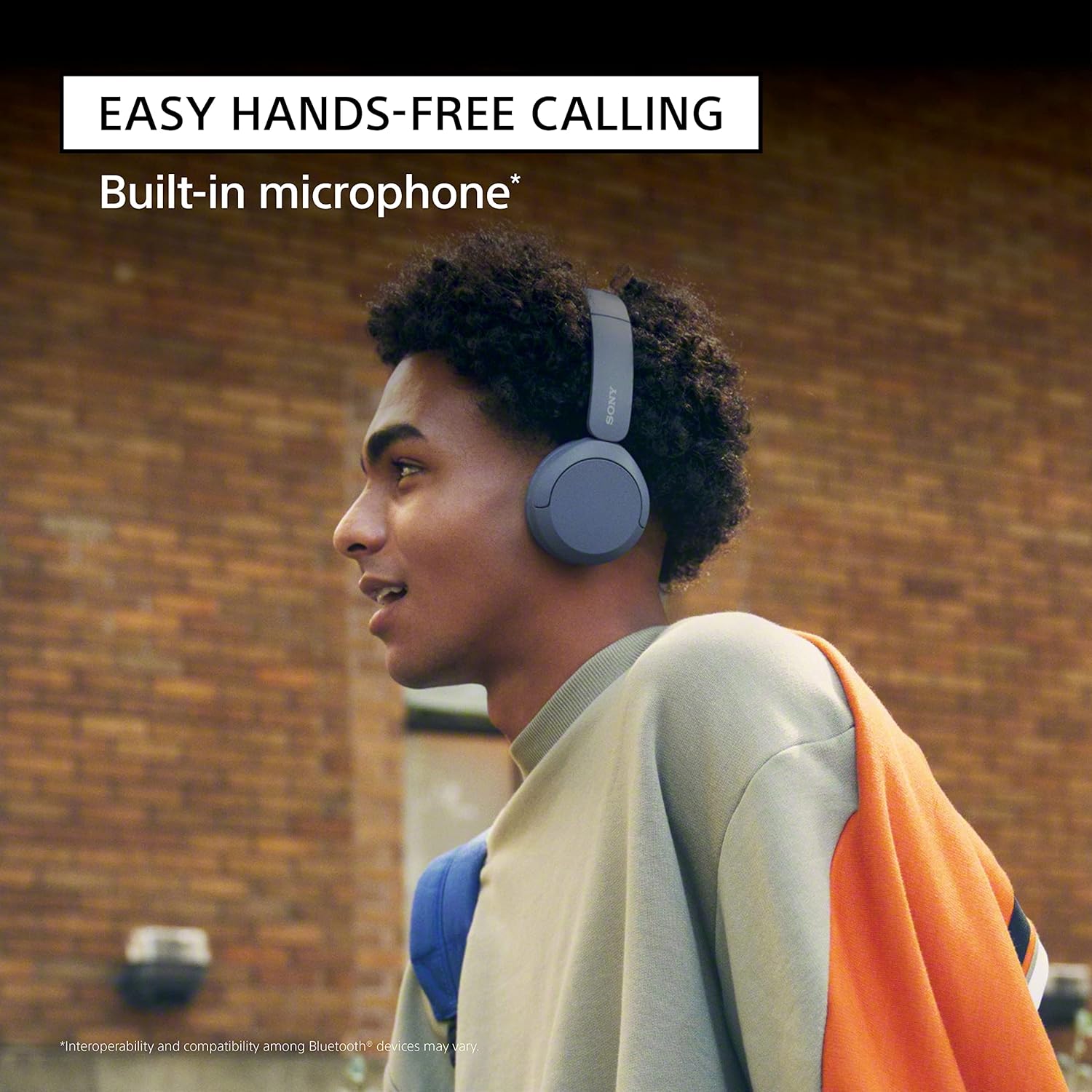
Image: A person wearing the Sony WH-CH520 headphones, demonstrating the ease of hands-free calling with the built-in microphone.
3. Sound Customization
Enhance your listening experience using the Sony | Headphones Connect App:
- EQ Custom: Adjust equalizer settings to match your music preferences.
- DSEE (Digital Sound Enhancement Engine): Boosts the quality of compressed music files, restoring high-frequency sounds lost during compression.

Image: The 'Headphones Connect' app logo, indicating compatibility for sound customization.
Maintenance
Proper care ensures the longevity and performance of your headphones:
- Cleaning: Wipe the headphones with a soft, dry cloth. Do not use alcohol, benzene, thinners, or other chemical cleaners.
- Storage: Store the headphones in a cool, dry place away from direct sunlight and extreme temperatures. The swivel earcups allow for a flatter storage profile.
- Battery Care: To maintain battery health, avoid fully discharging the battery frequently. Charge the headphones regularly, even if not in use for extended periods.

Image: A person comfortably wearing the Sony WH-CH520 headphones, illustrating their lightweight and comfortable design for all-day use.
Troubleshooting
If you encounter issues with your Sony WH-CH520 headphones, refer to the following common solutions:
- No Power: Ensure the headphones are charged. Connect them to a power source using the supplied USB-C cable.
- No Sound: Check the volume level on both the headphones and the connected device. Ensure the headphones are properly paired and connected to the correct device.
- Pairing Issues: Turn off and then on the Bluetooth function on your device. Try deleting the "WH-CH520" entry from your device's Bluetooth list and re-pairing. Ensure the headphones are in pairing mode (indicator flashing blue and red).
- Finding Lost Headphones: If you have an Android smartphone, you can use Google's Find My Device app to locate your headphones by sound or check their last known location.
Specifications
| Feature | Specification |
|---|---|
| Model Name | WH-CH520 |
| Connectivity Technology | Wireless (Bluetooth) |
| Bluetooth Version | 5.2 |
| Bluetooth Range | 10 Meters |
| Battery Life | Up to 50 Hours |
| Charging Time | Approx. 3 hours for full charge (3 min quick charge for 1.5 hrs playback) |
| Frequency Range | 20 Hz–20,000 Hz |
| Impedance | 32 Ohm |
| Sensitivity | 100 dB |
| Item Weight | 147 Grams (5.2 ounces) |
| Dimensions | 6.85 x 1.76 x 7.76 inches |
| Microphone | Built-in |
| Ear Placement | On Ear |
| Included Components | Headphones, USB Type-C cable |
Warranty and Support
For warranty information and customer support, please refer to the official Sony website or the warranty card included with your product. You can also visit the Sony Store on Amazon for additional resources.
For further assistance, contact Sony customer service through their official channels.


