
1. Overview
The Sony WH-CH520 Wireless Headphones offer high-quality sound and comfortable, all-day listening. Designed for convenience, these on-ear headphones feature an ultra-long battery life, quick charging, and a built-in microphone for hands-free calling. They are ideal for various uses, from daily commutes to long listening sessions.

2. What's in the Box
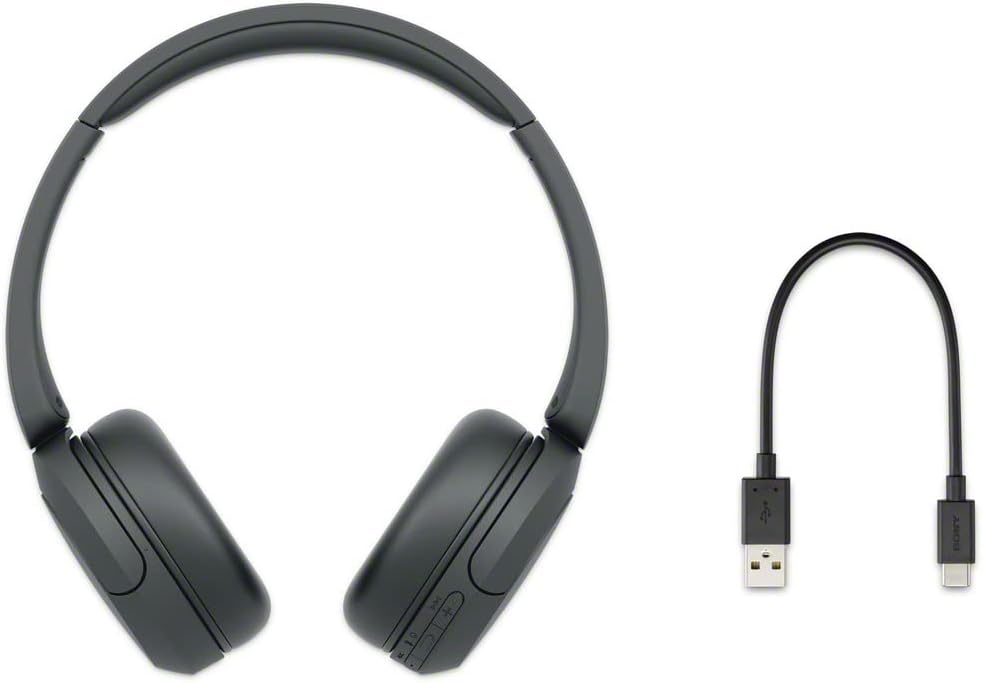
Upon opening your Sony WH-CH520 package, you will find the following items:
- Headphones
- USB Type-C cable (USB-A to USB-C) (approx. 20 cm (7.88 in.))
3. Setup
3.1. Charging the Headphones
Before initial use, fully charge your headphones. Connect the supplied USB Type-C cable to the USB Type-C port on the headphones and to a USB charging adapter or a computer's USB port. A full charge provides up to 50 hours of playback. A quick 3-minute charge can provide up to 1.5 hours of audio playback.

3.2. Bluetooth Pairing
To connect your headphones to a device via Bluetooth:
- Ensure the headphones are charged and powered off.
- Press and hold the power button on the headphones for approximately 7 seconds until the indicator light flashes blue rapidly, indicating pairing mode.
- On your device (smartphone, tablet, or computer), enable Bluetooth and search for available devices.
- Select "WH-CH520" from the list of found devices.
- Once connected, the indicator light will slowly flash blue.
For Windows 10 computers, Swift Pair makes connection quick and easy. For Android devices, Fast Pair helps locate missing headphones by sound or last known location.

3.3. Connecting to Multiple Devices (Multipoint Connection)
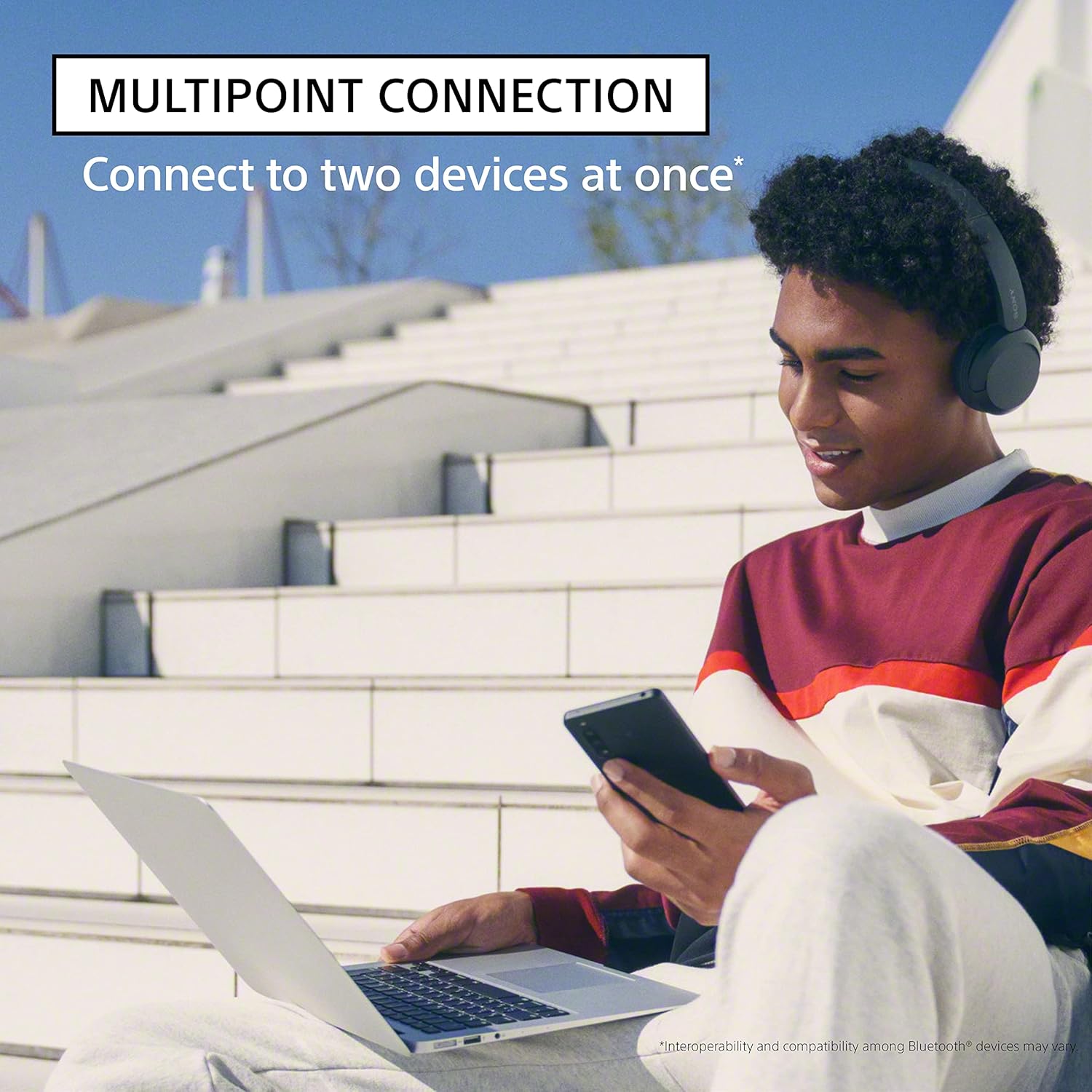
The WH-CH520 headphones support multipoint connection, allowing you to connect to two Bluetooth devices simultaneously. This feature enables seamless switching between devices, for example, listening to music on your computer and then answering a call on your smartphone without re-pairing.
4. Operating Instructions
4.1. Headphone Controls
The control buttons are located on the right ear cup, allowing for easy management of audio playback and calls:
- Power Button: Press and hold to power on/off.
- Volume Buttons (+/-): Press to adjust volume.
- Multi-function Button (Play/Pause/Call): Press once to play/pause music or answer/end calls. Press twice for next track, three times for previous track.

4.2. Hands-Free Calling
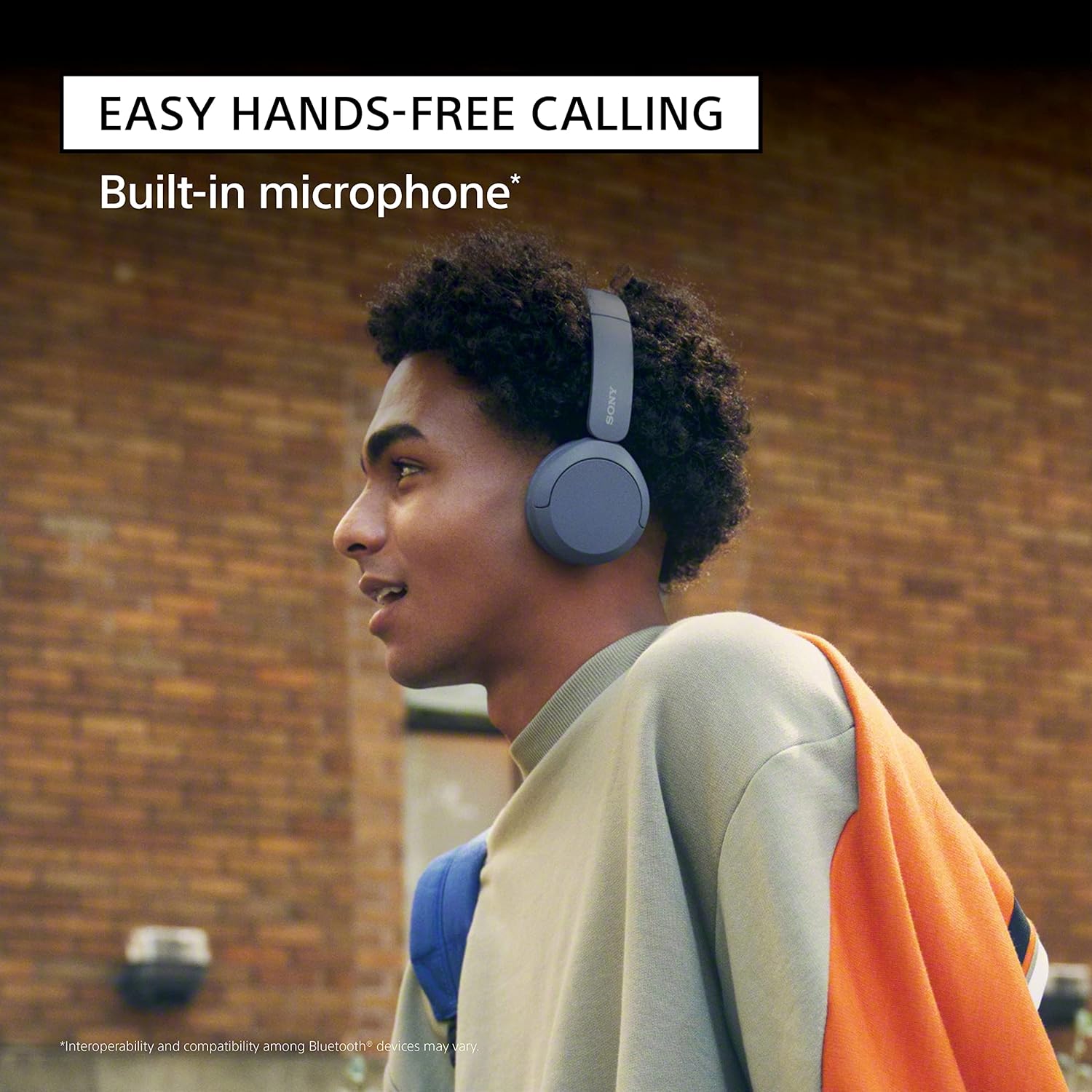
The built-in microphone allows for clear hands-free calling. When a call comes in, press the multi-function button once to answer. Press it again to end the call. You do not need to take your phone out of your pocket.
4.3. Customizing Sound with the App
For a personalized audio experience, download the Sony | Headphones Connect App. This application allows you to customize the equalizer (EQ) settings to match your music preferences, enhancing the sound quality of your audio playback.

4.4. Digital Sound Enhancement Engine (DSEE)
The DSEE (Digital Sound Enhancement Engine) feature restores the high-frequency sound lost during compression, providing a more natural and expansive sound experience, especially with streaming music services.
5. Maintenance
Proper care and maintenance will ensure the longevity and optimal performance of your headphones.
5.1. Cleaning Your Headphones
- Wipe the headphones with a soft, dry cloth.
- Do not use alcohol, benzene, thinners, or other chemical cleaners, as they may damage the finish or cause malfunction.
- Keep the charging port free of dust and debris.
5.2. Storage
When not in use, store the headphones in a cool, dry place away from direct sunlight and extreme temperatures. Avoid placing heavy objects on them or subjecting them to strong impacts.
6. Troubleshooting
If you encounter issues with your Sony WH-CH520 headphones, refer to the table below for common problems and solutions.
| Problem | Solution |
|---|---|
| Headphones do not power on. | Ensure the headphones are charged. Connect them to a power source using the supplied USB Type-C cable. |
| Cannot connect via Bluetooth. | Ensure headphones are in pairing mode (rapidly flashing blue light). Check that Bluetooth is enabled on your device and that the headphones are within range. Delete previous pairing records on your device and try again. |
| No sound or low volume. | Check the volume levels on both the headphones and the connected device. Ensure the headphones are properly paired and connected. |
| Poor sound quality. | Move the headphones closer to the connected device. Avoid obstacles between the headphones and the device. Ensure there is no interference from other wireless devices. |
| Microphone not working during calls. | Ensure the headphones are properly connected for calls. Check microphone settings on your connected device. |
For more detailed troubleshooting or persistent issues, please refer to the official user guide PDF linked in the Warranty and Support section.
7. Technical Specifications
| Feature | Specification |
|---|---|
| Model Name | WHCH520/B |
| Connectivity Technology | Wireless |
| Wireless Communication Technology | Bluetooth |
| Bluetooth Version | 5.2 |
| Battery Life | Up to 50 Hours |
| Charging Time | Approx. 3 hours for full charge (3 min quick charge for 1.5 hrs playback) |
| Item Weight | 5.1 ounces (144.58 grams) |
| Product Dimensions | 6.85 x 1.76 x 7.76 inches |
| Frequency Range | 20 Hz - 20,000 Hz |
| Material | Plastic |
| Included Components | Headphones, USB Type-C cable |
8. Warranty and Support
Sony products are manufactured to high standards and are covered by a limited warranty. For specific warranty terms and conditions, please refer to the documentation included with your purchase or visit the official Sony support website.
For additional support, detailed instructions, or to download the complete user manual in PDF format, please visit the following link:


