
Introduction
This manual provides essential information for the safe and effective use of your VTech Go! Go! Smart Wheels Helping Friends 2-Pack, which includes a Police Car and an Ambulance. These interactive vehicles are designed to engage young children through sounds, phrases, and lights, promoting imaginative play and early learning.
What's Included
Your package should contain the following items:
- Go! Go! Smart Wheels Helping Friends 2-Pack (1 Police Car, 1 Ambulance)
- Quick Start Guide

Image: The retail packaging for the VTech Go! Go! Smart Wheels Helping Friends 2-Pack, showing both the Police Car and Ambulance inside.
Setup
Battery Installation
Each vehicle requires 2 AAA batteries. Batteries are included for demonstration purposes only. For regular use, new batteries are recommended.
- Locate the battery compartment on the underside of each vehicle.
- Using a screwdriver, open the battery compartment cover.
- Insert 2 new AAA batteries, ensuring correct polarity (+/-).
- Replace the battery compartment cover and secure it with the screw.
Initial Activation
After battery installation, the vehicles are ready for use. There is typically an ON/OFF switch located near the battery compartment. Ensure it is in the 'ON' position to activate the vehicle's features.
Operating Instructions
Basic Functions
The Go! Go! Smart Wheels vehicles are designed for interactive play:
- Press the Windshield: Pressing the windshield of either the Police Car or the Ambulance will activate music, sounds, and phrases. The vehicle's face will also light up.
- Interactive Parts: Open and close the Police Car's hood or the Ambulance's back doors to hear additional sound effects and phrases. This action also helps develop fine motor skills.

Image: The VTech Go! Go! Smart Wheels Police Car and Ambulance side-by-side, showcasing their design and interactive windshields.
SmartPoint Interaction
These vehicles are compatible with VTech Go! Go! Smart Wheels track sets (sold separately). When a SmartPoint car rolls over a SmartPoint location on a track set, it will trigger unique phrases, sounds, and music, enhancing the play experience.

Image: A close-up view of the VTech Go! Go! Smart Wheels Police Car, highlighting its details and friendly face on the windshield.

Image: A close-up view of the VTech Go! Go! Smart Wheels Ambulance, showing its design and the friendly face on the windshield.

Image: A young child sitting on a rug, playing with both the VTech Go! Go! Smart Wheels Police Car and Ambulance.
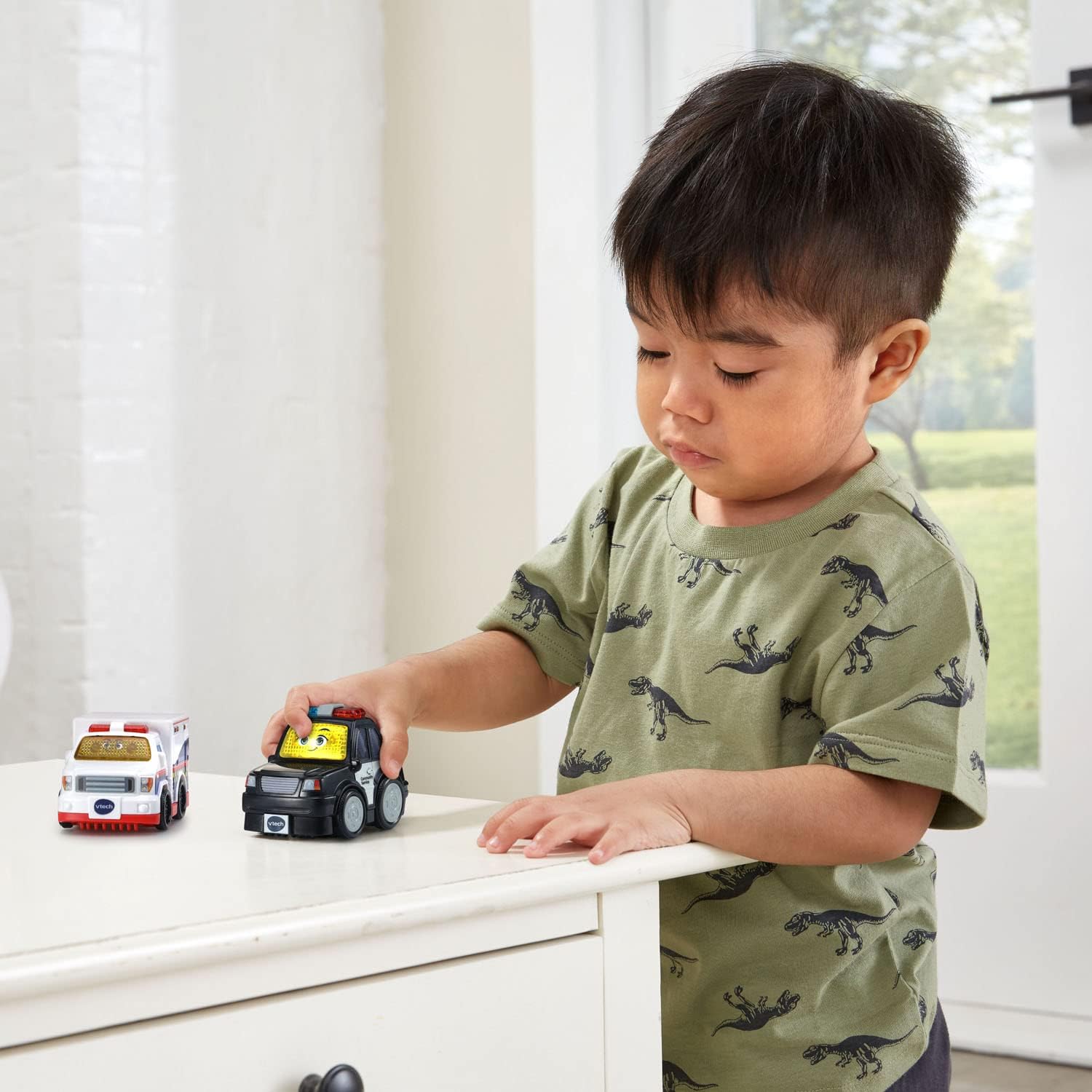
Image: A young child standing at a table, engaging with the VTech Go! Go! Smart Wheels Police Car.

Image: A young child crawling on the floor, playing with the VTech Go! Go! Smart Wheels Ambulance.
Maintenance
Cleaning
To clean the vehicles, wipe them with a slightly damp cloth. Do not immerse the toys in water. Avoid using harsh chemicals or abrasive cleaners, as these can damage the plastic and electronic components.
Battery Care
- Remove batteries if the toys will not be used for an extended period.
- Do not mix old and new batteries.
- Do not mix alkaline, standard (carbon-zinc), or rechargeable (nickel-cadmium) batteries.
- Dispose of exhausted batteries properly.
Troubleshooting
No Sound or Lights
- Check if the ON/OFF switch is in the 'ON' position.
- Ensure batteries are installed correctly with the correct polarity.
- Replace old or weak batteries with new AAA batteries.
- If the issue persists, contact VTech customer support.
Intermittent Functionality
- This may indicate low battery power. Replace batteries.
- Ensure the battery compartment cover is securely closed.
Specifications
| Feature | Detail |
|---|---|
| Product Dimensions | 2.13 x 3.39 x 2.4 inches |
| Item Weight | 8.2 ounces |
| Item Model Number | 80-420660 |
| Manufacturer Recommended Age | 18 months - 5 years |
| Batteries Required | 2 AAA batteries per vehicle (4 total) |
| Manufacturer | VTech |
| Release Date | January 9, 2023 |
Warranty and Support
For warranty information, product registration, or customer support, please visit the official VTech website or refer to the contact information provided in the Quick Start Guide. Keep your purchase receipt as proof of purchase.


