
DYMO LT-100H
Dymo LetraTag LT-100H Label Maker Instruction Manual
Model: LT-100H | Brand: DYMO
Product Overview
The Dymo LetraTag LT-100H is a compact and portable label maker designed for home, office, and DIY projects. It utilizes thermal printing technology, eliminating the need for ink or toner. The device features a graphical display for previewing labels, multiple font styles, text sizing, and various formatting options. It supports easy-to-load label cassettes with an easy-peel backing for convenient application.

Figure 1: Dymo LetraTag LT-100H Label Maker and included label tapes.
Setup
1. Battery Installation
The LetraTag LT-100H requires 4 AA batteries (not always included in all kits). To install, open the battery compartment cover located on the back of the device. Insert the batteries according to the polarity indicators (+/-) inside the compartment. Close the cover securely.
2. Label Tape Installation
The label maker uses easy-to-load Dymo LetraTag label cassettes. Open the tape compartment cover on the top of the device. Insert the label cassette with the tape facing outwards, ensuring it clicks into place. Close the cover. The kit includes one White Paper Labels (12 mm x 4 m) and one Clear Plastic Labels (12 mm x 4 m).
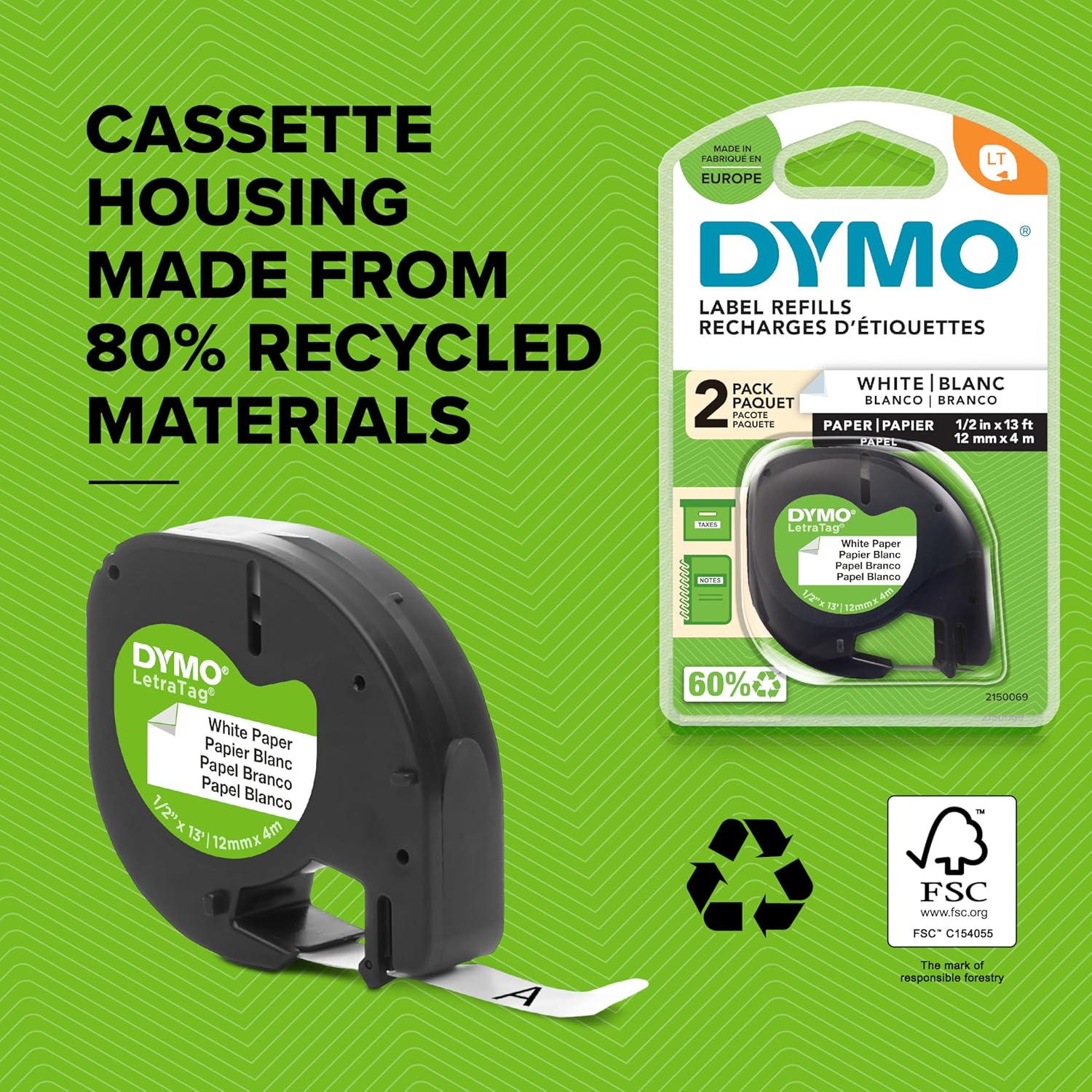
Figure 2: Dymo LetraTag label tape cassette, highlighting its recycled material housing.
Operating Instructions
1. Power On/Off
Press the red "On/Off" button located on the top left of the keypad to turn the device on or off. The device features an Automatic Off function for power saving.
2. Typing Text
Use the QWERTY keyboard to type your desired text. The 13-character LCD screen will display your input.
3. Formatting Labels
The label maker offers various formatting options:
- Font Sizes: Choose from 5 different font sizes.
- Print Styles: Select from 7 print styles, including bold and underlining.
- Box Styles: Apply 8 different box styles to your labels.
- Symbols: Insert from a library of 195 symbols.
- Two-Line Printing: Create labels with two lines of text for more information.
- Date Stamp: Add a date stamp to your labels.
- Language Options: Choose from 3 language options.
Use the "Settings" and "Format" buttons along with the directional pad and "OK" button to navigate and apply these options. The graphical display allows you to preview font effects before printing.
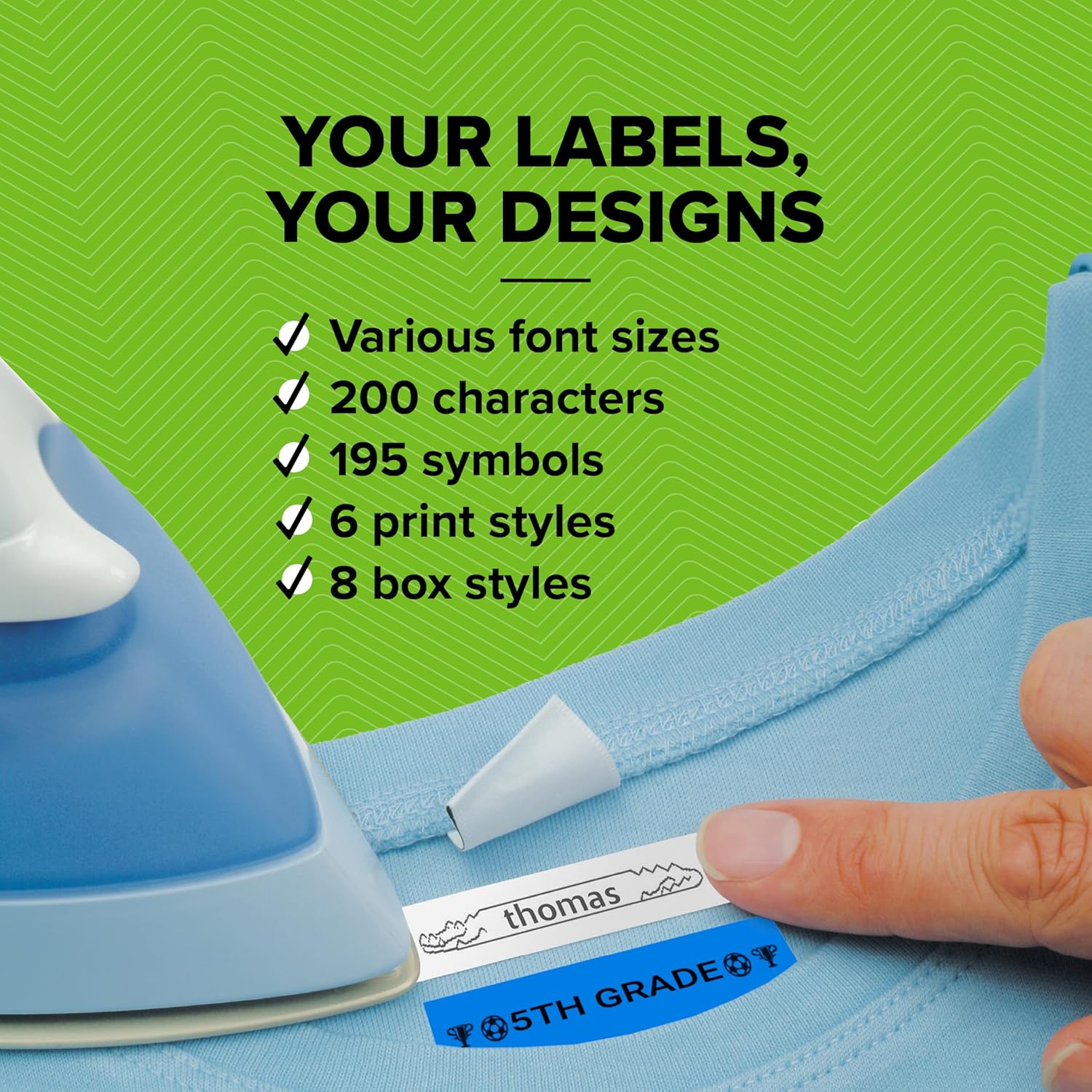
Figure 3: Customizing labels with various font and style options.
4. Printing Labels
Once your label text and formatting are complete, press the "Print" button. The label will print out from the side of the device.
5. Cutting Labels
After printing, use the integrated manual cutter located on the side of the device to cleanly cut the label. The easy-peel backing allows for trouble-free application.
Video 1: Product Overview demonstrating basic operation including typing, printing, and cutting a label.
Maintenance
The Dymo LetraTag LT-100H uses thermal printing technology, meaning it does not require ink or toner cartridges. Keep the device clean by wiping its exterior with a soft, dry cloth. Ensure the label path is free from debris to prevent printing issues.
Troubleshooting
| Problem | Possible Cause | Solution |
|---|---|---|
| No power/Device won't turn on | Dead or incorrectly inserted batteries. | Check battery polarity. Replace batteries if dead. |
| Poor print quality | Dirty print head or low battery. | Clean print head with a soft cloth. Replace batteries. |
| Label jam | Incorrectly loaded tape cassette or debris in path. | Open compartment, remove tape, clear debris, reinsert tape correctly. |
| Cutter not working | Debris obstructing the cutter mechanism. | Carefully inspect and clear any obstructions from the cutter. |
Specifications
- Brand: DYMO
- Model Name: LT 100H
- Item Model Number: 2174580
- Product Dimensions: 8.62 x 2.71 x 3.66 inches
- Item Weight: 1.1 pounds
- Printing Technology: Thermal
- Printer Output: Single color (Black)
- Maximum Media Size: 12mm x 4m
- Display Type: LCD (13 character)
- Control Method: Push Button
- Power Source: 4 x AA Batteries (not included)
- Special Feature: Portable
What's in the Box
- 1 x Dymo LetraTag LT-100H label machine
- 1 x White Paper Labels (12 mm x 4 m)
- 1 x Clear Plastic Labels (12 mm x 4 m)
Warranty and Support
For warranty information and customer support, please refer to the documentation included with your product or visit the official DYMO website. Keep your purchase receipt for warranty claims.
Related documentsLT-100H


Ask a question about this manual
Ask about setup, troubleshooting, compatibility, parts, safety, or missing instructions. Manuals+ will review the question and use this page’s manual context to help answer it.