
1. Introduction
Thank you for choosing the Bewinner M8 Smart Voice Translator Earbuds. This manual provides detailed instructions on how to set up, operate, and maintain your device. Please read this manual carefully before use to ensure optimal performance and longevity of your earbuds.
2. Product Overview
The Bewinner M8 earbuds are designed for seamless communication across 144 languages, offering both online and offline translation capabilities, alongside standard music and call functions.
2.1 Package Contents
- 2 x Language Translator Headphones (Earbuds)
- 1 x Charging Case
- 1 x Data Cable (USB)
- 1 x Instruction Manual
2.2 Component Identification

Image: The Bewinner M8 Smart Voice Translator Earbuds, their charging case, and the included USB charging cable.

Image: A close-up view of a single Bewinner M8 earbud, highlighting its ergonomic design for comfortable wear.

Image: A man wearing the Bewinner M8 translator earbud, illustrating how the device is worn and used for communication.
3. Specifications
| Feature | Detail |
|---|---|
| Bluetooth Version | 5.1 |
| Transmission Distance | Approx. 10m (32.8ft) |
| Online Translation Languages | 144 languages (e.g., English, French, German, Spanish, Japanese, Korean, etc.) |
| Offline Translation Languages | 8 languages (Chinese, English, French, German, Japanese, Russian, Spanish, Korean) - requires in-app payment |
| Earbud Battery Capacity | 2 x 80mAh Lithium-ion |
| Charging Case Battery Capacity | 400mAh Lithium-ion |
| Charging Voltage/Current | 5V 1A |
| Playing Time | Approx. 7 hours |
| Charging Time | Approx. 2 hours |
| Standby Time | More than 80 hours |
| APP Compatibility | Android 5.0 and above, iOS 9.0 and above (iPhone 6S and above) |
| Package Dimensions | 13.4 x 9.5 x 3.4 cm |
| Weight | 140 g |
4. Setup Guide
4.1 App Download and Installation
- Locate the QuickMark (QR code) in the instruction manual included in your package.
- Scan the QuickMark with your smartphone to download the corresponding translation application.
- Install the application on your Android (5.0 or higher) or iOS (9.0 or higher, iPhone 6S or newer) device.
4.2 Bluetooth Pairing
- Ensure your earbuds are charged (refer to Section 6 for charging instructions).
- Open the charging case and remove the earbuds. They will automatically enter pairing mode.
- On your smartphone, go to Bluetooth settings and search for available devices.
- Select "Bewinner M8" or a similar name to connect. A voice prompt will confirm successful pairing.
- Open the downloaded translation app. The app will guide you through the final connection steps.

Image: A visual guide illustrating the steps for smart pairing connection, including downloading the app, pairing headphones, connecting wirelessly, opening the app, setting the target language, and starting a conversation.
5. Operating Instructions
5.1 Translation Function
Once paired and connected to the app, the earbuds function as a real-time translator.
- Online Translation: Supports 144 languages. Ensure your smartphone has an active internet connection. Use the app to select your source and target languages.
- Offline Translation: Supports 8 specific languages (Chinese, English, French, German, Japanese, Russian, Spanish, Korean). Note that offline translation functionality requires an additional in-app purchase.

Image: A diagram showing the offline translation feature, indicating that it works without an internet connection but requires extra payment for language packs.
5.2 Music and Call Control
The earbuds feature multi-functional touch controls for managing audio and calls.
- Play/Pause Music: Tap the touch area on either earbud once.
- Answer/End Call: Tap the touch area on either earbud once during an incoming call.
- Reject Call: Press and hold the touch area on either earbud for 2 seconds during an incoming call.
- Next Track: Double-tap the right earbud.
- Previous Track: Double-tap the left earbud.
The earbuds are equipped with a 5.1 Bluetooth chip, providing clear audio for both music and calls, enhanced by noise reduction technology.

Image: A woman listening to music with the Bewinner M8 earbuds, emphasizing their dual functionality for music playback and phone calls, powered by a 5.1 Bluetooth chip.
6. Charging and Battery Life
6.1 Charging the Earbuds and Case
- Place the earbuds into the charging case. Ensure they are correctly seated.
- Connect the provided USB data cable to the charging case and a 5V 1A power source (e.g., a USB wall adapter or computer USB port).
- The charging indicator on the case will show the charging status.
- A full charge for the earbuds takes approximately 2 hours.
6.2 Battery Indicators
The charging case features a digital display to show the battery percentage of the case and the charging status of individual earbuds.

Image: The Bewinner M8 charging case open, displaying the digital battery percentage for the case and charging indicators for the earbuds.
6.3 Battery Performance
- Earbud Battery: 80mAh each, providing approximately 7 hours of playing time on a single charge.
- Charging Case Battery: 400mAh, capable of recharging the earbuds multiple times.
- Standby Time: More than 80 hours.

Image: A diagram illustrating the battery capacities (80mAh for earbuds, 400mAh for charging case) and the approximate 7-hour playing time of the Bewinner M8 earbuds.
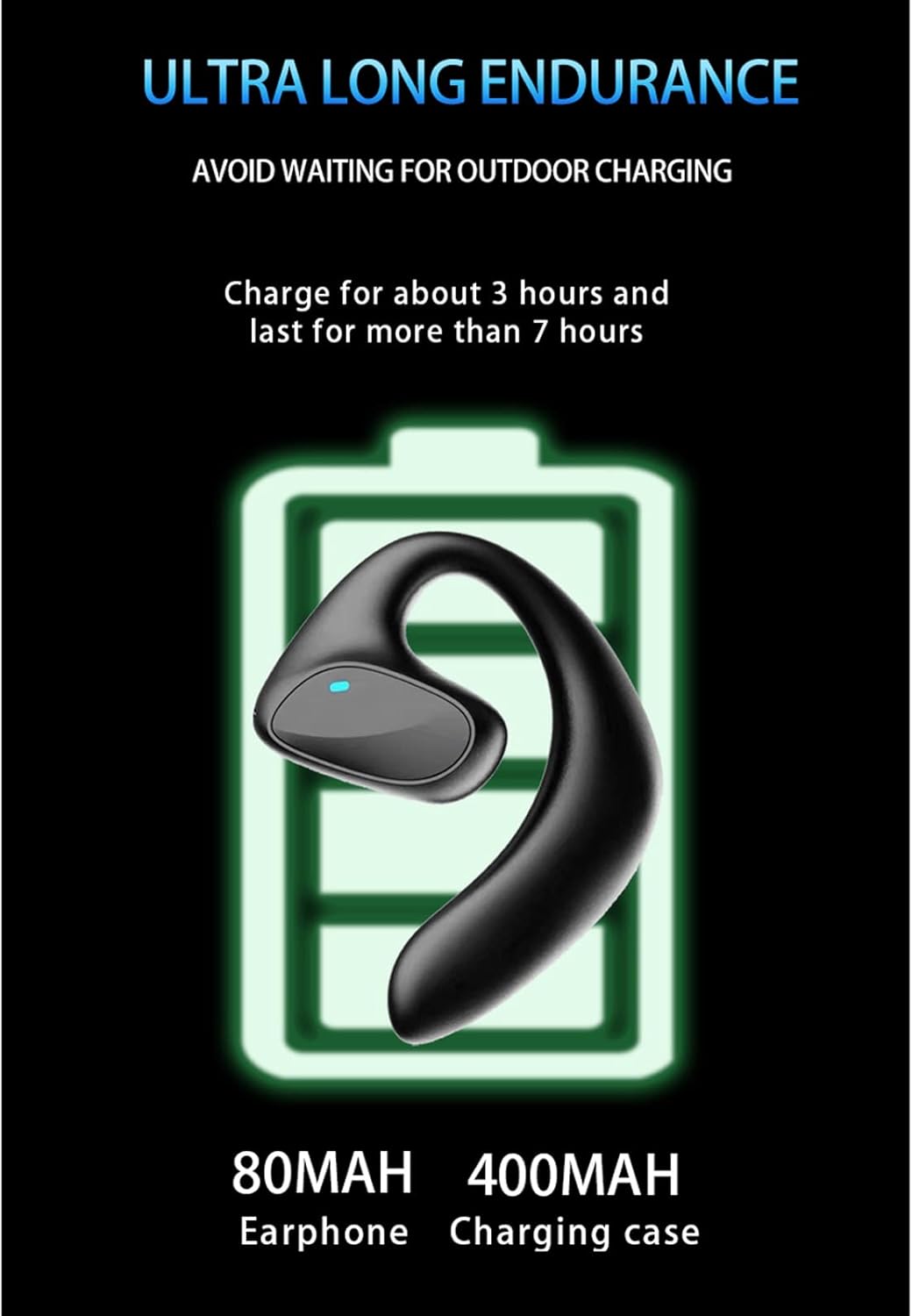
Image: A diagram emphasizing the ultra-long endurance of the Bewinner M8 earbuds, with approximately 3 hours of charging providing over 7 hours of use.
7. Maintenance
- Cleaning: Use a soft, dry, lint-free cloth to clean the earbuds and charging case. Do not use abrasive cleaners or solvents.
- Storage: Store the earbuds in their charging case when not in use to protect them and keep them charged.
- Avoid Water: The earbuds are not waterproof. Avoid exposure to liquids, moisture, or extreme temperatures.
- Charging: Always use the provided charging cable and a compatible 5V 1A power adapter.
8. Troubleshooting
- Earbuds not pairing:
1. Ensure both earbuds are charged.
2. Turn off and on your phone's Bluetooth.
3. Forget the device in your phone's Bluetooth settings and try pairing again.
4. Ensure the earbuds are in pairing mode when removed from the case. - No sound from earbuds:
1. Check the volume level on your phone.
2. Ensure the earbuds are properly connected to your device.
3. Try restarting your phone and reconnecting the earbuds. - Translation not working:
1. Ensure your phone has an active internet connection for online translation.
2. Verify that the correct source and target languages are selected in the app.
3. For offline translation, confirm that the required language packs have been purchased and downloaded within the app. - Charging issues:
1. Check if the charging cable is securely connected to both the case and the power source.
2. Ensure the power source is functional.
3. Clean the charging contacts on the earbuds and inside the case.
9. Safety Information
Please observe the following safety guidelines:
- Do not disassemble, repair, or modify the device.
- Keep the device away from extreme temperatures, direct sunlight, and open flames.
- Avoid exposing the device to water or other liquids.
- Dispose of packaging materials properly after use to avoid choking hazards, especially for children.

Image: A warning sign indicating the importance of properly disposing of packaging materials to prevent choking hazards.
10. Warranty and Support
For warranty information and customer support, please refer to the documentation provided with your purchase or contact Bewinner customer service through their official website or the retailer where you purchased the product. Keep your proof of purchase for warranty claims.