
LUMINTOP FROG Ver 2
LUMINTOP Frog 2.0 Keychain Flashlight User Manual
Model: FROG Ver 2
Introduction
The LUMINTOP Frog 2.0 is a compact and powerful keychain flashlight designed for everyday carry. It features a high-performance LED, multiple brightness levels, and a durable, waterproof construction. This manual provides instructions for its proper use and maintenance.
Package Contents
Verify that all items are present in your package:
- LUMINTOP Frog Ver 2 Keychain Flashlight
- 10280 Li-ion Battery
- USB-C Charger
- USB-C Cable
- Keychain
- Lanyard
- Spare O-ring
- User Manual (this document)
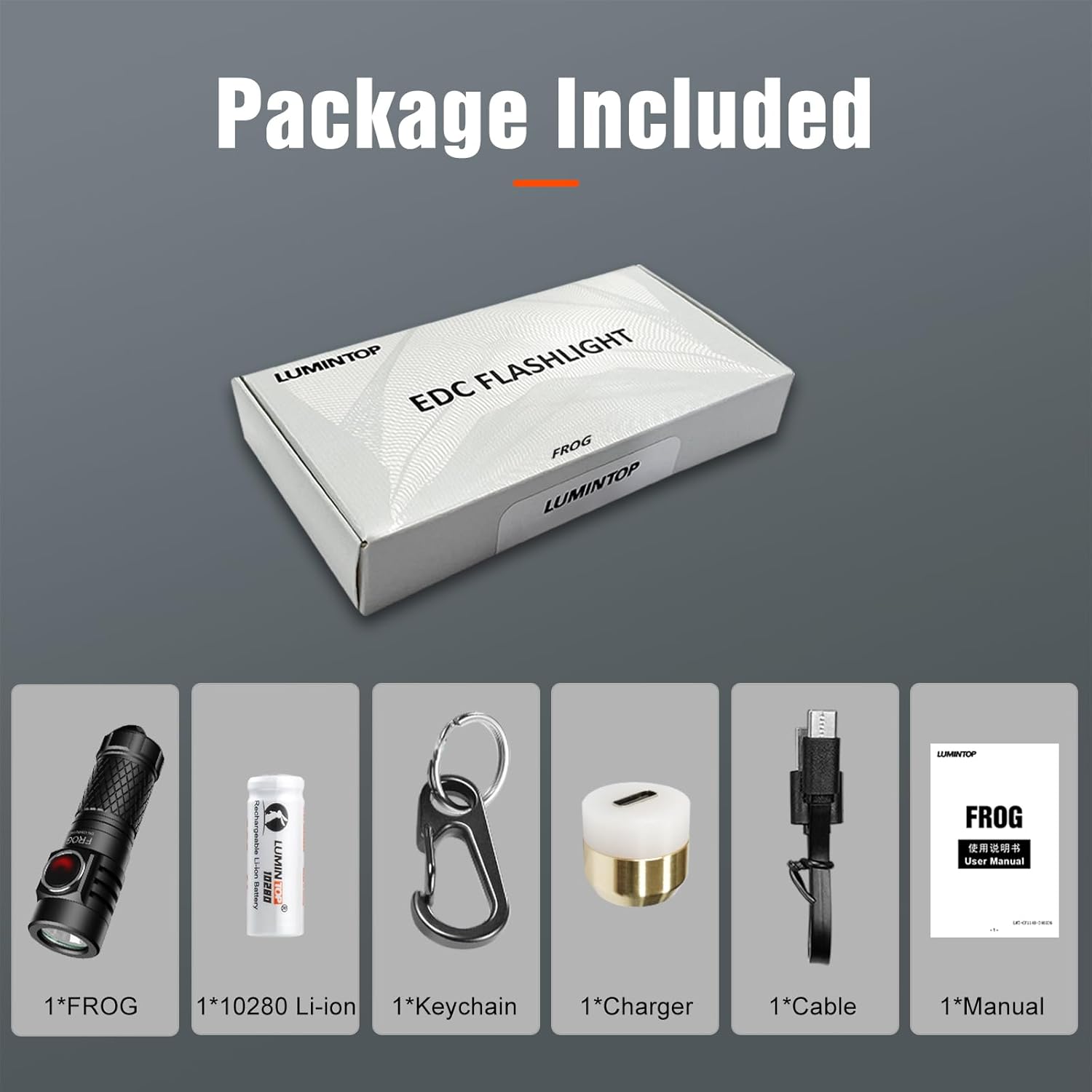
Figure 1: Included Package Contents
Setup
1. Battery Installation
The LUMINTOP Frog 2.0 uses a 10280 Li-ion battery. Ensure the battery is inserted with the positive (+) end facing towards the flashlight head.

Figure 2: 10280 Li-ion Battery
2. Initial Charging
Before first use, fully charge the battery using the provided USB-C charger and cable.
- Unscrew the flashlight head to expose the charging port.
- Connect the USB-C charger to the flashlight body.
- Connect the USB-C cable to the charger and a power source.
- The indicator light on the charger will show red during charging and turn green when fully charged. A full charge takes approximately 2 hours.

Figure 3: USB-C Charging Process
Operating Instructions
The LUMINTOP Frog 2.0 features a single side switch for all operations.

Figure 4: One Switch Operation Diagram
- Turn ON: Single click the switch.
- Turn OFF: Press and hold the switch for 1 second from ON.
- Change Output: From ON, single click the switch to cycle through Low → Medium → High. The flashlight has a memory function and will remember the last normal brightness level used.
- Moonlight Mode: From OFF, press and hold the switch for 1 second to activate Moonlight mode.
- Turbo Mode: From ON, double click the switch to activate Turbo mode. Double click again to return to the previous mode.
- Button Backlight ON/OFF: From OFF, continuously click the switch 7 times to toggle the button backlight.
- Lockout Function: From OFF, click the switch 4 times rapidly to lock out the flashlight. This prevents accidental activation. To unlock, click the switch 4 times rapidly again.
Beam Performance
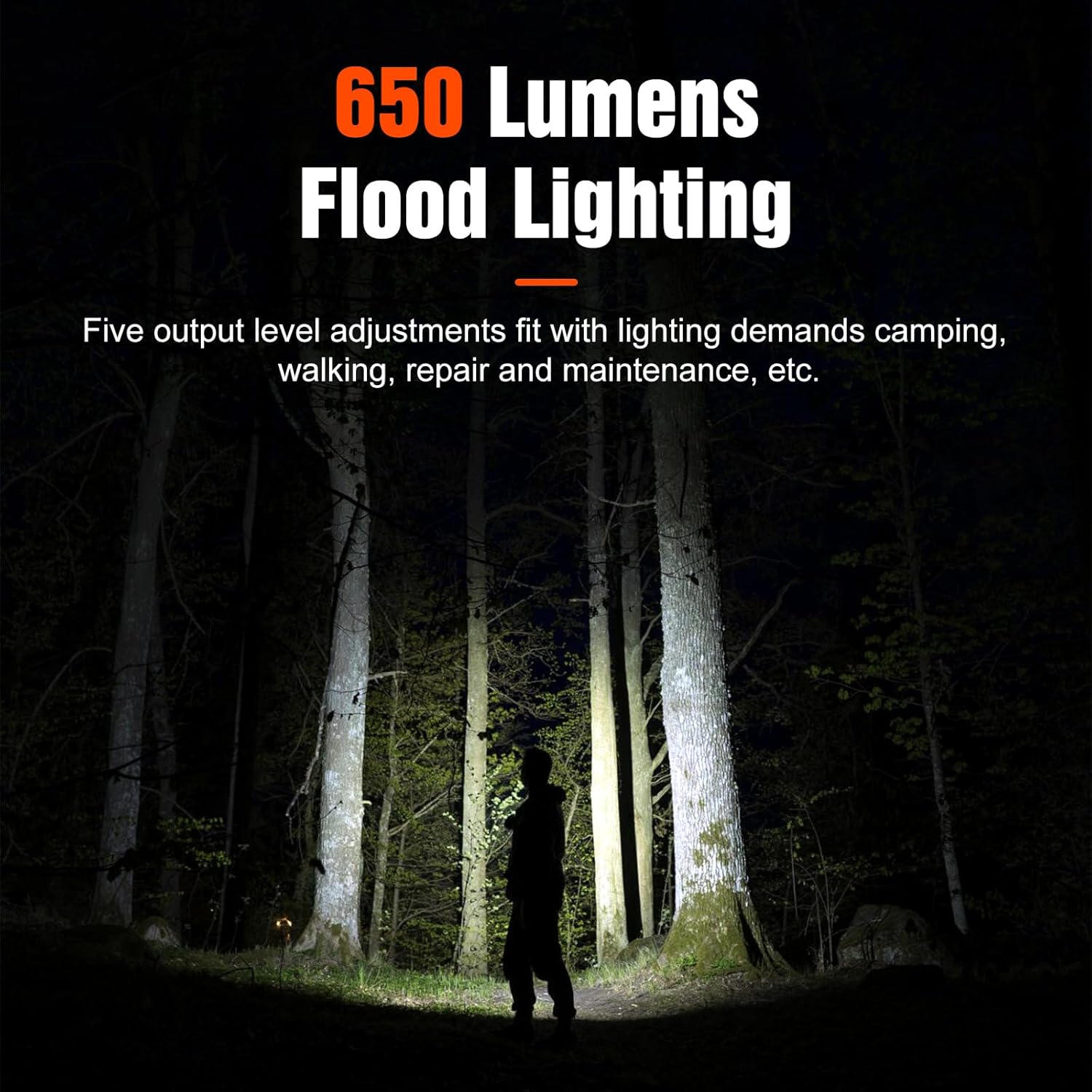
Figure 5: 650 Lumens Flood Lighting
Maintenance
- Cleaning: Clean the flashlight body and lens with a soft, damp cloth. Do not use abrasive cleaners.
- O-rings: Regularly inspect the O-rings for wear and tear. Replace them if damaged to maintain the IPX-8 waterproof rating. A spare O-ring is included in the package.
- Threads: Apply silicone grease to the threads periodically to ensure smooth operation and maintain water resistance.
- Battery Care: If the flashlight will not be used for an extended period, remove the battery to prevent potential leakage or damage.
Water Resistance

Figure 6: IP68 Rated Protection
Troubleshooting
| Problem | Possible Cause | Solution |
|---|---|---|
| Flashlight does not turn on. |
|
|
| Light output is dim or flickers. |
|
|
| Flashlight gets hot quickly on Turbo mode. |
|
|
Specifications
| Feature | Detail |
|---|---|
| Model | FROG Ver 2 |
| Light Source | Luminus SST20 LED |
| Output (Moonlight) | 1 Lumen |
| Output (Low) | 38 Lumens |
| Output (Medium) | 200 Lumens |
| Output (High) | 450 Lumens |
| Output (Turbo) | 650 Lumens |
| Runtime (Moonlight) | 45 hours |
| Runtime (Low) | 2 hours 25 minutes |
| Runtime (Medium) | 40 minutes |
| Runtime (High) | 40 seconds + 38 minutes (step-down) |
| Runtime (Turbo) | 20 seconds + 30 minutes (step-down) |
| Max Beam Distance | 140 meters (443 feet) |
| Max Beam Intensity | 4900 cd |
| Impact Resistance | 1.5 meters |
| Waterproof Rating | IPX-8 (submersible up to 2 meters) |
| Battery Type | 1 x 10280 Li-ion (Included) |
| Max Power | 11W |
| Dimensions | 15.6 × 14 × 55 mm |
| Net Weight | Approximately 13g (excluding battery) |
| Material | Aircraft-grade Aluminum with Type III hard anodizing |
Note: The above approximate data is lab-tested using 300mAh 10280 Li-ion batteries. Runtime may vary due to environmental differences. High and Turbo runtimes are accumulated due to over-heat protection step-down.
Warranty and Support
Warranty Information
LUMINTOP provides a 2-year warranty for the Frog 2.0 flashlight. This warranty covers manufacturing defects and issues arising from normal use. Please retain your proof of purchase for warranty claims.
A 30-day money-back guarantee is also offered from the date of purchase.
Customer Support
For any questions, technical assistance, or warranty claims, please contact LUMINTOP customer service through the Amazon message system. Our support team aims to resolve your inquiries within 24 hours.
You can also visit the official LUMINTOP store on Amazon for more information: LUMINTOP Amazon Store
Ask a question about this manual
Ask about setup, troubleshooting, compatibility, parts, safety, or missing instructions. Manuals+ will review the question and use this page’s manual context to help answer it.