
Breezary 23001-BLK
Breezary 20 Inch Caged Ceiling Fan with Light and Remote User Manual
Model: 23001-BLK
Introduction
Thank you for purchasing the Breezary 20 Inch Caged Ceiling Fan with Light and Remote. This manual provides essential information for the safe installation, operation, and maintenance of your new ceiling fan. Please read these instructions thoroughly before installation and keep them for future reference.
Important Safety Information
- Always turn off the power at the circuit breaker before installation or servicing.
- All wiring must be in accordance with national and local electrical codes.
- Consult a qualified electrician if you are unsure about wiring procedures.
- Ensure the installation site can support the fan's weight.
- Do not bend the blade holders during installation or cleaning.
- Keep children away from the fan during operation.
Package Contents
Verify that all components are present before beginning installation:
- 1 x 20 inch Caged Ceiling Fan
- 1 x Remote Control
- 1 x 6'' Downrod
- 1 x 10'' Downrod
- 1 x User Manual

Setup and Installation
Mounting Options
The fan comes with two downrods (6 inches and 10 inches) to accommodate various ceiling heights. It also supports sloped ceiling installations up to 15 degrees. Choose the appropriate downrod length for your ceiling height.
Bulb Installation
This fandelier requires 5 E12 screw-in bulbs (not included). The maximum power for each bulb is 9W. Ensure to use strictly certified E12 explosion-proof bulbs for safety and optimal performance.

Operating Instructions
Remote Control Functions
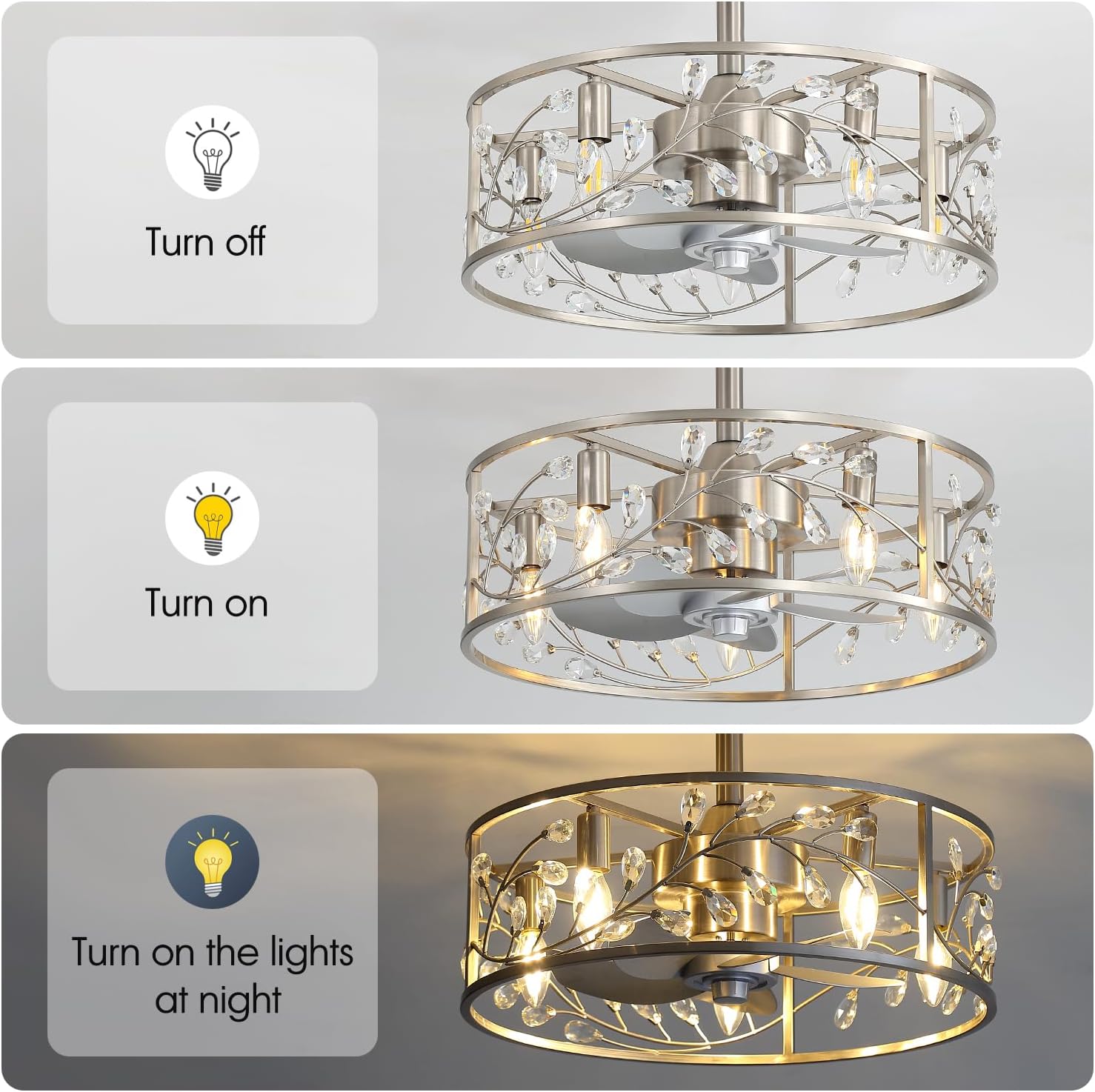
The included remote control allows for convenient operation of both the fan and the light. The fan and light can be controlled separately.
- Light ON/OFF: Controls the light independently.
- Fan & Light ON/OFF: Turns both the fan and light on or off simultaneously.
- 6-Speed Settings: Adjusts the fan speed from 1 (gentle breeze) to 6 (strong airflow).
- Natural Wind: Activates a mode that simulates natural breeze by varying fan speed.
- Reverse: Changes the direction of the fan blades for summer or winter mode.
- Timer Setting: Sets the fan to turn off automatically after 1, 2, 4, or 8 hours.

Fan Speed Adjustment
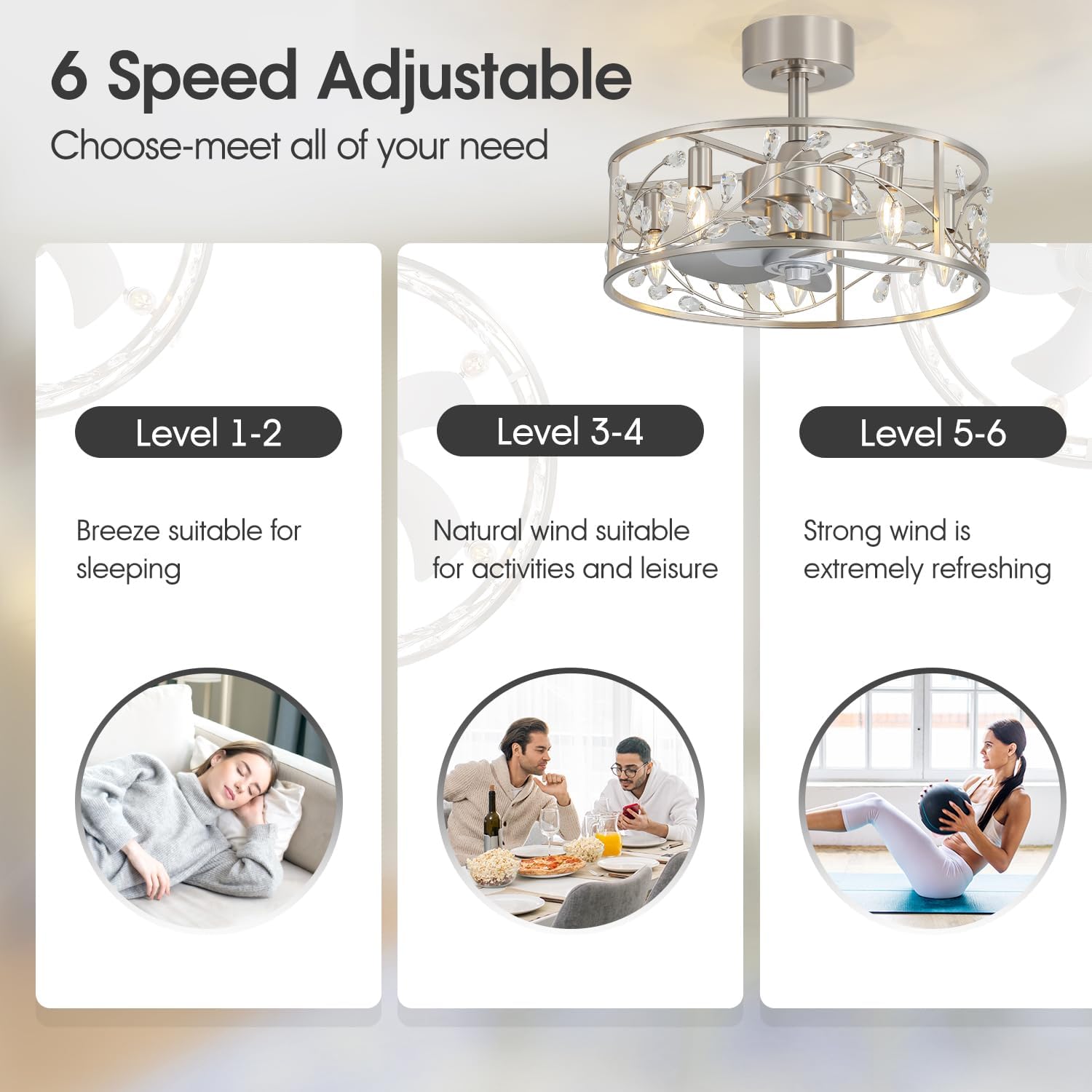
The fan offers 6 adjustable speeds to suit your comfort needs:
- Levels 1-2: Gentle breeze, ideal for sleeping.
- Levels 3-4: Natural wind, suitable for daily activities and leisure.
- Levels 5-6: Strong wind, provides powerful cooling airflow.
Reversible DC Motor
The fan features a reversible DC motor, allowing you to change the direction of airflow for year-round comfort:
- Summer Mode (Downward Airflow): Creates a cooling effect.
- Winter Mode (Upward Airflow): Helps distribute warm air evenly throughout the room.

Quiet Operation
The fan is designed with a super silent DC motor, operating at less than 35dB, ensuring a peaceful environment suitable for bedrooms and other quiet spaces.

Light Functionality
The fan's light can be turned on or off independently using the remote control. Please note that this fandelier ceiling fan does not have a dimmable function.
Product Video
Video 1: Breezary 20'' Caged Ceiling Fan with Light Remote. This video demonstrates the fan's features and operation, including the light and fan speed controls.
Maintenance
Regular maintenance ensures the longevity and optimal performance of your ceiling fan.
- Cleaning: To clean the fan, wipe with a soft, damp cloth. Do not use abrasive cleaners or solvents that may damage the finish or electrical components.
- Dusting: Periodically dust the blades and housing to prevent dust buildup, which can affect performance and appearance.
- Tightening Screws: Check all screws and connections annually to ensure they are secure.
- Bulb Replacement: Ensure the power is off before replacing any E12 bulbs.
Troubleshooting
| Problem | Possible Cause | Solution |
|---|---|---|
| Fan does not start | No power to the fan; Loose wire connections; Remote control battery dead. | Check circuit breaker and wall switch; Verify all wire connections are secure; Replace remote control battery. |
| Light does not work | Bulb(s) faulty or loose; No power to the light; Loose wire connections. | Replace bulb(s) or tighten; Check circuit breaker; Verify light wire connections. |
| Fan wobbles | Loose mounting screws; Unbalanced blades. | Ensure all mounting screws are tight; Check for bent blade holders; Use a balancing kit if necessary. |
| Remote control not working | Battery dead or incorrectly inserted; Remote not paired. | Replace battery, ensuring correct polarity; Refer to remote pairing instructions in the full manual (if applicable). |
Specifications
| Brand | Breezary |
| Model Number | 23001-BLK |
| Dimensions (D x W x H) | 20"D x 20"W x 18.1"H |
| Motor Type | DC Motor |
| Number of Blades | 5 |
| Blade Material | ABS Plastic |
| Light Type | E12*5 (bulbs not included, max 9W per bulb) |
| Fan Speed Settings | 6 Speeds |
| Noise Level | 35 dB |
| Mounting Type | Downrod Mount (6" and 10" downrods included) |
| Sloped Ceiling Support | Up to 15° |
| Wattage | 40 watts |
| Air Flow Capacity | 787 cfm |
| Voltage | 24 volts |
| Control Method | Remote Control |
| Indoor/Outdoor Usage | Indoor |
| Material | Acrylonitrile Butadiene Styrene, Alloy Steel |
| Certification | ETL |
| Item Weight | 7.72 LBS |
Warranty Information
This Breezary ceiling fan is covered by a 2-Year Manufacturer Warranty from the date of purchase. This warranty covers defects in materials and workmanship under normal use. Please retain your proof of purchase for warranty claims.
Customer Support
For any questions, technical assistance, or warranty claims, please contact Breezary customer service. We are committed to providing friendly customer service and support.
Please refer to the contact information provided with your purchase or visit the official Breezary website for support details.
Related documents23001-BLK


Ask a question about this manual
Ask about setup, troubleshooting, compatibility, parts, safety, or missing instructions. Manuals+ will review the question and use this page’s manual context to help answer it.