
Introduction
This manual provides instructions for the assembly, operation, and maintenance of your HOMCOM 47-inch Computer Desk. Please read these instructions carefully before assembly and use to ensure proper function and safety.
Safety Information
- Do not exceed the maximum weight capacity of 176 lbs (80 kg) for the overall desk and 66 lbs (30 kg) for the tabletop. Each drawer has a weight capacity of 11 lbs (5 kg).
- Ensure the desk is assembled correctly and placed on a level, stable surface to prevent tipping.
- Keep small parts away from children during assembly.
- Regularly check all fasteners to ensure they remain tight.
- Avoid standing or sitting on the desk.
Package Contents
Verify that all components are present before beginning assembly. Refer to the included hardware list and diagrams in your physical assembly guide.
Typical components include:
- Desktop panel
- Side panels for storage units
- Drawer panels and slides
- Keyboard tray and slides
- Host cabinet door
- Aluminum support poles
- Assembly hardware (screws, dowels, cam locks, etc.)
- Aluminum alloy handles
Setup and Assembly Instructions
Assembly typically requires two adults and may take approximately 4 hours. Follow the step-by-step instructions provided in the separate assembly manual included with your product.
General Assembly Tips:
- Clear a spacious area for assembly.
- Identify all parts and hardware before starting. Each part is typically tagged with a sticker.
- Do not overtighten screws during initial assembly; tighten fully once components are aligned.
- It is recommended to install drawer runners early in the process, as this can be challenging after the cabinet is fully assembled.
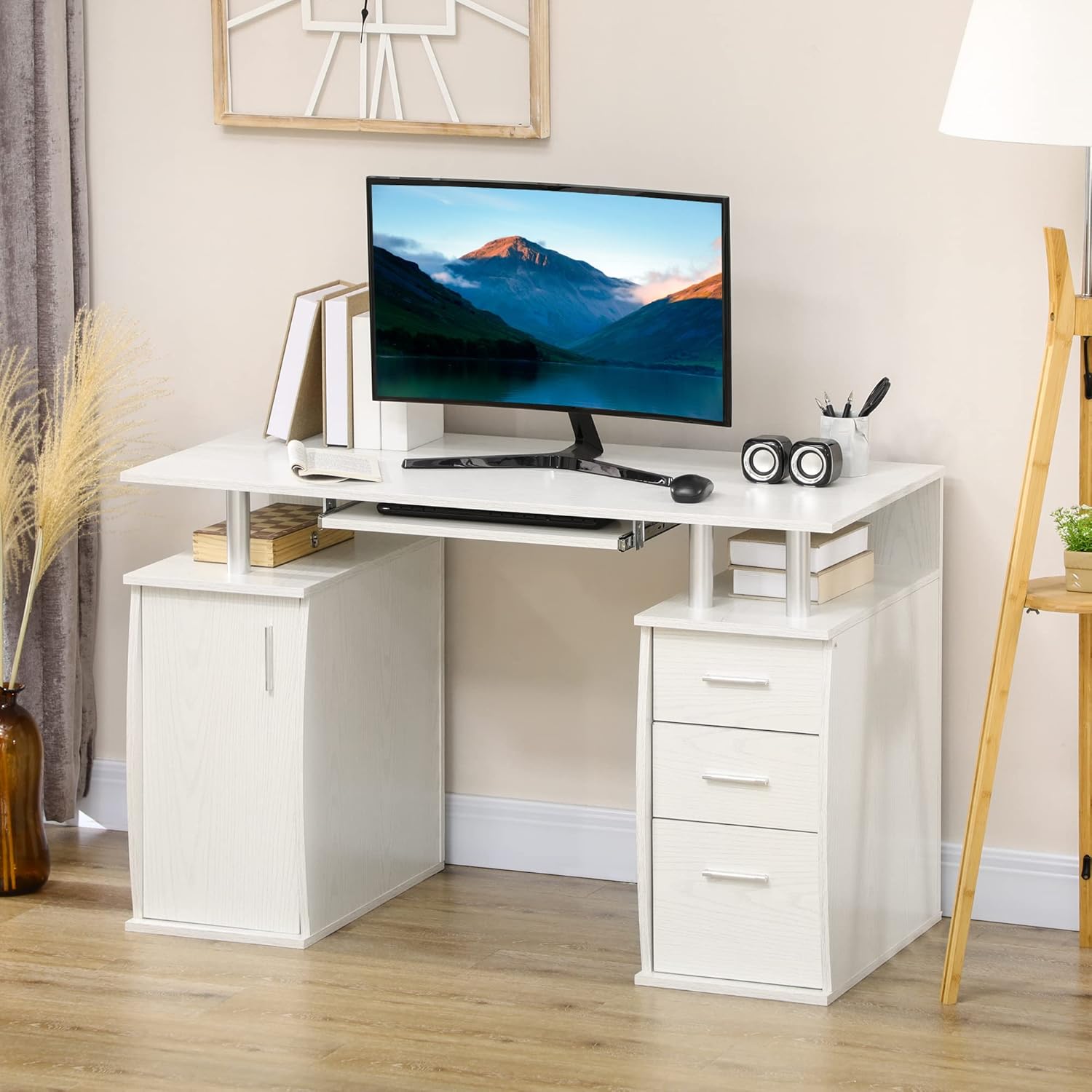
Image: The HOMCOM Computer Desk fully assembled, showcasing its design and functionality in a home office setting.

Image: Detailed view of the desk's ample storage, including the pull-out keyboard tray, host cabinet, three drawers, and open compartments.
Operating Instructions
This computer desk is designed for various uses, including gaming, studying, working, and writing.
Keyboard Tray:
The integrated keyboard tray slides out for convenient access to your keyboard and mouse, and slides back in to save space when not in use.
Storage Drawers:
Utilize the three pull-out drawers for organizing office supplies, documents, and personal items.
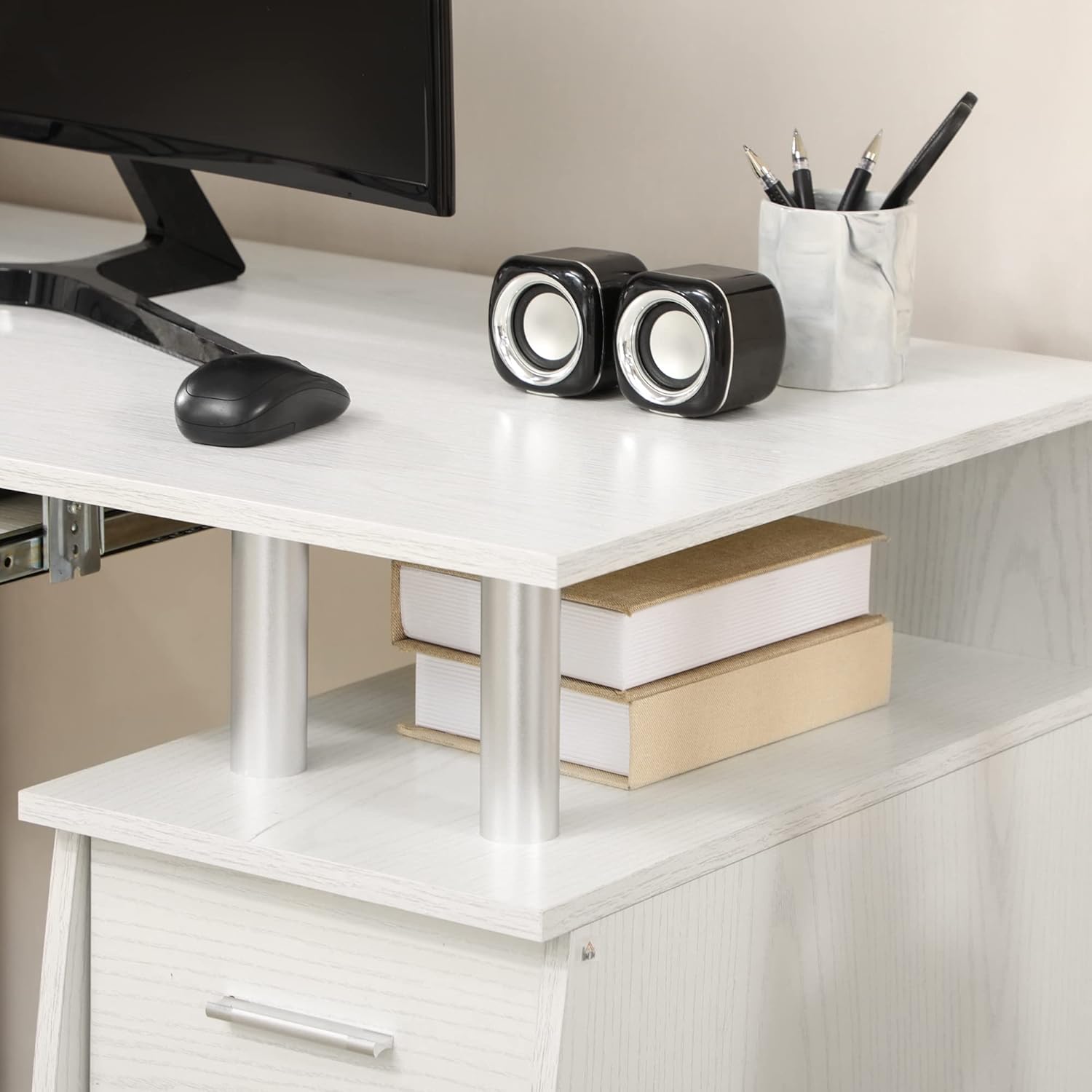
Image: The three drawers pulled open, demonstrating their storage capacity for various items.
Host Cabinet:
The enclosed cabinet is designed to house a computer tower. It features a cable management hole to keep wires tidy and out of sight.
Open Compartments:
Two open compartments under the desktop provide additional storage for books, speakers, or other frequently accessed items.
Image: Detail of the open storage shelves, showing books and speakers, supported by aluminum poles.
Maintenance
To maintain the appearance and longevity of your desk, wipe surfaces with a damp cloth. Avoid using harsh chemicals or abrasive cleaners.
Regularly inspect all hardware and tighten any loose connections.
Troubleshooting
Desk is Wobbly:
- Ensure the desk is placed on a flat, even surface.
- Check all assembly screws and fasteners to ensure they are fully tightened.
- Verify that all components are correctly aligned according to the assembly instructions.
Drawers Do Not Slide Smoothly:
- Confirm that the drawer slides are installed correctly and are not obstructed.
- Ensure the drawer cabinet is square and level.
- Check for any debris in the drawer tracks.
Keyboard Tray Sticks:
- Inspect the keyboard tray slides for proper alignment and any obstructions.
- Ensure the tray is not overloaded.
Specifications
| Feature | Detail |
|---|---|
| Brand | HOMCOM |
| Model Number | 836-431WT |
| Overall Dimensions | 120 cm (47.2") W x 55 cm (21.7") D x 75 cm (29.5") H |
| Material | Engineered Wood (Particle Board with Wood Veneer), Aluminum |
| Color | White |
| Overall Weight Capacity | 80 kg (176 lbs) |
| Tabletop Weight Capacity | 30 kg (66 lbs) |
| Drawer Weight Capacity (each) | 5 kg (11 lbs) |
| Number of Drawers | 3 |
| Keyboard Tray | Included |
| Host Cabinet | Included, with cable management hole |
| Assembly Required | Yes (Recommended 2 people) |

Image: Dimensional drawing of the desk, detailing width, depth, and height of various sections.
Warranty and Support
Warranty:
This product comes with a 90-day warranty against manufacturer defects. Please retain your proof of purchase for warranty claims.
Customer Support:
For assembly assistance, missing parts, or any product-related inquiries, please contact Aosom Canada customer service.
- Phone: 1-416-792-6088
- Manufacturer: Aosom Canada
- Address: Markham, Ontario, CA