
1. Introduction
This manual provides detailed instructions for the safe and proper use of your UPBRIGHT 12.6V AC/DC power adapter. This adapter is specifically designed to provide power and charge the 11.1V 2550mAh Li-ion battery of the eous E700 Multi-Function Clean Master Cordless Hand Floor Electric Spin Mop Cleaner. Please read this manual thoroughly before use and retain it for future reference.
2. Safety Information
To ensure safe operation and prevent damage, please observe the following safety precautions:
- Use the adapter only with the specified eous E700 device. Using it with incompatible devices may cause damage or injury.
- Do not expose the adapter to water, moisture, or extreme temperatures.
- Avoid dropping or subjecting the adapter to strong impacts.
- Do not disassemble, modify, or attempt to repair the adapter. Refer all servicing to qualified personnel.
- Ensure the power outlet voltage matches the adapter's input requirements (100-240V AC).
- Unplug the adapter from the power outlet when not in use or during electrical storms.
- Keep the adapter and its cable away from heat sources and sharp edges.
- Do not operate the adapter if the cord or plug is damaged.
3. Package Contents
Verify that your package contains the following item:
- 1 x UPBRIGHT 12.6V AC/DC Power Adapter
4. Setup
Follow these steps to set up your UPBRIGHT AC/DC adapter for charging the eous E700:
- Identify the Device: Ensure you are using the adapter with the eous E700 Multi-Function Clean Master Cordless Hand Floor Electric Spin Mop Cleaner.
- Locate Charging Port: Find the charging port on your eous E700 device. This is typically a circular port designed for a barrel connector.
- Connect Adapter to Device: Carefully insert the barrel connector of the UPBRIGHT adapter into the charging port of the eous E700. Ensure a snug fit.
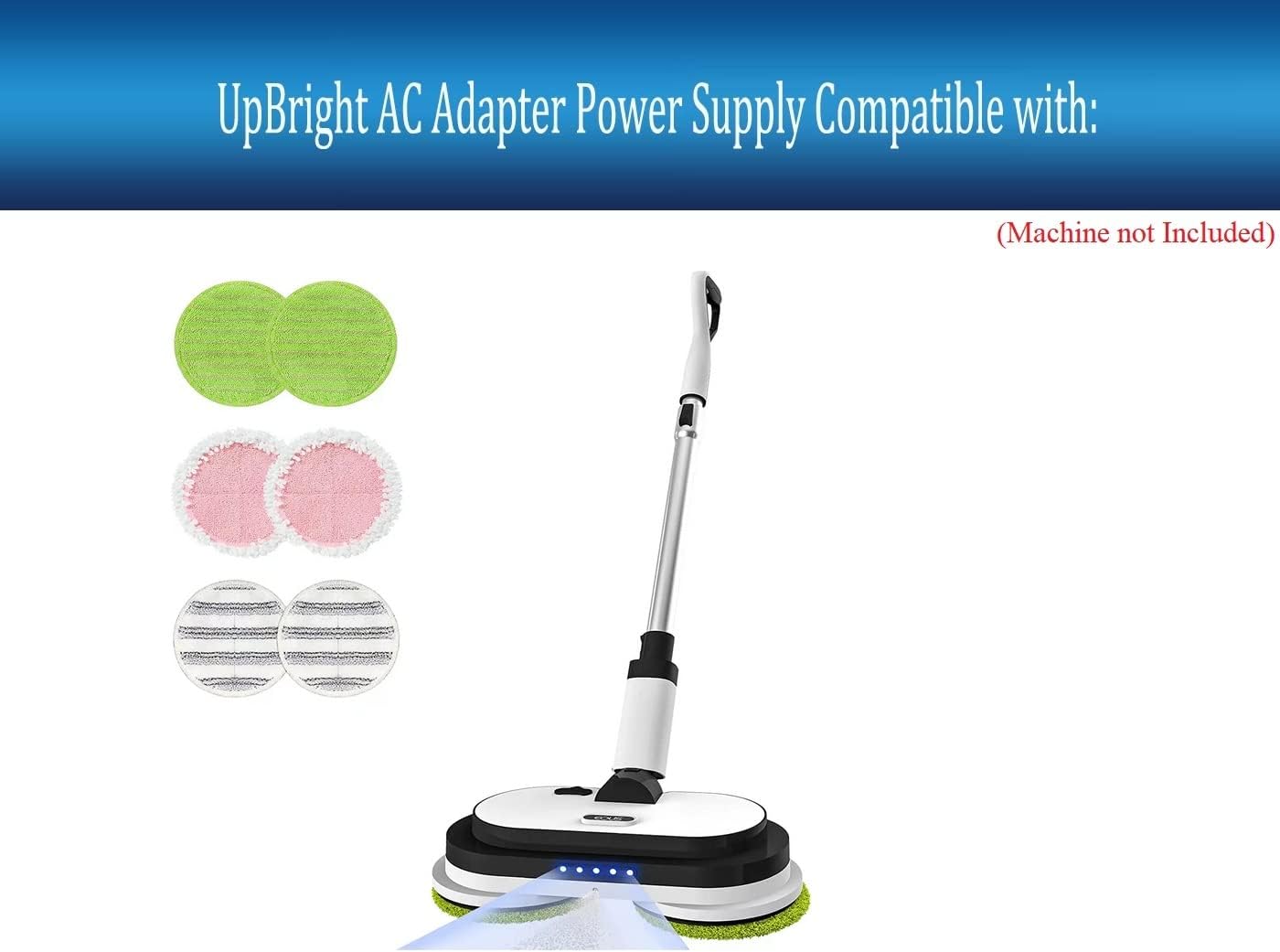
Image: UPBRIGHT AC/DC Adapter shown with the eous E700 Electric Spin Mop Cleaner, illustrating compatibility.
- Plug into Power Outlet: Insert the AC plug of the adapter into a standard wall power outlet (100-240V AC).

Image: Close-up view of the UPBRIGHT 12.6V AC/DC Adapter, highlighting its barrel connector and plug type.
5. Operating Instructions
Once connected, the adapter will begin charging the eous E700's battery. The charging status is typically indicated by the device itself (e.g., an LED indicator on the mop cleaner). Refer to your eous E700 user manual for specific charging indicator details and expected charging times.
- Ensure the device is turned off during charging for optimal battery life and safety.
- Disconnect the adapter once the device is fully charged to conserve energy and prolong adapter lifespan.
6. Maintenance
Proper maintenance ensures the longevity and reliable performance of your adapter:
- Cleaning: Wipe the adapter with a dry, soft cloth. Do not use liquid cleaners or solvents.
- Storage: Store the adapter in a cool, dry place away from direct sunlight and moisture when not in use.
- Inspection: Periodically inspect the adapter cable and connectors for any signs of damage, such as fraying, cuts, or bent pins. If damage is found, discontinue use immediately.
7. Troubleshooting
If you encounter issues with your adapter, refer to the following common solutions:
- Adapter Not Charging:
- Ensure the adapter is securely plugged into both the wall outlet and the eous E700 device.
- Try a different wall outlet to rule out a faulty power source.
- Check the adapter cable for any visible damage. If damaged, do not use.
- Adapter Getting Hot:
- It is normal for adapters to become slightly warm during operation.
- If the adapter becomes excessively hot to the touch, unplug it immediately and discontinue use. This may indicate an issue with the adapter or the device being charged.
If problems persist, contact customer support.
8. Specifications
| Feature | Specification |
|---|---|
| Brand | UPBRIGHT |
| Model Number | E700 Power Supply |
| Input Voltage | 100-240V AC, 50/60Hz |
| Output Voltage | 12.6V DC |
| Output Current | 1A (1000mA) |
| Wattage | 12.6W |
| Connector Type | Barrel Connector |
| Compatible Device | eous E700 Multi-Function Clean Master Cordless Hand Floor Electric Spin Mop Cleaner |
| Safety Features | Overcharge Protection, Overcurrent Protection, Shortage Protection, Lightning Protection, Overvoltage Protection, Temperature Protection |

Image: Diagram illustrating the multiple built-in safety circuits of the UPBRIGHT adapter, including overcharge, overcurrent, and overvoltage protection.
9. Warranty and Support
Warranty Information:
This UPBRIGHT product comes with a warranty that includes a 30-day refund period and a 24-month exchange policy. Please retain your proof of purchase for warranty claims.
Customer Support:
For any questions, technical assistance, or warranty claims, please contact UPBRIGHT customer support through your retailer or the official UPBRIGHT website. Provide your product model number and purchase details when contacting support.

Image: UPBRIGHT Limited Warranty Certificate and examples of international outlet adapters (AU, EU, UK) that may be included with international orders.