
Luqeeg Luqeeg6dwg91n3fc-13
Contents
Luqeeg Drone Battery User Manual
Model: Luqeeg6dwg91n3fc-13
Brand: Luqeeg
1. Introduction
Thank you for choosing the Luqeeg 3.7V 1800mAh Lithium Battery. This battery is designed as a reliable replacement power source for a range of remote control (RC) drones, providing stable and long-lasting power for extended flight times. This manual will guide you through its features, proper usage, maintenance, and important safety information.

2. Important Safety Warnings
Please read and understand all safety warnings before using the battery. Failure to follow these instructions may result in fire, injury, or property damage.
- Do not disassemble, puncture, or modify the battery.
- Do not expose the battery to water or moisture.
- Do not expose the battery to fire or high temperatures (above 60°C / 140°F).
- Use only chargers specifically designed for 3.7V Lithium batteries.
- Do not overcharge or over-discharge the battery.
- Keep the battery away from children and pets.
- If the product is found damaged, deformed, or exhibiting abnormal performance (e.g., swelling, overheating, leakage), discontinue use immediately and contact customer support.

3. Product Overview
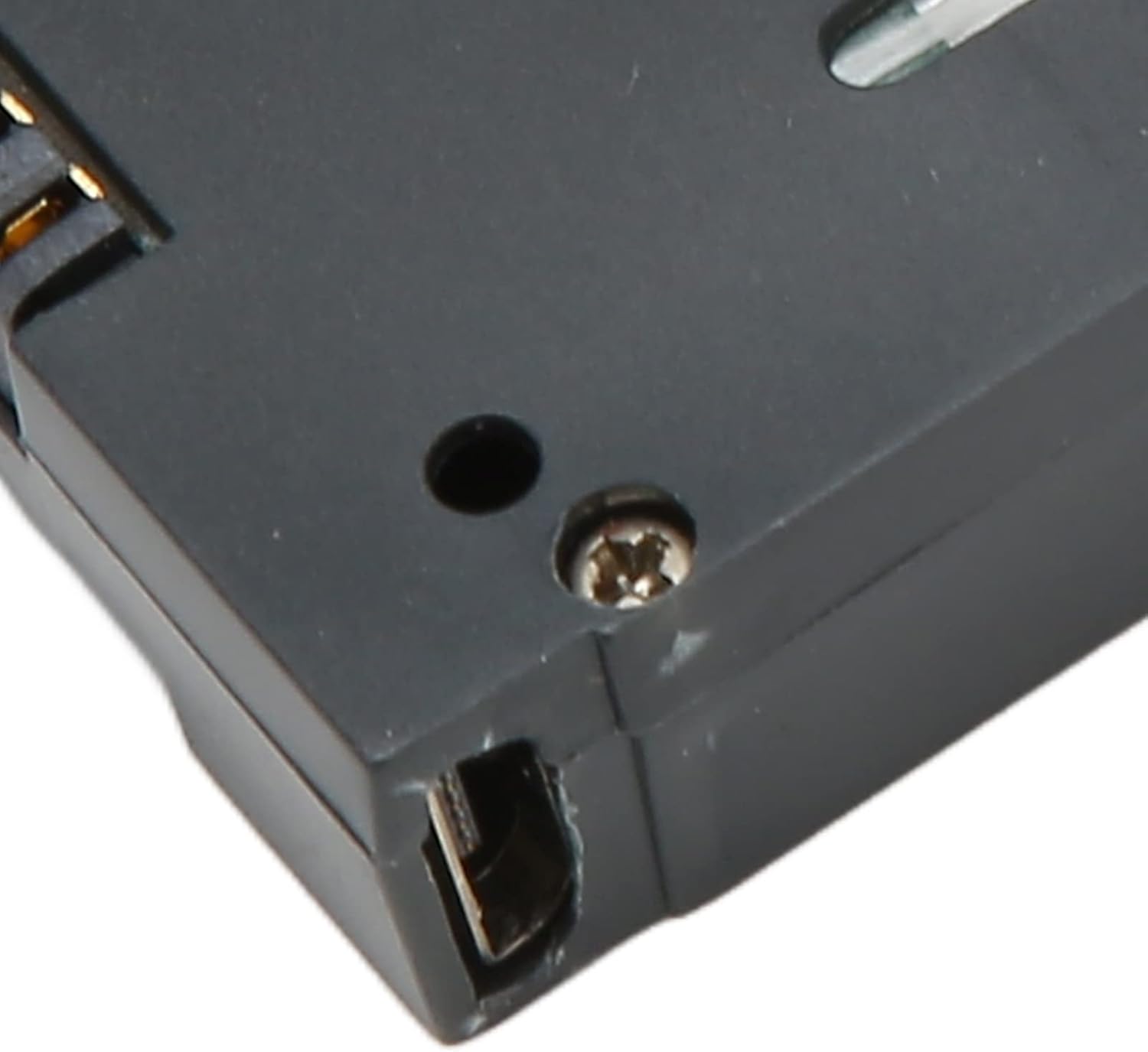
The Luqeeg drone battery is engineered for durability and consistent performance. Key features include:
- ABS Material: The battery casing is constructed from robust ABS material, ensuring strength and stability during use and storage.
- Stable Performance: Provides a stable output current and a consistent 3.7V voltage, essential for reliable operation of your RC drone model.
- Portable Design: Features a compact and lightweight design, making it easy to carry and convenient for drone enthusiasts on the go.
- Extended Service Life: Designed for a long service life, providing sustained power to extend your drone's operational time.


4. Compatibility
This Luqeeg 3.7V 1800mAh Lithium Battery is compatible with a range of popular RC drone models. Please verify your drone's battery specifications before purchase to ensure full compatibility.
Known compatible models include:
- E58
- L800
- JY019
- S168
- X Pro
- E88
- E88MAX
- E525
- E99
- K3

5. Setup and Installation
Before installing the battery, ensure both the battery and your drone are powered off.
- Locate the battery compartment on your drone. Refer to your drone's specific user manual for exact location and opening instructions.
- Carefully insert the Luqeeg battery into the compartment, ensuring the connectors align correctly. Do not force the battery if it does not fit easily.
- Gently push the battery until it clicks into place or is securely seated. Ensure there is no loose connection.
- Close the battery compartment cover securely.
6. Operating the Battery (Charging and Usage)
6.1. Charging the Battery
To ensure the longevity and safety of your battery, follow these charging guidelines:
- Use only the original charger provided with your drone or a compatible 3.7V Lithium battery charger.
- Connect the battery to the charger. Ensure the connection is firm.
- Plug the charger into a power source.
- Monitor the charging indicator on your charger. Charging time may vary depending on the charger and battery's current charge level.
- Do not leave the battery unattended while charging.
- Disconnect the battery from the charger once fully charged to prevent overcharging.
6.2. Battery Usage
- Always ensure the battery is fully charged before each flight for optimal performance.
- Monitor your drone's battery level indicator during flight.
- Avoid completely draining the battery, as this can reduce its lifespan. It is recommended to land your drone when the battery level is low.
- Allow the battery to cool down before recharging after a flight.
7. Maintenance and Storage
Proper maintenance and storage will extend the life of your Luqeeg battery:
- Cleaning: Use a dry, soft cloth to clean the battery and its connectors. Do not use liquids or solvents.
- Storage Temperature: Store the battery in a cool, dry place, away from direct sunlight and extreme temperatures (below 0°C / 32°F or above 40°C / 104°F).
- Long-Term Storage: For long-term storage (more than a week), it is recommended to store the battery with approximately 50-60% charge. Do not store it fully charged or completely discharged.
- Avoid Impact: Protect the battery from physical shocks or drops.
8. Troubleshooting
| Problem | Possible Cause | Solution |
|---|---|---|
| Battery not charging | Charger not connected properly; Faulty charger; Damaged battery; Power outlet issue. | Ensure secure connection; Try a different charger/outlet; Inspect battery for damage (if damaged, discontinue use); Contact customer support. |
| Short flight time | Battery not fully charged; Battery degradation; Extreme weather conditions. | Ensure full charge before flight; Consider replacing old batteries; Avoid flying in strong winds or very cold temperatures. |
| Battery does not fit in drone | Incorrect battery model; Obstruction in compartment. | Verify battery compatibility with your drone model; Check for any debris or obstructions in the battery compartment. |
9. Specifications
| Feature | Detail |
|---|---|
| Item Type | RC Drones Lithium Battery |
| Brand | Luqeeg |
| Model Number | Luqeeg6dwg91n3fc-13 |
| Material | ABS |
| Voltage | 3.7V |
| Battery Type | Lithium-ion Battery |
| Battery Capacity | 1800mAh |
| Item Weight | 0.352 ounces (approx. 10g) |
| Package Dimensions | 5.08 x 3.15 x 0.91 inches (approx. 12.9 x 8 x 2.3 cm) |
| Country of Origin | China |
Ask a question about this manual
Ask about setup, troubleshooting, compatibility, parts, safety, or missing instructions. Manuals+ will review the question and use this page’s manual context to help answer it.