
1. Introduction
This manual provides detailed instructions for the YONGYAO Rabbit Alarm Clock, Model XR-MM-c03. Please read this manual thoroughly before using the product to ensure proper operation and to maximize its features. This digital alarm clock is designed with multiple functions including dual alarms, a night light, a countdown timer, and a sound-activated display, all within a child-friendly design.
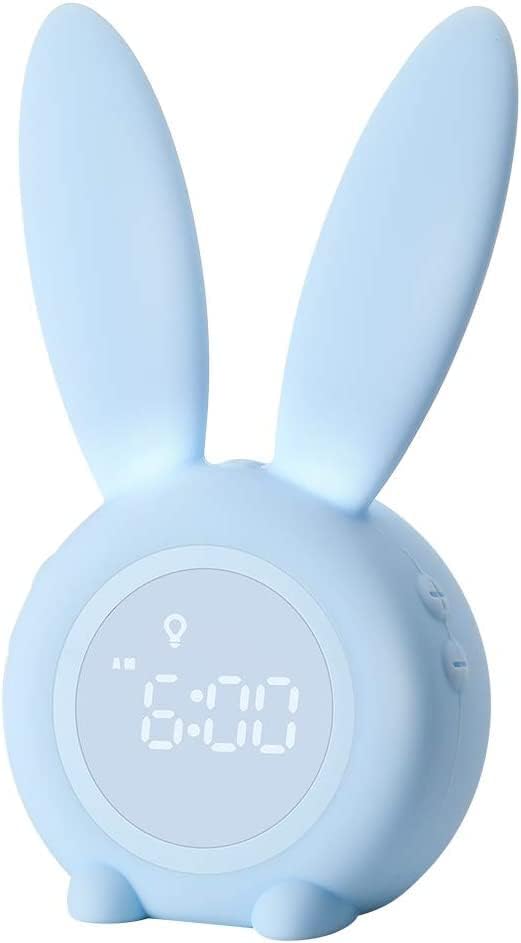
Image 1.1: The YONGYAO Rabbit Alarm Clock, Model XR-MM-c03, in blue.
2. Package Contents
Please check the package contents upon unboxing:
- YONGYAO Rabbit Alarm Clock (1 unit)
- USB Charging Cable (1 unit)
- User Manual (1 unit)

Image 2.1: The alarm clock, USB cable, and user manual as included in the package.
3. Product Features
The YONGYAO Rabbit Alarm Clock offers a range of functionalities:
- Energy-Saving Display: The screen automatically turns off in quiet environments and activates upon sound detection (over 60 dB) or touch, conserving battery power.
- Dual Alarms: Set two independent alarms for different schedules, such as weekdays and weekends.
- Snooze Function: Easily activate snooze by shaking the clock or making a sound, providing an additional five minutes of sleep.
- Night Light with Timer: Luminous rabbit ears serve as a night light, with options for 30-minute, 60-minute, or all-night illumination.
- Countdown Timer: A versatile timer for various activities, from 1 to 59 minutes.
- Temperature Display: Shows room temperature, switchable between Celsius and Fahrenheit.
- 12/24 Hour Format: Choose your preferred time display format.
- Built-in Rechargeable Battery: Equipped with a 2000 mAh battery for portable use without constant plugging.
- Magnetic Installation: Features a strong magnet and 3M PE foam for easy attachment to metallic surfaces or walls.
- Durable Material: Made from environmentally friendly and safe silicone.

Image 3.1: Visual representation of the clock's main features.
4. Setup
4.1 Initial Charging
Before first use, fully charge the alarm clock. Connect the provided USB cable to the charging port on the back of the clock and to a standard USB power adapter (not included) or a computer USB port. The charging indicator will show the charging status.

Image 4.1: The alarm clock being charged via its USB port.
5. Operating Instructions
5.1 Time Setting
- Press and hold the 'SET' button (usually located on the back or bottom) until the hour display flashes.
- Use the '+' and '-' buttons to adjust the hour.
- Press 'SET' again to move to minute adjustment. Use '+' and '-' to set minutes.
- Press 'SET' to confirm and exit time setting.
5.2 12/24 Hour Format and Temperature Unit
To switch between 12-hour and 24-hour time formats, or Celsius and Fahrenheit temperature units:
- Locate the dedicated button for time format/temperature unit (refer to the specific button labels on your device).
- Press the button to toggle between 12H/24H and C/F displays.

Image 5.1: The clock display showing options for 12-hour/24-hour time and Celsius/Fahrenheit temperature.
5.3 Alarm Setting (Dual Alarms)
The clock supports two independent alarms (Alarm 1 and Alarm 2).
- Press the 'ALARM' button to select Alarm 1 or Alarm 2. The corresponding alarm icon will flash.
- Press and hold the 'ALARM' button until the hour display for the selected alarm flashes.
- Use '+' and '-' buttons to adjust the alarm hour.
- Press 'ALARM' again to move to minute adjustment. Use '+' and '-' to set minutes.
- Press 'ALARM' again to set the alarm frequency (e.g., daily, weekdays, weekends). Use '+' and '-' to select.
- Press 'ALARM' to confirm and activate the alarm. The alarm icon will remain lit.

Image 5.2: The dual alarm feature allows setting different alarms for weekdays and weekends.
5.4 Snooze Function
When the alarm sounds, you can activate the snooze function:
- Shake: Gently shake the alarm clock. The alarm will pause for five minutes and then sound again.
- Sound: Make a sound (e.g., clap) above 60 dB near the clock. The alarm will pause for five minutes.
- To turn off the alarm completely, press any button on the clock.

Image 5.3: The alarm clock can be controlled by sound or shaking for snooze mode.
5.5 Night Light Mode
The rabbit ears illuminate to provide a soft night light.
- Press the 'LIGHT' button (or similar) to activate the night light.
- Press again to cycle through timer options: 30 minutes, 60 minutes, or continuous (all night).
- Press a fourth time to turn off the night light.
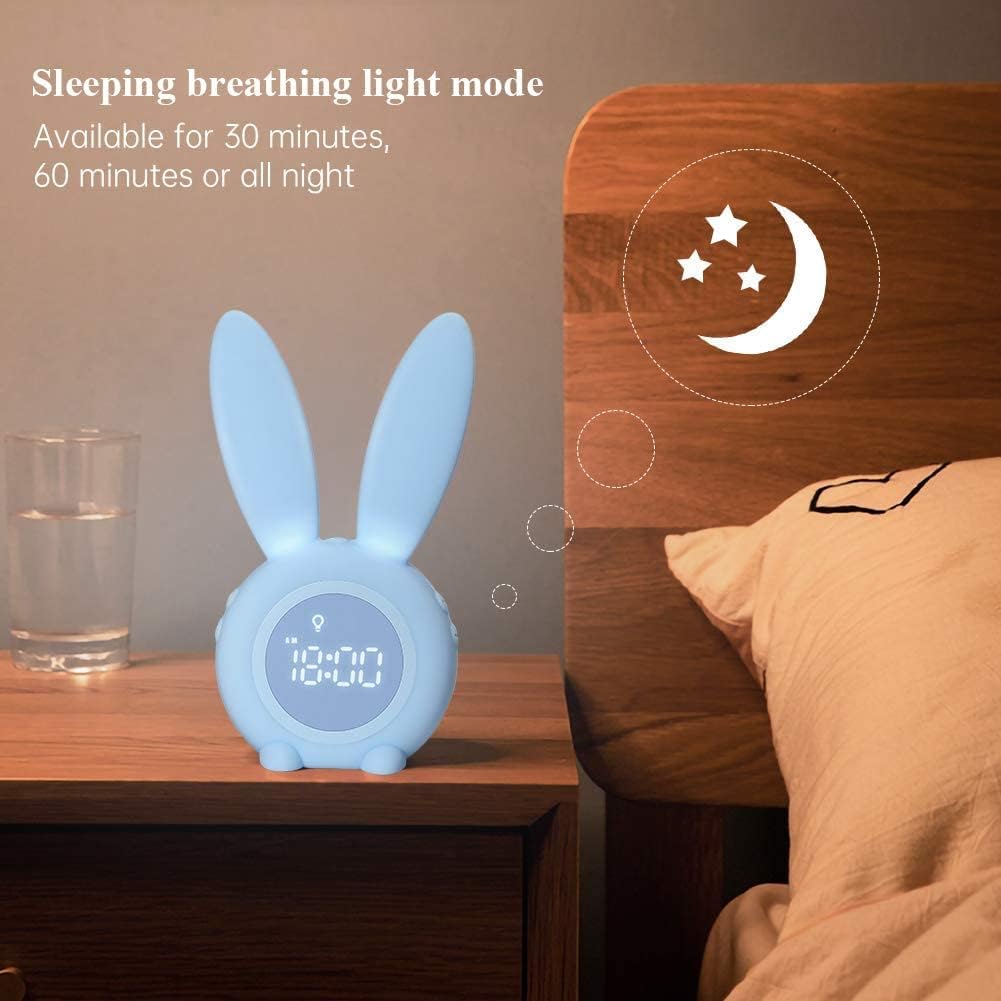
Image 5.4: The night light feature with breathing light mode, available for various durations.
5.6 Countdown Timer
Use the countdown timer for various daily tasks.
- Press the 'TIMER' button (or similar) to enter countdown mode.
- Use '+' and '-' buttons to set the desired countdown duration (1 to 59 minutes).
- Press 'TIMER' again to start the countdown.
- When the countdown finishes, an alert will sound.
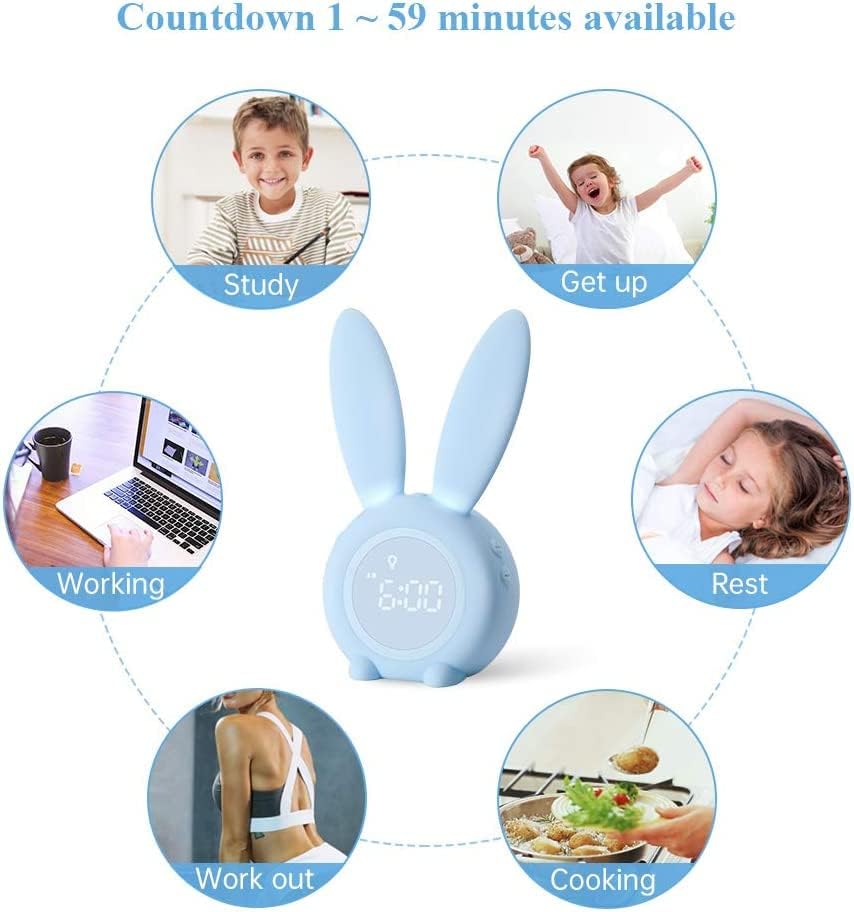
Image 5.5: The countdown timer can be used for various activities throughout the day.
5.7 Sound-Activated Display
The display is designed to be energy-efficient.
- In quiet environments, the display will turn off automatically.
- To activate the display, make a sound louder than 60 dB (e.g., clap, speak) or gently tap the clock. The display will light up for a few seconds.
6. Charging and Battery
The YONGYAO Rabbit Alarm Clock is equipped with a 2000 mAh rechargeable battery.
- When the battery is low, a low battery indicator will flash on the display.
- Connect the USB charging cable to the clock and a power source to recharge.
- A full charge allows for extended portable use.
7. Installation
The clock offers flexible installation options:
- Freestanding: Place the clock on any flat surface such as a bedside table or desk.
- Magnetic Attachment: The clock has a built-in magnet, allowing it to be attached to metallic surfaces like a refrigerator.
- Wall Mounting: Use the included 3M PE foam adhesive to attach the clock to a wall. Ensure the surface is clean and dry before applying the adhesive.

Image 7.1: The clock features multiple installation methods, including magnetic and adhesive wall mounting.
8. Troubleshooting
| Problem | Possible Cause | Solution |
|---|---|---|
| Display is off. | Energy-saving mode activated. | Make a sound (over 60 dB) or touch the clock to activate the display. |
| Alarm does not sound. | Alarm not set or turned off. | Ensure the alarm is set correctly and the alarm icon is visible on the display. |
| Clock not charging. | Cable or power source issue. | Check if the USB cable is securely connected. Try a different USB port or power adapter. |
| Night light not working. | Night light not activated or battery low. | Press the 'LIGHT' button to activate. Ensure the clock is charged. |
9. Specifications
| Feature | Detail |
|---|---|
| Brand | YONGYAO |
| Model Number | XR-MM-c03 |
| Color | Blue |
| Material | Silicone |
| Product Dimensions (L x W x H) | 9.4 x 7.2 x 17.5 cm (approximately 3.7 x 2.85 x 6.9 inches) |
| Item Weight | 210 g |
| Display Type | Digital |
| Power Source | Battery powered (2000 mAh rechargeable battery) |
| Indoor/Outdoor Use | Indoor |

Image 9.1: Product dimensions of the YONGYAO Rabbit Alarm Clock.
10. Safety Information
Please observe the following safety precautions:
- Keep the device away from water and high humidity.
- Do not expose the device to extreme temperatures or direct sunlight.
- Do not attempt to disassemble or repair the device yourself. Contact customer support if issues arise.
- Use only the provided USB cable for charging.
- Keep out of reach of very young children to prevent accidental damage or misuse.
11. Warranty and Support
For warranty information or technical support, please refer to the contact details provided with your purchase or visit the official YONGYAO website. Please retain your proof of purchase for warranty claims.