
1. Introduction
Thank you for choosing the TOWILD DLite1800 Bike Light. This manual provides detailed instructions for the proper use, installation, and maintenance of your new bike light. Please read this manual thoroughly before use to ensure optimal performance and safety.

Image: The TOWILD DLite1800 bike light, showcasing its compact design and the integrated mounting bracket for easy attachment to handlebars.
2. Product Overview
2.1 Key Features
- Dual Light Source System: Features FOCUS BEAM and FLOOD BEAM with a maximum output of 1800 lumens for comprehensive illumination during night riding.
- High Brightness Modes: Offers 200 lumen (low), 600 lumen (medium), and 1800 lumen (high) settings to suit various riding conditions and environments.
- Easy Mounting: Compatible with Garmin quarter lock mounts and can be combined with bike computers using an out-front mount. Ensures stable attachment without vibration.
- Anti-Glare Design: Engineered to maintain proper beam formation and prevent dazzling oncoming drivers, enhancing cycling safety.
- Rechargeable Battery: Equipped with a built-in 5000mAh rechargeable battery, offering extended runtimes and Type-C charging capability.
- Intelligent Smart Mode: Automatically turns the light on or off based on vibration sensing, conserving battery life when the bike is stationary.
- Memory Function: Retains your preferred brightness pattern for convenience (when not charging).
- Waterproof Design: IP65 rated, providing protection against rain and snow.
2.2 Package Contents
Please verify that all items are present in the package:
- 1 x TOWILD DLite1800 Bike Light
- 1 x Handlebar Mount
- 1 x Compatible Base for GoPro
- 1 x Type-C Charging Cable
- 1 x User Manual
3. Setup & Installation
3.1 Attaching the Handlebar Mount
- Identify a suitable position on your bicycle's handlebar, ensuring it does not obstruct other controls.
- Securely attach the handlebar mount using the provided strap or clamp mechanism. Ensure it is tightened sufficiently to prevent movement during riding.
3.2 Installing the DLite1800 Bike Light
- Align the base of the DLite1800 bike light with the Garmin quarter lock mount on the handlebar bracket.
- Push the light down and twist it clockwise until it clicks securely into place.
- To remove, press the release tab (if present) and twist counter-clockwise.
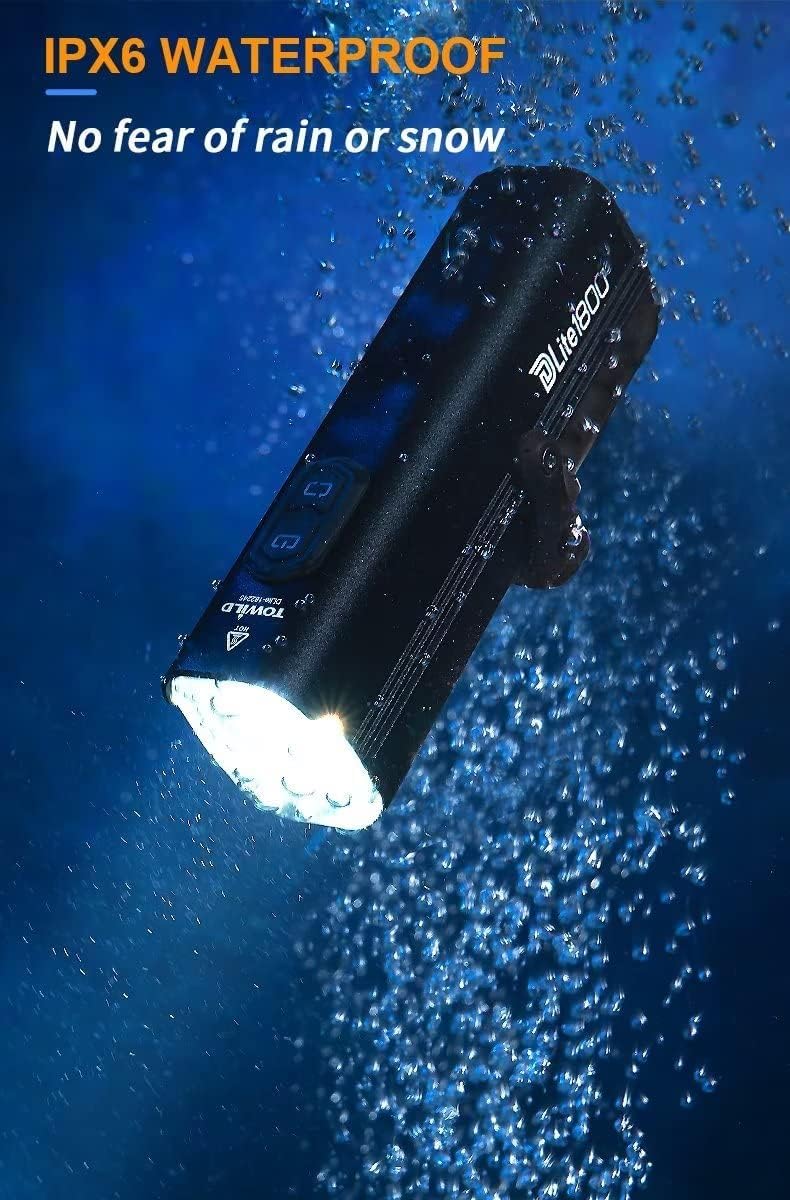
Image: A visual guide showing the simple process of attaching the DLite1800 bike light to a bicycle handlebar mount, highlighting its quick release mechanism.
The stable bracket design ensures the light remains secure even on rough terrain, preventing vibration and accidental detachment.
4. Operation
4.1 Power On/Off
- To turn on the light, press and hold the power button for approximately 2 seconds.
- To turn off the light, press and hold the power button for approximately 2 seconds.
4.2 Switching Light Modes
The DLite1800 features a dual light source system with various modes:
- Focus Beam: Provides a concentrated beam for long-distance visibility. Ideal for unlit roads or trails.
- Flood Beam: Offers a wide-angle beam (150°) for broader illumination, suitable for urban riding with streetlights or paved trails.
- Combined Mode: Activates both focus and flood beams for maximum brightness (1800 lumens).
- Flash Mode: Provides a flashing light for increased visibility during the day or in low-light conditions.
Press the mode button (or short press the power button, depending on model specifics) to cycle through the available light modes. The light will remember your last used brightness pattern when not charging.
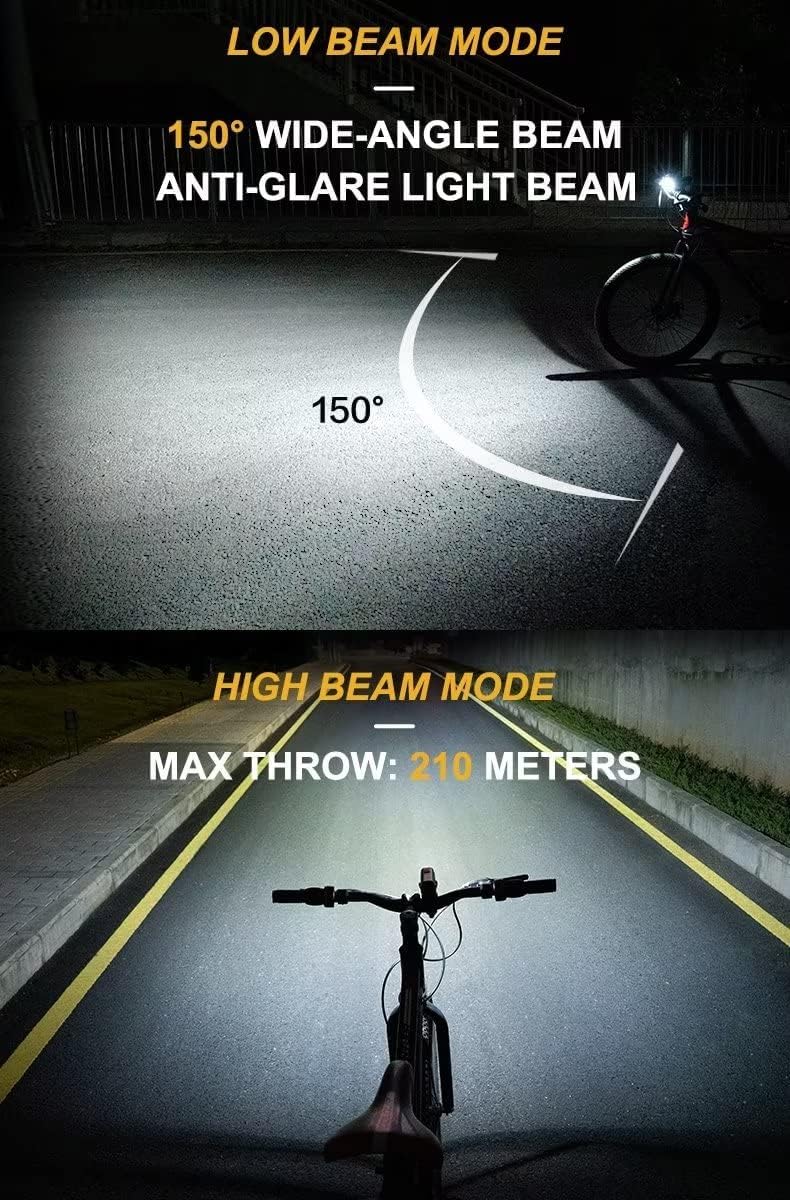
Image: Illustrates the difference between the 150° wide-angle low beam, designed for anti-glare, and the high beam, which provides a maximum throw of 210 meters for extended visibility.
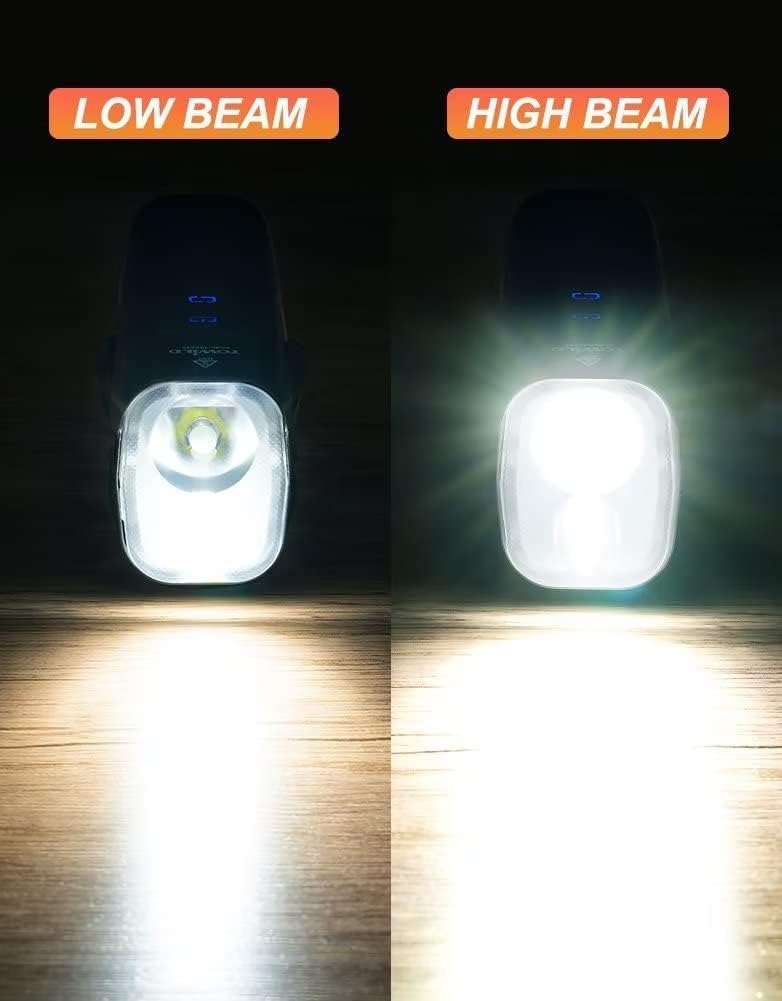
Image: A direct comparison showing the distinct light patterns produced by the DLite1800 in low beam and high beam modes, demonstrating the difference in light spread and intensity.
5. Charging the Battery
The DLite1800 is equipped with a 5000mAh rechargeable Lithium-Ion battery and supports Type-C charging.
- Locate the Type-C charging port on the bike light.
- Connect the provided Type-C cable to the light and plug the other end into a USB power source (e.g., computer, wall adapter, power bank).
- The charging indicator light will show the charging status. Refer to the light's specific indicator behavior for full charge notification (e.g., solid green, light off).
- A full charge can provide up to 18 hours of runtime in flash mode, 1 hour 40 minutes in 1800 lumen focus beam mode, and 3 hours 45 minutes in 600 lumen flood beam mode.
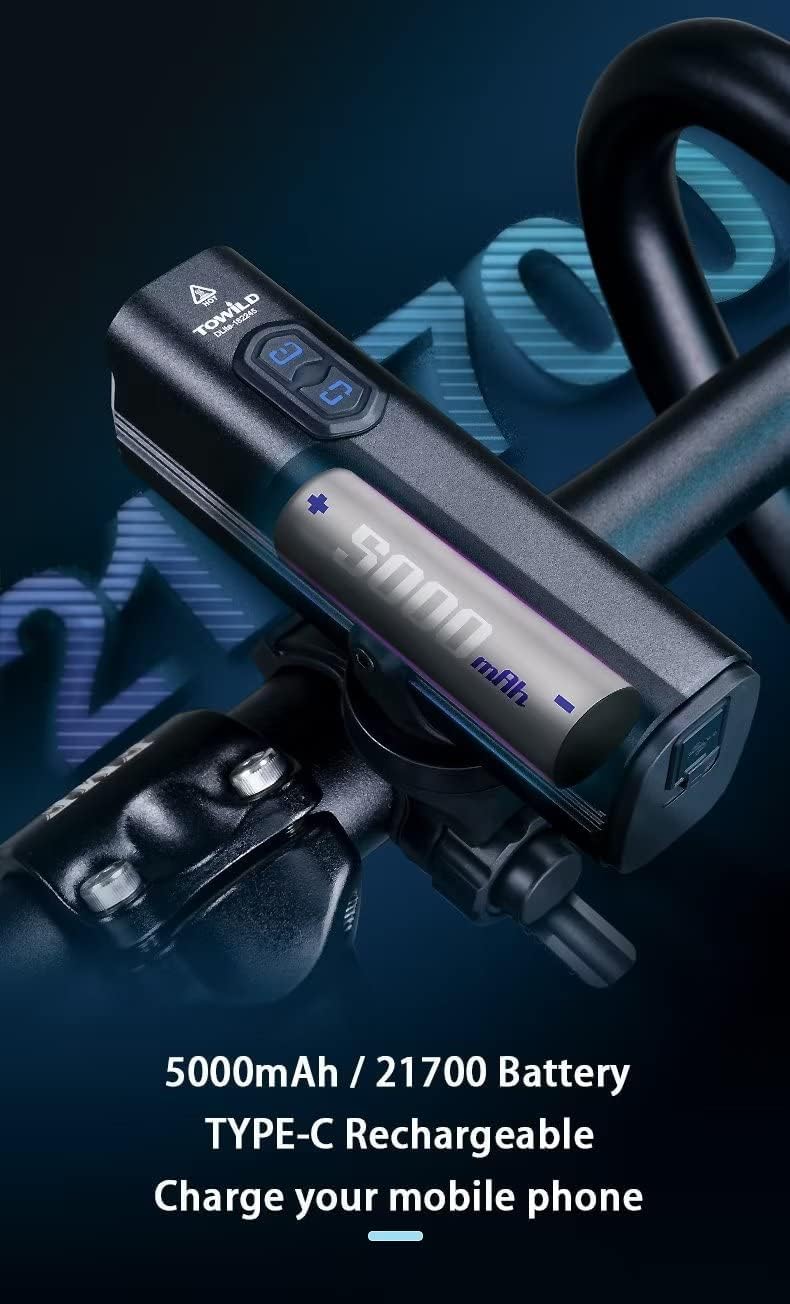
Image: An internal view diagram of the DLite1800, highlighting its 5000mAh 21700 battery and the Type-C charging port, indicating its capability to charge other mobile devices.
Note: Ensure the charging port cover is securely closed after charging to maintain the light's waterproof integrity.
6. Smart Mode Functionality
The DLite1800 features an intelligent smart mode that utilizes vibration sensing to manage power efficiently.
- When activated, the light will automatically turn off if no movement or vibration is detected for more than 2 minutes.
- The light will automatically turn back on when it detects movement, such as when you resume cycling.
This feature helps conserve battery life during stops or breaks in your ride.
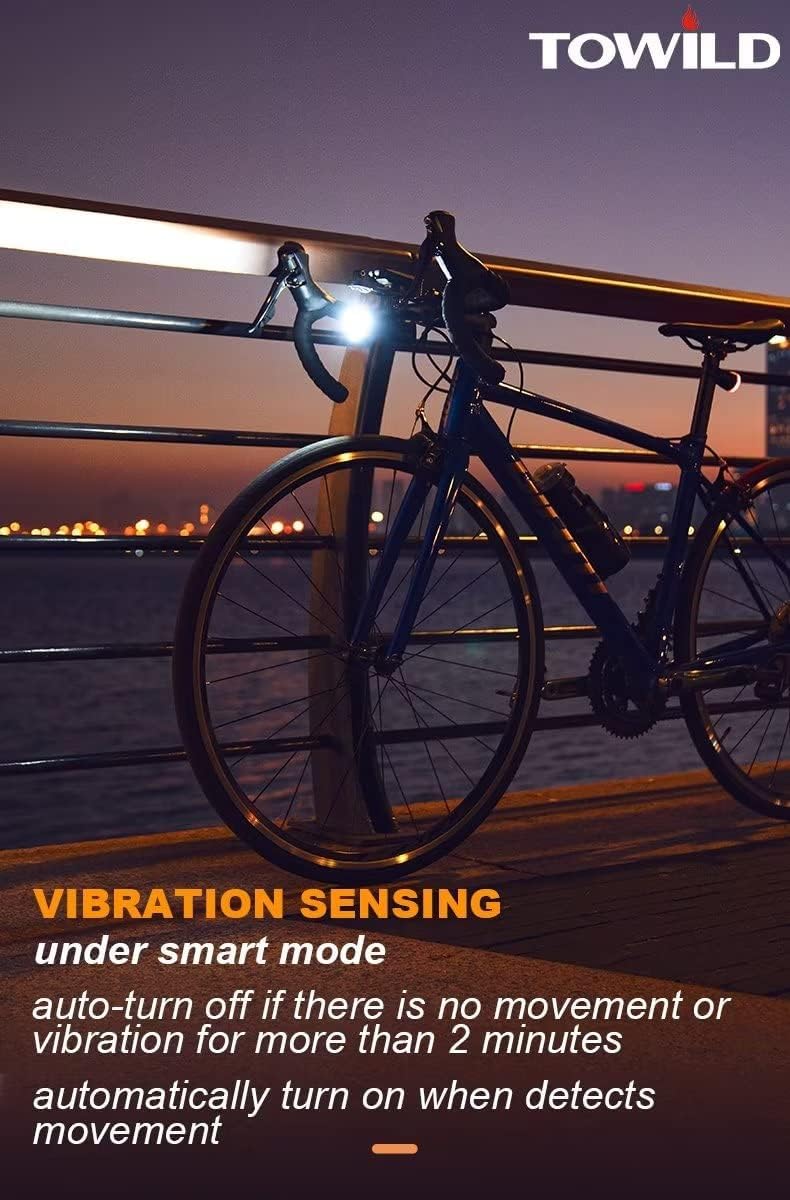
Image: A bicycle with the DLite1800 light mounted, demonstrating the vibration sensing capability in smart mode, where the light automatically turns off when stationary and on when movement is detected.
7. Maintenance
- Cleaning: Wipe the light body and lens with a soft, damp cloth. Do not use abrasive cleaners or solvents.
- Storage: Store the light in a cool, dry place when not in use. For long-term storage, charge the battery to approximately 50% every 3-6 months to maintain battery health.
- Water Resistance: While the light is IP65 waterproof, avoid prolonged submersion. Ensure the Type-C port cover is sealed properly.
8. Troubleshooting
| Problem | Possible Cause | Solution |
|---|---|---|
| Light does not turn on. | Battery is depleted. | Charge the light fully using the provided Type-C cable. |
| Light turns off unexpectedly. | Low battery or Smart Mode activated. | Recharge the battery. If in Smart Mode, ensure continuous movement or disable Smart Mode if not desired. |
| Light flickers or dims. | Low battery. | Charge the light. |
| Mount is not stable. | Mount not tightened sufficiently or incorrect installation. | Ensure the handlebar mount is securely fastened. Re-install the light onto the mount, ensuring it clicks into place. |
9. Specifications
| Feature | Detail |
|---|---|
| Model | DLite1800 |
| Brightness | Max 1800 Lumens |
| Battery | 5000mAh Lithium Ion (21700) |
| Charging Port | Type-C |
| Material | Aluminum |
| Water Resistance | IP65 |
| Weight | 281 g |
| Dimensions | 19.41 x 8.2 x 4.9 cm (Parcel Dimensions) |
| Mounting Type | Handlebar Mount (Garmin quarter lock compatible) |
10. Warranty & Support
10.1 Warranty Information
The TOWILD DLite1800 Bike Light comes with a 2-year certification, indicating a commitment to quality and performance. This warranty covers manufacturing defects and material flaws under normal use conditions from the date of purchase.
Please retain your proof of purchase for warranty claims. The warranty does not cover damage caused by misuse, accidents, unauthorized modifications, or normal wear and tear.
10.2 Customer Support
For technical assistance, warranty claims, or any questions regarding your TOWILD DLite1800 Bike Light, please contact TOWILD customer support through the retailer's platform or the official TOWILD website. Provide your product model and purchase details for faster service.
Visit the official TOWILD store for more information: TOWILD Amazon Store


