
Y-METDRIVING TH001
Contents
Y-METDRIVING TH001 Car Stereo User Manual
Model: TH001 | Brand: Y-METDRIVING
1. Introduction
This manual provides comprehensive instructions for the installation, operation, and maintenance of your Y-METDRIVING TH001 Car Stereo. Please read this manual thoroughly before using the product to ensure proper function and safety.
2. Package Contents
Verify that all items listed below are included in your package:
- 7-inch Double DIN Car Stereo Unit
- Wire Harness
- Frame
- AHD Back Up Camera
- Microphone
- Anti-theft Frame Key
- Disassembly Tool
- Backup Camera Cable
- Remote Control
- User Manual
- Fast Charging Cables
- Camera Power Cable
Video: Unboxing the Y-METDRIVING TH001 Car Stereo and its accessories.

Image: Overview of the car stereo unit and included components like the backup camera and charging cables.
3. Installation Guide
3.1 Wiring Method
Proper wiring is crucial for the functionality of your car stereo. Refer to the diagram below for correct connections. If you are unsure, consult a professional installer.

Image: Detailed wiring diagram for the car stereo, illustrating connections for power, speakers, and auxiliary inputs.
3.2 Physical Installation
This double DIN unit is designed to fit standard 7-inch car stereo openings. An installation kit specific to your vehicle model may be required for a tight and secure fit. Use the provided anti-theft frame key and disassembly tool as needed.
4. Operating Instructions
4.1 Wired CarPlay & Android Auto
Connect your iPhone (iOS 5 and later) or Android phone (Android 11.0 and later) via USB to access CarPlay or Android Auto features directly on the stereo's 7-inch QLED capacitive touch screen. This allows for navigation, calls, music, and more, enhancing driving safety and enjoyment.
Video: Demonstration of CarPlay and Android Auto functionality, including online maps, music, and calling.

Image: The car stereo displaying the Wired Apple CarPlay interface, showing various app icons.

Image: The car stereo displaying the Wired Android Auto interface, with navigation and media apps.
4.2 Bluetooth 5.0 Functionality
The integrated Bluetooth 5.0 allows for hands-free calling and wireless music streaming. Pair your smartphone to answer calls, make calls, play music, and access your phonebook without distraction.
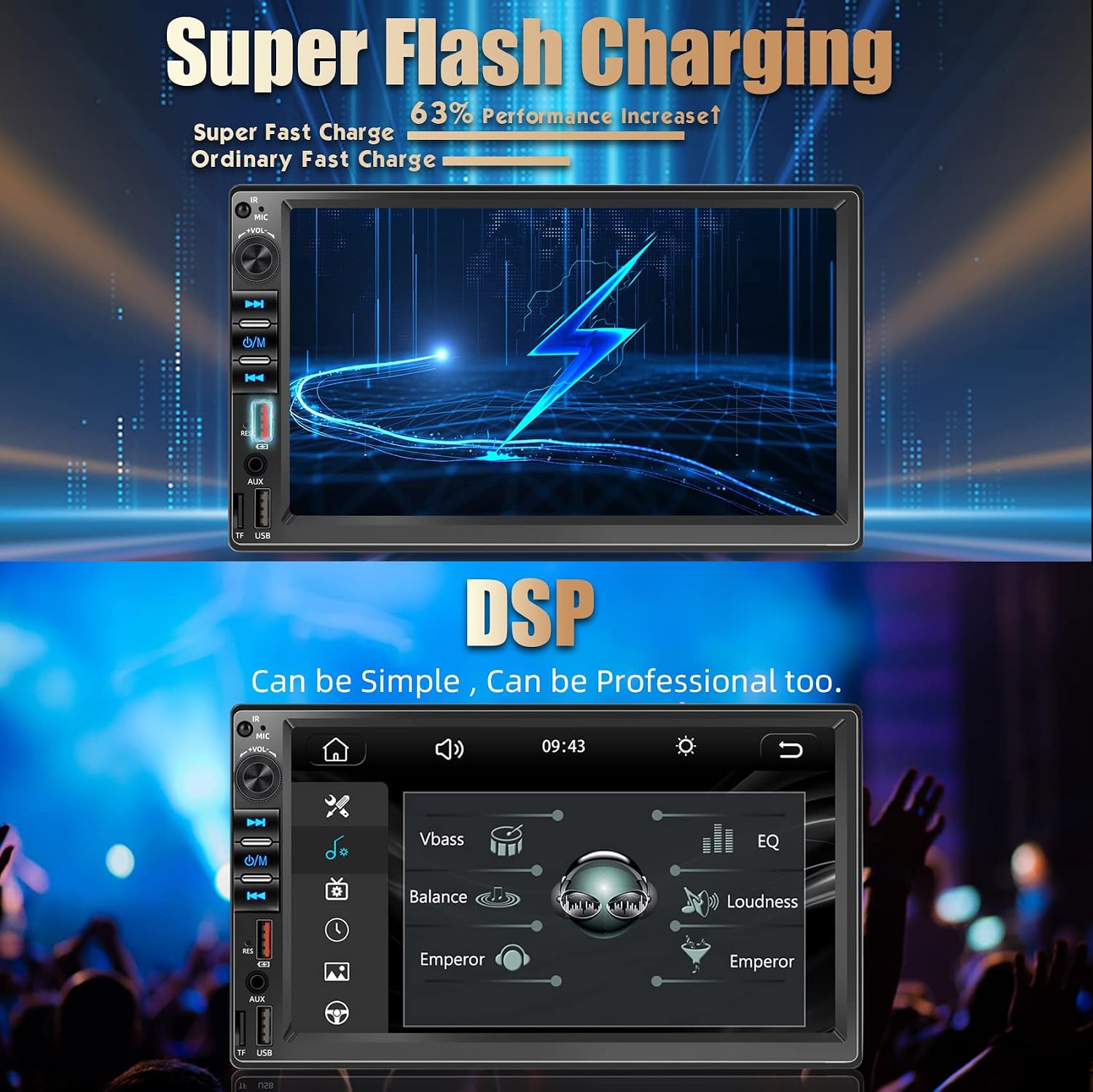
Image: The car stereo screen showing the Bluetooth 5.0 interface with music playback controls and options for phone and hands-free functions.
4.3 AM/FM Radio
Enjoy real-time radio, weather forecasts, and news with the built-in FM/AM function, featuring 18 FM and 12 AM station memory presets.

Image: The car stereo displaying the AM/FM radio interface with frequency tuning and station presets.
4.4 Mirror Link for iOS & Android
The Mirror Link feature allows you to sync your phone screen directly to the car stereo screen. This is ideal for watching movies or using navigation apps that are not natively supported by CarPlay/Android Auto.

Image: The car stereo screen demonstrating the Mirror Link function, displaying a mirrored smartphone screen with navigation.
4.5 USB Charging & Data Transfer
The unit features two USB ports. One port supports quick charging up to 22W, efficiently charging your phone even while using CarPlay/Android Auto. The second port is for data transmission, allowing you to enjoy music, videos, or photos from your personal storage devices.
Video: Demonstration of the USB charging port in use, showing a phone being charged by the car stereo.
4.6 Digital Sound Processor (DSP) & Equalizer
Built-in DSP processing chips and a 16-band EQ allow for precise audio customization. The 4*45W amplifier delivers high-quality sound. Adjust settings to optimize your listening experience.

Image: The car stereo screen showing the Digital Sound Processor (DSP) and Equalizer (EQ) settings for audio customization.
5. Maintenance
To ensure the longevity and optimal performance of your car stereo, follow these maintenance guidelines:
- Cleaning: Use a soft, dry cloth to clean the screen and exterior. Avoid abrasive cleaners or solvents.
- Software Updates: Periodically check the manufacturer's website for any available firmware updates to ensure the best performance and compatibility.
- Environmental Conditions: Avoid exposing the unit to extreme temperatures, direct sunlight for prolonged periods, or excessive moisture.
6. Troubleshooting
If you encounter issues with your car stereo, refer to the following common problems and solutions:
| Problem | Possible Cause | Solution |
|---|---|---|
| No Power | Incorrect wiring, blown fuse, loose connection. | Check wiring connections (refer to Section 3.1), inspect and replace fuses if necessary, ensure all cables are securely plugged in. |
| No Sound | Speaker wiring issues, volume too low, incorrect audio source. | Verify speaker connections, increase volume, select the correct audio input source (e.g., Radio, Bluetooth, USB). |
| CarPlay/Android Auto Not Connecting | Faulty USB cable, phone not compatible, software glitch. | Try a different USB cable (ensure it's a data cable), check phone compatibility (iOS 5+ / Android 11+), restart both phone and car stereo. |
| Volume Knob Operates Backwards | Unit design characteristic. | This is a known design characteristic for some units. Adapt to turning the knob left to increase volume and right to decrease. |
| Backup Camera Not Displaying | Incorrect camera wiring, camera malfunction. | Ensure the camera's power and video signal cables are correctly connected to the stereo's reverse input. Check camera for damage. |
If the problem persists, please contact customer support for assistance.
7. Specifications
| Feature | Detail |
|---|---|
| Product Dimensions | 7.01 x 4.06 x 2.36 inches |
| Item Weight | 2.31 pounds |
| Model Number | TH001 |
| Display | 7-inch QLED Capacitive Touch Screen, 1024*600 HD Resolution |
| Connectivity Technology | Bluetooth, Auxiliary, USB |
| Bluetooth Version | 5.0 |
| Special Features | Built-In Bluetooth, Android Auto, Apple CarPlay, Hands-Free Calling, Quick Charge (up to 22W), DSP, 16-band EQ |
| Compatible Devices | Smartphone (iPhone 5+, Android 11+) |
| Audio Output Mode | Stereo |
| Amplifier Output | 4*45W |
| Manufacturer | shenzhen tonghang technology co,. ltd |
| Country of Origin | China |
8. Warranty and Support
Y-METDRIVING is committed to providing high-quality products and excellent customer service. If you encounter any problems during purchase or use, please feel free to contact our customer support team via Amazon Email. We are dedicated to assisting you with any issues.
For further assistance or inquiries, please visit the official Y-METDRIVING store on Amazon: Y-METDRIVING Store
Ask a question about this manual
Ask about setup, troubleshooting, compatibility, parts, safety, or missing instructions. Manuals+ will review the question and use this page’s manual context to help answer it.