
Introduction
The Lamicall Waterproof Phone Pouch provides IPX8-rated protection for your smartphone against water, snow, sand, and dust. Designed for devices up to 7 inches, this pouch is suitable for various activities such as beach trips, cruises, snorkeling, and kayaking. It features upgraded locking clips and seamless heat-press technology to ensure a secure seal up to a depth of 100 feet (30 meters).

Image: The Lamicall Waterproof Phone Pouch, showcasing its transparent design and a phone securely placed inside.
Setup
1. Initial Waterproof Test
Before first use, and periodically thereafter, perform a waterproof test without your phone inside. This ensures the pouch is functioning correctly and has not been damaged.
- Place a piece of tissue paper inside the pouch.
- Close the locking clips firmly. Ensure they click into place.
- Submerge the sealed pouch in water for at least 30 minutes.
- Remove the pouch, dry the exterior, and open the clips.
- Check the tissue paper. If it is dry, the pouch is ready for use. If wet, do not use the pouch and contact support.

Image: A hand holding the Lamicall waterproof phone pouch, filled with water, demonstrating its sealing capability.
2. Inserting Your Phone
- Open both locking clips by pushing them outwards.
- Carefully insert your smartphone into the pouch. Ensure it is centered for optimal screen access.
- Press the locking clips firmly until they click into their closed position. Verify both clips are fully engaged to ensure a watertight seal.

Image: A close-up view of the Lamicall waterproof phone pouch's locking mechanism, illustrating the open and close positions of the clips.
3. Attaching the Lanyard
The pouch comes with a heavy-duty lanyard. Attach the lanyard to the designated loop on the top of the pouch for secure carrying.
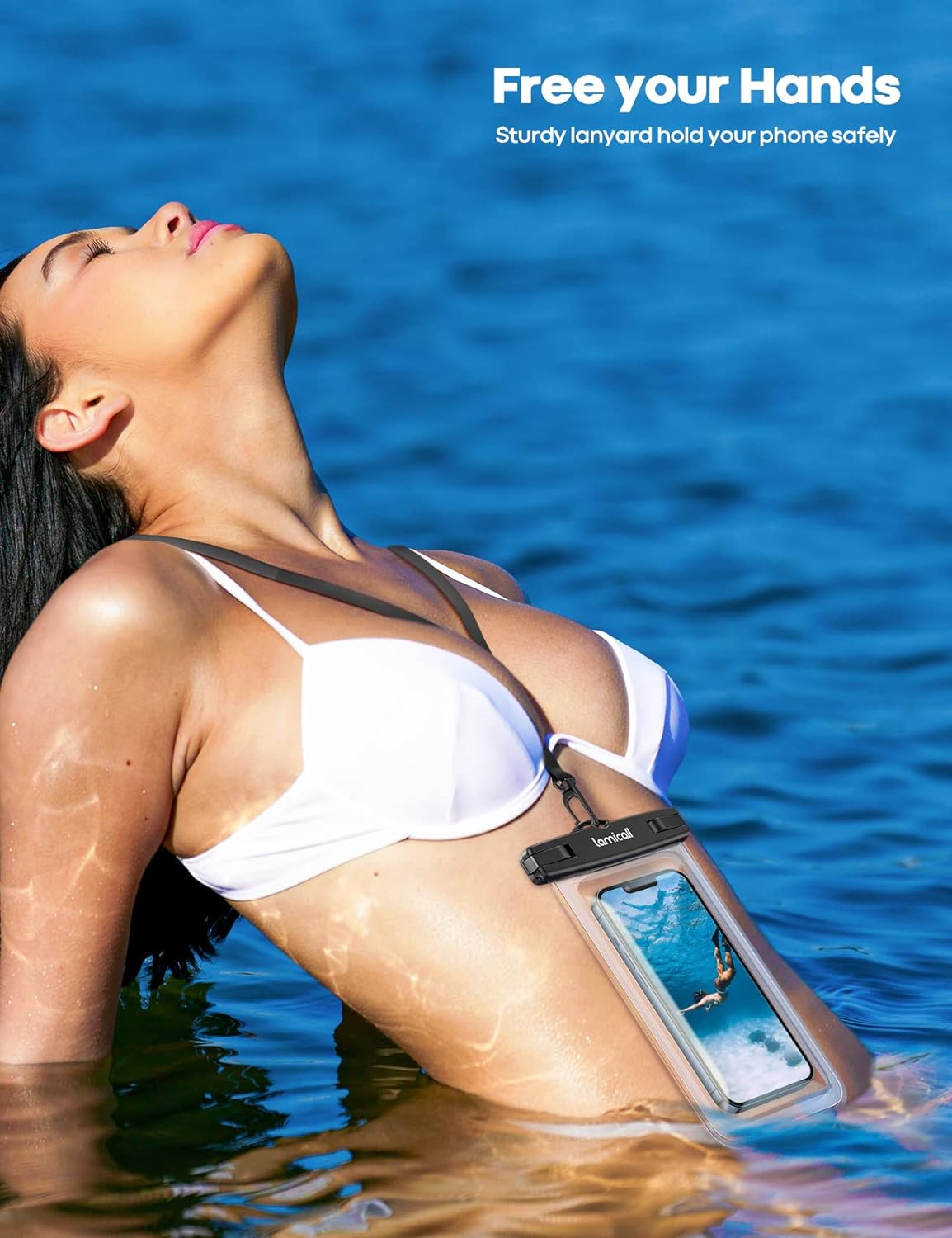
Image: A person wearing the Lamicall waterproof phone pouch around their neck with the lanyard while in water, demonstrating hands-free use.
Setup Demonstration Video
Video: An official Lamicall demonstration showing how to open, insert a phone, and seal the waterproof pouch.
Operating Instructions
1. Touch Screen Functionality
The soft PVC material allows for smooth touch screen operation while your phone is inside the pouch. You can access apps, make calls, and use other functions normally. Note that fingerprint recognition may not work through the pouch.

Image: A person using the touch screen of a phone inside the Lamicall waterproof pouch while relaxing by a pool, demonstrating ease of use.
2. Underwater Photography and Videography
The highly transparent material ensures clear display and normal camera function, allowing you to capture photos and videos underwater. Due to water pressure, screen sensitivity may decrease in deep water. In such cases, use the volume buttons on your phone to take photos or start/stop video recording.

Image: An underwater scene showing a person swimming and a phone in the Lamicall pouch capturing the moment, with depth markings indicating its waterproof capability.
Maintenance
1. Cleaning
After each use, especially in saltwater, rinse the pouch with fresh water and mild soap. Gently wipe it clean with a soft cloth. Avoid abrasive cleaners or materials that could scratch the surface.
2. Drying and Storage
Ensure the pouch is completely dry before storing. Store it in a cool, dry place away from direct sunlight and sharp objects to prevent damage to the material or seals.
Troubleshooting
- Screen Sensitivity Underwater: If the touch screen becomes less responsive in deep water, use your phone's physical volume buttons to control the camera for photos and videos.
- Difficulty Closing Clips: Ensure no debris is obstructing the sealing mechanism. Apply firm, even pressure until both clips audibly click into place.
- Pouch Appears Foggy: This can be caused by condensation if there is moisture inside the pouch or if the phone is warm. Ensure your phone and the inside of the pouch are completely dry before sealing.
Specifications
| Brand | Lamicall |
| Model Number | PRAB01-T |
| Water Resistance Level | IPX8 (Waterproof up to 100 feet / 30 meters) |
| Material | Polyvinyl Chloride (PVC) |
| Compatible Devices | Smartphones up to 7 inches (with case on), ID cards, credit cards, cash, passport, small items. |
| Item Dimensions | 8.7 x 4.8 x 0.05 inches |
| Included Accessories | Lanyard, Holster |
Warranty
This Lamicall Waterproof Phone Pouch comes with a 2-year warranty from the date of purchase. This warranty covers manufacturing defects. Please retain your proof of purchase for any warranty claims.
Support
For further assistance, questions, or warranty claims, please contact Lamicall customer support. You can find more information and contact details by visiting the official Lamicall store on Amazon: