
Azwok AU-AR-RAH1U-FJ004
User Manual
Replacement AR-RAH1U Remote Control
Brand: Azwok | Model: AU-AR-RAH1U-FJ004
Product Overview
This manual provides instructions for the Azwok Replacement AR-RAH1U Remote Control, designed for Fujitsu Air Conditioners. It is also compatible with Fujitsu models AR-RAH1E and AR-RAH2E. This remote control is a direct replacement, offering all major buttons and functions of the original unit.

Figure 1: Front view of the Azwok AR-RAH1U replacement remote control. It features a display screen at the top and clearly labeled buttons for various functions like MODE, FAN, START/STOP, temperature adjustment, and timer settings.
Setup
The Azwok AR-RAH1U replacement remote control is designed for immediate use without any complex programming. Simply install the batteries, and it will be ready to operate your compatible Fujitsu air conditioner.
Battery Installation
- Locate the battery compartment on the back of the remote control.
- Slide the battery compartment cover downwards to open it.
- Insert two (2) AAA batteries (not included) into the compartment, ensuring the positive (+) and negative (-) polarities align correctly with the markings inside the compartment.
- Slide the battery compartment cover back into place until it clicks securely.
Note: Do not mix old and new batteries. Do not mix batteries of different types together.
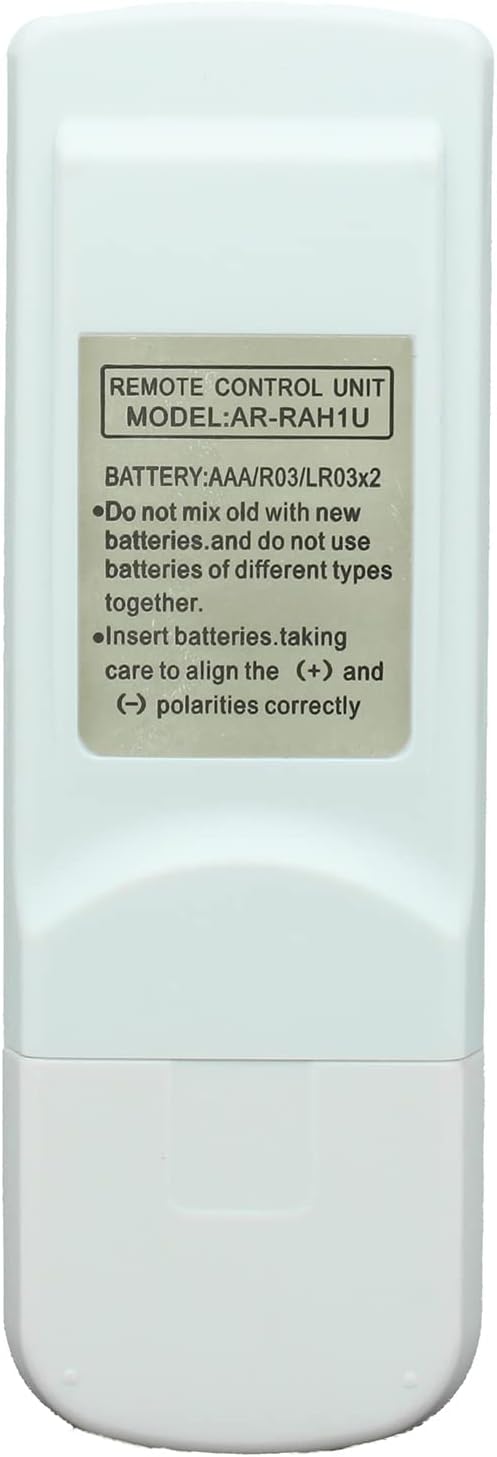
Figure 2: Back view of the remote control, displaying the battery compartment cover and a label indicating "REMOTE CONTROL UNIT MODEL: AR-RAH1U" and battery requirements.
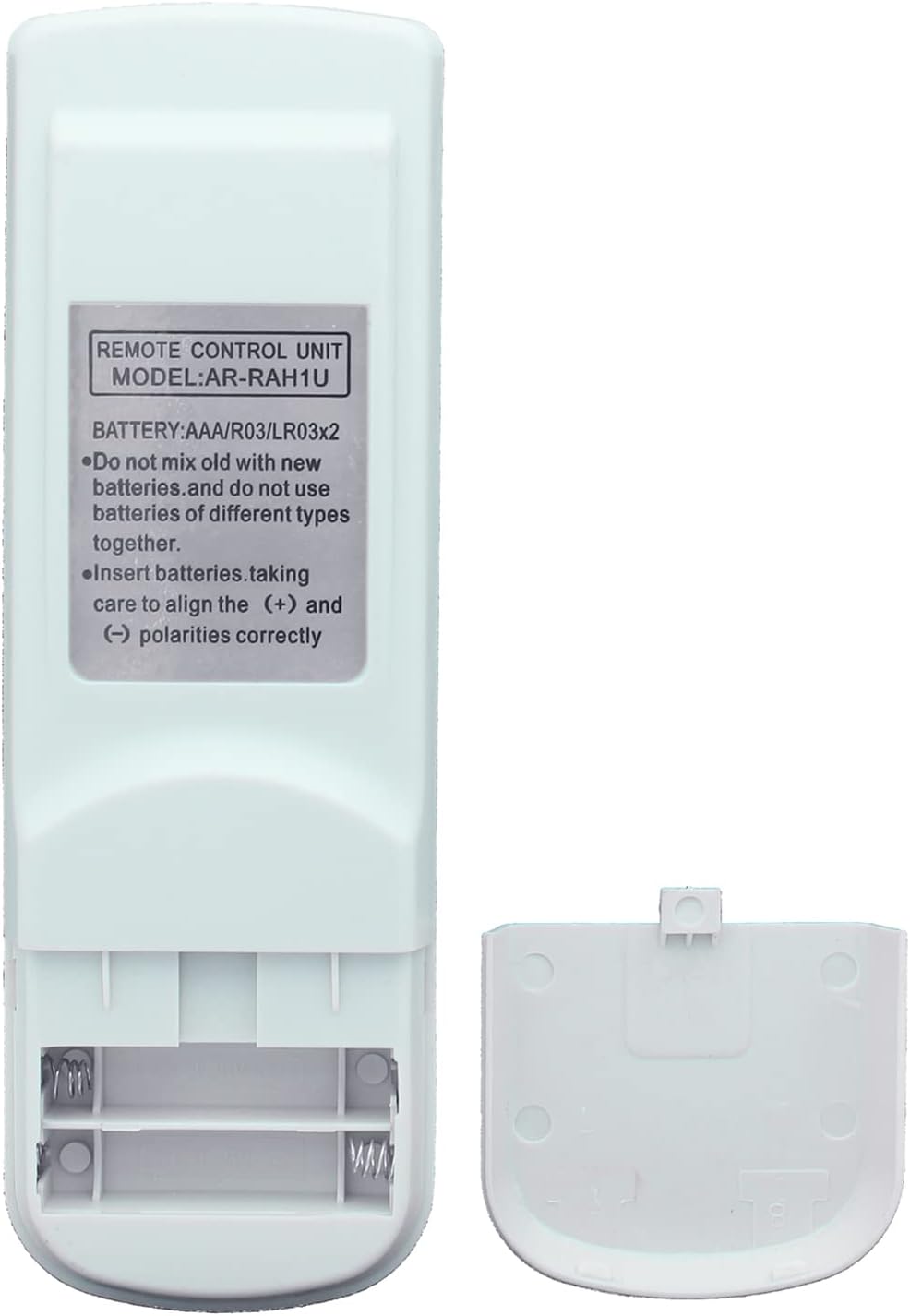
Figure 3: Back view of the remote control with the battery compartment open, showing the slots for two AAA batteries.
Operating Instructions
Once batteries are installed, the remote control is ready to operate your Fujitsu air conditioner. Ensure there is a clear line of sight between the remote control and the air conditioner's receiver.
Key Functions:
- START/STOP: Powers the air conditioner on or off. (Typically a prominent button, often yellow/orange).
- MODE: Cycles through operating modes (e.g., Cool, Heat, Fan, Dry, Auto).
- FAN: Adjusts fan speed.
- SET TEMP. (▲/▼): Increases or decreases the desired temperature.
- SWING: Controls the louver swing function.
- TIMER: Sets or cancels timer functions for scheduled operation.
- MIN.HEAT: Activates minimum heat mode.
- ECONOMY: Engages energy-saving mode.
- SLEEP: Activates sleep mode for comfortable night operation.
- CLOCK ADJUST: Used to set the current time on the remote's display.
- TEST RUN: For service or diagnostic purposes.
- RESET: Resets the remote control settings.
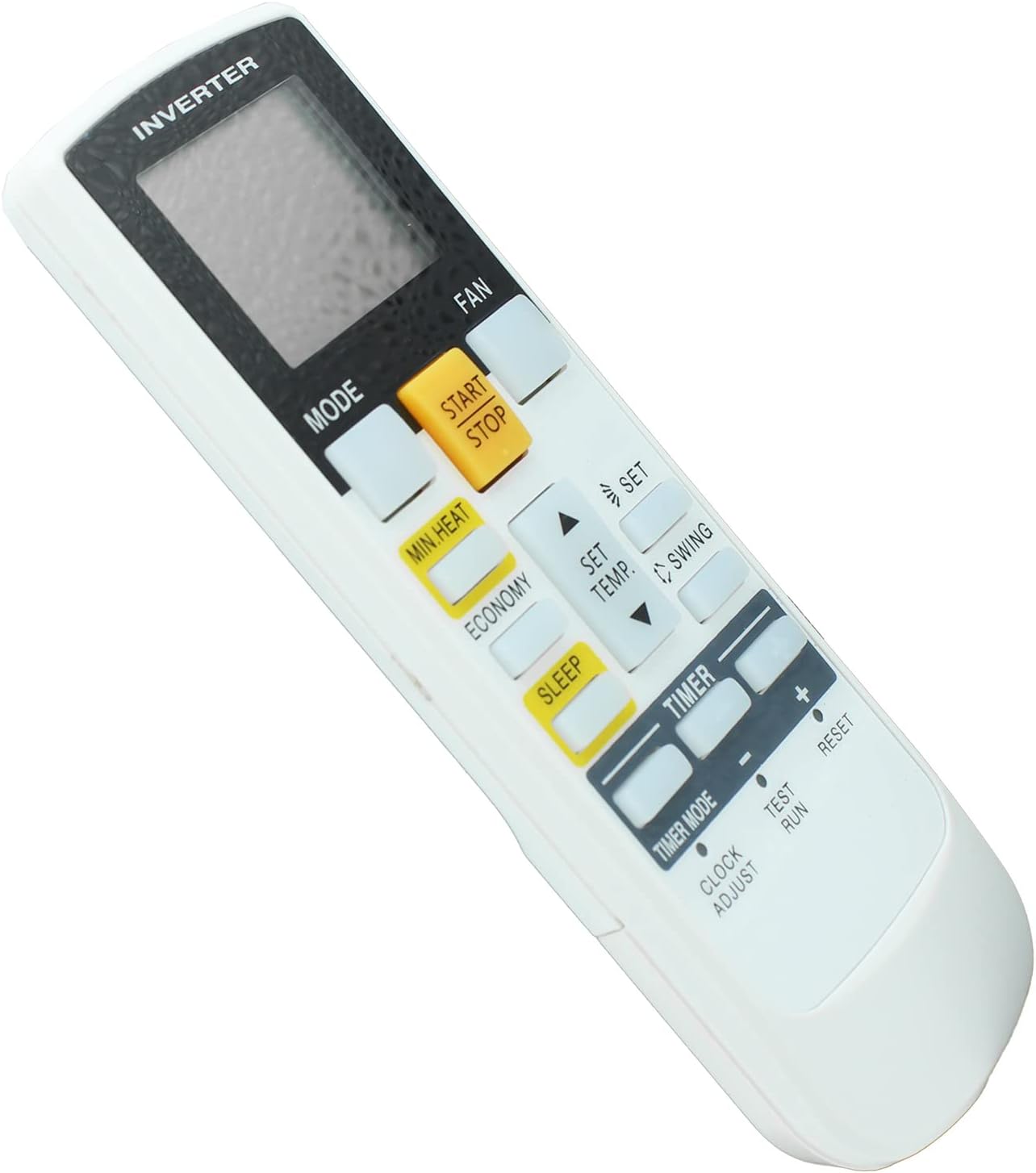
Figure 4: Angled view of the remote control, providing a clearer perspective of the button layout and the digital display.
Maintenance
Proper care and maintenance will extend the life of your remote control.
- Cleaning: Wipe the remote control with a soft, dry cloth. Do not use liquid cleaners or abrasive materials.
- Battery Replacement: Replace batteries when the remote's performance degrades or the display becomes dim. Always replace both batteries simultaneously.
- Storage: If the remote control will not be used for an extended period, remove the batteries to prevent leakage and damage. Store in a cool, dry place.
- Avoid Exposure: Keep the remote control away from direct sunlight, high temperatures, and moisture.

Figure 5: Side view of the remote control, illustrating its ergonomic and slim design.
Troubleshooting
If you experience issues with your remote control, please refer to the following common solutions:
- Remote Not Responding:
- Check if the batteries are inserted correctly with the correct polarity.
- Replace old or depleted batteries with new AAA batteries.
- Ensure there is a clear line of sight between the remote control and the air conditioner's infrared receiver. Obstructions can block the signal.
- Confirm that the air conditioner is powered on and plugged into a working outlet.
- Remote Works Intermittently:
- This often indicates low battery power. Replace the batteries.
- Ensure no strong light sources (like direct sunlight or fluorescent lights) are interfering with the infrared signal.
- Remote Does Not Control My Specific Model:
- This remote is specifically designed for Fujitsu AR-RAH1U, AR-RAH1E, and AR-RAH2E models. If your air conditioner model number is not listed or your original remote looks significantly different, it may not be compatible.
- For compatibility inquiries, please contact Azwok customer support.
Specifications
| Feature | Detail |
|---|---|
| Product Model Number | AU-AR-RAH1U-FJ004 |
| Compatible Models | Fujitsu AR-RAH1U, AR-RAH1E, AR-RAH2E |
| Dimensions (L x W x H) | 6.5 x 2.17 x 0.59 inches |
| Item Weight | 2.46 ounces |
| Batteries Required | 2 x AAA (not included) |
| Connectivity Technology | Infrared (IR) |
| Special Feature | No Programming Required |
| Manufacturer | Azwok |
Warranty and Support
Azwok stands behind the quality of its products. This replacement remote control comes with a comprehensive warranty and dedicated customer support.
- Warranty Period: This remote control is covered by a 12-month replacement warranty from the date of purchase.
- Returns and Exchanges: Returns are accepted for refund or exchange if the product does not function as intended with your compatible devices.
- Customer Support: If you have any questions regarding compatibility, operation, or require assistance, please do not hesitate to contact Azwok customer support. We are happy to assist you in choosing the correct remote or resolving any issues.
Ask a question about this manual
Ask about setup, troubleshooting, compatibility, parts, safety, or missing instructions. Manuals+ will review the question and use this page’s manual context to help answer it.