
Introduction
The OnePlus Buds Pro 2 are advanced wireless earbuds designed to deliver a superior audio experience with features like active noise cancellation, spatial audio, and extended battery life. This manual provides essential information for setting up, operating, and maintaining your earbuds.
Package Contents
Ensure all items are present in your package:
- OnePlus Buds Pro 2 Earbuds
- Charging Case
- USB-C Charging Cable
- Multiple Sizes of Ear Tips
- User Manual (this document)
Product Overview
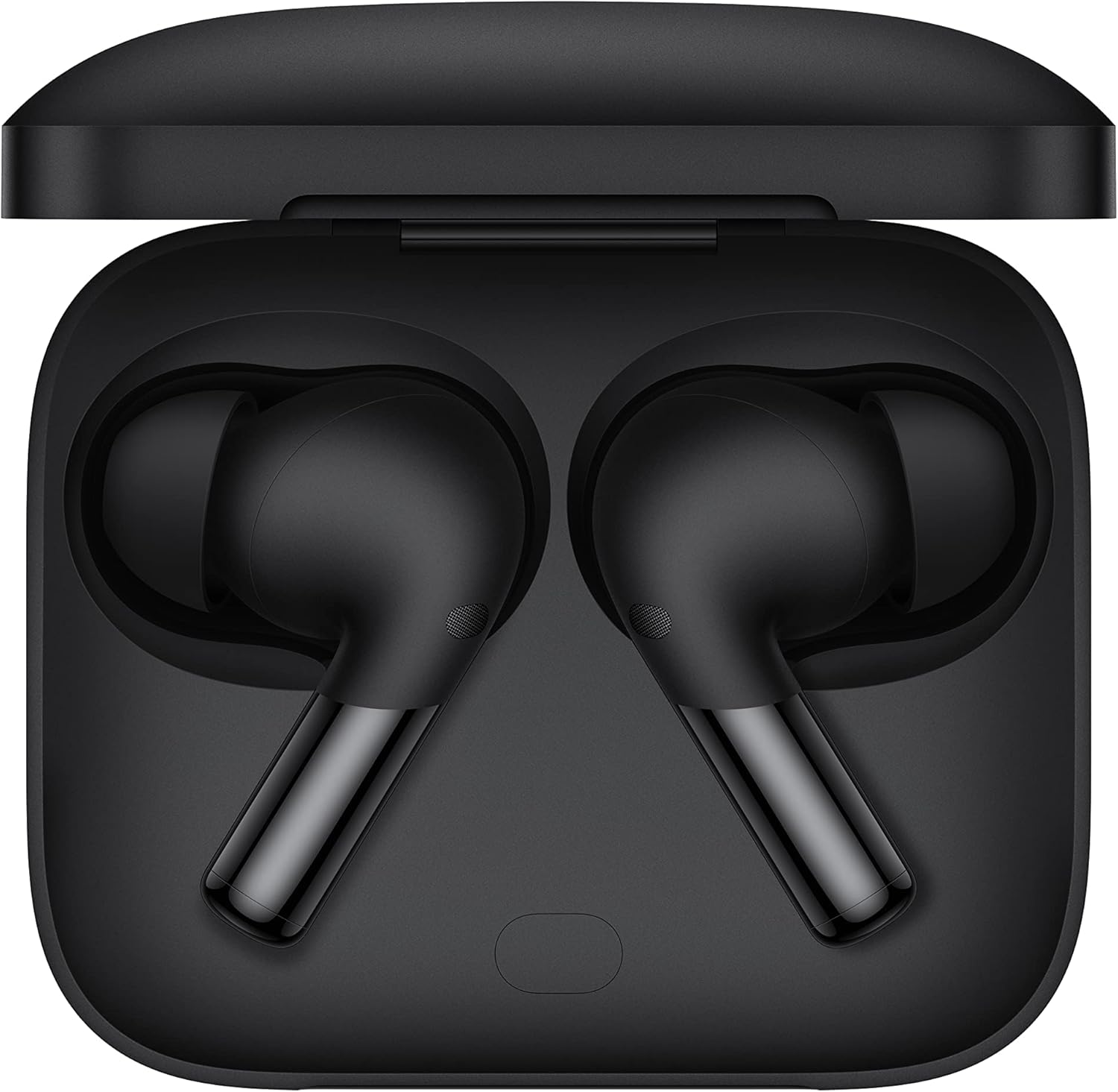
The OnePlus Buds Pro 2 earbuds are securely nestled within their charging case, showcasing their sleek, compact design. The case features a matte black finish with the OnePlus logo subtly embossed on the lid.

The earbuds are shown alongside their charging case, highlighting their two-tone design with a matte black body and polished metallic stems. The charging case has a small LED indicator on the front.
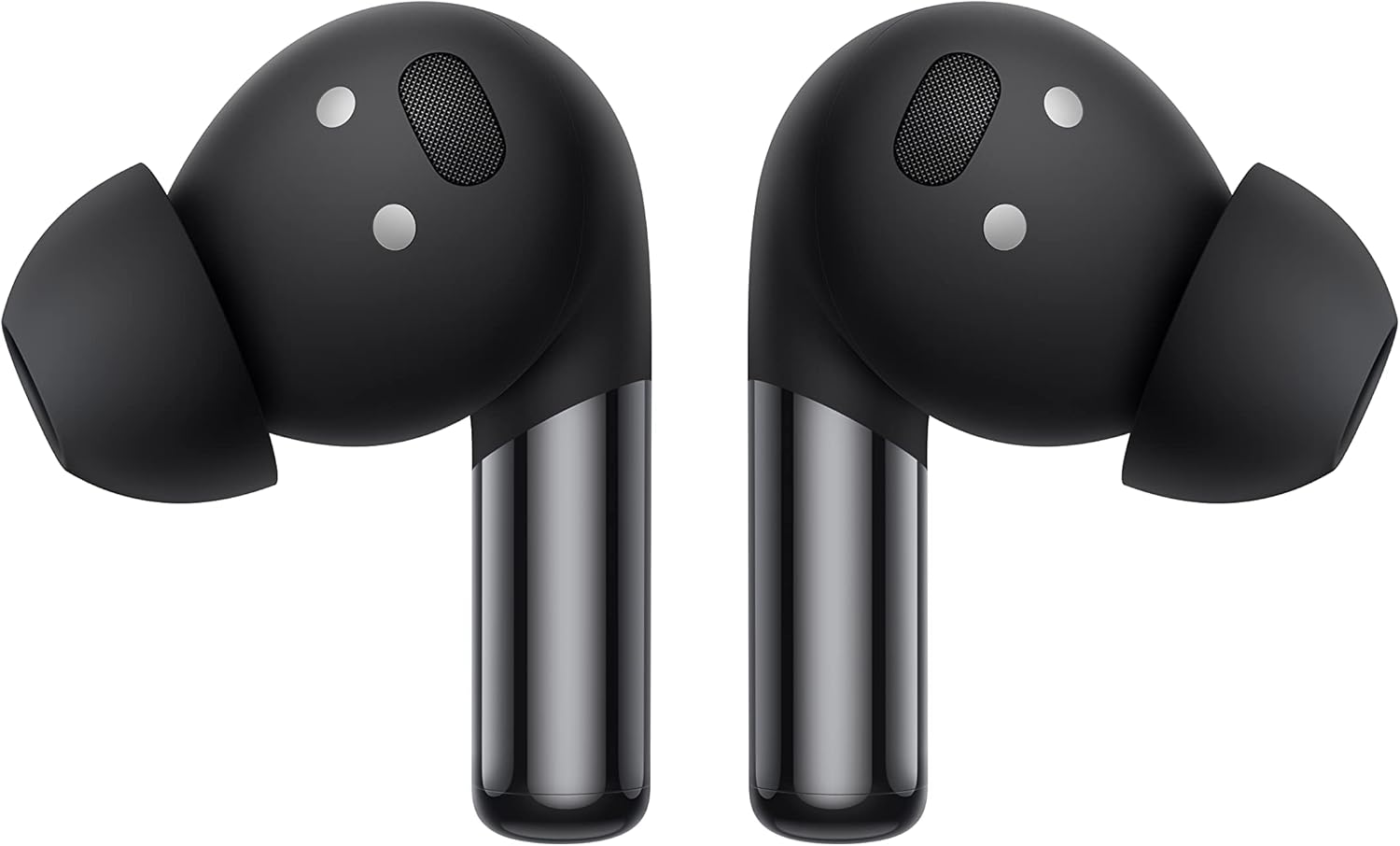
A close-up of the OnePlus Buds Pro 2 earbuds, emphasizing their ergonomic shape and the metallic finish on the stems. The ear tips are designed for a secure and comfortable fit.
Setup
Charging the Earbuds and Case
Before first use, fully charge the earbuds and the charging case.
- Using the USB-C Cable: Connect the charging case to a power source using the provided USB-C cable. The LED indicator on the case will show charging status.
- Wireless Charging: Place the charging case on a compatible wireless charging pad. The LED indicator will confirm charging.
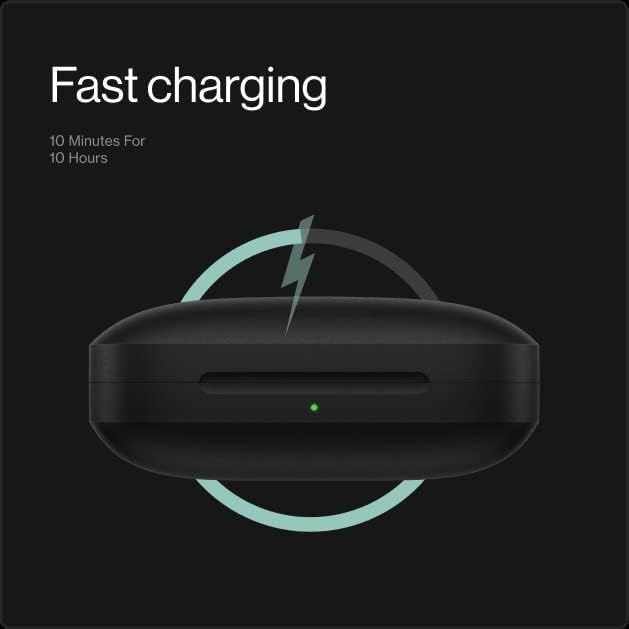
The image illustrates the fast charging capability of the OnePlus Buds Pro 2 charging case, indicating that a 10-minute charge can provide up to 10 hours of playback.
Pairing
For the first time pairing, open the charging case with the earbuds inside. The earbuds will automatically enter pairing mode.
- Google Fast Pair: If you have an Android device, a pop-up notification will appear on your screen. Tap to connect.
- Manual Pairing: On your device, go to Bluetooth settings and select