
Introduction
Thank you for choosing the VOYEE Wireless Pro Controller. This controller is designed to enhance your gaming experience on Nintendo Switch, Switch Lite, Switch OLED, and PC (wired mode). It features advanced functionalities such as programmable buttons, motion control, adjustable vibration, and turbo functions. Please read this manual carefully to ensure proper use and maintenance of your controller.
Product Overview
The VOYEE Wireless Pro Controller is ergonomically designed for comfortable and extended gaming sessions. It includes all standard buttons found on a professional gaming controller, along with additional programmable back buttons.

Image: Front view of the VOYEE Wireless Pro Controller, showcasing its black body with pink and green accents on the grips, and all face buttons and joysticks.

Image: Rear view of the VOYEE Wireless Pro Controller, highlighting the M1 and M2 programmable buttons located on the back grips.
Setup and Connection
Follow these steps to connect your VOYEE Wireless Pro Controller to your device.
Connecting to Nintendo Switch/Lite/OLED (Wireless)
- Ensure your Switch console is powered on.
- From the HOME Menu, select Controllers > Change Grip/Order.
- On the VOYEE controller, press and hold the Y button and the HOME button simultaneously for 3-5 seconds until the LED indicators start flashing rapidly.
- Once connected, the LED indicator(s) on the controller will light up solid, indicating the player number.
Connecting to PC (Wired)
- Connect the controller to your PC using the provided Type-C USB cable.
- The controller will be automatically recognized by your PC. Drivers may install automatically.
- The LED indicators on the controller will flash, then light up solid once connected.

Image: Visual guide illustrating how to connect the controller wirelessly to a Nintendo Switch (Home + Y button) and wired to a PC.
Operating Instructions
Programmable Custom Buttons (M1/M2)
The M1 and M2 buttons on the back of the controller can be programmed to map up to 16 key inputs. This allows for complex actions or sequences to be executed with a single press, enhancing gameplay and extending button life.
Image: Rear view of the VOYEE Wireless Pro Controller, highlighting the M1 and M2 programmable buttons and indicating that up to 16 buttons can be mapped.
Turbo Function
The controller supports 3 levels of turbo speed, allowing for continuous rapid firing of buttons. This is particularly useful in action and arcade games.
- Setting Turbo: Press the Turbo button + the desired action button (e.g., X, Y, A, B).
- Adjusting Turbo Speed: While holding the Turbo button, move the right joystick up or down to cycle through 5, 12, or 20 shots/second.
- Clearing Turbo: Press the Turbo button + the action button again, or hold the Turbo button for 5 seconds.

Image: A visual representation of the controller's 3-level turbo speed function, showing how to activate and adjust the firing rate (5, 12, or 20 shots per second).
Rumble Control & Gyro Sensor
The controller features enhanced dual motors for 4-level vibration feedback, providing immersive game experiences. The 6-axis gyro sensor allows for precise motion control, enabling quick responses in games that support it.
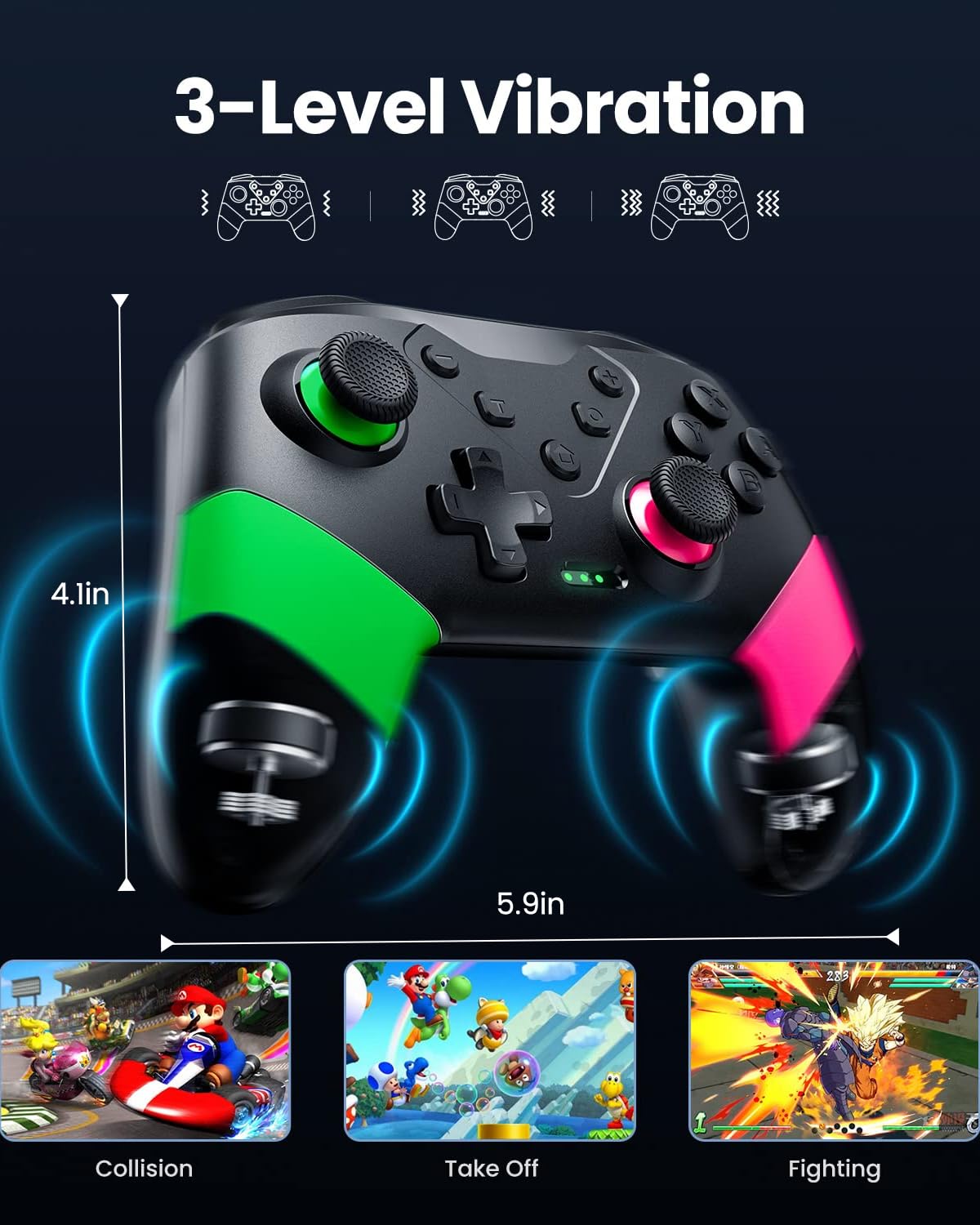
Image: Illustration demonstrating the controller's 3-level vibration feature, with examples of in-game scenarios like collision, take-off, and fighting.
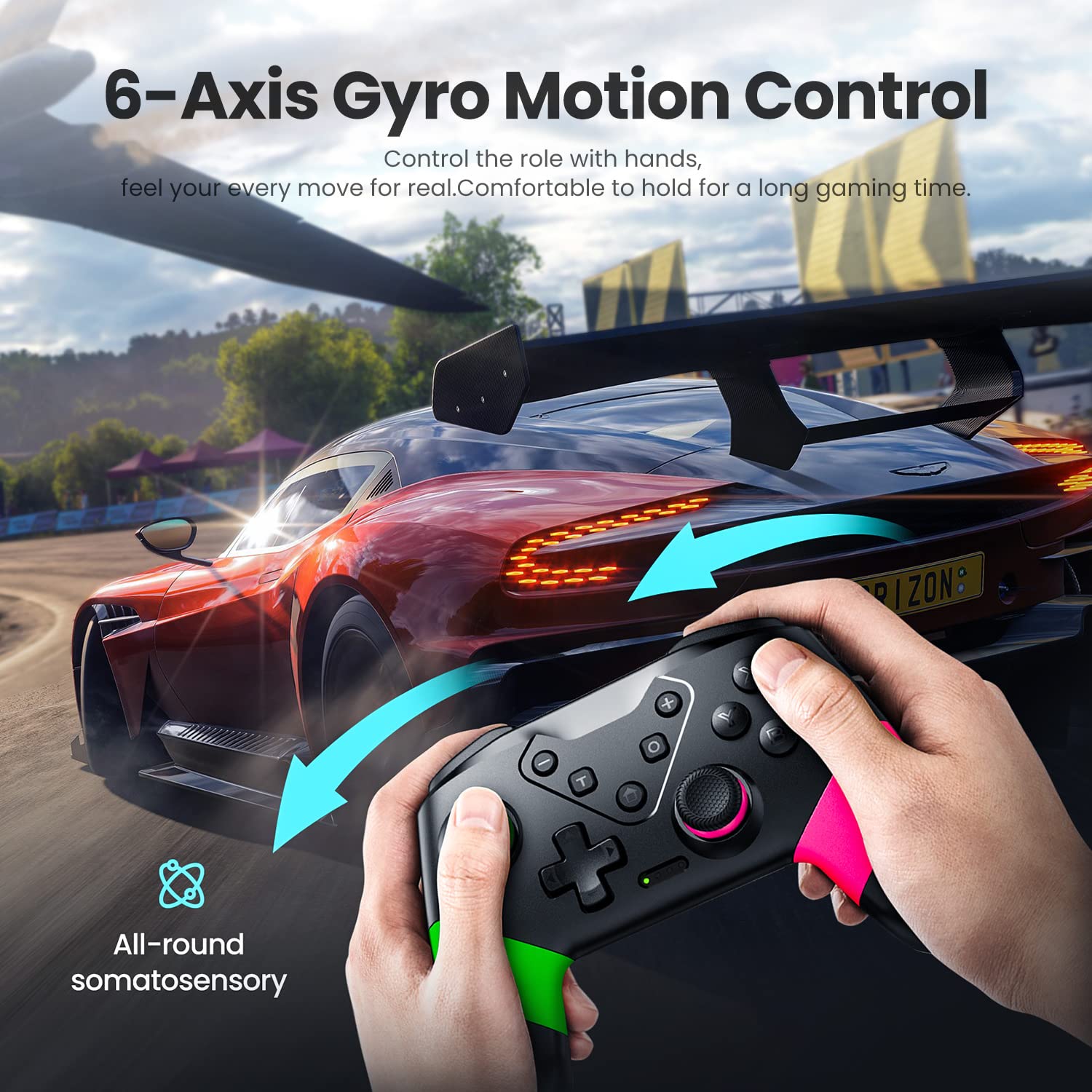
Image: A dynamic image depicting the 6-axis gyro motion control feature, showing a user controlling a racing game with controller movements.
Charging and Battery Life
The VOYEE Wireless Pro Controller is equipped with a large capacity battery for extended gameplay.
- Battery Capacity: 600mAh
- Full Charge Time: Approximately 2-3 hours
- Runtime: Up to 15 hours of uninterrupted gaming
To charge the controller, connect it to a USB power source (e.g., Switch dock, PC, USB wall adapter) using the provided Type-C cable. The LED indicators will show charging status and turn off when fully charged.

Image: The VOYEE Wireless Pro Controller connected via a USB-C cable for charging, with icons indicating 600mAh battery, 2-3 hours for full charge, and 10-13 hours runtime.
Maintenance
To ensure the longevity and optimal performance of your VOYEE Wireless Pro Controller, please follow these maintenance guidelines:
- Cleaning: Use a soft, dry cloth to wipe the controller. For stubborn dirt, slightly dampen the cloth with water. Avoid using harsh chemicals or abrasive cleaners.
- Storage: Store the controller in a cool, dry place away from direct sunlight, extreme temperatures, and humidity.
- Handling: Avoid dropping the controller or subjecting it to strong impacts. Do not disassemble the controller, as this will void the warranty.
- Battery Care: If the controller will not be used for an extended period, charge it periodically (e.g., every 3 months) to maintain battery health.
Troubleshooting
If you encounter any issues with your VOYEE Wireless Pro Controller, please refer to the following common solutions:
| Problem | Solution |
|---|---|
| Controller won't connect wirelessly. | Ensure the controller is charged. Try pressing and holding the Y + HOME buttons again. Make sure the Switch is in 'Change Grip/Order' mode. Restart both the Switch and the controller. |
| Buttons or joysticks are unresponsive. | Check if the controller is properly connected. Try resetting the controller by inserting a pin into the small reset hole on the back. Ensure no physical obstructions are present. |
| Vibration is too strong/weak or not working. | Check in-game settings for vibration intensity. The controller has 4 levels of vibration; ensure it's not set to off. |
| Controller disconnects frequently. | Ensure you are within the 33ft wireless control range. Avoid strong electromagnetic interference. Ensure the controller is fully charged. |
| Controller won't charge. | Try a different USB-C cable and power source. Ensure the cable is securely connected to both the controller and the power source. |
If the problem persists after trying these solutions, please contact VOYEE customer support for further assistance.
Specifications
- Model Number: S03
- Compatibility: Nintendo Switch, Switch Lite, Switch OLED, PC (wired)
- Connectivity: Wireless (Bluetooth), Wired (USB-C)
- Battery Capacity: 600mAh Lithium Ion
- Charging Time: 2-3 hours
- Battery Life: Up to 15 hours
- Wireless Range: Up to 33 feet (10 meters)
- Vibration: 4-level adjustable dual motors
- Motion Control: 6-axis gyro sensor
- Programmable Buttons: M1/M2 (up to 16 key mapping)
- Turbo Function: 3 adjustable speeds
- Product Dimensions: 5.9 x 2.59 x 4.17 inches
- Item Weight: 6.88 ounces
- Manufacturer: Dongguan Chenhao Electronic Technology Co.,LTD. VOYEE
- First Available: December 15, 2022
Warranty and Support
VOYEE products are designed and manufactured to the highest quality standards. For warranty information and customer support, please refer to the documentation included with your purchase or visit the official VOYEE website. If you require assistance, please have your model number (S03) and purchase details ready.
For additional resources, you may refer to the User Guide (PDF) provided by the manufacturer.


