
JYX JYX-AN20
Contents
JYX Karaoke Machine with 2 Wireless Mics
User Manual

1. Introduction
The JYX Karaoke Machine AN20 is a versatile and powerful portable PA system designed for various audio needs, from karaoke parties to live streaming. It features a robust sound system, wireless microphones, multiple connectivity options, and a convenient portable design. This manual provides detailed instructions for setting up, operating, and maintaining your device.
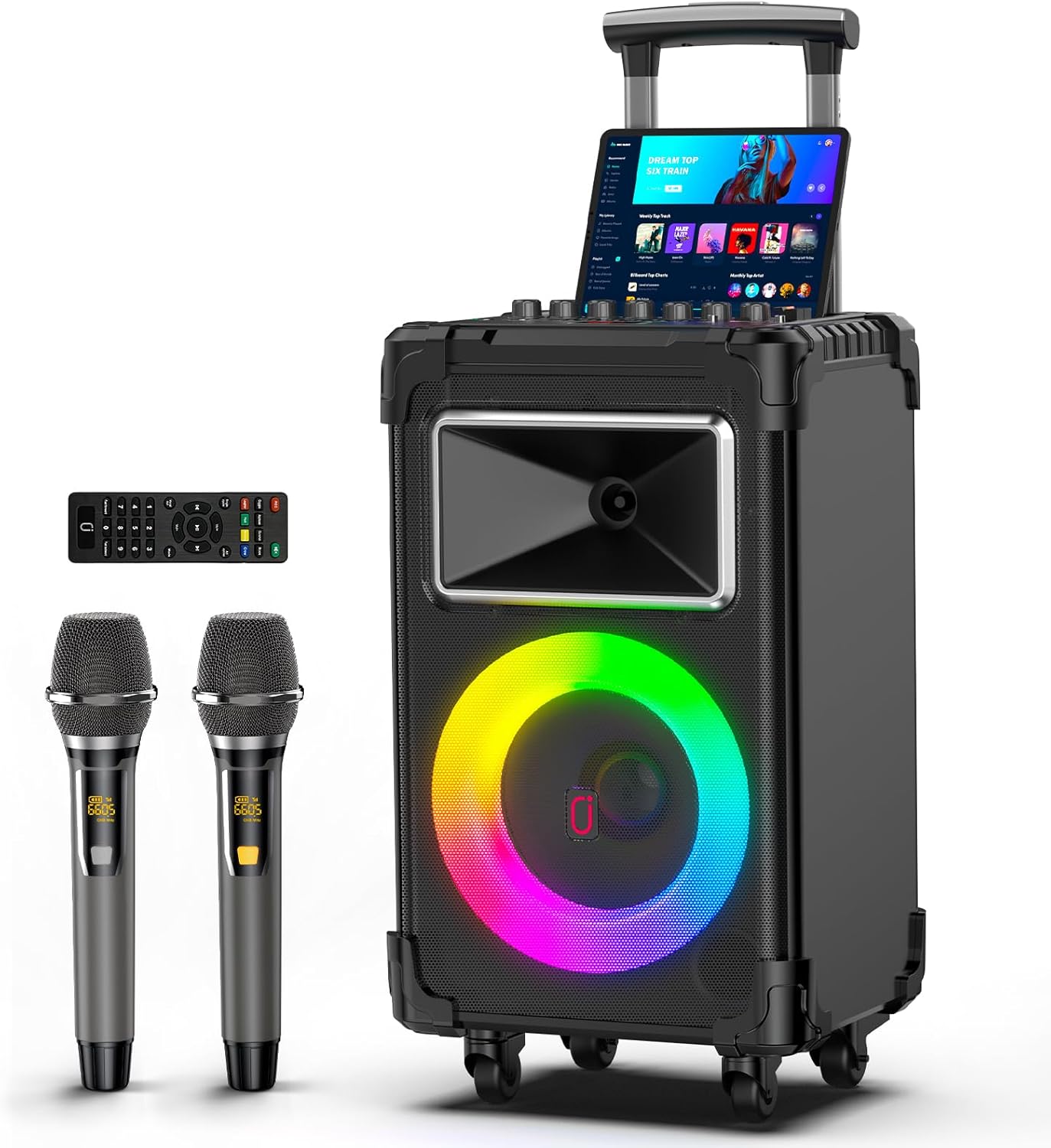
Image: JYX Karaoke Machine AN20 with wireless microphones and remote control.
2. What's in the Box
Carefully unpack all items and ensure you have received the following:
- JYX Karaoke Machine AN20 Speaker
- Wireless Microphone x 2
- Remote Control
- 3.5mm AUX Cable
- Power Adapter
- User Manual (this document)
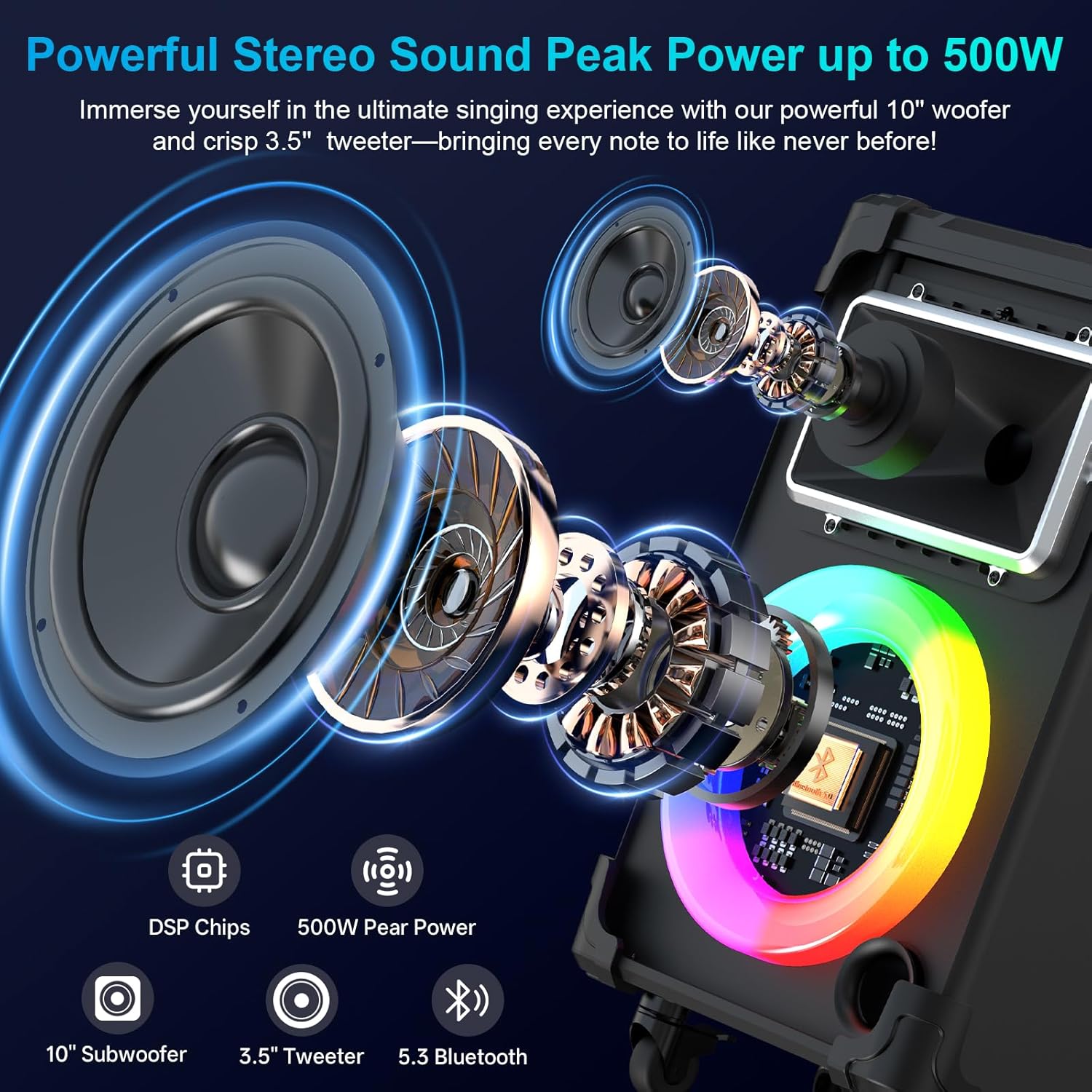
Image: JYX Karaoke Machine AN20 shown with its two wireless microphones and remote control.
3. Product Features
3.1. High-Definition Stereo Sound
The AN20 features a built-in 10-inch woofer and a 3.5-inch tweeter, delivering up to 500W peak power for full-range surround stereo sound. Independent Reverb, Treble, and Bass adjustments allow for precise sound customization.

Image: Internal components of the speaker highlighting the woofer and tweeter for powerful sound.
3.2. Wireless Microphones
Two wireless UHF microphones are included, supporting adjustable frequencies for stable signals and long transmission distances (up to 100m). The microphones connect automatically to the speaker, enabling convenient duets.
3.3. Multiple Connectivity Options
The speaker supports various input methods including Bluetooth, AUX-IN, USB, and TF card connections. It is compatible with computers, PCs, laptops, electronic musical instruments, and both iOS and Android systems.
Video: Overview of the JYX AN20 Karaoke Machine, demonstrating its various features and connectivity options.
3.4. TWS (True Wireless Stereo) Function
Connect two JYX AN20 speakers wirelessly to create a dual-speaker PA system for enhanced stereo sound and a more immersive audio experience.
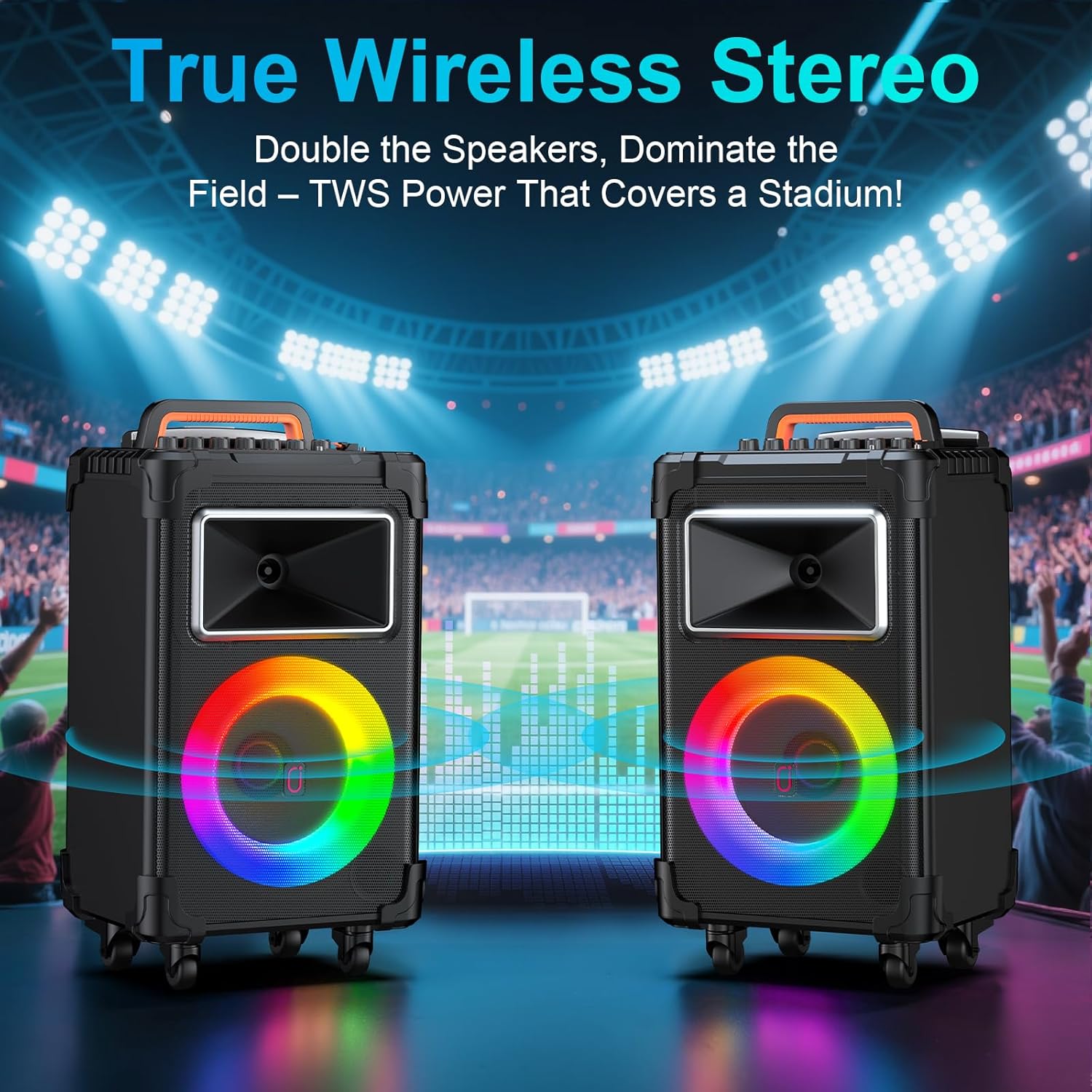
Image: Two JYX AN20 speakers demonstrating the True Wireless Stereo (TWS) connection.
3.5. Vocal Cut Function
This feature allows you to remove the original singer's vocals from a song, enabling you to sing along with just the instrumental track.
3.6. Dynamic LED Lights
The speaker features flashing colorful LED lights that sync to the beat of the music, adding a vibrant party atmosphere.

Image: The JYX Karaoke Machine AN20 showcasing its dynamic LED lights.
3.7. Portable Design
Equipped with silent swivel wheels and a durable pull rod, the AN20 is easy to move for both indoor and outdoor use.

Image: Demonstrating the portability of the JYX Karaoke Machine with its pull rod and wheels.
3.8. Long-Lasting Battery
The 11000mAh rechargeable battery provides up to 120 hours of playtime, making it ideal for extended use without constant recharging.
4. Control Panel Overview
The top panel of the JYX AN20 provides all necessary controls for audio adjustment and input selection:
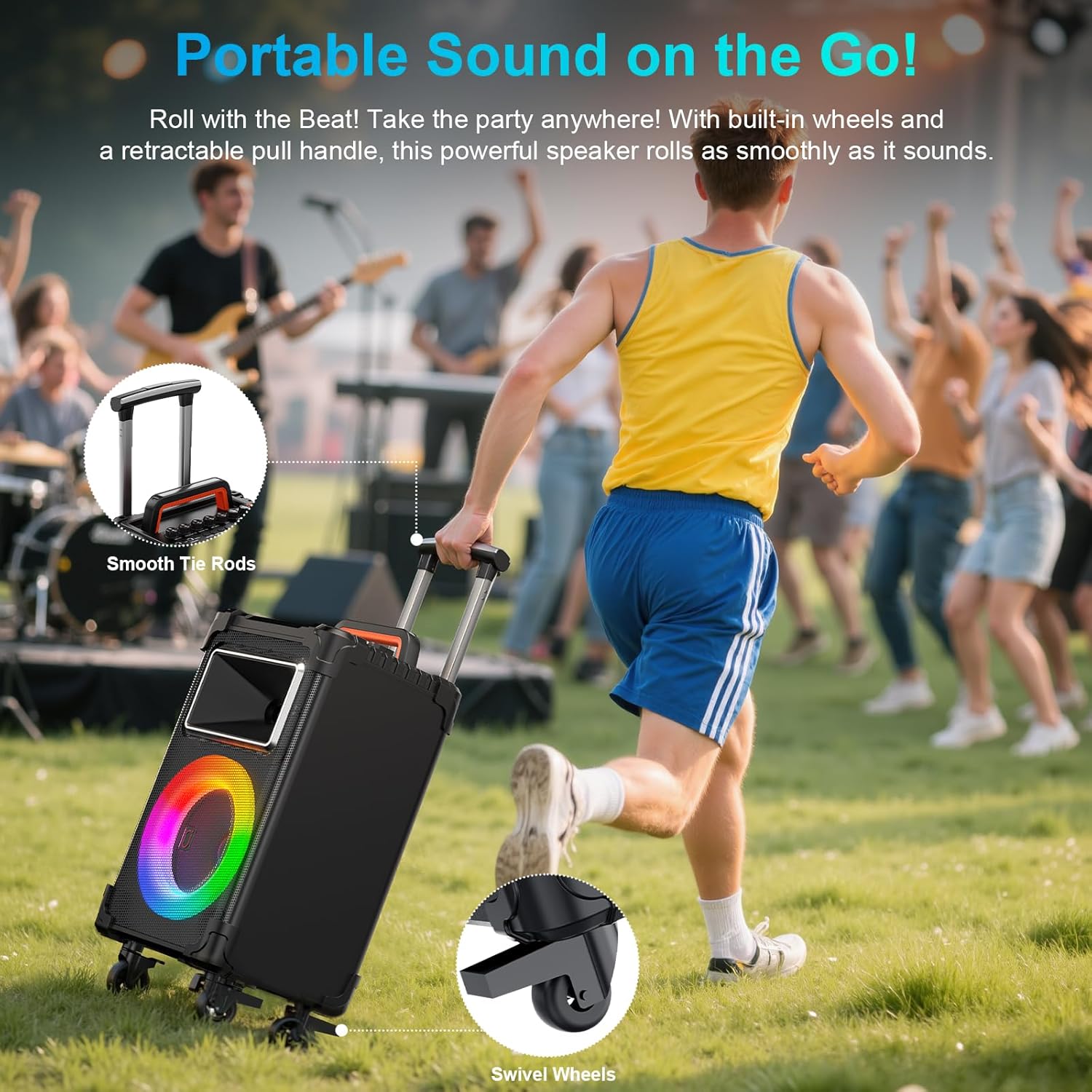
Image: Detailed view of the speaker's control panel.
- MIC Vol: Adjusts the volume of the microphone.
- Instrument Vol: Adjusts the volume of connected instruments.
- Monitor Vol: Adjusts the monitor output volume.
- MIC Echo: Controls the echo effect for the microphone.
- Bass: Adjusts the bass level of the audio.
- Treble: Adjusts the treble level of the audio.
- Volume: Master volume control for the speaker.
- LED On/Off: Toggles the LED lights.
- Mode: Switches between input modes (Bluetooth, AUX, USB, TF).
- Original/Tuning: Activates/deactivates vocal cut function.
- Prev/Play/Pause/Next: Media playback controls.
- Aux In: 3.5mm input for external audio devices.
- MIC Input: 6.35mm jack for wired microphones.
- Instrument Input: 6.35mm jack for instruments (e.g., guitar, piano, DJ kit).
- Live Stream Function: Dedicated inputs for live streaming setup.
- USB/SD Card: Ports for USB drives and TF/SD cards.
- Charging Port: DC 15V 1.5A power input.
5. Setup & First Use
5.1. Initial Charging
Before first use, fully charge the machine for 4-6 hours using the provided power adapter. The battery indicator on the display will show charging status.
5.2. Microphone Pairing
The wireless microphones are pre-paired with the speaker. If re-pairing is needed:
- Turn off the karaoke machine.
- Long press the middle 'Set' button on the microphone until the frequency display flashes.
- Turn on the karaoke speaker.
- The microphone will automatically sync with the speaker.
5.3. Bluetooth Connection
- Turn on the speaker. The display will show "bt" (Bluetooth mode).
- Enable Bluetooth on your device (smartphone, tablet, etc.).
- Search for "JYX-AN20" in your device's Bluetooth list and select it to connect.
- A confirmation tone will sound upon successful connection.
5.4. TWS Connection (for two JYX-AN20 speakers)
- Ensure both JYX-AN20 speakers are powered on and within 8-10 meters of each other.
- Press the 'Mode' button on one speaker (the master speaker) until it enters Bluetooth mode.
- Long press the 'Mode' button on the master speaker. It will search for the second speaker.
- Once connected, both speakers will play audio in stereo.
6. Operating the Machine
6.1. Playing Music
After connecting via Bluetooth, USB, or AUX, simply play your desired audio from your connected device. Use the 'Play/Pause', 'Prev', and 'Next' buttons on the speaker or remote control to manage playback.
6.2. Using Microphones and Instruments
Turn on the wireless microphones (they will auto-connect). Adjust their volume using the 'MIC Vol' knob. For wired microphones or instruments, connect them to the respective 6.35mm jacks and adjust their volumes with 'MIC Vol' or 'Instrument Vol'.
6.3. Adjusting Sound Effects
Use the 'MIC Echo', 'Bass', and 'Treble' knobs to fine-tune the audio output to your preference. The 'Original/Tuning' button can be used to activate or deactivate the vocal cut function for karaoke.
6.4. LED Lights Control
Press the 'LED On/Off' button to toggle the colorful LED lights. The lights will sync with the music, enhancing the party ambiance.
7. Maintenance
7.1. Cleaning
Wipe the speaker's exterior with a soft, dry cloth. Do not use abrasive cleaners or solvents. Keep the ports free of dust and debris.
7.2. Battery Care
To prolong battery life, avoid completely draining the battery. Recharge the unit regularly, especially if it will not be used for an extended period. Store in a cool, dry place.
8. Troubleshooting
| Problem | Possible Cause | Solution |
|---|---|---|
| No sound from speaker | Volume too low; incorrect input mode; device not connected. | Increase volume; switch mode; re-connect device. |
| Microphone not working | Microphone off; low battery; not paired. | Turn on mic; charge/replace batteries; re-pair mic. |
| Bluetooth connection unstable | Device too far; interference; low speaker battery. | Move device closer; reduce interference; charge speaker. |
| Speaker not charging | Power adapter not connected properly; faulty adapter. | Check connections; try another outlet/adapter. |
9. Specifications
| Feature | Detail |
|---|---|
| Model Number | JYX-AN20 |
| Woofer Size | 10 inches |
| Tweeter Size | 3.5 inches |
| Peak Power | 500 Watts |
| Battery Capacity | 11000mAh |
| Playtime | Up to 120 hours (varies by volume level) |
| Connectivity | Bluetooth, AUX, USB, TF Card, TWS |
| Microphones | 2 Wireless UHF Microphones |
| Dimensions (L x W x H) | 11.57 x 10.75 x 21.97 inches |
| Item Weight | 21.6 pounds (9.84 Kilograms) |
| Material | Acrylonitrile Butadiene Styrene (ABS) |
10. Warranty and Support
For warranty information and technical support, please refer to the official JYX website or contact their customer service. You may also find additional resources and a downloadable PDF version of this manual at the following link: JYX Karaoke Machine User Manual (PDF)
Ask a question about this manual
Ask about setup, troubleshooting, compatibility, parts, safety, or missing instructions. Manuals+ will review the question and use this page’s manual context to help answer it.