
USX STAR B0BPYDR42C
USX STAR UL Listed Fixed TV Wall Mount Instruction Manual
Model: B0BPYDR42C | For 37-86 Inch Screens
1. Important Safety Information
Please read this manual carefully before installation and use. Improper installation or use may cause product damage, serious injury, or property damage. If you do not understand these instructions or have doubts about the safety of the installation, please contact USX STAR customer service.
- Weight Capacity: Do not exceed the maximum weight capacity of 132 lbs (60 kg).
- Screen Size: Designed for TVs between 37 and 86 inches.
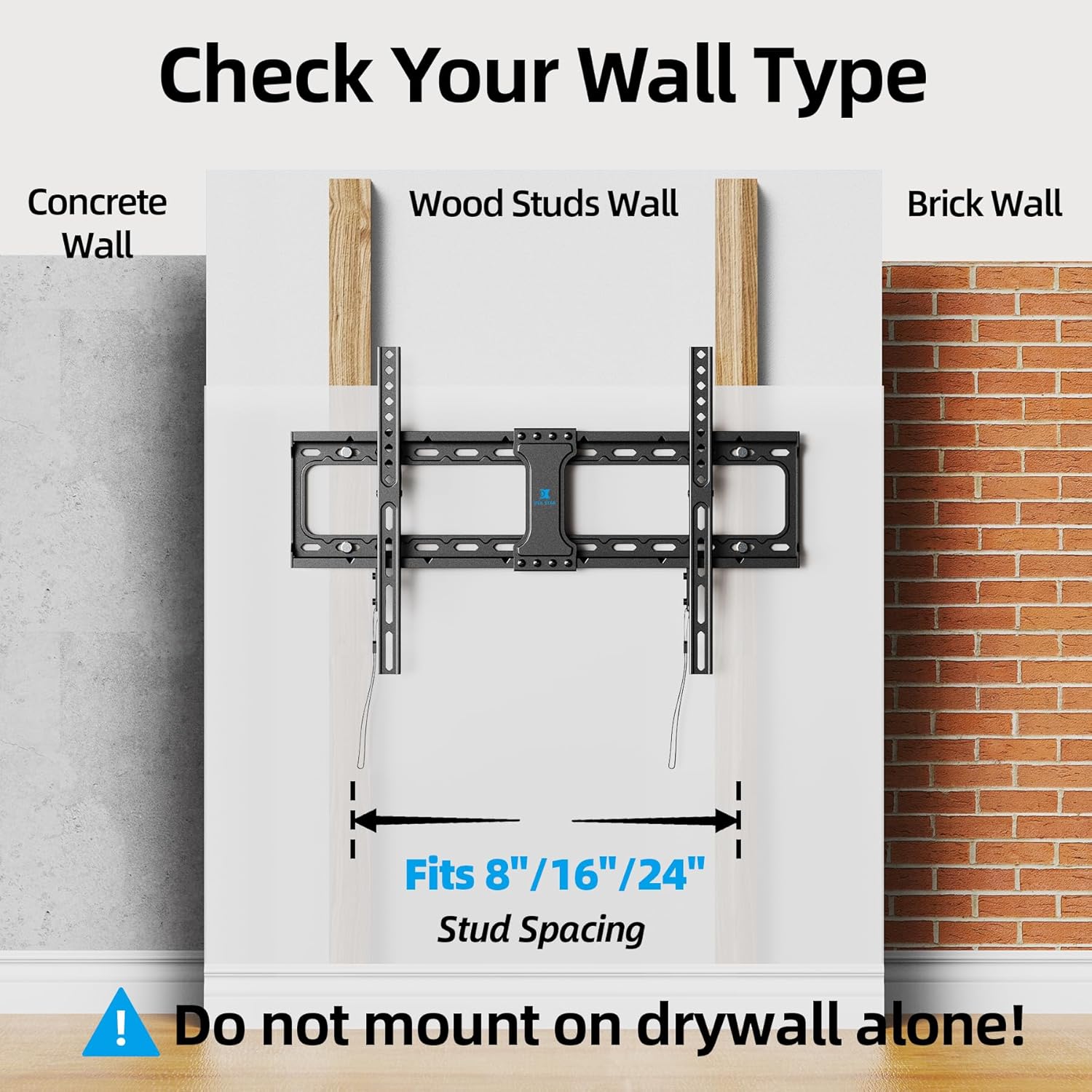
- Wall Type: This mount is designed for installation on wood studs (16", 18", 24" spacing), solid concrete walls, or brick walls. DO NOT mount on drywall alone.
- Stud Finder: Always use a stud finder to confirm wood stud spacing before drilling.
- Hardware: Use only the provided hardware. If you require 10x50 mm concrete anchors, please contact USX STAR customer service.
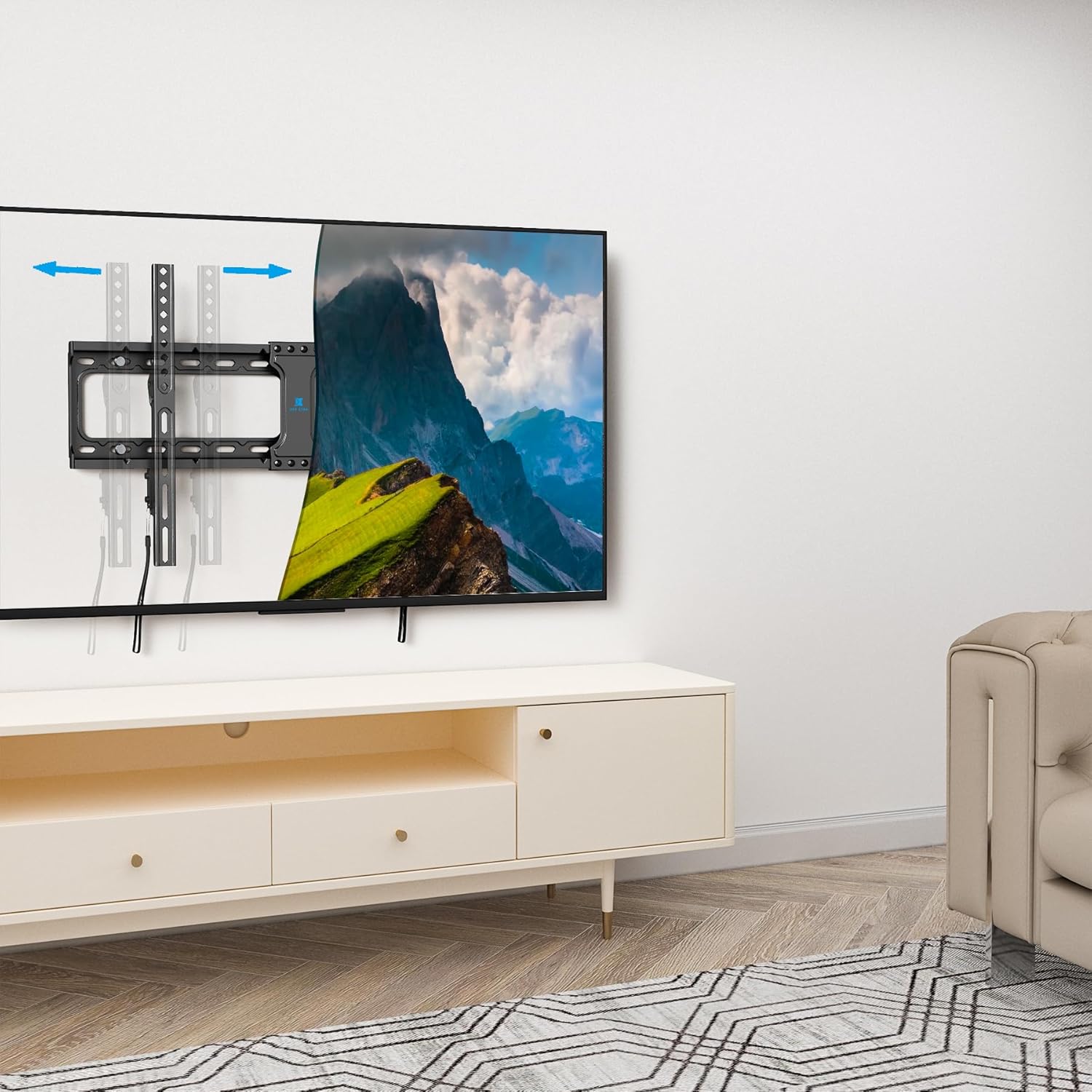
- Fixed Mount: This is a fixed, non-tilt/swivel TV wall mount.
2. Product Features
- Low Profile Design: TV sits approximately 1.28 inches from the wall, saving space.
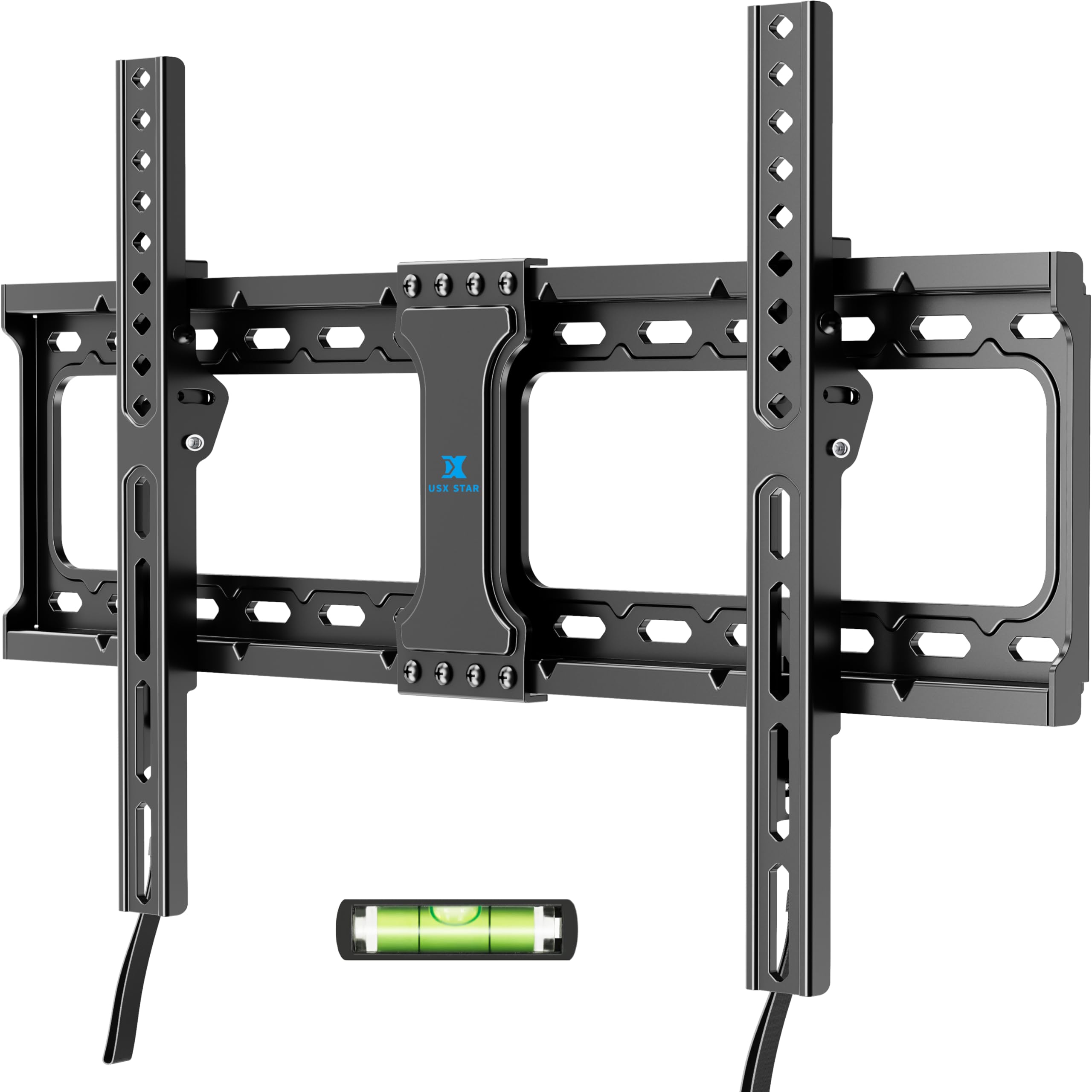
- Quick Release Lock: Features pull straps for easy removal of the TV from the mount.
- VESA Compatibility: Supports VESA patterns from 150x100 mm to 600x400 mm.
- Sturdy Construction: Made from alloy steel for durability and security.
- Easy Installation: Includes a mounting template and all necessary hardware for straightforward setup.
3. Package Contents
The package includes the wall mount bracket, TV brackets, and all standard hardware required for installation. A mounting template is also provided to assist with layout.
4. Compatibility Check
Before proceeding with installation, ensure your TV and wall meet the following criteria:
- TV Size: Fits most 37-86 inch televisions.
- TV Weight: Your TV must weigh less than 132 lbs (60 kg).
- VESA Pattern: The mounting holes on the back of your TV (VESA) must be between 150x100 mm and 600x400 mm.
- Wall Type: Suitable for wood studs (16", 18", 24" spacing), solid concrete, or brick walls. Not for drywall-only installation.

5. Setup and Installation
Follow these steps for a secure installation. It is recommended to have a second person assist during the TV hanging process.
Step 1: Attach TV Brackets to TV
- Carefully place your TV face down on a soft, clean surface to prevent scratches.
- Identify the VESA mounting holes on the back of your TV.
- Select the appropriate screws and spacers from the provided hardware kit that fit your TV's mounting holes.
- Attach the two TV brackets to the back of your TV using the selected screws and spacers. Ensure they are securely fastened.
Step 2: Install Wall Plate
- Determine the desired height for your TV.
- Use a stud finder to locate the center of your wood studs. Mark the drilling locations. For concrete/brick walls, mark desired drilling locations.
- Position the mounting template on the wall at the desired height and align it with the marked stud centers.
- Drill pilot holes at the marked locations.
- Secure the wall plate to the wall using the provided lag bolts and washers. Ensure the wall plate is level before fully tightening.
- Important: For 24-inch stud spacing, ensure drilling positions are close to the ends of the template for maximum stability.
Step 3: Hang TV onto Wall Plate
- With assistance, carefully lift the TV and hook the TV brackets onto the top edge of the wall plate.
- Gently lower the TV until the brackets engage with the wall plate.
- Ensure the TV is centered and level.
- Engage the quick release lock mechanism by pushing the bottom of the TV brackets towards the wall until they click into place. The pull straps should hang freely below the TV.
Installation Videos:
Official USX STAR video demonstrating the features and installation process of the Fixed TV Wall Mount.
Official USX STAR video highlighting the low-profile design and quick release mechanism of the TV mount.
6. Operating the Quick Release Lock
The USX STAR Fixed TV Wall Mount features a quick release lock system for easy removal of your TV when needed.
- To release the TV from the wall mount, gently pull down on the two quick release straps located at the bottom of the TV.
- This action will disengage the locking mechanism, allowing you to lift the TV off the wall plate.
- To re-mount, align the TV brackets with the wall plate and push the TV towards the wall until the lock clicks into place.

7. Maintenance
The USX STAR Fixed TV Wall Mount requires minimal maintenance.
- Periodically check all screws and connections to ensure they remain tight and secure.
- Clean the mount with a soft, dry cloth. Avoid using abrasive cleaners or solvents.
- Ensure the quick release straps are free from obstructions and function smoothly.
8. Troubleshooting
If you encounter any issues during installation or use, please refer to the following common solutions or contact customer service.
| Problem | Possible Cause | Solution |
|---|---|---|
| TV not level after installation | Wall plate not perfectly level. | Carefully adjust the wall plate before fully tightening all bolts. Some mounts allow minor post-installation leveling adjustments on the TV brackets. |
| TV does not fit the mount | Incorrect VESA pattern or TV size/weight. | Verify your TV's VESA pattern, size, and weight against the mount's specifications (Section 4). |
| Mount feels unstable | Improper installation or wall type. | Ensure the mount is securely fastened to wood studs, solid concrete, or brick. Do not mount on drywall alone. Re-check all connections. |
9. Specifications
- Model: B0BPYDR42C
- Brand: USX STAR
- Mounting Type: Wall Mount
- Movement Type: Fixed
- Material: Alloy Steel
- Color: Black
- Compatible Devices: Television
- Minimum Supported Screen Size: 37 inches
- Maximum Supported Screen Size: 86 inches
- Max Load Capacity: 132 lbs (60 kg)
- VESA Compatibility: 150x100 mm to 600x400 mm
- Stud Spacing: 16", 18", 24" wood studs
- Wall Distance (Low Profile): Approximately 1.28 inches
- UPC: 798610921388
10. Warranty and Customer Support
USX STAR provides a ten-year after-sales service for this product. If you have any questions, concerns, or require assistance with installation or compatibility, please do not hesitate to contact our US-Based Customer Service team.
For prompt support, please provide your complete TV model number when contacting customer service.
Related documentsB0BPYDR42C

Ask a question about this manual
Ask about setup, troubleshooting, compatibility, parts, safety, or missing instructions. Manuals+ will review the question and use this page’s manual context to help answer it.