
1. Introduction
Thank you for choosing the Luqeeg K7 Bone Conduction Headphones. These open-ear headphones are designed for sports and active lifestyles, featuring bone conduction technology, IPX8 waterproofing, and built-in 16GB memory for MP3 playback. This manual provides instructions for setup, operation, and maintenance to ensure optimal performance and longevity of your device.
2. Package Contents
Verify that all items are present in your package:
- 1 x Luqeeg K7 Bone Conduction Headphones
- 1 x Charging Cable
- 1 x User Manual

Image: The Luqeeg K7 Bone Conduction Headphones shown alongside its charging cable.
3. Product Overview
The Luqeeg K7 headphones utilize bone conduction technology to deliver audio, keeping your ears open to ambient sounds for increased awareness during activities. They feature an ergonomic design for comfortable wear during various sports.

Image: Front view of the Luqeeg K7 Bone Conduction Headphones, showcasing the open-ear design.

Image: Side view of the Luqeeg K7 Bone Conduction Headphones, highlighting the ear hooks and bone conduction transducers.
4. Setup
4.1 Charging the Headphones
Before first use, fully charge the headphones. The charging time is approximately 2 hours.
- Connect the provided charging cable to the charging port on the headphones.
- Connect the other end of the charging cable to a USB power source (e.g., computer, USB wall adapter).
- The indicator light will show charging status (refer to product for specific light behavior, typically red for charging, blue/green for full).
- Once fully charged, disconnect the cable and ensure the waterproof plug is securely installed on the charging port before use, especially for water activities.
Important Notes:
- Recharge the headphones once a month if idle to maintain battery health.
- Ensure no water is present in the charging hole when inserting the charging cable.
Image: The charging cable connected to the Luqeeg K7 headphones.
4.2 Powering On/Off
- To Power On: Long press the power button for 3 seconds. The headphones will power on and enter local music (MP3) mode by default.
- To Power Off: Long press the power button until the indicator light turns off.
4.3 Bluetooth Pairing
The headphones support Bluetooth 5.0 for wireless connection to compatible devices.
- Ensure the headphones are powered on.
- If in MP3 mode, press the power button again (short press) to switch to Bluetooth connection mode. The indicator light will flash (refer to product for specific light behavior, typically blue/red flashing for pairing mode).
- On your device (smartphone, tablet, PC), enable Bluetooth and search for available devices.
- Select "K7" (or similar name) from the list of found devices to pair.
- Once paired, the indicator light will change (e.g., solid blue) and a voice prompt may confirm the connection.
5. Operating Instructions
5.1 Mode Switching (Bluetooth / MP3)
The K7 headphones have two primary operating modes: Bluetooth and built-in MP3 player.
- When powered on, the headphones default to local music (MP3) mode.
- Press the power button (short press) to switch between MP3 mode and Bluetooth connection mode.
5.2 Using the Built-in MP3 Player
The headphones feature 16GB of built-in memory, capable of storing approximately 4000 songs. Supported audio formats include MP3, WMA, WAV, and FLAC.
- Connect the headphones to a computer using the charging cable.
- The headphones should appear as a removable storage device.
- Drag and drop your desired audio files (MP3, WMA, WAV, FLAC) into the headphones' storage.
- Safely eject the device from your computer.
- Power on the headphones; they will automatically start in MP3 mode and play stored songs.
Important Note:
- When using underwater, always switch to MP3 mode as Bluetooth signals do not transmit effectively through water.
5.3 Volume Control and Playback
The headphones feature push-button controls for volume and playback management. Refer to the product diagram or physical buttons for specific functions:
- Volume Up/Down: Typically controlled by dedicated '+' and '-' buttons.
- Play/Pause: Usually a short press of the multi-function button (often the power button or a dedicated play/pause button).
- Next/Previous Track: Often achieved by long-pressing the '+' or '-' buttons, or double-pressing the multi-function button.
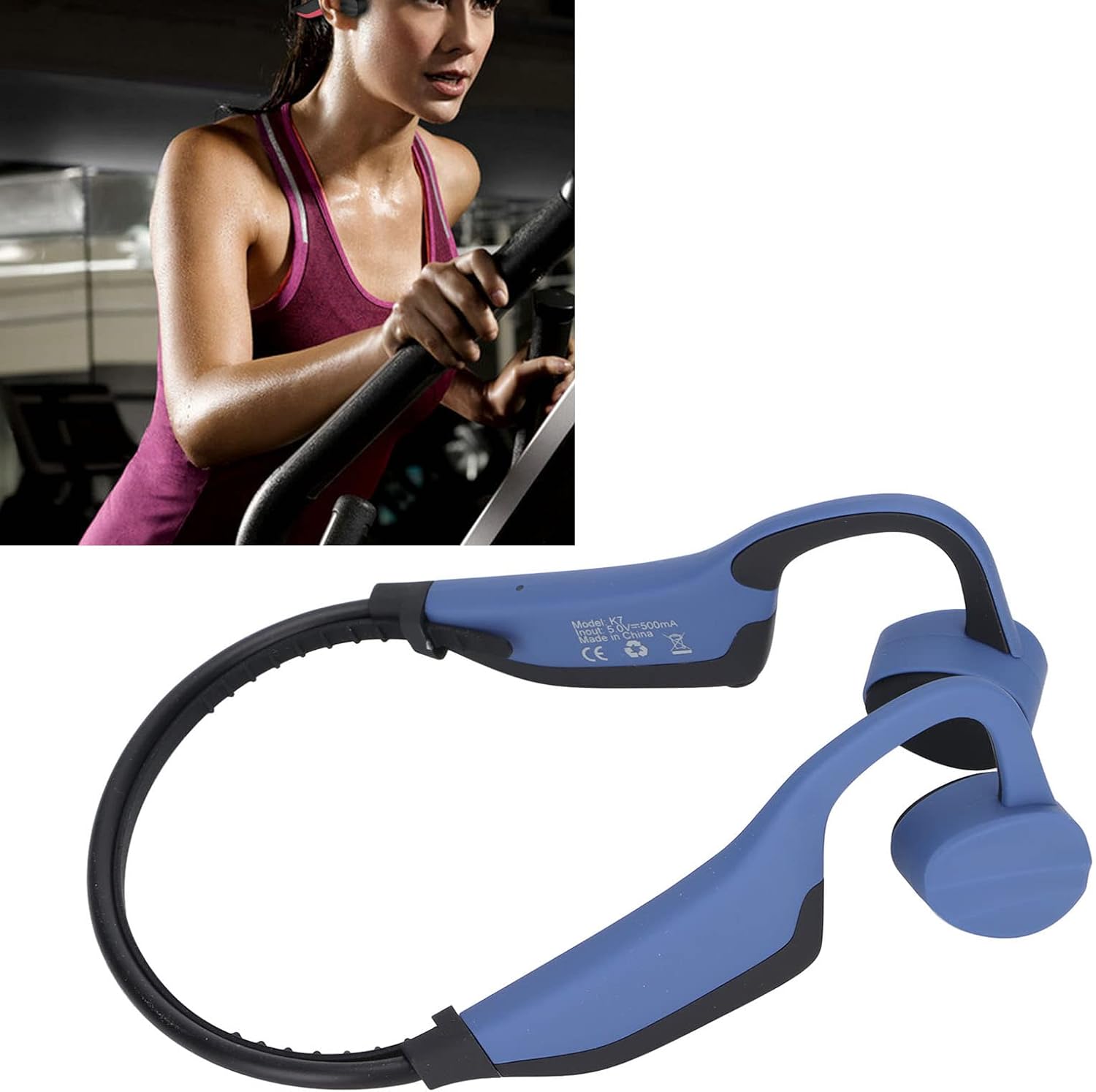
Image: Close-up view of the Luqeeg K7 headphones, indicating the location of control buttons.
6. Maintenance
Proper maintenance ensures the longevity and performance of your Luqeeg K7 headphones.
- Cleaning: Wipe the headphones with a soft, damp cloth. Do not use harsh chemicals or abrasive cleaners.
- Water Resistance: The headphones are IPX8 waterproof. After use in water, rinse with fresh water and dry thoroughly. Always ensure the charging port's waterproof plug is securely in place before water exposure.
- Storage: Store the headphones in a cool, dry place away from direct sunlight and extreme temperatures.
- Battery Care: If the headphones are not used for an extended period, recharge them once a month to prevent deep discharge and prolong battery life.
7. Troubleshooting
| Problem | Possible Cause | Solution |
|---|---|---|
| Headphones do not power on. | Low battery. | Charge the headphones for at least 2 hours. |
| Cannot pair via Bluetooth. | Headphones are in MP3 mode; Bluetooth is off; device is out of range; pairing mode not activated. | Press the power button to switch to Bluetooth mode. Ensure Bluetooth is enabled on your device. Bring devices closer. Re-enter pairing mode on headphones. |
| No sound from headphones. | Volume too low; incorrect mode; headphones not connected. | Increase volume. Ensure correct mode (Bluetooth or MP3). Verify successful Bluetooth connection or MP3 files are loaded. |
| Cannot transfer files to 16GB memory. | Improper connection; incompatible file format. | Ensure headphones are properly connected to computer. Check if files are MP3, WMA, WAV, or FLAC. |
| Water ingress after swimming. | Waterproof plug not securely installed. | Always ensure the waterproof plug is firmly in place on the charging port before any water exposure. |
8. Specifications
| Feature | Detail |
|---|---|
| Model | K7 |
| Bluetooth Version | 5.0 |
| Memory Capacity | 16GB (stores approx. 4000 songs) |
| Supported Audio Formats | MP3, WMA, WAV, FLAC |
| Transmission Range | Approx. 10m / 33ft |
| Waterproof Rating | IPX8 |
| Microphone Sensitivity | -37dB |
| Speaker Impedance | 32 ohms |
| Speaker Power | 0.6~0.8W x 2 |
| Battery Capacity | 350mAh |
| Charging Time | 2 hours |
| Playing Time | 6-8 hours |
| Material | ABS + Silicone |
| Item Weight | 0.11 Kilograms (110g) |
| Ear Placement | Open Ear |
| Form Factor | Bone Conduction |
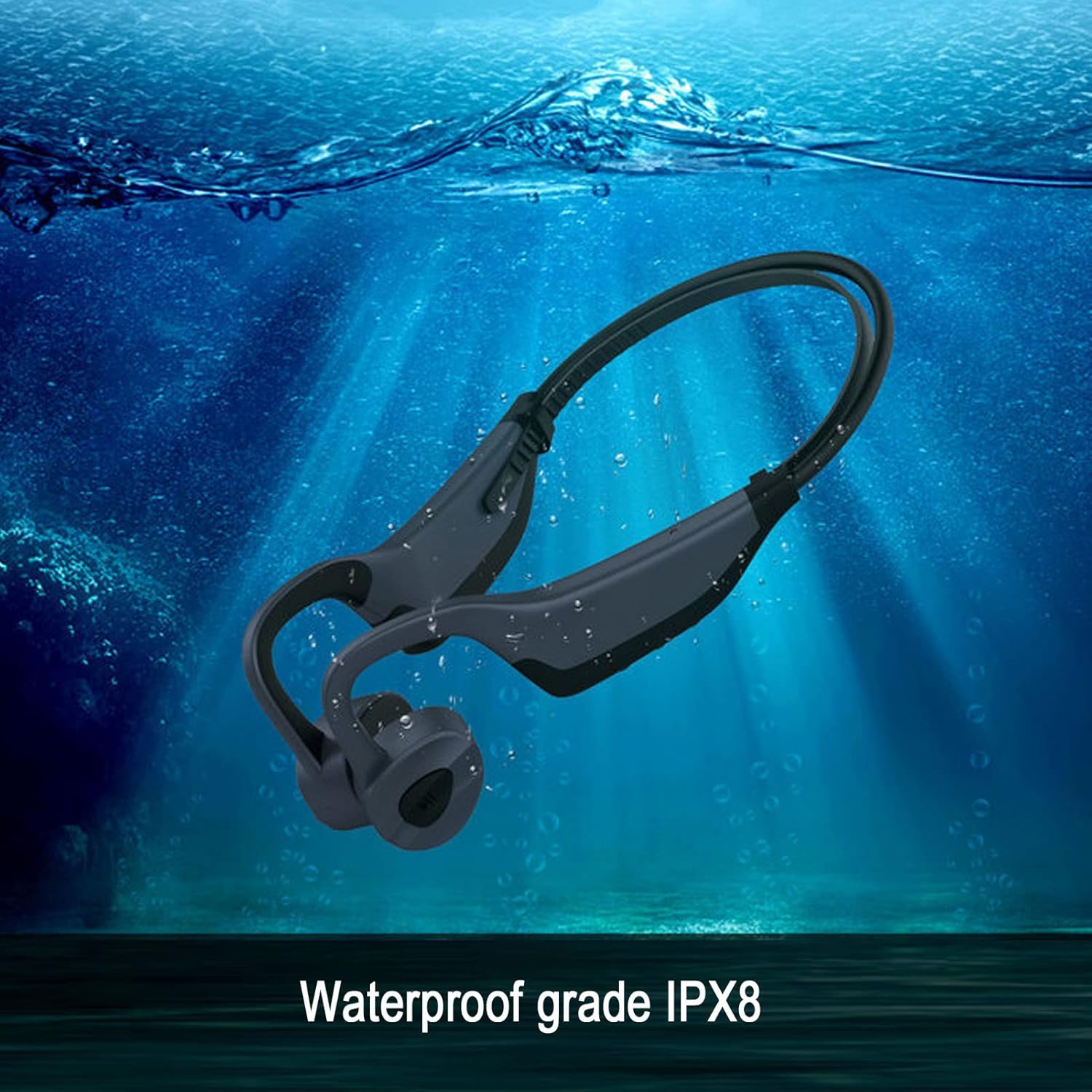
Image: The Luqeeg K7 headphones submerged in water, illustrating its IPX8 waterproof rating.

Image: A graphic representation of the battery life, indicating 6-8 hours of playing time for the Luqeeg K7 headphones.
9. Warranty and Support
For warranty information and customer support, please refer to the documentation included with your purchase or contact Luqeeg customer service through their official channels. Keep your proof of purchase for warranty claims.
Return Policy: The product typically comes with a 30-day return/replacement policy. Please check with your retailer for specific terms.
Manufacturer: Luqeeg
Contact: Refer to the Luqeeg store page on Amazon for contact details: Luqeeg Store