
1. Introduction
This manual provides detailed instructions for the operation and maintenance of your OLEVS Men's Chronograph Multifunction Quartz Watch, Model OPK-US-2875-JJ. Please read this manual thoroughly to ensure proper use and to maximize the lifespan of your timepiece.
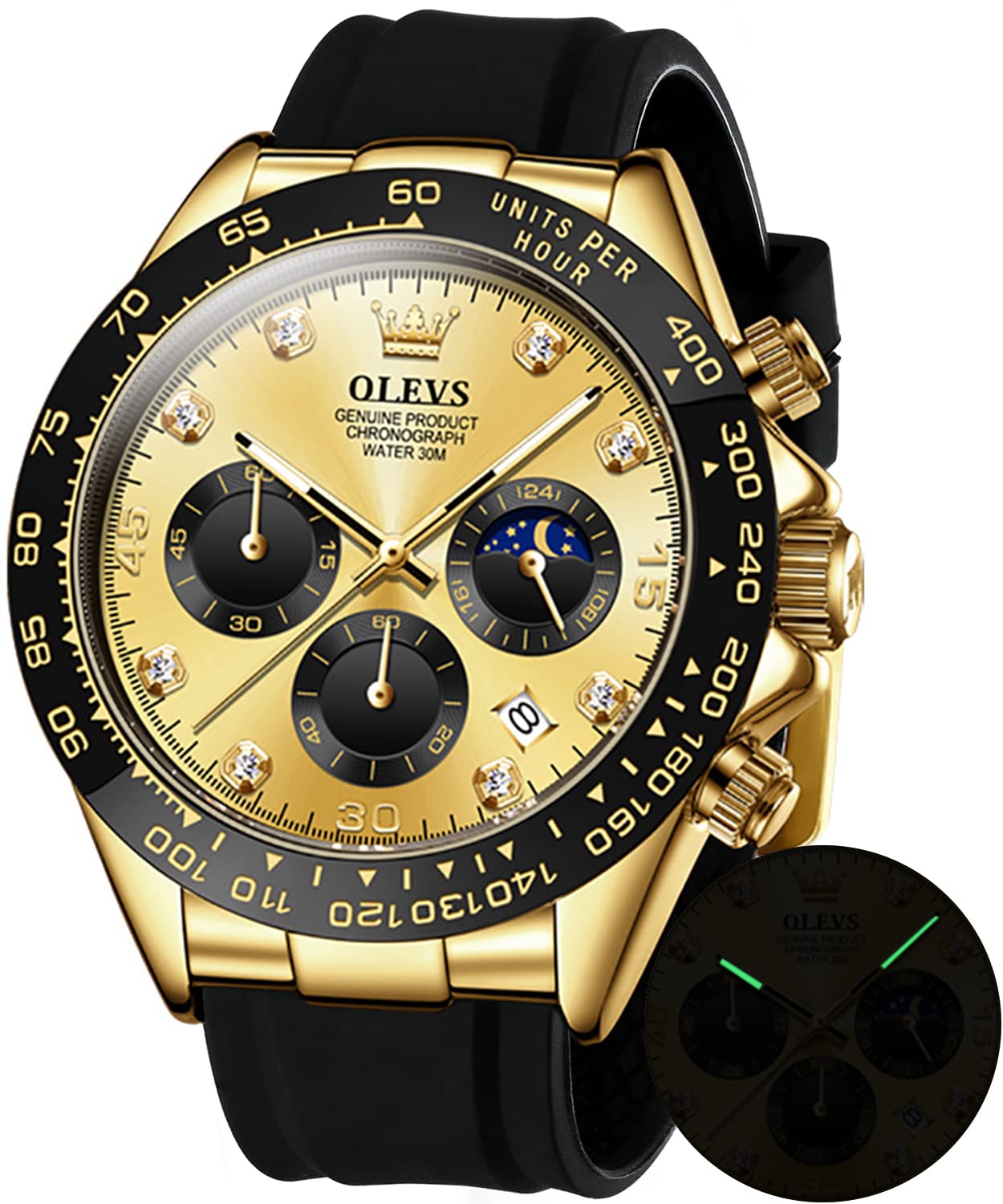
Image 1: OLEVS Men's Chronograph Watch, Gold color with black silicone strap.
2. Watch Components
Familiarize yourself with the main components of your watch:
- Crown: Used for setting time and date.
- Pushers (A & B): Used for chronograph functions.
- Main Dial: Displays hours, minutes, and seconds.
- Subdials:
- Chronograph Minute Subdial
- Chronograph Second Subdial
- 24-Hour / Moon Phase Subdial
- Date Window: Displays the current date.
- Luminous Hands: For visibility in low light.
- Silicone Strap: Durable and comfortable.
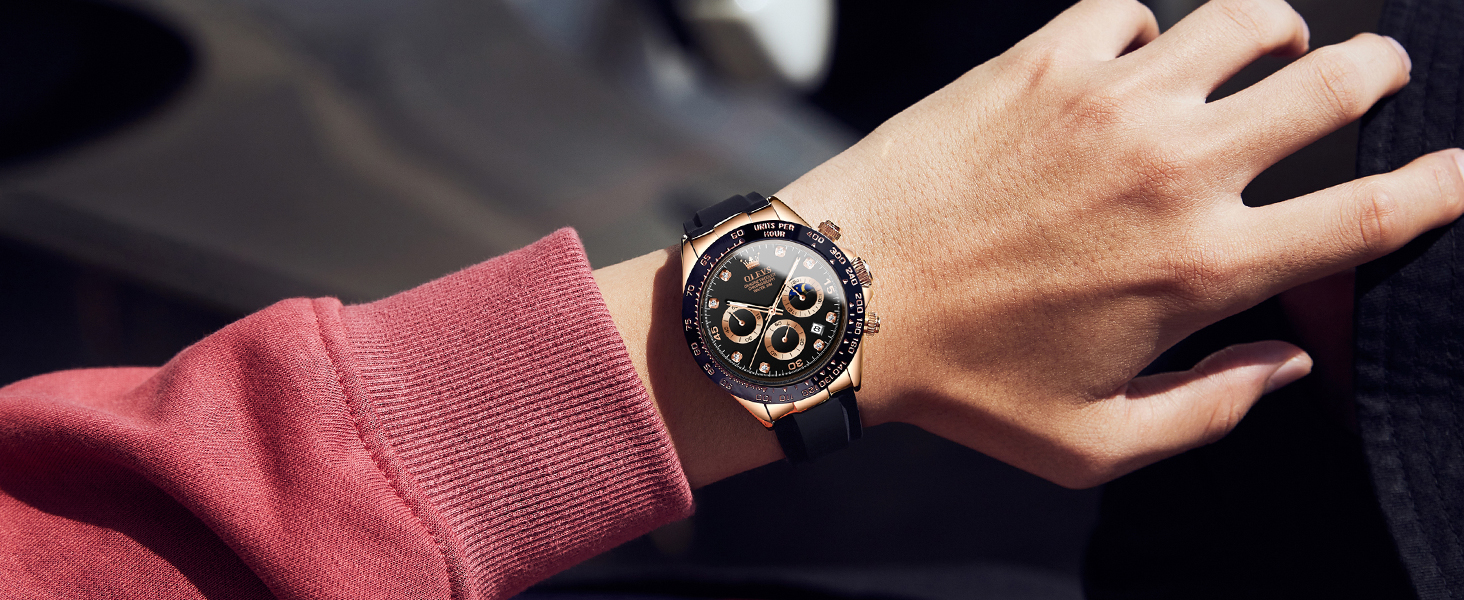
Image 2: Watch components and their functions, including crown, pushers, and subdials.
3. Setup and Time Setting
- Setting the Time:
- Pull the crown out to the second position (farthest out).
- Turn the crown to set the hour and minute hands.
- Push the crown back to the first position (normal operating position) to start the watch.
- Setting the Date:
- Pull the crown out to the first position (one click out).
- Turn the crown clockwise or counter-clockwise (depending on the movement) to set the date.
- Once the correct date is displayed, push the crown back to the first position.
- Note: Avoid setting the date between 9 PM and 3 AM, as this may interfere with the date change mechanism. If you need to set the date during this period, first set the time outside this range, adjust the date, then reset the time.
- Setting the 24-Hour / Moon Phase Subdial:
- This subdial typically synchronizes with the main hour hand. It indicates AM/PM and the approximate moon phase. It cannot be set independently.
4. Operating the Chronograph
The chronograph function allows you to measure elapsed time.
- Starting the Chronograph: Press pusher A (top button) to start the chronograph second hand.
- Stopping the Chronograph: Press pusher A again to stop the chronograph. The elapsed time will be indicated by the chronograph second and minute subdials.
- Resetting the Chronograph: After stopping, press pusher B (bottom button) to reset all chronograph hands to their zero positions.
Video 1: Demonstration of the OLEVS watch features, including chronograph operation and design details. Duration: 0:38.
5. Maintenance
- Cleaning: Wipe the watch regularly with a soft, dry cloth. For the silicone strap, a mild soap and water solution can be used, followed by thorough rinsing and drying.
- Water Resistance: This watch is water resistant up to 30 meters (3 ATM). It is suitable for daily use, such as hand washing, rain, and splashes. It is not suitable for swimming, diving, or hot showers/baths, as steam and temperature changes can compromise seals. Ensure the crown is fully pushed in before any contact with water.
- Temperature: Avoid exposing the watch to extreme temperatures (hot or cold) or sudden temperature changes, which can affect accuracy and seal integrity.
- Magnetic Fields: Keep the watch away from strong magnetic fields, as these can interfere with the quartz movement.
- Battery Replacement: When the watch stops or the second hand moves erratically, the battery may need replacement. This should be performed by a qualified watch technician to maintain water resistance.
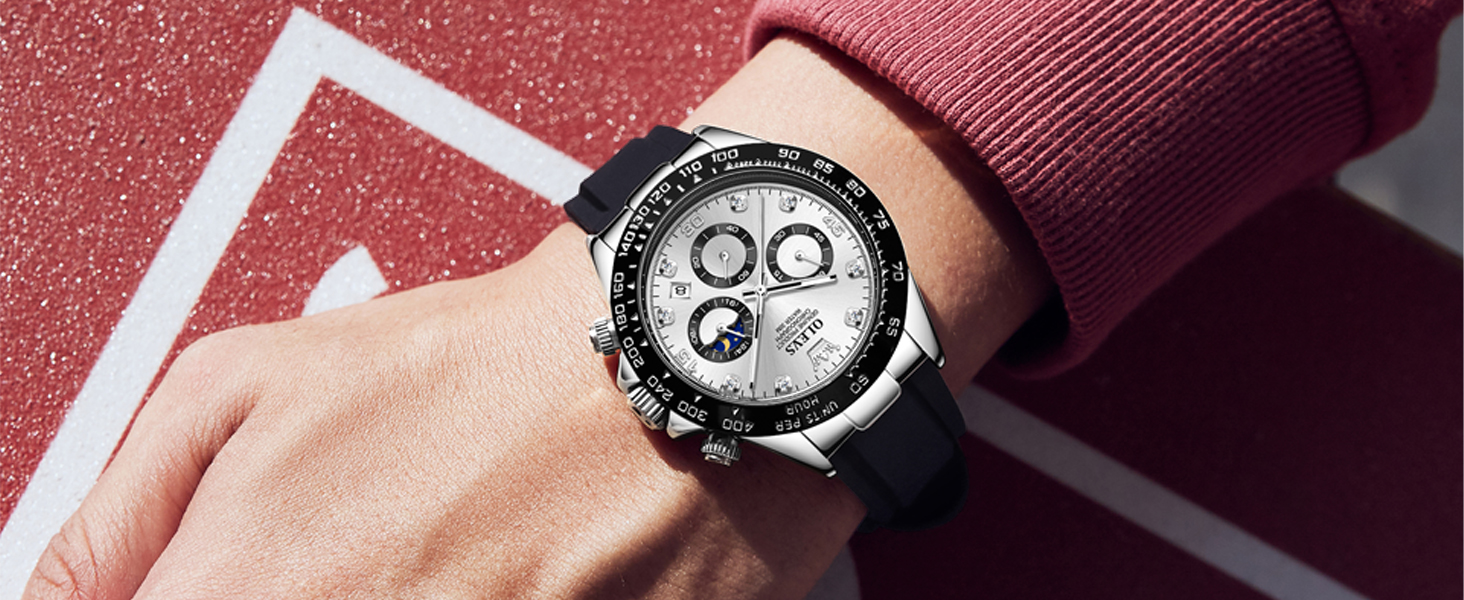
Image 3: Water resistance guidelines for the OLEVS watch, showing suitability for splash water, rain, and car wash, but not swimming or hot showers.
6. Troubleshooting
| Problem | Possible Cause | Solution |
|---|---|---|
| Watch stops or runs intermittently. | Low battery. | Replace the battery by a professional watch technician. |
| Date does not change at midnight. | Time is set incorrectly (e.g., AM/PM confusion). | Advance the time by 12 hours. Ensure the date changes around midnight. |
| Chronograph hands do not reset to zero. | Requires calibration. | Consult a watch technician for adjustment. |
| Condensation inside the watch. | Water ingress due to compromised seal or improper crown closure. | Immediately take the watch to a professional for inspection and repair to prevent further damage. |
7. Specifications
| Brand | OLEVS |
| Model Number | OPK-US-2875-JJ |
| Movement Type | Quartz (Japanese-made) |
| Display Type | Analog |
| Case Material | Stainless Steel |
| Case Diameter | 41.5 Millimeters |
| Case Thickness | 11.5 Millimeters |
| Band Material | Silicone |
| Band Width | 2 Centimeters |
| Band Length | 20 Centimeters |
| Crystal Material | Glass (High hardness coated mirror) |
| Water Resistance Depth | 30 Meters (3 ATM) |
| Special Features | Chronograph, Moon Phase, Date Display, Luminous Hands |
| Item Weight | 0.12 Kilograms (approx. 4.23 ounces) |
8. Warranty and Support
For warranty information or technical support, please refer to the documentation included with your purchase or contact OLEVS customer service. Keep your purchase receipt as proof of purchase for warranty claims.
Manufacturer: OLEVS
Model: OPK-US-2875-JJ


