1. Introduction
Thank you for choosing the SelfieShow 45" Selfie Stick Tripod with 2 Lights. This versatile 5-in-1 device combines an extendable selfie stick, a stable tripod, dual detachable fill lights, and a wireless remote control, designed to enhance your photography and videography experience. This manual provides detailed instructions for setup, operation, maintenance, and troubleshooting to ensure optimal performance.
2. Package Contents
- Selfie Stick Tripod (Model L13D)
- Wireless Remote Control
- 2 Detachable and Dimmable Fill Lights
- USB Charging Cable (for lights)
- Spare Lithium Metal Battery (for remote)
Refer to the unboxing videos for visual confirmation of package contents.
Video Description: A user unboxes the SelfieShow selfie stick tripod, demonstrating its components including the main unit, remote, and lights. The video highlights the initial setup and charging of the lights.
3. Key Features
- 5-in-1 Design: Functions as an extendable selfie stick, a stable tripod, and includes dual fill lights with a wireless remote.
- Dual Detachable Fill Lights: Two independent LED lights with 3 color modes (warm, natural, white) and 2 brightness levels each (total 6 options). USB rechargeable.
- Upgraded Stable Tripod: Features a built-in umbrella tripod structure and a weighted base for enhanced stability.
- Extendable Length: Telescopic pole extends from 8.3 inches (21 cm) to 45.3 inches (115 cm).
- Flexible Rotation: 180° neck rotation and 360° head rotation for optimal shooting angles.
- Wireless Remote Control: Detachable Bluetooth remote with a toggle power switch for quick on/off, capable of taking over 12,000 photos. Includes a spare battery.
- Lightweight & Portable: Folds down to 8.27 inches (21 cm) and weighs only 7.8 ounces (220g) for easy transport.
- Wide Compatibility: Compatible with most iOS/Android devices, including iPhone 15/14/13/12/11 Pro Max, Samsung Galaxy Note/S series, and GoPro cameras.
- Durable Material: Constructed from aluminum for durability.
4. Setup Guide
4.1 Unfolding the Tripod/Selfie Stick
- Hold the handle firmly.
- Gently pull the bottom part to extend the tripod legs outwards until they lock into place, forming a stable base.
- Extend the telescopic pole upwards to your desired height.

Image Description: The SelfieShow selfie stick tripod is shown fully extended to 113 cm, with a smartphone mounted at the top. The tripod legs are deployed, providing stability on a beach setting with a couple in the background, illustrating its extendable height feature.
4.2 Attaching Your Phone
- Open the phone clamp at the top of the stick.
- Carefully place your smartphone into the clamp, ensuring it is securely held. The clamp is compatible with phones between 2.5 to 3.9 inches (6.4-10 cm) wide.
- Adjust the phone holder's angle and rotation (180° neck, 360° head) as needed.

Image Description: A smartphone is securely mounted on the selfie stick tripod, illustrating its 360-degree rotation capability for horizontal and vertical orientations, and a 270-degree neck adjustment for various angles. The image highlights the flexibility in positioning the phone.
4.3 Pairing the Wireless Remote
- Remove the wireless remote from its slot in the handle.
- Turn on the remote by sliding the toggle power switch. A blue indicator light will flash.
- On your smartphone, enable Bluetooth and search for available devices.
- Select "SelfieShow" from the list to pair. The indicator light on the remote will stop flashing once successfully paired.
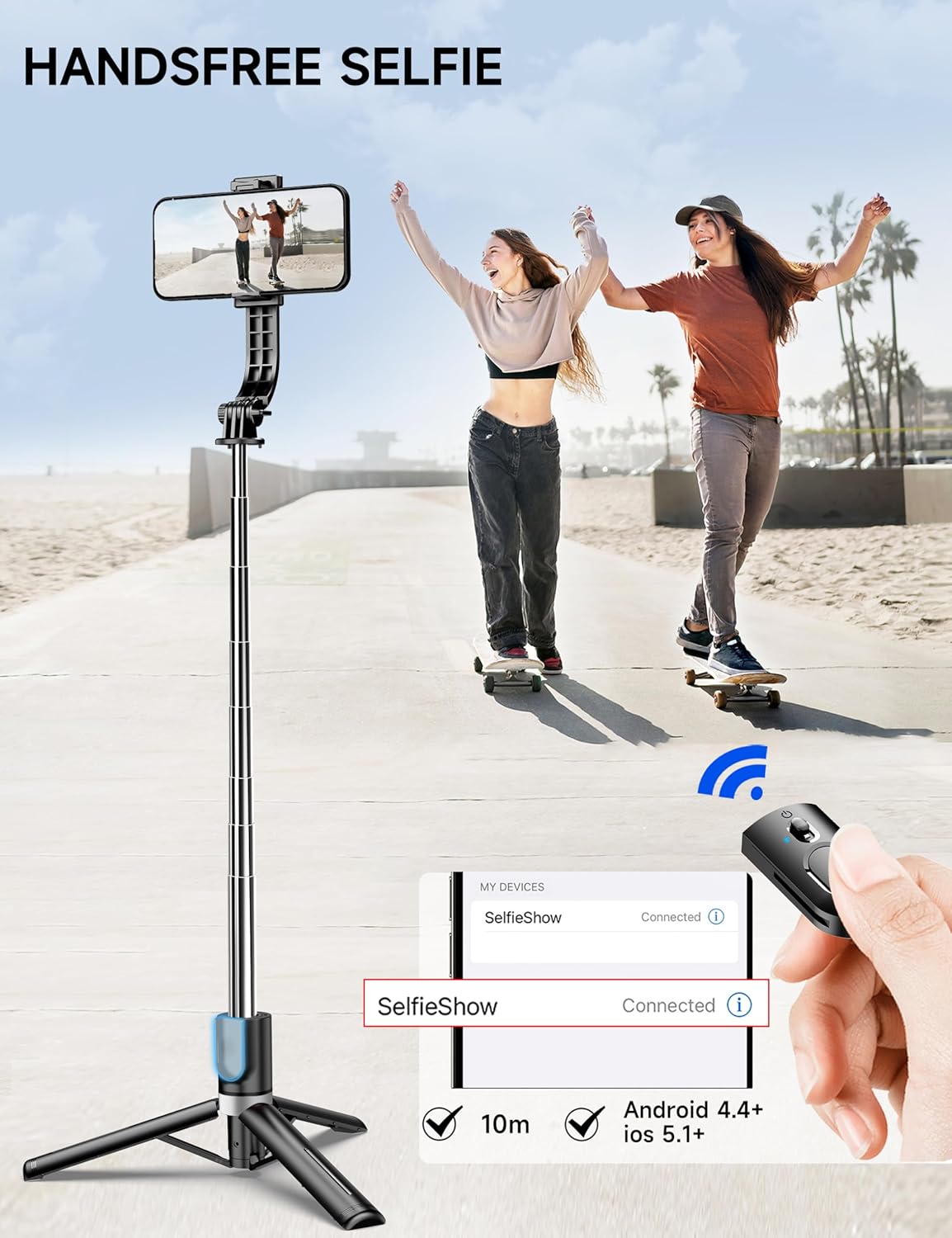
Image Description: A hand holds the detachable wireless remote control, positioned next to a smartphone screen displaying a successful Bluetooth connection to "SelfieShow." The image emphasizes the remote's ease of use for hands-free selfies and its compatibility with smartphones.
4.4 Charging the Fill Lights
- Gently detach the two fill lights from the phone clamp.
- Connect the provided USB charging cable to the charging port on each light.
- Plug the other end of the USB cable into a compatible USB power source (e.g., computer, wall adapter).
- A red light will indicate charging, and it will turn off when fully charged.

Image Description: A close-up shot shows one of the detachable fill lights connected to a USB charging cable. A red light indicates that the device is currently charging, highlighting the convenience of its rechargeable design.
5. Operating Instructions
5.1 Using as a Selfie Stick
- Ensure the tripod legs are folded securely into the handle.
- Extend the telescopic pole to your desired length.
- Adjust your phone's angle and orientation using the rotating head and neck.
- Use the wireless remote to capture photos or start/stop video recording.
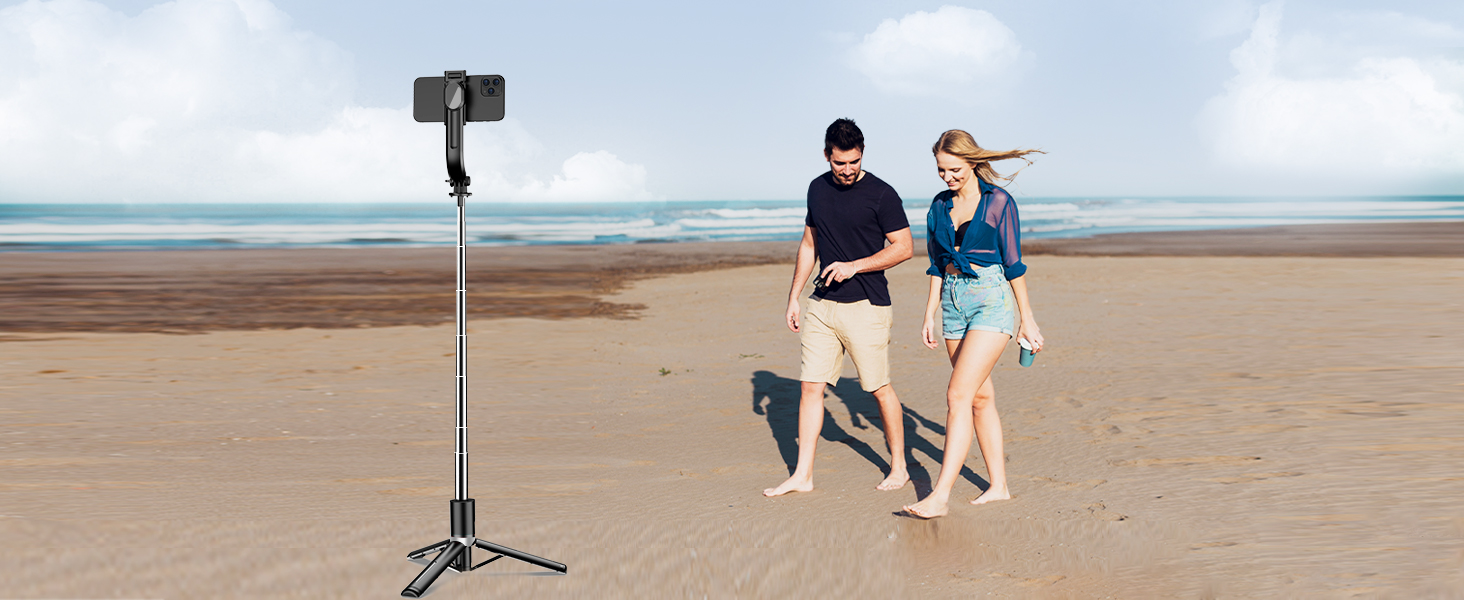
Image Description: Two women are shown smiling and taking a selfie using the SelfieShow selfie stick, which is fully extended to capture a wider angle. The image demonstrates the product's use in a typical selfie scenario.
5.2 Using as a Tripod
- Extend the tripod legs fully and place the device on a flat, stable surface.
- Extend the telescopic pole to achieve the desired height for your shot.
- Adjust your phone's position and angle.
- Use the wireless remote for hands-free photo or video capture.
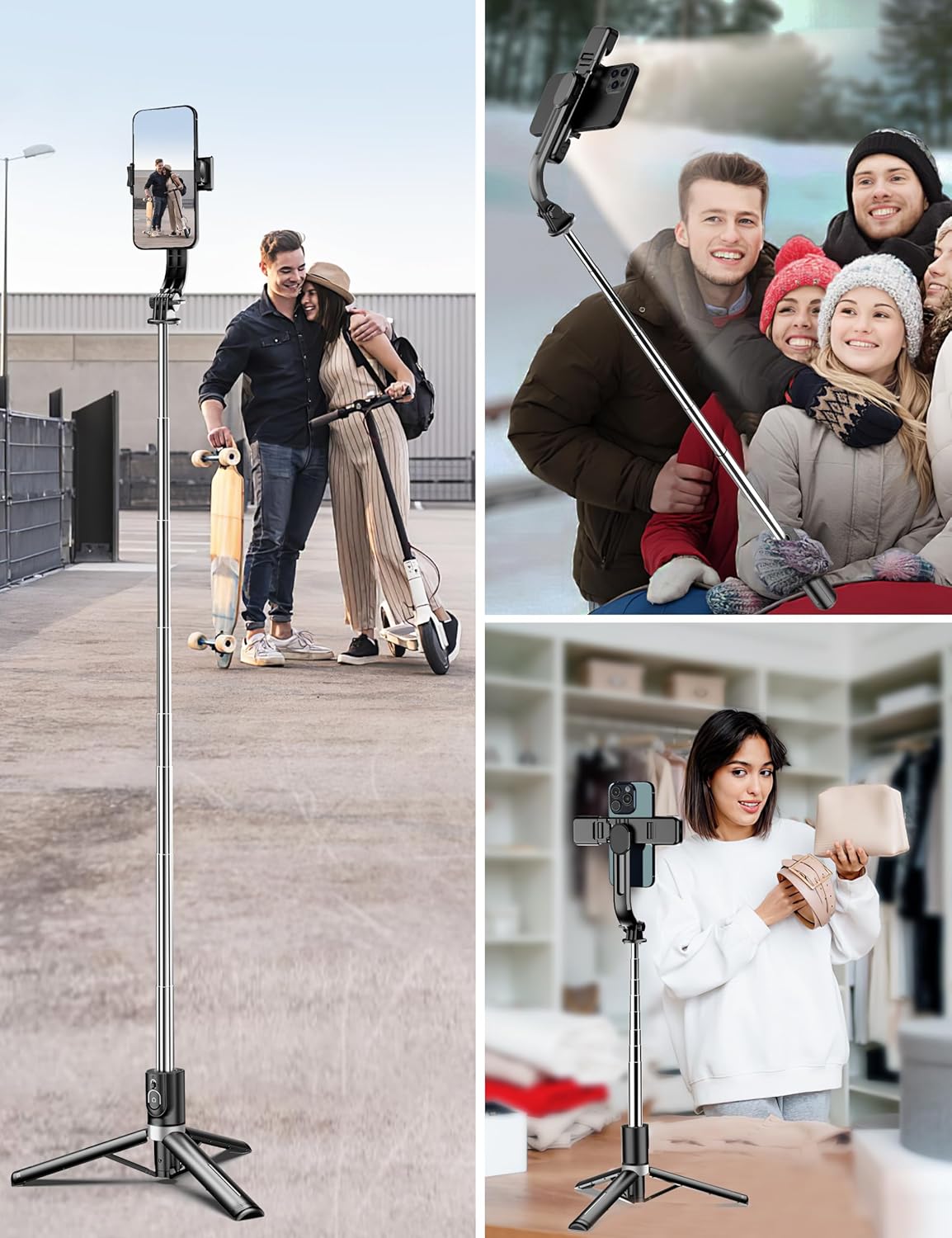
Image Description: A woman is applying makeup at a desk, with her smartphone mounted vertically on the SelfieShow tripod. The integrated lights on the tripod illuminate her face, showcasing its utility for content creation or video calls in a home setting.
5.3 Operating the Remote Control
- Short Press: Press the button on the remote once to take a photo.
- Long Press: Press and hold the button to start or stop video recording.
5.4 Adjusting Fill Lights
- Press the power button on each individual light to turn it on/off.
- Press the power button repeatedly to cycle through the 3 color modes (warm, natural, white).
- Double-press the power button to switch between the 2 brightness levels for the selected color mode.

Image Description: A smartphone is mounted on the SelfieShow selfie stick tripod, which features dual fill lights. The image visually demonstrates the three available color temperatures for the lights: white, natural, and warm, highlighting their flexibility for different lighting needs.
Video Description: A user demonstrates the functionality of the SelfieShow tripod and selfie stick, including extending the pole, deploying the tripod legs, and showcasing the different light settings and their brightness levels. The video also shows the remote control in action.
6. Maintenance
- Cleaning: Wipe the device with a soft, dry cloth. Avoid using harsh chemicals or abrasive materials.
- Charging Lights: Ensure the fill lights are charged regularly to maintain optimal performance.
- Remote Battery: Replace the remote control's lithium metal battery when its performance diminishes. A spare battery is included.
- Storage: Fold the selfie stick tripod to its compact size and store it in a dry, cool place away from direct sunlight.
7. Troubleshooting
- Remote Not Connecting:
- Ensure the remote's battery is charged or replaced.
- Verify Bluetooth is enabled on your smartphone.
- Try unpairing and re-pairing the remote via your phone's Bluetooth settings.
- Fill Lights Not Turning On/Charging:
- Ensure the lights are fully charged using the provided USB cable.
- Check that the USB cable is securely connected to both the light and the power source.
- Tripod Stability Issues:
- Ensure all tripod legs are fully extended and locked into place on a flat, stable surface.
- Avoid extending the telescopic pole to its maximum height with heavy phones in windy conditions.
8. Specifications
| Model Number | L13D |
| Product Dimensions | 2.32 x 1.5 x 8.27 inches (folded) |
| Item Weight | 7.8 ounces (220 Grams) |
| Maximum Height | 45.3 inches (115 Centimeters) |
| Minimum Height | 8.3 inches (21 Centimeters) |
| Material | Aluminum |
| Compatible Devices | iPhone, Samsung, Android, GoPro |
| Special Features | Adjustable, Compact, Lightweight, Portable, Dual Lights, Wireless Remote |
| Batteries | 1 Lithium Metal battery required (included) |
9. Warranty & Support
For warranty information, technical support, or any questions regarding your SelfieShow 45" Selfie Stick Tripod, please contact SelfieShow customer service through the retailer's platform or visit the official SelfieShow brand store. Please retain your proof of purchase for any warranty claims.
SelfieShow Brand Store: Visit the SelfieShow Store on Amazon