1. Product Overview
The Xmenha Invisible Sleep Earbuds, model MY002, are designed for comfortable and discreet audio listening, particularly during sleep. These lightweight, compact earbuds feature Bluetooth 5.3 connectivity and noise reduction technology to enhance your listening experience.
Key features include:
- Comfortable Design: Ultra-thin and lightweight, designed to be worn without discomfort, even for side sleepers.
- Noise Reduction: Combines physical and acoustic noise cancelling technologies for a quieter environment.
- Extended Battery Life: Up to 4 hours of playtime on a single charge, extended to 28 hours with the charging case.
- High-Fidelity Sound: Graphene diaphragm unit provides clear and natural audio quality.
- Discreet Fit: Small form factor designed to fit securely and remain hidden in the ear.

Image 1.1: The Xmenha Invisible Sleep Earbuds shown in their charging case and discreetly worn in an ear, highlighting their compact design.
2. Setup and Initial Use
2.1 Charging the Earbuds and Case
Before first use, fully charge the earbuds and the charging case. Connect the provided USB-C cable to the charging case and a compatible USB power source. The charging indicator lights will provide status feedback.
- Charging Time: Approximately 2 hours for a full charge.
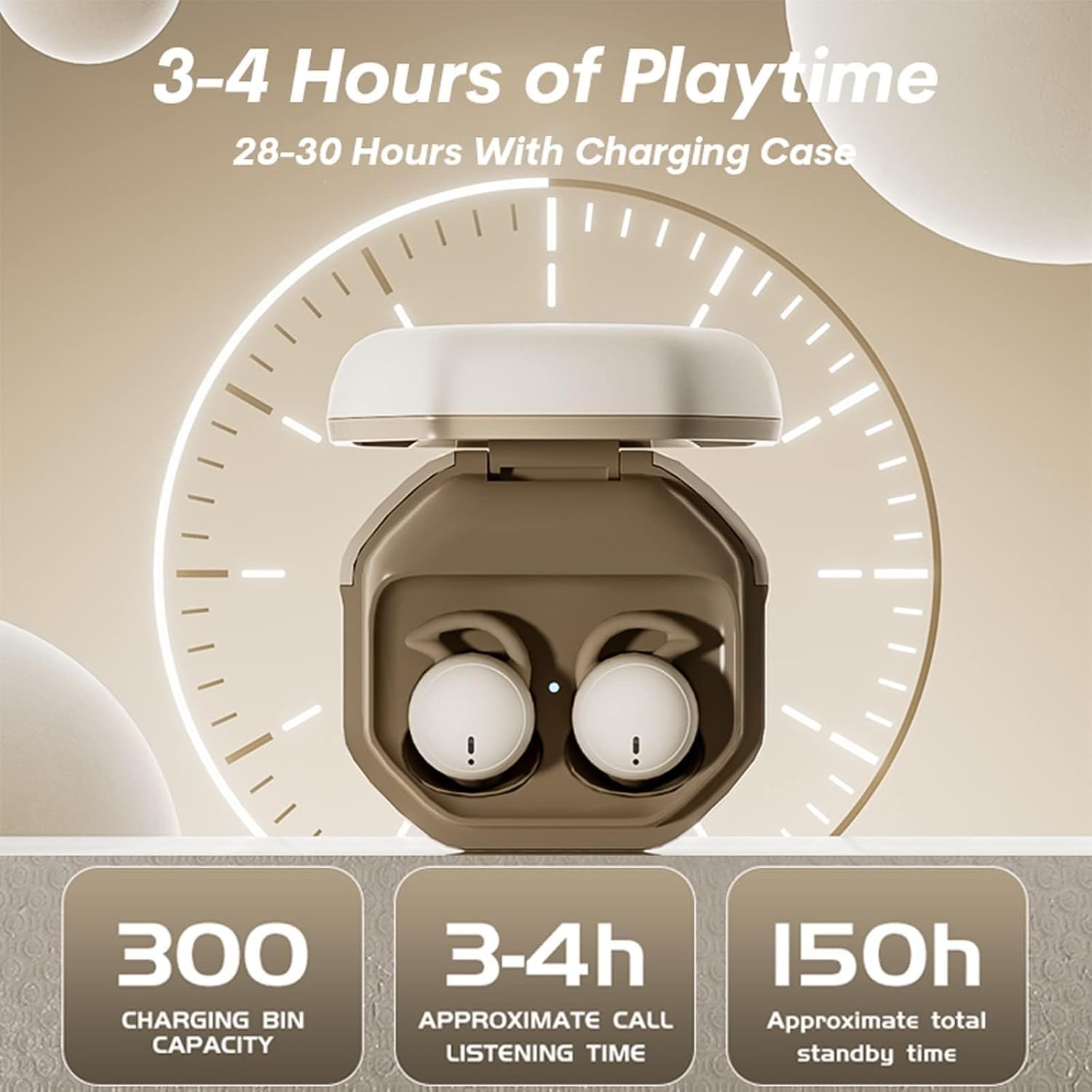
Image 2.1: The charging case displaying battery information, indicating 3-4 hours of playtime for earbuds and 28-30 hours total with the case.
2.2 Pairing with a Device
- Ensure the earbuds are charged.
- Open the lid of the charging case. The earbuds will automatically power on and enter pairing mode.
- On your device (smartphone, tablet, etc.), enable Bluetooth and search for available devices.
- Select "MY002" (or similar product name) from the list of detected devices to connect.
- Once connected, a voice prompt will confirm successful pairing.
The earbuds will automatically reconnect to the last paired device when removed from the case, if Bluetooth is enabled on the device.
3. Operating Instructions
3.1 Wearing the Earbuds
Gently insert the earbuds into your ear canal. Adjust them for a snug and comfortable fit. The design is optimized for minimal protrusion, making them suitable for side sleepers.
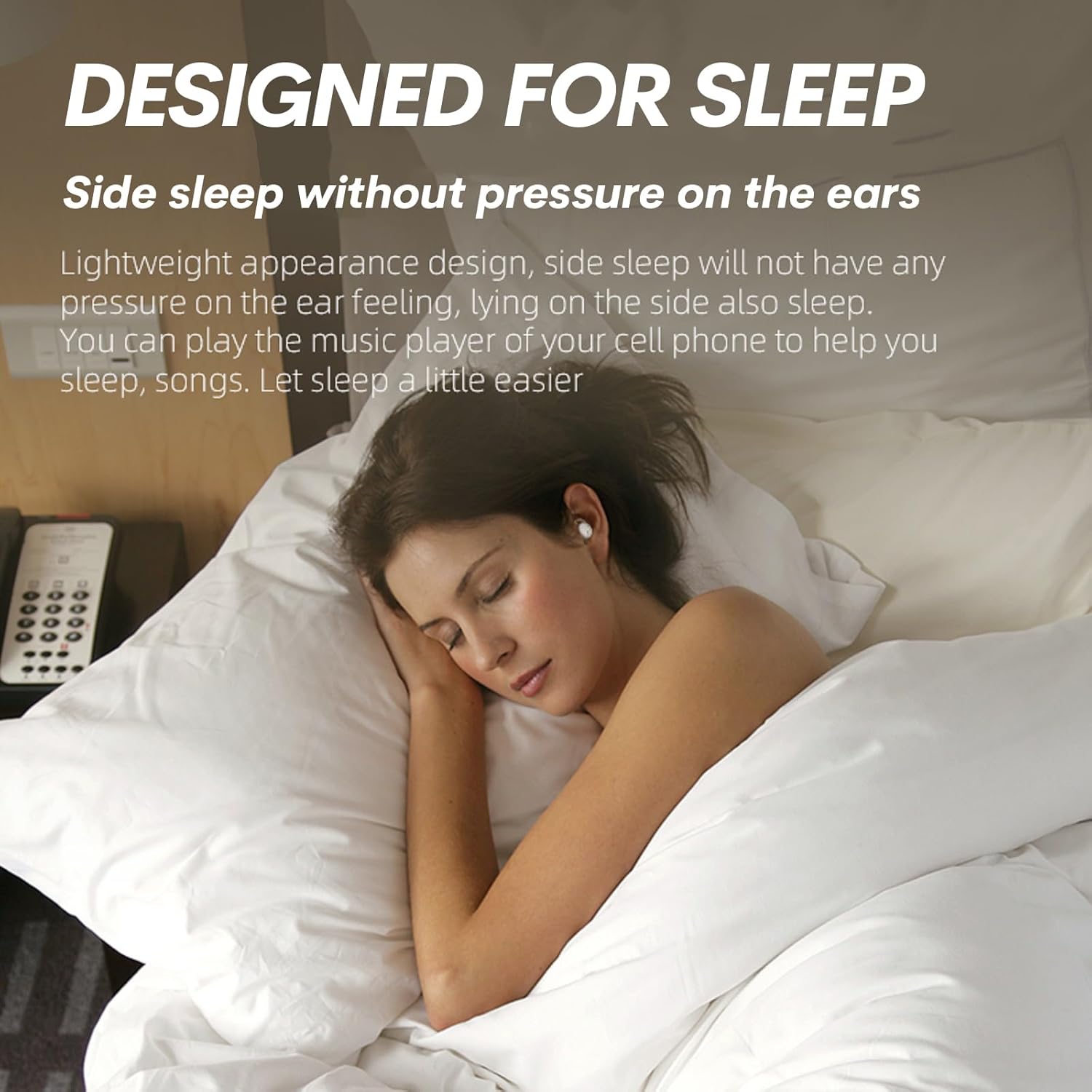
Image 3.1: A person sleeping on their side, demonstrating the low-profile design of the earbuds that prevents pressure on the ears.

Image 3.2: A close-up view of an earbud worn in the ear, illustrating its hidden and non-flashing light design during use.
3.2 Touch Controls
The earbuds feature touch-sensitive controls for managing audio playback and calls. Specific touch functions may vary; refer to your device's Bluetooth settings or the product's quick start guide for detailed commands.
3.3 Power On/Off
- Power On: Open the charging case lid, or press and hold the touch area on each earbud for a few seconds.
- Power Off: Place the earbuds back into the charging case and close the lid, or press and hold the touch area on each earbud for a few seconds until they power off.
4. Maintenance
4.1 Cleaning
Regularly clean your earbuds to maintain optimal performance and hygiene. Use a soft, dry, lint-free cloth to wipe the earbuds and charging case. Do not use abrasive materials or harsh chemicals. Avoid getting moisture into any openings.
4.2 Storage
When not in use, store the earbuds in their charging case to protect them from dust and damage. Store the case in a cool, dry place away from direct sunlight and extreme temperatures.
5. Troubleshooting
If you encounter issues with your Xmenha Invisible Sleep Earbuds, refer to the following common solutions:
- Earbuds not pairing: Ensure both earbuds are charged. Place them back in the case, close the lid, then open it again to re-initiate pairing mode. Check your device's Bluetooth settings and try reconnecting.
- No sound: Verify that the earbuds are connected to your device and the volume is turned up on both the earbuds and your device. Check if the earbuds are properly seated in your ears.
- Charging issues: Ensure the USB-C cable is securely connected to both the charging case and the power source. Try a different cable or power adapter. Clean the charging contacts on both the earbuds and the case with a dry cotton swab.
- Low battery warning beeps: This indicates the earbuds require charging. Place them in the charging case.
- Frequent disconnections: Ensure your device is within the Bluetooth range (approximately 10 meters) and there are no significant obstructions. Try resetting the Bluetooth connection on your device.
- Earbuds falling out: Ensure the earbuds are correctly inserted and adjusted for a secure fit.
6. Specifications
| Model Name | MY002 |
| Bluetooth Version | 5.2 |
| Transmission Distance | Approximately 10 meters |
| Earbud Play Time | 4 hours |
| Total Play Time (with case) | 28 hours |
| Charging Time | 2 hours |
| Earbud Weight | 0.07 oz (per earbud) |
| Water Resistance Level | Waterproof |
| Control Method | App, Touch |
| Compatible Devices | Smartphones, Tablets, Laptops, Desktops, Smart Speakers, Televisions |
7. Support
For any questions, concerns, or if you receive a defective product, please contact Xmenha customer support. Refer to the product packaging or the retailer's website for specific contact information.

