
1. Introduction
Thank you for choosing the POCOCO Galaxy Star Projector. This device is designed to transform your space with stunning celestial projections, offering an immersive experience for relaxation, study, meditation, or simply enjoying the beauty of the cosmos. This manual provides essential information for setting up, operating, and maintaining your projector.
2. Safety Information
- Keep the device away from water and moisture.
- Do not disassemble or attempt to repair the device yourself. Contact customer support for assistance.
- Avoid direct eye exposure to the projection lens.
- Use only the provided USB-C charging cable.
- Ensure proper ventilation around the device during operation.
3. Package Contents
Verify that all items are present in your package:
- POCOCO Galaxy Projector × 1
- Disc (Diamond Stars) × 1
- USB-C Charging Cable × 1 (Charger not included)
- Blank Postcards and User Manual Posters × 1
- Extra Disc (Westerlund2) × 1

Image: POCOCO Galaxy Star Projector with its retail packaging.
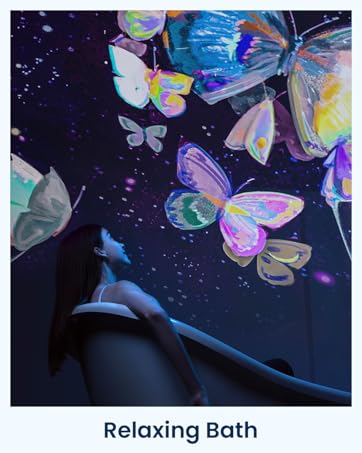
Image: Detailed view of the projector and included accessories.
4. Setup and Installation
4.1 Powering the Device
The POCOCO Galaxy Star Projector offers two power options:
- USB-C Power: Connect the provided USB-C cable to the projector and a compatible USB power adapter (not included).
- Battery Power: The projector includes a built-in Lithium Ion battery for cordless operation. Ensure it is charged before use.
4.2 Inserting and Changing Optical Film Discs
- Pull out the projection disc tray from the side of the projector.
- Carefully fit the desired optical film disc into the slot, ensuring the straight edge of the disc aligns correctly within the card slot.
- Push the tray back into the projector horizontally until it clicks into place.

Image: Step-by-step guide for inserting an optical film disc.
Video: Visual demonstration of inserting a disc into the POCOCO Galaxy Projector.
4.3 Adjusting Projection Angle and Focus
- The projector features a 30-degree adjustable angle, allowing you to direct the projection onto walls or ceilings as desired.
- To adjust the focus, gently rotate the focus wheel located around the lens until the projected image appears clear and sharp.

Image: Illustrates the 30-degree adjustable angle for versatile projection.
5. Operating Instructions
5.1 Basic Controls
The projector features intuitive controls on its base:
- Power Button: Press to turn the projector On or Off.
- Rotation Button: Activates or deactivates the disc rotation function, adding dynamic movement to your projections.
- Timer Button: Cycles through the available timer settings (15, 30, or 60 minutes) for automatic shut-off.
5.2 Timer Function
The built-in timer allows you to set the projector to automatically turn off after a specified duration:
- Press the Timer button to select 15, 30, or 60 minutes.
- The projector also has a default 2-hour auto-off timer for promoting restful sleep.

Image: The projector displaying its 3-stage timer options.
6. Product Features
- Ultra-Clear Projection: Equipped with a high-transparency optical lens (2 million pixels, 95% light transmission) and 5K Ultra HD discs etched using photolithography for sharp, detailed images.
- Gentle Lighting: Features a super-low-power 1-watt LED light source that minimizes eye strain, ideal for relaxation and sleep.
- Diverse Disc Selection: Explore various disc series including constellations, starry skies, the Milky Way, planetary discs, and kid-friendly educational sets.
- Versatile Placement: Cordless design and 30-degree adjustable angle allow for flexible positioning in any room.
- Quiet Operation: Designed to operate below 20dB, ensuring a consistently quiet ambiance.
- Long Battery Life: Provides up to 6 hours of operation on a full charge.

Image: Demonstrates the ultra-clear projection quality of the POCOCO projector.

Image: A realistic galaxy projection from the POCOCO projector.
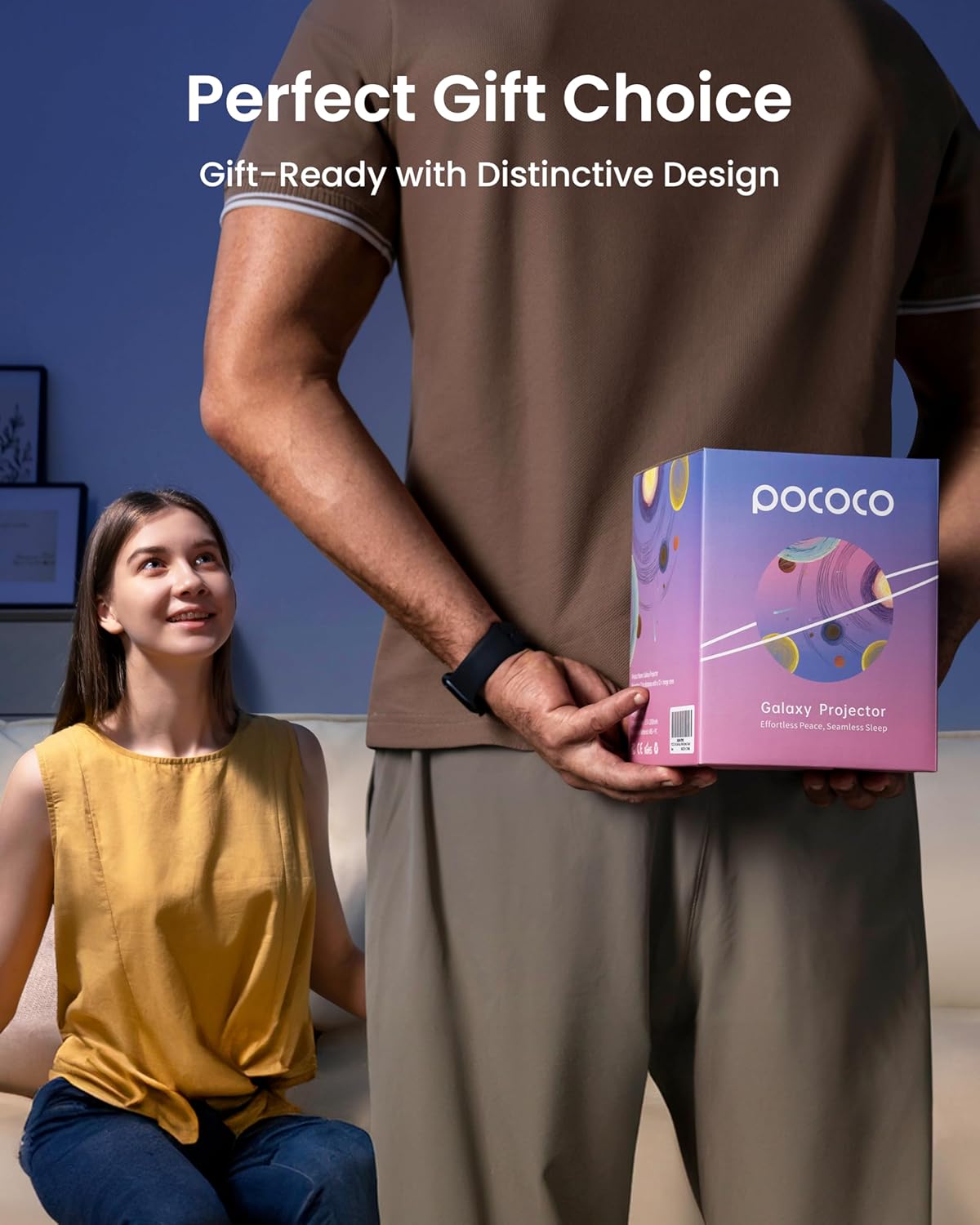
Image: Overview of key features: eye-friendly light, image rotation, 30-degree angle adjustment, 6-hour battery life, and large projection area.
7. Specifications
| Feature | Specification |
|---|---|
| Model Name | POLT01 |
| Brand | POCOCO |
| Color | White |
| Material | Plastic |
| Product Dimensions | 7"D x 6"W x 5"H (17.78cm D x 15.24cm W x 12.7cm H) |
| Item Weight | 1.63 pounds (0.74 kg) |
| Light Source Type | LED |
| Wattage | 1.5 watts |
| Voltage | 5 Volts |
| Power Source | Battery Powered (1 Lithium Ion battery included) |
| Special Feature | Cordless, Adjustable Timer, Image Rotation |
| Control Method | Remote (functionality mentioned, remote details not specified) |
| Indoor/Outdoor Usage | Indoor |
8. Maintenance
- To clean the projector, gently wipe the exterior with a soft, dry cloth.
- Avoid using abrasive cleaners or solvents.
- Keep the lens free from dust and fingerprints for optimal projection clarity. Use a lens cleaning cloth if necessary.
- Store the optical film discs in their protective cases when not in use.
9. Troubleshooting
- No Projection: Ensure the device is powered on and the disc is correctly inserted. Check battery level or USB-C connection.
- Blurry Image: Rotate the focus wheel around the lens until the image becomes clear. Ensure the projection surface is within the optimal distance.
- Dim Projection: Ensure the room is sufficiently dark. The projector is designed for optimal performance in low-light environments.
- Disc Not Rotating: Press the rotation button to activate the feature. If the issue persists, ensure the disc is properly seated.
10. Warranty and Support
For warranty information, technical support, or any questions regarding your POCOCO Galaxy Star Projector, please refer to the contact details provided in your product packaging or visit the official POCOCO website.


