
Panzong Pzx-001
Panzong Soft Shutter Release Button (Model Pzx-001) - Instruction Manual
Brand: Panzong | Model: Pzx-001
1. Introduction
This manual provides essential information for the proper installation, use, and maintenance of your Panzong Soft Shutter Release Button. Designed to enhance your photography experience, this pure copper button offers improved comfort and a stylish aesthetic for compatible cameras.
2. Product Features
- Material: Crafted from pure copper for durability and a premium feel.
- Design: Features a knurled edge for enhanced grip and a concave surface for comfortable finger placement during shooting.
- Aesthetics: Decorates your camera, adding a stylish and elegant touch.
- Robustness: Each button includes a rubber O-ring for cushioning and stability, helping to prevent loosening after installation.

Figure 1: Concave design for comfortable shooting experience.
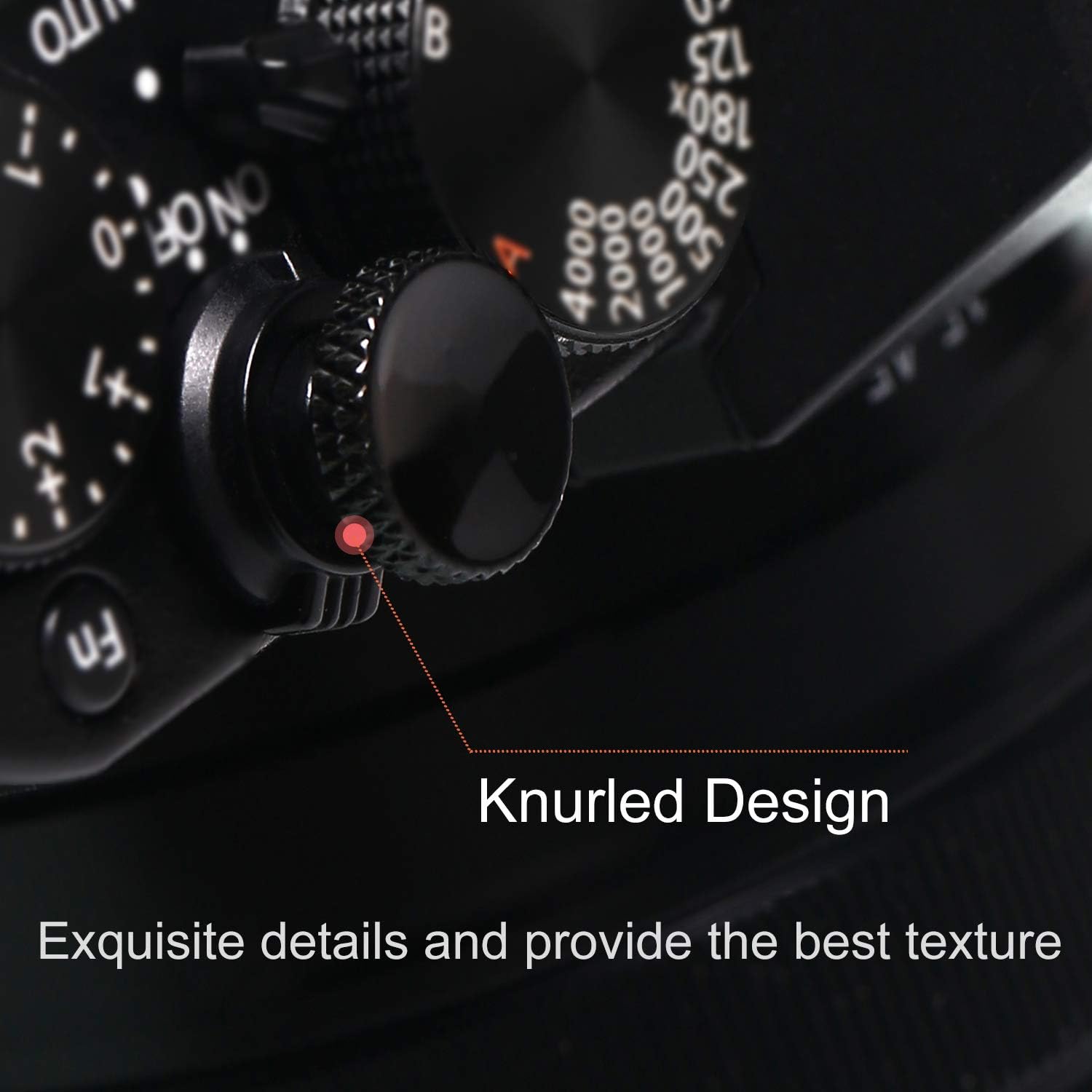
Figure 2: Knurled design provides a secure grip and adds texture.
3. Compatibility
The Panzong Soft Shutter Release Button is compatible with most cameras featuring a threaded shutter button hole. This includes, but is not limited to, the following models:
- Leica: M10, M9, M8, M7, M6, MP, MA
- Fuji: X-Pro 3, X-Pro 2, X-Pro1, X100V, X100F, X100T, X100S, X100, X-T4, X-T3, XT2, X-E3, X-E2, X-E1, X30, X20, X10, XT30, X-T20
- Olympus: Pen-F
- Sony: RX1, RX1R, RX1R II
- Nikon: Df, M2
- Pentax: 67, 67II
- Canon: Various models with threaded shutter buttons

Figure 3: Ensure your camera has a threaded shutter button for compatibility.
4. Installation
Follow these simple steps to install your Soft Shutter Release Button:
- Locate the threaded hole on your camera's shutter release button.
- Place one of the provided rubber O-rings onto the threaded shaft of the soft shutter release button. This O-ring helps secure the button and prevents it from loosening.
- Carefully screw the soft shutter release button into the threaded hole of your camera's shutter button.
- Gently tighten the button until it is secure. Avoid over-tightening, but ensure it is firm enough to prevent accidental detachment during use.
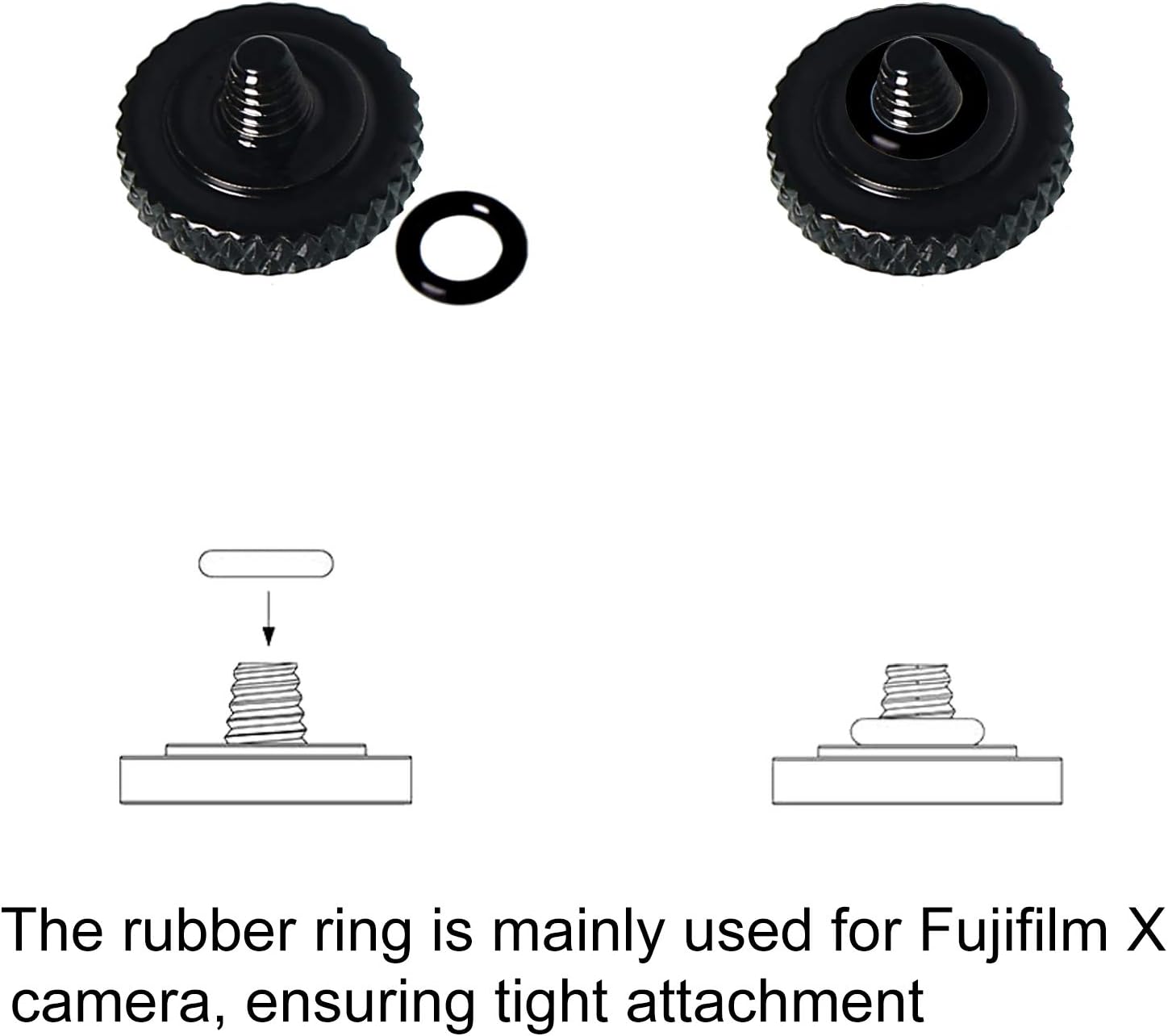
Figure 4: Proper installation with the rubber O-ring for stability.
Installation Video Guide
Video 1: Visual guide demonstrating the installation of a soft shutter release button. This video shows the process of screwing the button onto the camera's shutter mechanism and highlights the different color options available.
5. Operating Instructions
Once installed, the Soft Shutter Release Button provides a larger, more comfortable surface for actuating your camera's shutter. This can lead to a smoother release and potentially reduce camera shake, especially during slower shutter speeds.
- Gently press the button to activate the autofocus (if applicable) and meter the scene.
- Continue pressing the button fully to release the shutter and capture your photograph.
- The concave surface is designed to cradle your fingertip, providing a more ergonomic and comfortable shooting experience over extended periods.
Usage Video Guide
Video 2: Demonstration of the camera shutter button in use, showcasing its ergonomic design and ease of operation.
6. Maintenance
To ensure the longevity and optimal performance of your Panzong Soft Shutter Release Button, please observe the following maintenance guidelines:
- Cleaning: Wipe the button with a soft, dry cloth to remove dust or fingerprints. Avoid using harsh chemicals or abrasive materials.
- Tightness Check: Periodically check the tightness of the button, especially if your camera's on/off switch is integrated with the shutter button (e.g., Fuji XT-30). Gently re-tighten if it feels loose to prevent accidental loss.
- Storage: When not in use, store the button in a clean, dry place to prevent oxidation or damage.
7. Troubleshooting
If you encounter any issues with your Soft Shutter Release Button, consider the following:
- Button feels loose: This is often due to normal use. Gently tighten the button clockwise until it is snug. Ensure the rubber O-ring is properly seated between the button and the camera's shutter mechanism.
- Button does not fit: Verify that your camera's shutter button has a threaded hole. This product is designed only for cameras with this feature.
8. Specifications
| Specification | Detail |
|---|---|
| Brand | Panzong |
| Model Number | Pzx-001 |
| Material | Pure Copper |
| Color | Black (3 Pack) |
| Item Dimensions (L x W x H) | 0.43 x 0.43 x 0.28 inches |
| Item Weight | 0.634 ounces |
| Operation Mode | Manual |
| Connector Type | Screws |
| Actuator Type | Push Button |
| International Protection Rating | IP54 |
9. Warranty and Support
For warranty information or technical support, please refer to the product packaging or contact Panzong customer service directly. Keep your purchase receipt for any warranty claims.
Related Documents - Pzx-001
 |
Nintendo Switch Power and Volume Button Board Replacement A free guide on how to replace the power and volume button board on a Nintendo Switch gaming console, compatible with HAC-001 and HAC-001(-01) models. |
 |
Assembly Instructions for Mercia Pressure Treated Garden Bar with Shutters Step-by-step guide for assembling the Mercia Pressure Treated Garden Bar, including installation of shutters and support legs. Features detailed part lists, diagrams, and safety information. |
 |
IEC Calorimeters: Copper, Nickel Plated Instruction Sheet Instruction sheet for IEC calorimeters, detailing their copper, nickel-plated construction, specifications, and use in heat loss/gain experiments. Includes model numbers HL0810-001, HL0812-001, and HL0820-001, along with dimensions and notes on accessories. |
 |
JBL VLA601 Professional Loudspeaker System Technical Specifications Detailed technical specifications, component list, and wiring diagram for the JBL VLA601 professional loudspeaker system. Includes acoustic, electrical, and physical data. |
 |
Polycom SoundStructure System Accessory Guide A comprehensive guide to accessories compatible with the Polycom SoundStructure system, detailing product part numbers, compatibility, descriptions, and photos. |
 |
Q5017R Duct Mount Accessory Specifications and Spare Parts Technical specifications, model numbers, and spare parts list for the Det-Tronics Q5017R Duct Mount Accessory, designed for use with U5015 explosion-proof smoke detectors. |
Ask a question about this manual
Ask about setup, troubleshooting, compatibility, parts, safety, or missing instructions. Manuals+ will review the question and use this page’s manual context to help answer it.